
一条真实问题引发的调用链
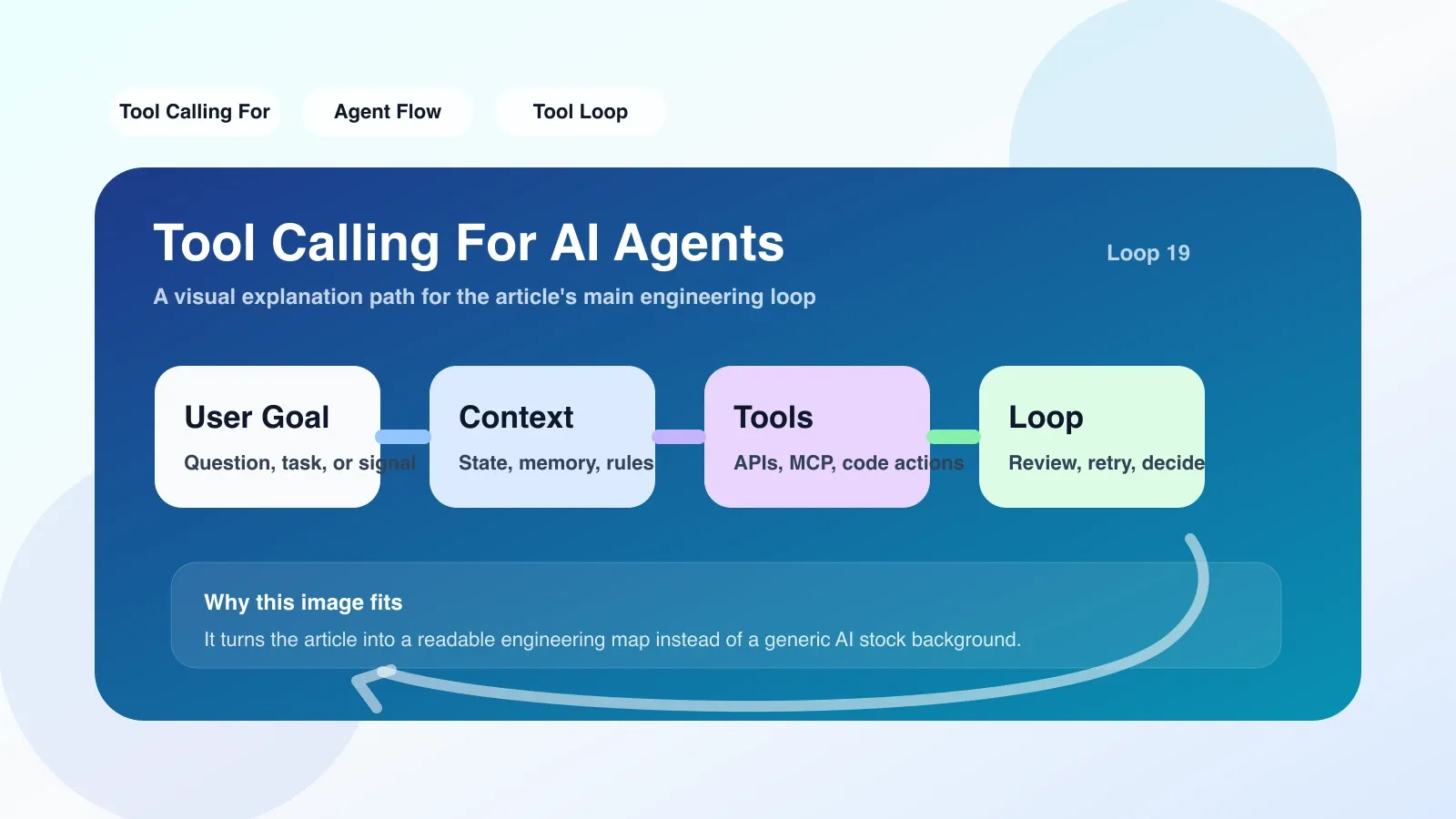
假设你正在构建一个天气查询 Agent。用户问:“北京现在多少度?”Agent 要想回答,必须经历:理解意图 → 匹配工具定义 → 填充参数 → 执行函数 → 返回结果 → 组织回复。这个过程就是 tool calling。
# 工具定义:一个简单的天气函数
def get_weather(city: str, date: str = "today") -> str:
    # 实际调用天气 API
    return f"{city} 在 {date} 的天气是晴,25°C"

# 工具描述(供模型选用)
TOOLS = [
    {
        "type": "function",
        "function": {
            "name": "get_weather",
            "description": "获取指定城市的天气信息",
            "parameters": {
                "type": "object",
                "properties": {
                    "city": {"type": "string", "description": "城市名"},
                    "date": {"type": "string", "description": "日期,格式 YYYY-MM-DD"}
                },
                "required": ["city"]
            }
        }
    }
]

# Agent 调用 LLM 时传入 tools
response = openai.chat.completions.create(
    model="gpt-4o",
    messages=[{"role": "user", "content": "北京现在多少度?"}],
    tools=TOOLS,
    tool_choice="auto"
)

# 模型返回 tool_call
tool_call = response.choices[0].message.tool_calls[0]
# tool_call.function.name = "get_weather"
# tool_call.function.arguments = '{"city":"北京"}'

# 你执行函数并返回结果
result = get_weather("北京")
# 将结果作为 tool 消息回传给模型
为什么 tool calling 是 Agent 的“手指”
没有 tool calling,AI 只能生成文字建议,无法真正操作任何系统。有了它,Agent 可以:
- 查询数据库:
search_customer(customer_id) - 触发工作流:
create_jira_ticket(summary, priority) - 控制设备:
turn_off_light(room="living_room")
每个工具都是 Agent 的一只手。tool calling 就是大脑(LLM)指挥手的过程。
最容易失败的地方
1. 参数解析错误
模型可能生成错误的 JSON arguments——比如字段名拼写、类型不对、缺少 required 参数。
例子:
- 工具需要
city,模型给了location date格式不是YYYY-MM-DD而是"明天"
应对:在工具描述里写清约束,解析时增加容错逻辑。
import json

def safe_parse_tool_call(tool_call):
    try:
        args = json.loads(tool_call.function.arguments)
    except json.JSONDecodeError:
        # 模型给出的 arguments 不合法
        return None, "参数解析失败"
    return args, None
2. 幻觉调用
模型在不确定时,可能虚构参数调用工具。比如用户没提到城市,模型却调用 get_weather("北京")。
应对:在 tool_choice 设为 "auto",让模型自由决定;如果工具是 destructive 的(如删除、修改),必须加入人为确认步骤。
3. 并发与冲突
Agent 可能同时调用多个工具(例如 parallel_tool_calls)。如果两个工具修改同一个资源,可能产生冲突。
应对:为每个工具设计幂等性或加锁机制。
真实场景:电商客服 Agent
场景:用户要求“帮我查一下订单 12345 的状态,如果已发货就提醒我签收,否则帮我取消订单”。
Agent 需要:
- 调用
get_order_status("12345") - 根据结果调用
send_reminder(user_id)或cancel_order("12345")
如果 get_order_status 返回 "delivered",Agent 调用 send_reminder。如果返回 "processing",则调用 cancel_order(但取消订单需要权限——此处容易失败:模型可能直接执行,你需要加上“取消前必须用户二次确认”的 guardrail)。
失败点:模型可能跳过确认直接取消订单。解决方案:将确认步骤建模为另一个工具 confirm_cancellation(order_id),要求 Agent 先调用确认工具,再执行取消。
替换方案:没有 tool calling 时怎么办
如果你的 API 或框架不支持 tool calling,或模型不支持 function calling,你可以:
- 用结构化输出模拟:要求模型输出 JSON 格式并且指定字段表示动作。例如:
{"action":"get_weather", "args":{"city":"北京"}} - 用文本解析:手动解析模型输出中的特定指令,例如“调用天气函数:城市=北京”。这种方式容易出错,但适合简单场景。
不过,标准 tool calling 让开发者只需定义工具描述,模型自动匹配,远比手动解析可靠。
落地第一步
- 选择一个支持 tool calling 的框架:OpenAI API、Claude API、LangChain、Vercel AI SDK 都支持。
- 定义你的第一个工具:从只读、非破坏性的开始,比如
search_knowledge_base。 - 写一个循环:
- 发送用户消息 + 工具定义
- 处理 model 返回的 tool_call
- 执行工具,返回结果
- 将结果作为新消息传给模型,模型生成最终回复
- 加入错误处理:解析失败、超时、工具返回异常时,让模型根据错误信息调整参数或生成用户能理解的提示。
# 一个简化版 loop
def agent_loop(user_message):
    messages = [{"role": "user", "content": user_message}]
    while True:
        response = client.chat.completions.create(
            model="gpt-4o", messages=messages, tools=TOOLS, tool_choice="auto"
        )
        msg = response.choices[0].message
        if not msg.tool_calls:
            return msg.content
        messages.append(msg)
        for tool_call in msg.tool_calls:
            name = tool_call.function.name
            args = json.loads(tool_call.function.arguments)
            # 动态调用
            result = tools_map[name](**args)
            messages.append({
                "role": "tool",
                "tool_call_id": tool_call.id,
                "content": str(result)
            })
总结
Tool calling 是 Agent 从“能说”到“能做”的关键跨越。理解它的机制、预判失败场景、合理设计 guardrail,你的 Agent 才能真正稳定干活。如果你已经上手会遇到更多工程细节——参数深度校验、多个工具的编排、上下文管理——这些都是系统化学习的内容。
下一步可以探索更复杂的 multi-step tool calling 和多 Agent 协调,确保你构建的 Agent 在真实场景下值得依赖。
暂无评论,快来发表你的见解吧