
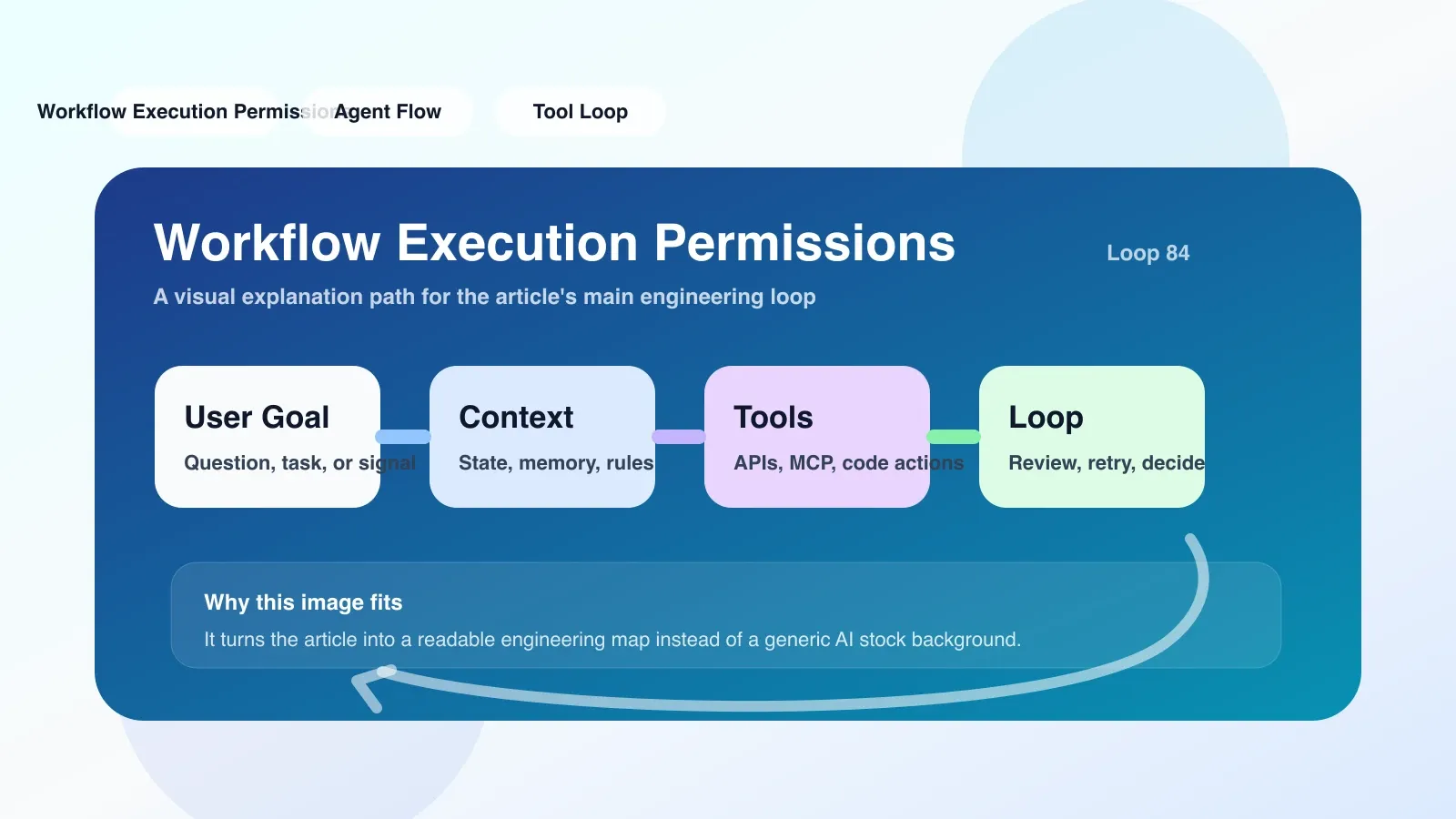
Why Workflow Execution Permissions Matter More Than You Think
Automated workflows—whether CI/CD pipelines, data processing jobs, or infrastructure provisioning—depend on permissions to decide which actions are allowed. But permissions are often treated as an afterthought: set once and forgotten. That works until a pipeline fails halfway, or worse, a malicious actor exploits over-privileged tokens.
Consider a typical scenario: a developer pushes code to a repository, triggering a CI pipeline that builds a Docker image and pushes it to a registry, then deploys to a staging server. Each step requires different permissions—read access to the repo, write to the registry, and SSH access to the staging server. If any of these permissions are misconfigured, the pipeline fails silently or exposes secrets.
Workflow execution permissions are not just about "who can run the workflow". They encompass:
- What identities (user, service account, system) can initiate execution.
- What resources the workflow can access during execution.
- What actions the workflow is allowed to perform on those resources.
The challenge is that these permissions cascade across multiple systems: source control, artifact repositories, compute environments, and secrets management. A single misconfigured token can stop an entire deployment.
A Concrete Scenario: The Staging Deployment That Broke on Friday
Let's take a real example. Sarah is a DevOps engineer at a fintech startup. She sets up a GitHub Actions workflow that:
- On push to
main, builds a Node.js app. - Runs unit tests.
- Pushes the Docker image to AWS ECR.
- Deploys to a Kubernetes staging cluster via
kubectl.
For the workflow to run, she creates a GitHub Actions secret AWS_ACCESS_KEY_ID and AWS_SECRET_ACCESS_KEY with an IAM user that has permissions to push to ECR and update Kubernetes deployments.
Everything works for weeks. Then one Friday, a teammate pushes a minor change, and the workflow fails at step 3 with an "AccessDenied" error. Sarah checks the IAM user—nothing changed. The AWS secret is still there. What happened?
The issue: The IAM user's keys were rotated by the security team as part of a routine compliance sweep, but the GitHub secret wasn't updated. The workflow tried to use an invalid key and failed.
This is a classic failure mode: permissions drift caused by external changes. The workflow itself didn't change, but the underlying credentials did. The pipeline was broken for hours because no one noticed the rotation.
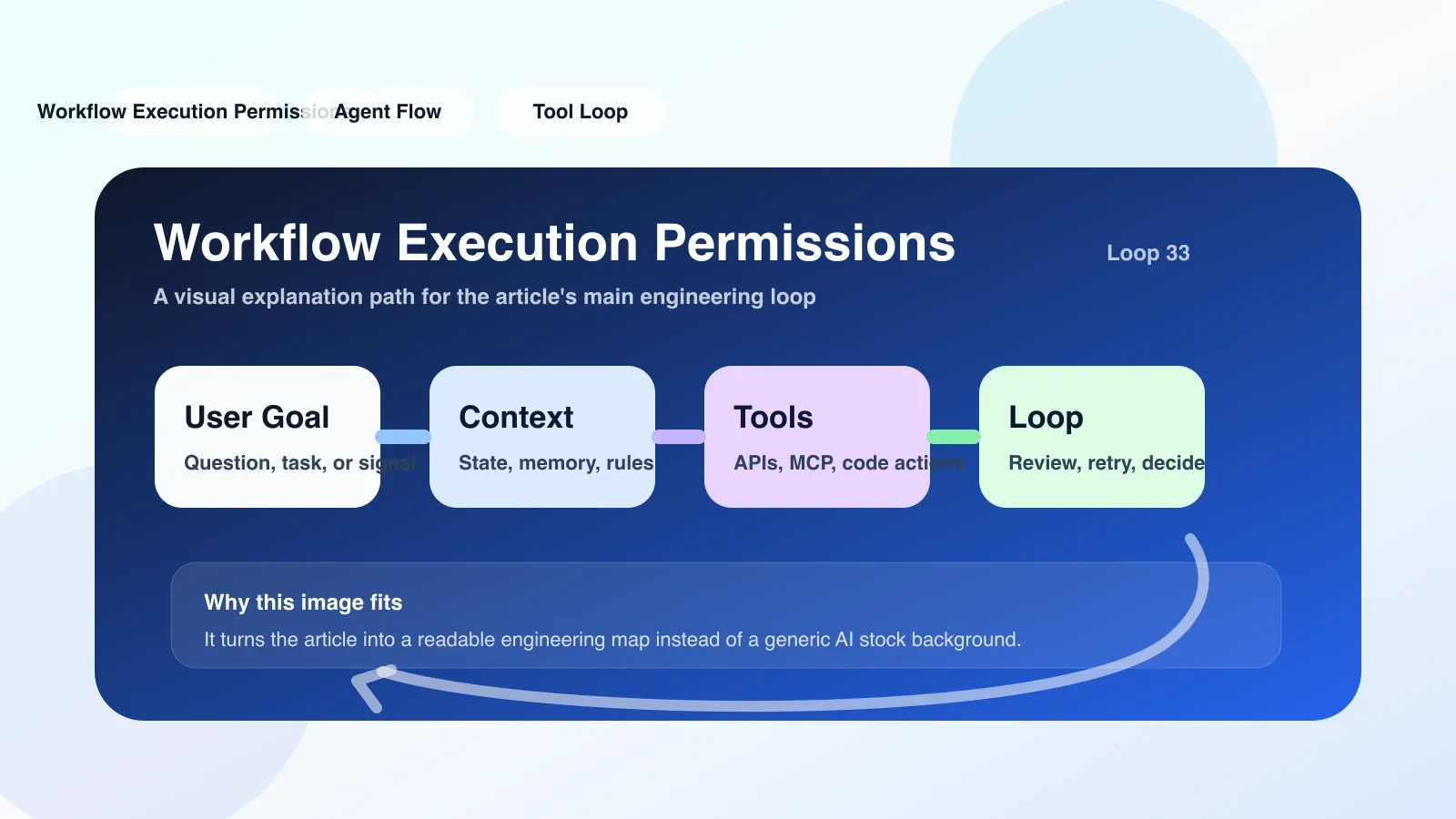
Why Workflow Execution Permissions Fail
Beyond credential drift, other common failure modes include:
- Overly broad permissions: Using admin-level service accounts that grant unlimited access. This increases the blast radius if a workflow is compromised.
- Lack of scoping: Granting write access to all repositories when only one is needed.
- Hardcoded secrets: Embedding API keys in code or workflow files that are exposed in logs.
- Missing OIDC or token exchange: Relying on long-lived credentials instead of short-lived tokens that can be dynamically issued.
In our scenario, the fix could have been to use AWS's OIDC provider with GitHub Actions, which issues short-lived tokens per job and eliminates the need for static keys. But that's not always possible if the target platform doesn't support OIDC.
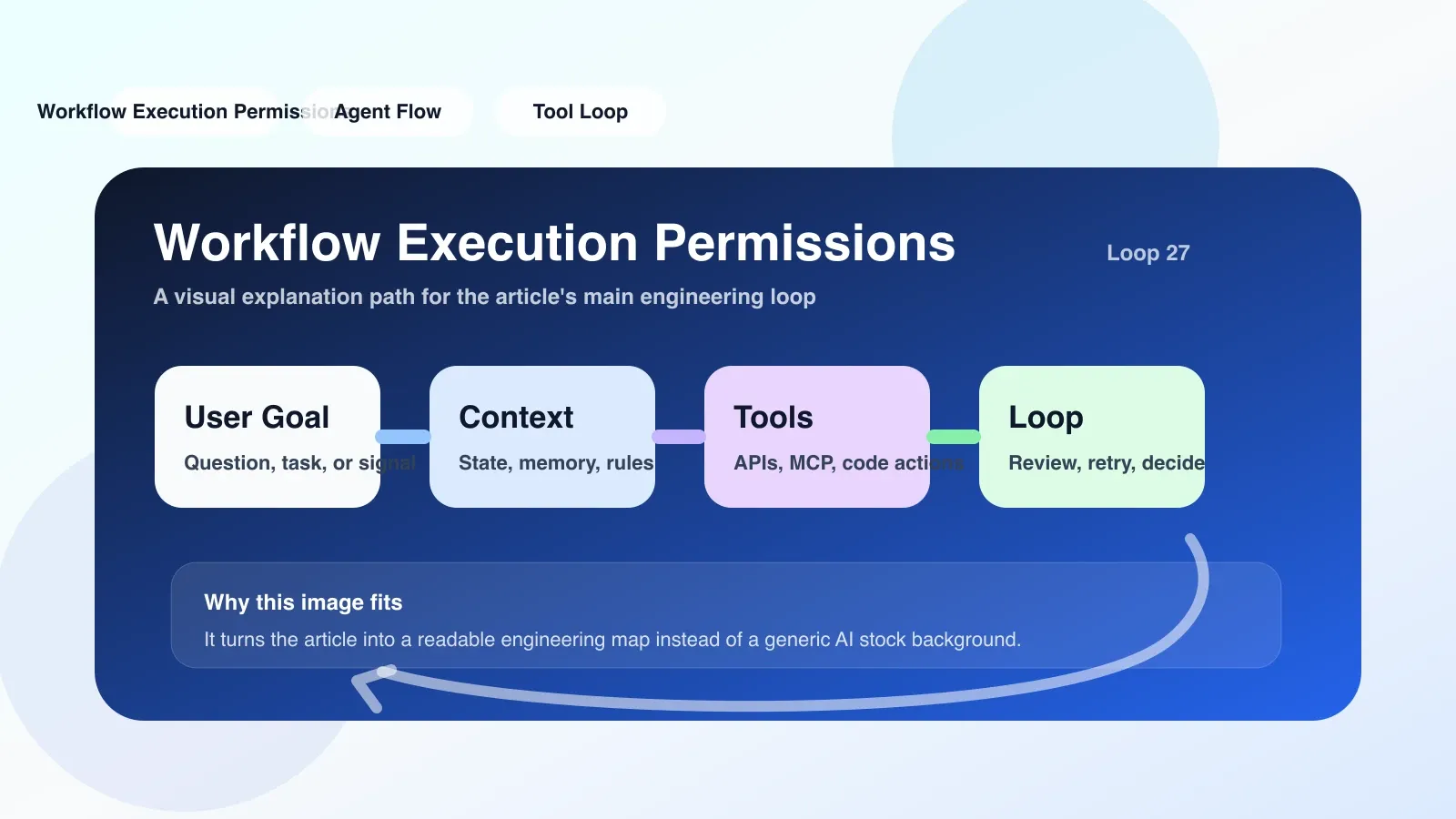
A Practical Path: Implementing Least-Privilege Workflow Permissions
To avoid the Friday-night outage, follow these steps:
-
Map every resource access: For each workflow step, list the exact API calls and resources. For our example:
ecr:PutImageonrepo,eks:UpdateClusterConfigon cluster, plus read access to the repo. -
Use OIDC where possible: GitHub Actions, GitLab CI, and many others support OIDC. This ties workflow identity to the repository and branch, issuing short-lived tokens scoped to the action.
-
Scoped service accounts: If OIDC isn't available, create dedicated service accounts per workflow or per environment. Avoid reusing a single admin account.
-
Automate credential rotation: Use a secrets manager (AWS Secrets Manager, HashiCorp Vault) that auto-rotates keys and pushes updates to the workflow provider via API.
-
Test the permissions pipeline: Write integration tests that verify each step can access its required resources. This catches drift before deployment.
In Sarah's case, switching to OIDC would have eliminated the hardcoded AWS keys. The workflow would have failed only if the OIDC provider itself was down—a rare event—and the credentials would rotate every hour automatically.
What Happens When Permissions Break? The Consequence and Recovery
When workflow execution permissions fail, the immediate symptom is a pipeline failure. But the real cost is time: developers wait for a fix, deployment windows close, and stakeholders lose confidence.
Recovery plan:
- Have a rollback strategy: revert the workflow to a known-good version or switch to manual deployment.
- Use a fallback identity: if the primary service account fails, trigger an alert and fall back to a secondary account with same scopes (only for emergency use).
- Run a post-mortem: update permissions documentation, rotate credentials, and add monitoring for permission expiration.
Alternative Approaches for Complex Environments
If your organization has multiple teams or complex compliance requirements, consider:
- Workflow-level RBAC: Some workflow engines (e.g., Apache Airflow) offer role-based access control to restrict who can trigger or modify workflows.
- Policy-as-code: Tools like OPA (Open Policy Agent) can enforce permissions at runtime, blocking unauthorized actions dynamically.
- Separate workflow environments: Use different credentials for dev, staging, and production. Never allow a workflow running from
mainto access production unless it passed all checks.
Each approach has trade-offs. RBAC adds configuration overhead. Policy-as-code requires learning a new DSL. Separate environments mean more secrets to manage. Choose based on your team's size and compliance needs.
Final Thoughts
Workflow execution permissions are a linchpin of reliable automation. They're not just about security—they directly affect uptime. A well-designed permissions model reduces failures, simplifies debugging, and shortens recovery time.
If you're building CI/CD pipelines, data workflows, or any automated system, invest time upfront to design permissions for each execution context. Use OIDC or short-lived tokens, automate rotation, and test regularly. Your Friday evenings will thank you.
暂无评论,快来发表你的见解吧