
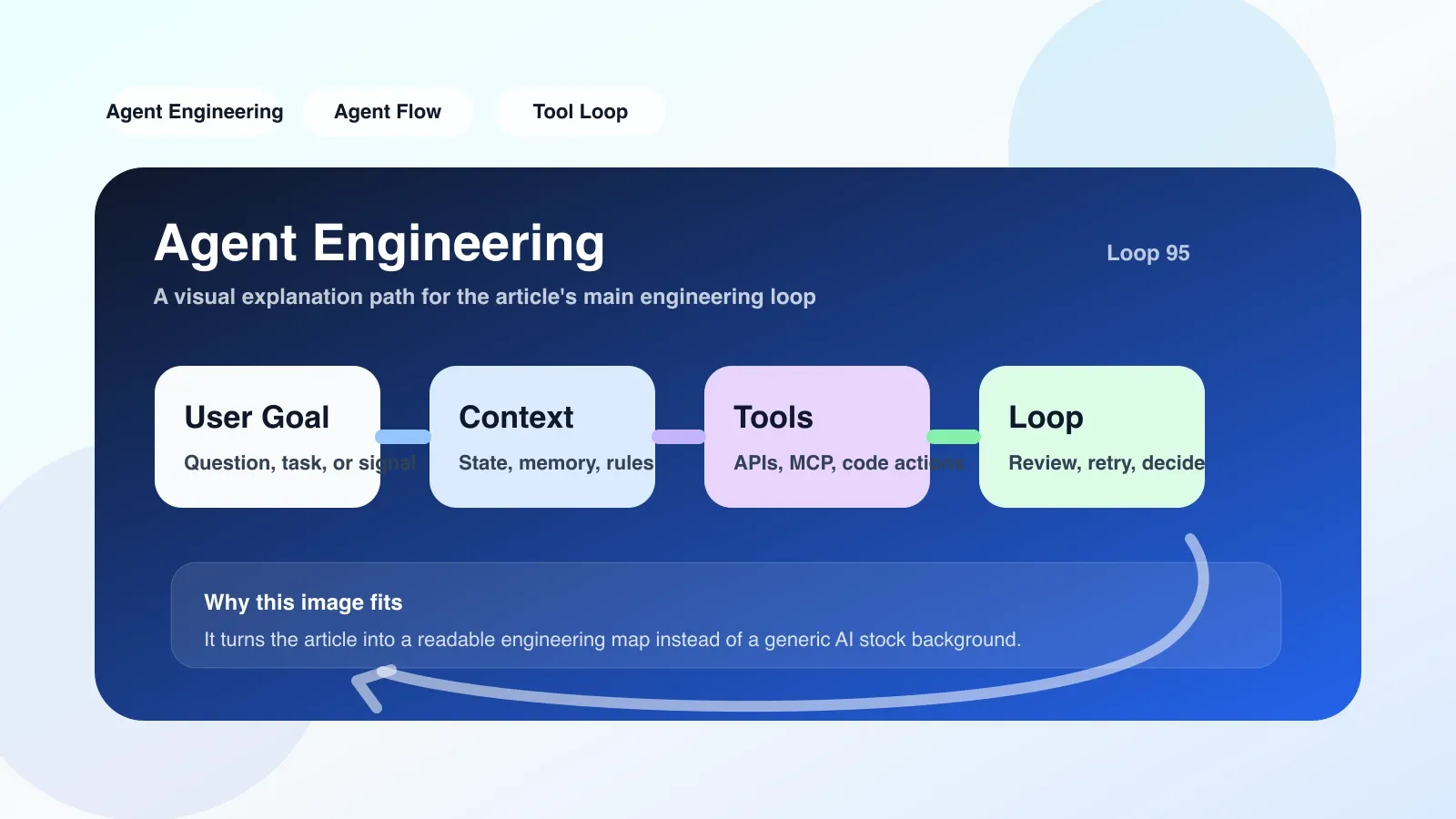
Why you need to face this choice directly
If you are transitioning from an ordinary developer to an agent engineer, the first problem you encounter is not writing code, but choosing tools. The three routes of agent-engineering framework (such as LangGraph, CrewAI), Agent Workflow orchestration (such as Dify, Coze), and Cloud IDE (such as GitHub Codespaces, Replit) each solve problems at different levels. If you make the wrong choice, you may reinvent the wheel again, or you may find that you cannot control basic capabilities such as permissions, memory, and context after going online.
This is not a question of "which one is better", but a choice under "at what stage, what contradictions should be solved, and what constraints should we face?"
Comparison dimensions: the three layers you really need to pay attention to
1. Development control vs delivery speed
A gent-engineering framework gives you maximum control: you can define tool schemas, manage multi-agent communication, and have fine-grained control over memory and context windows. But the price is that you have to handle logging, testing, and deployment yourself. If you are working on an enterprise-level Agent that requires deep customization (such as financial transaction analysis, medical report generation), the framework is your first choice.
Agent Workflow is like a glue layer that allows you to drag and drop to connect LLM, API, and database, and run through the prototype in a few minutes. But you can hardly interfere with the underlying logic of the prompt chain. When the Agent needs to dynamically select a tool based on the context, the boundaries of the workflow's capabilities are exposed.
Cloud IDE solves environmental problems: unified runtime, pre-installed dependencies, and multi-environment replication. But it doesn't help you write business logic. If your Agent needs to run for a long time, remember states, and handle complex permissions, Cloud IDE is just a canvas and you need to draw it yourself.
2. The most likely place to fail: Underestimating the complexity of “state management”
When I used LangGraph to write a customer service agent, I initially defined only two nodes: intent recognition and manual transfer. After going online, it was discovered that when the user interrupted the conversation and came back in, the Agent completely lost the previous context. I thought it would be enough to put the history into the system prompt, but the context window limitation caused the token to overflow, and the final reply was confusing.
This is a typical pitfall of the agent-engineering framework: memory is not a simple variable, but needs to be divided into short-term and long-term, and indexing and retrieval strategies must also be solved. If you use Agent Workflow, you may not dare to expose the memory configuration at all - they encapsulate it as a black box.
3. Decision-making path in real scenarios
Scenario 1: You already have a running Node.js backend and need to add an Agent to parse unstructured documents uploaded by users. At this time, choosing the agent-engineering framework is much faster than starting from scratch. I directly used LangChain to integrate the ready-made parser tool, used Vercel AI SDK to expose it as an API, and it was online in two days.
Scenario 2: Non-technical members of the team also want to build customer service robots. You can't ask them to write tool schema. Give them Agent Workflow (such as the free version of Dify), run the MVP in two days, and then let the developers extract the core modules and hardcode them.
Scenario 3: Remote teams need a consistent environment to reproduce Agent behavior. Cloud IDE is the inevitable choice. Use GitHub Codespaces to define devcontainers so that everyone has the same environment to avoid the situation of "it can run on my machine".
Executable practical practices
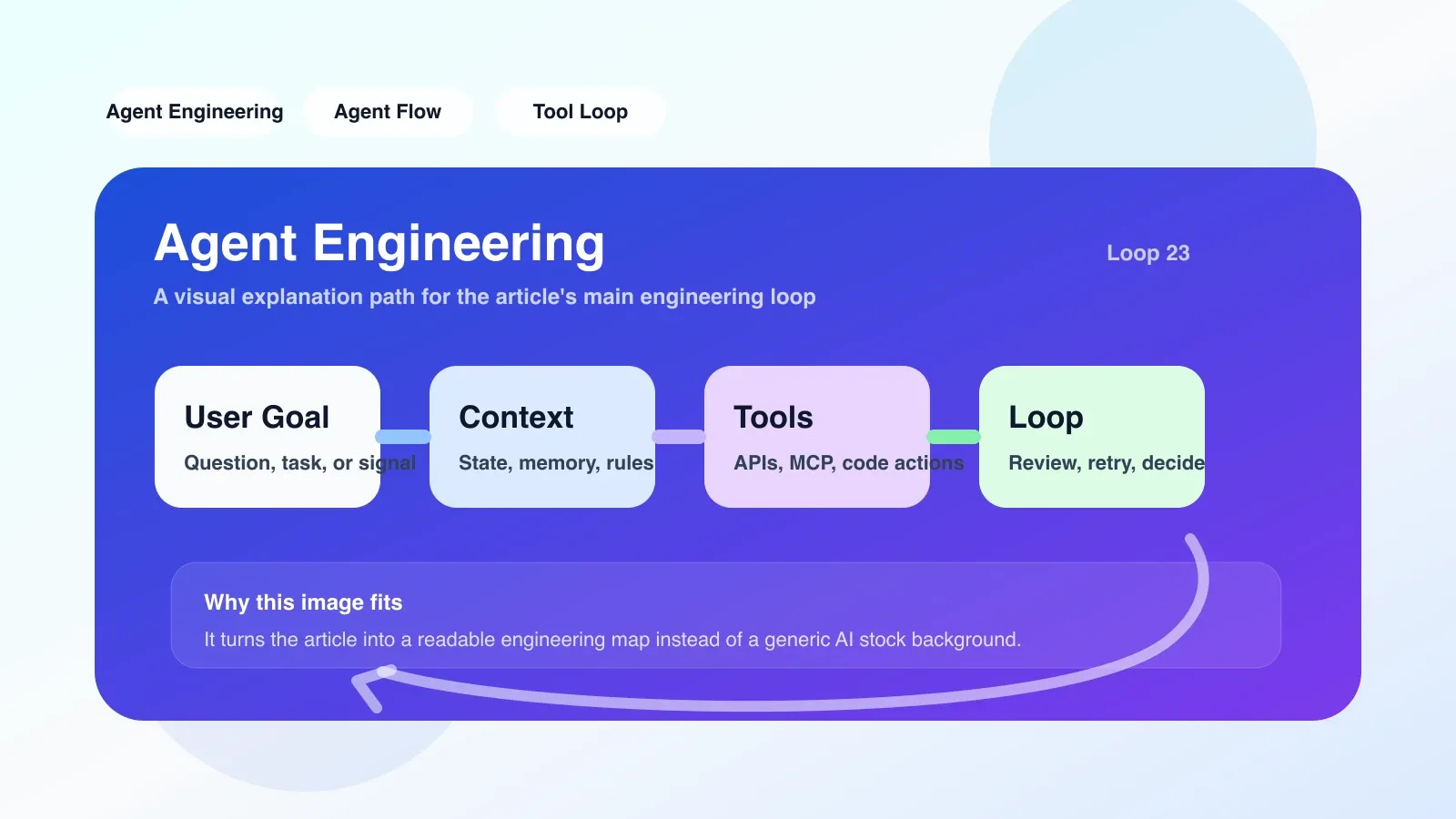
- Draw the state diagram first: No matter which one you choose, first draw the life cycle of the Agent: input → intention → tool call → memory update → output → exception branch. You'll quickly see which ones require framework support and which ones can be hard-coded.
- Isolate permissions and credentials: Do not write API key in prompt! Use environment variables or secret manager. Cloud IDE usually saves you this step, but you have to install the agent-engineering framework yourself.
- Start with the smallest runnable one: Choose the simplest tool call (such as calling the weather API) and run it on all three candidates. You will soon find out which one is the most friendly to debugging logs and which one encapsulates the fewest pitfalls.
Failure scenarios and backup plans
The most likely failure situation is: you want to use Agent Workflow to host enterprise-level agents, but its context management and permissions model are not flexible enough, and you end up having to rewrite it from scratch using a framework. Alternate plan: Use Workflow for rapid prototyping first. Once the logic is confirmed, migrate the core module to a lightweight agent-engineering framework (such as Mastra), leaving only the visual orchestration layer of Workflow for display.
If you find that the developer experience is too poor when using the agent-engineering framework (difficulty in debugging, incomplete documentation), it may be more stable to switch to Cloud IDE + framework-less native loop.
FAQ
Who is agent-engineering comparison suitable for?
Suitable for developers who have already done at least one LLM application prototype and know what tool calling and context windows are. Not suitable for complete novices.
agent-engineering comparison How to choose?
Look at your first contradiction: choose a framework if you lack control, choose workflow if you lack speed, and choose Cloud IDE if you lack environmental consistency. The three are not mutually exclusive.
agent-engineering comparison What is the easiest pitfall?
Underestimating the complexity of debugging the Agent. Writing code at the framework level, dragging and dropping at the workflow level, and running it in the IDE—the three have huge differences in debugging experience. Before choosing, confirm which debugging method you are willing to accept.
What is the backup plan if agent-engineering comparison fails?
Return to the pure LLM API + handwritten loop (refer to the Agent example of OpenAI cookbook), first run through the business logic, and then progressively replace the components.
No comments yet. Be the first to share your thoughts.