
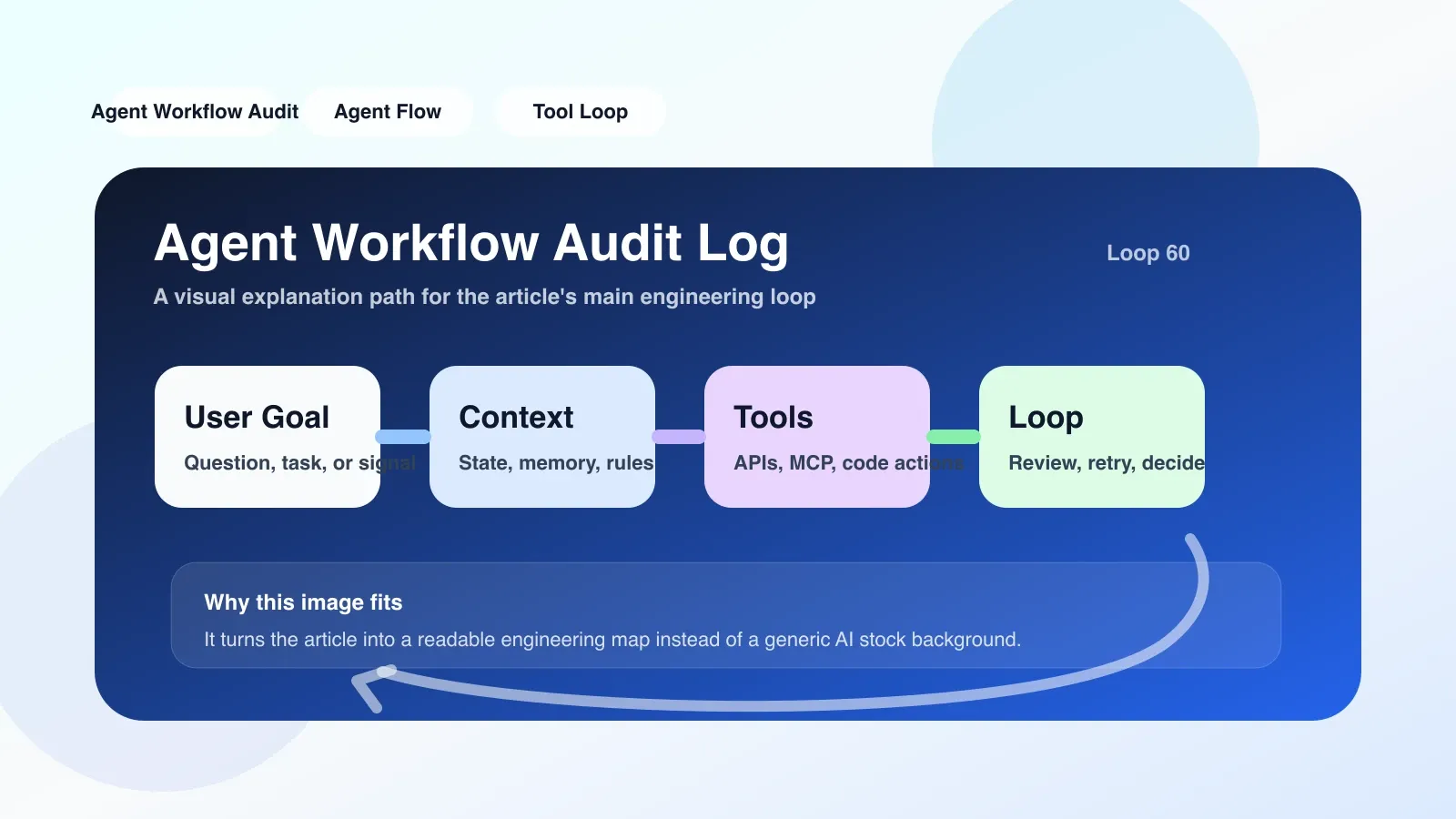
When you start running Agent workflows in a production environment, what are you most afraid of encountering? It's not that the answer is wrong, it's that you have no idea why it's wrong. Without audit logs, the Agent is like a black box: which tool it adjusts, what parameters it passes, what its intermediate status is, and what the final decision is based on—all opaque.
The audit log (Audit Log) is designed to solve this black box problem. It records every key action in the Agent workflow: including tool calls, LLM input and output, state transitions, abnormal events, etc. With it, you can conduct post-mortem reviews, debug exceptions, and meet compliance audit requirements.
What should be recorded in the audit log?
Not all data is worth remembering. Core record items are divided into five categories:
- Request and response: The complete prompt and completion of each LLM call, including temperature, max_tokens and other parameters. Lose this and you cannot reproduce any reasoning.
- Tool call track: the function name called by the Agent, the parameters passed in, the result returned, and the time taken. Many errors occur when the data returned by a tool is not in the expected format.
- Status change: Changes in the value of key variables in the workflow, such as user intent, collected information, and intermediate decision results.
- Exceptions and retries: Network timeouts, LLM return format errors, tools throwing exceptions - these are the highlights of debugging.
- Metadata: Request ID, timestamp, version number, Agent instance ID. Used to correlate multiple interactions and horizontal investigations.
In actual projects, I have seen teams only record LLM conversations and completely ignore tool calls. As a result, an API throttling caused the entire workflow to be interrupted. It took two days to find out - it was because the tool call logs were missing.
Building steps: from log structure to retrieval
1. Define log structure
Using flat JSON format, one record per event. Key fields: event_id, trace_id (used to associate the same workflow), agent_id, event_type (such as llm_call, tool_call, state_change, error), timestamp, payload.
Avoid nesting too deeply, otherwise query performance will drop sharply. It is recommended to use columnar storage (such as ClickHouse) or structured log services (such as Seq, Loki).
2. Hiding strategy
Don't try to record all variables - this will break down storage costs and make analysis difficult. Priority records:
- Input and output of each LLM call (truncation can be turned on to limit large text)
- Parameters and return results of each tool call
- Workflow start and end (record final output and time consumption)
- Any exception or retry event
Buried code is usually inserted into the Agent framework using the decorator pattern or AOP. Taking LangChain as an example, you can write logs in CallbackHandler, on_llm_start, on_tool_start and other hooks.
3. Storage and retention policy
Audit logs cannot only be stored in memory, otherwise they will be lost if there is a shutdown. At least write to local disk (compression rotates daily), optionally sync to S3 or ES. The retention period is based on compliance requirements (generally 90-180 days), and old data is archived to cold storage.
4. Retrieval and visualization
Logs are only meaningful if they can be checked. Build a simple query interface that supports filtering by trace_id, time range, event type, and agent_id. It would be even better if you could use a natural language query like "Why did workflow X fail last Wednesday?"
The easiest trap to step into
The problem I see the most is log blocking workflow. Many people write to the remote database synchronously. When the network is congested, the Agent response becomes slow or even times out. The solution is to write asynchronously: the local memory buffer queue is written first, and the background thread flushes in batches. If the queue is full, it is better to lose the log than affect the main process - at least it can still run if the log is lost, and nothing can be found if the workflow hangs.
The second pitfall is too many logs leading to storage explosion. In particular, each LLM call records the entire conversation, which can amount to GB in a day. Solution: Only keep the original logs of the last X days, and discard the old data after aggregation and summary. In addition, only the key payload is recorded and lengthy system prompts are removed.
The third pitfall is that the log does not have trace_id. Without associated context, thousands of logs are scattered in files, and you have no idea which ones belong to the same workflow. Trace IDs must be generated when the workflow is started and carried through all sub-calls.
Real scenario: A failed Tool call
Suppose there is an Agent responsible for querying user orders. It calls the get_order(id) tool, but the server returns a 500 error. The audit log should record:
- Event type:
tool_call_start, parameters:{order_id: "123"} - Event type:
tool_call_error, return:{status: 500, error: "Internal Server Error"} - Then the Agent retries (or changes the strategy), and then records
tool_call_retryandtool_call_end.
Without an audit log, this 500 error will only be swallowed silently by LLM. What the user sees is "query failed", and you as a developer have no idea whether it is an Agent code problem or a backend interface problem.
Alternate plan: when the standard plan fails
If the team has limited resources and cannot build an independent log system, it can downgrade and use LLM itself for "auditing". The specific method is: after each action step, let the Agent summarize the current status in natural language and write it into a temporary variable. At the end of the workflow, the Agent is required to output a complete log. While unreliable (the agent may omit or make something up), it's better than nothing.
Another more mature downgrade solution is to reuse the existing business log + request ID: write the trace_id of each Agent interaction into the request log table of the business database, and let the back-end service record the call link itself. The disadvantage is that it is highly invasive, but does not require additional infrastructure.
##Finally
Audit logging is not optional. When your agent workflow starts handling real user requests, it's the only troubleshooting window. Set up the log first and then go online, otherwise sooner or later it will take several times the time to rework.
No comments yet. Be the first to share your thoughts.