
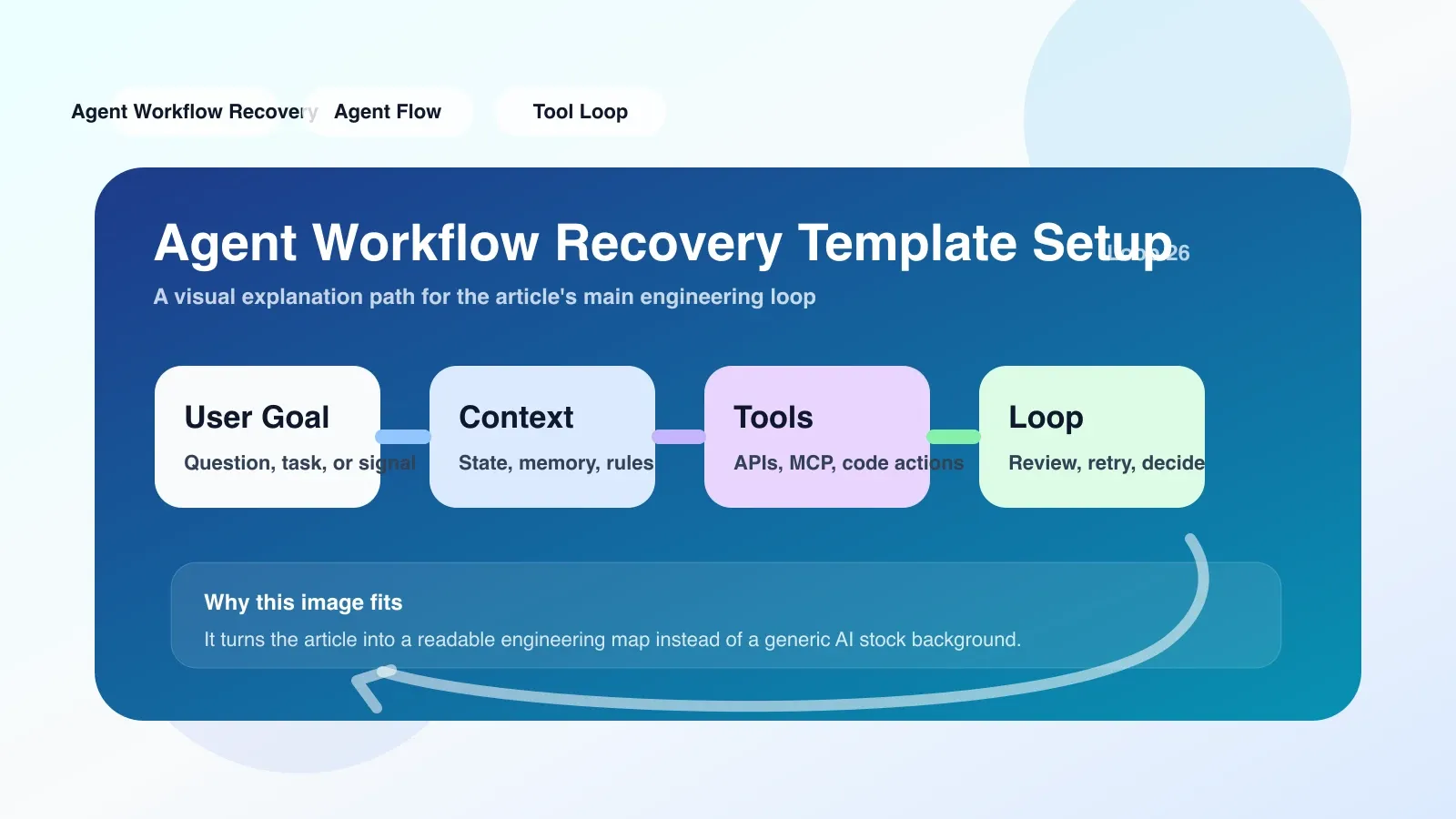
Two recovery plans, an unnecessary confusion
Workflow recovery is an often underestimated aspect of AI coding teams. Your Agent may be in a state of confusion after running in a long context, or there may be a temporary failure when calling an external API. Many teams will be exposed to the two recovery mechanisms "Agent Workflow Recovery Template" and "Responses API recovery order" at the same time, but it is difficult to tell when to use which one, or simply use them together. The result is often that recovery scripts become more complex as they are written, but the stability of the Agent does not really improve.
This article directly compares the applicable objects, configuration methods, and typical failure points of the two, and gives an executable migration checklist.
What exactly are they restoring?
First, let’s make it clear that the objects restored by the two concepts are different.
- Agent Workflow Recovery Template: It is a reusable recovery template, usually used for fault recovery of the Agent workflow itself. For example: when the Agent is processing a multi-step task, a certain step causes token overflow due to the context being too long. At this time, the template will roll back to the previous checkpoint and reallocate the context resources. What it restores is the Agent's workflow state.
- Responses API recovery order: is a retry or recovery order strategy when calling Responses API. After you get the LLM reply through Responses API, if the returned result is abnormal (such as content truncation, format error), the recovery order defines the priority and method of retrying. What it restores is the output reliability of API calls.
To put it simply: one manages the internal state of the workflow, and the other manages the API call results. If they are mixed, another configuration parameter may be called in one recovery scenario, and the recovery will eventually fail.
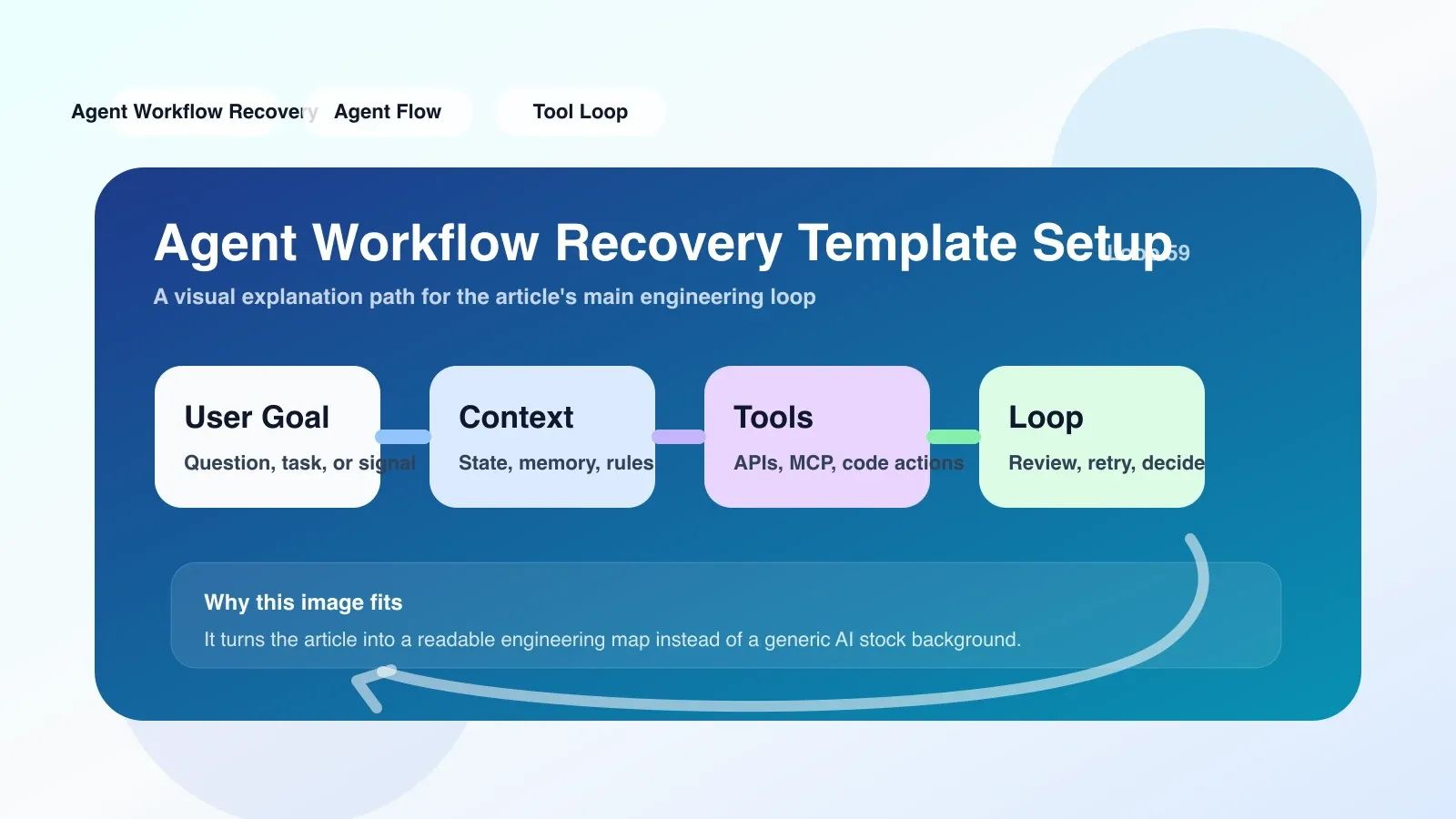
Comparison dimensions: who should use which one?
| Dimensions | Agent Workflow Recovery Template | Responses API recovery order |
|---|---|---|
| Applicable objects | Teams that build complex Agent workflows that include multiple tool calls, state persistence, and context management | Coding teams that use Responses API as the main LLM interface and need to handle exceptions at the API level |
| Recovery Granularity | Workflow level (can roll back to steps, checkpoints) | Request level (retry individual requests, switch models, or fall back to cached responses) |
| Configuration Cost | Higher: Checkpoints, state serialization, and rollback logic need to be defined | Lower: Usually only the number of retries, timeouts, and rollback response strategies need to be configured |
| Failure Scenarios | Context overflow, Agent decision loop, tool call exception (such as code execution hang) | API timeout, model output format error, content security filtering rejection |
| Typical limitations | The template itself does not handle API layer exceptions; if the API call keeps failing, workflow recovery may repeatedly enter a failure loop | The internal state of the workflow cannot be repaired; if the Agent state itself is messed up, retrying the API is of little significance |
| Common backup solutions | Manually reset workflow, switch to standby Agent, record logs and replay manually | Downgrade to local model, return to default reply, retrieve the last successful response from cache |
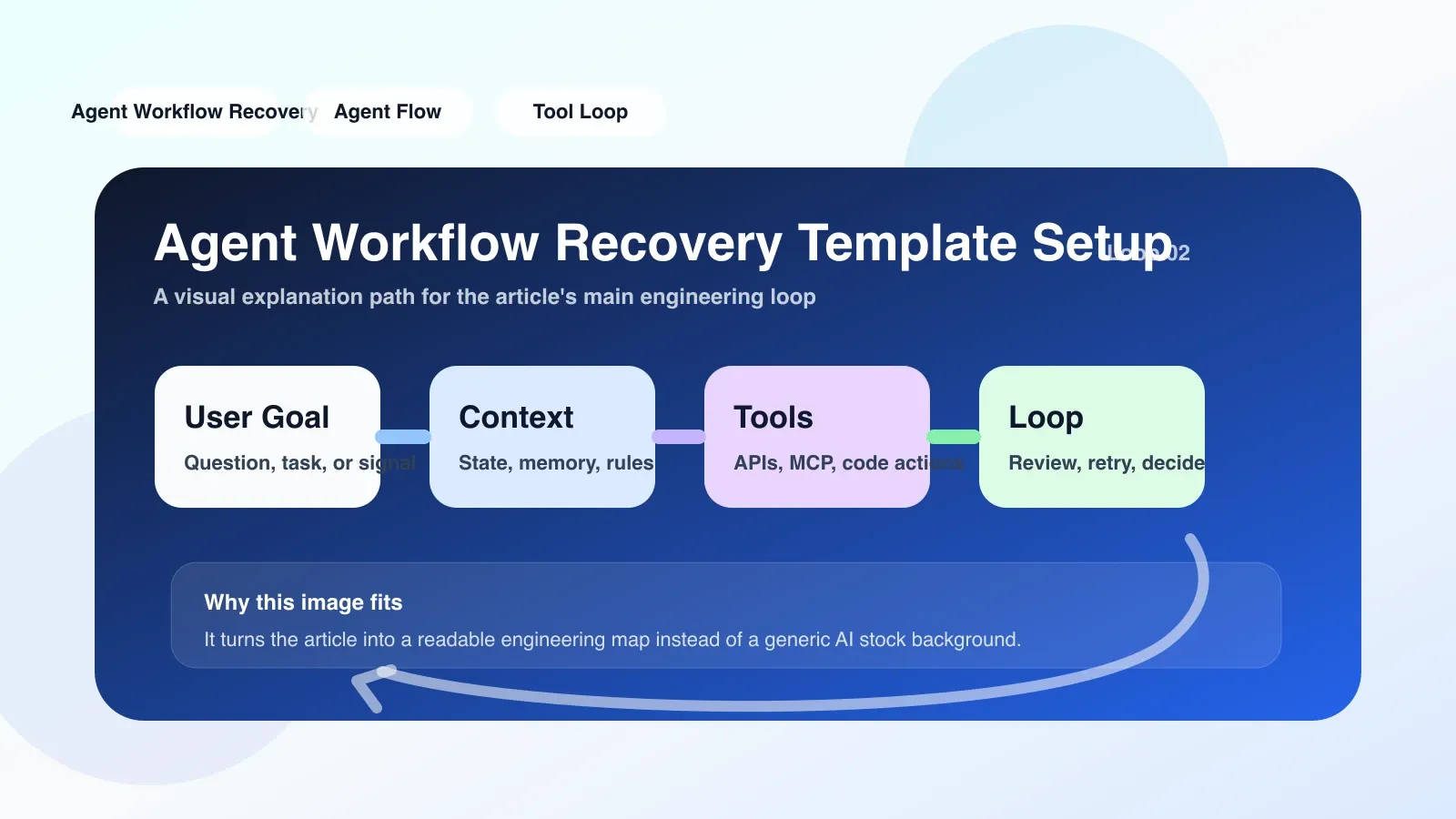
Easy to fail: a real scenario
Let's say you're a team developing AI coding tools using Cloud IDE. You configured the Workflow Recovery Template for the Agent to automatically roll back to the most recent checkpoint and compress the history if the context approaches the limit when the Agent generates code. At the same time, you have also configured Responses API recovery order to automatically retry when the API returns an incomplete code fragment.
Here comes the problem: Once when the Agent was generating large refactoring code, Responses API returned truncated results due to token restrictions. Recovery order detects truncation and retries the request - but at this point the Agent's workflow has already triggered the Recovery Template because the context is approaching its limit. The template rolls back the workflow to the previous checkpoint, and at the same time, the recovery order's retry request reaches the API and successfully returns the complete code.
However, because the workflow has been rolled back, this returned code fragment belongs to the previous workflow state and is now incorrectly written into the session context after the rollback. As a result, the Agent was mixed with old code, and the problem became more complicated.
The core of this case is: The two recovery mechanisms operate independently, they have no life cycle coordination. The template restores the state, and the order restores the API output. However, when both are triggered at the same time, the status and output do not match.
Executable approach: switch to a unified recovery strategy
The best way to avoid the above confusion is: Don't enable automatic recovery for both mechanisms at the same time, but instead centralize recovery decisions in one place.
The specific steps are as follows:
- Determine the main recovery mechanism: If your team is workflow-centric (such as using Codex or Cloud IDE extended Agent behavior), then use the Workflow Recovery Template first, and turn off the automatic retry of the Responses API recovery order, and switch to manual or post-trigger logging.
- Define conflict detection: In the rollback logic of Workflow Recovery Template, add a judgment: if the current rollback is triggered by an API exception, the return result of this API will be discarded first, and the request will be marked as unavailable.
- Set Quiet Period: When workflow recovery occurs, disable Responses API automatic retries for the next 5 seconds to avoid status and output being out of sync.
- Establish a log audit (audit log): Record the triggering reason, recovery type, and final status of each recovery so that you can distinguish whether it is a workflow issue or an API issue when troubleshooting.
- Migration Checklist: If you currently have both enabled, follow these steps to migrate:
- Stop automatic retry of Responses API recovery order
- Bind API exception handling callback events to workflow recovery templates
- Test a workflow with API timeouts in Cloud IDE and observe recovery behavior
- After confirming that the workflow is restored, API calls will no longer be executed repeatedly.
When to use backup plan
If both recovery mechanisms turn off automatic execution, you may still encounter situations that require manual intervention. The order of alternatives is as follows:
- Manual replay: Find the last normal checkpoint from the log and manually trigger workflow recovery. This is the safest way and suitable for mission critical tasks.
- Switch to standby Agent: If the workflow status of the primary Agent is irrecoverable, start a standby Agent (using a different context space) to reprocess the current task.
- Downgrade to lightweight model: When API output errors occur repeatedly, temporarily switch the model to a simpler and more stable version (such as downgrading from GPT-4 to GPT-3.5-turbo) to complete the current core code completion.
Summary
Agent Workflow Recovery Template and Responses API recovery order are not replacement relationships, but recovery tools at different levels. The consequence of mixing is that the state and the call result may be inconsistent, causing the Agent to produce unpredictable behavior. The best practice is to focus on workflow recovery, integrate API recovery events into workflow templates, turn off automatic retries at the API layer, and use logs and silent periods to avoid conflicts.
Next, if you want to deeply master the high-availability design of the Agent workflow in the AI project, including more complex context management, tool call recovery, and multi-model switching strategies, you can pay attention to the subsequent original paid articles and AI advanced programming courses.
No comments yet. Be the first to share your thoughts.