
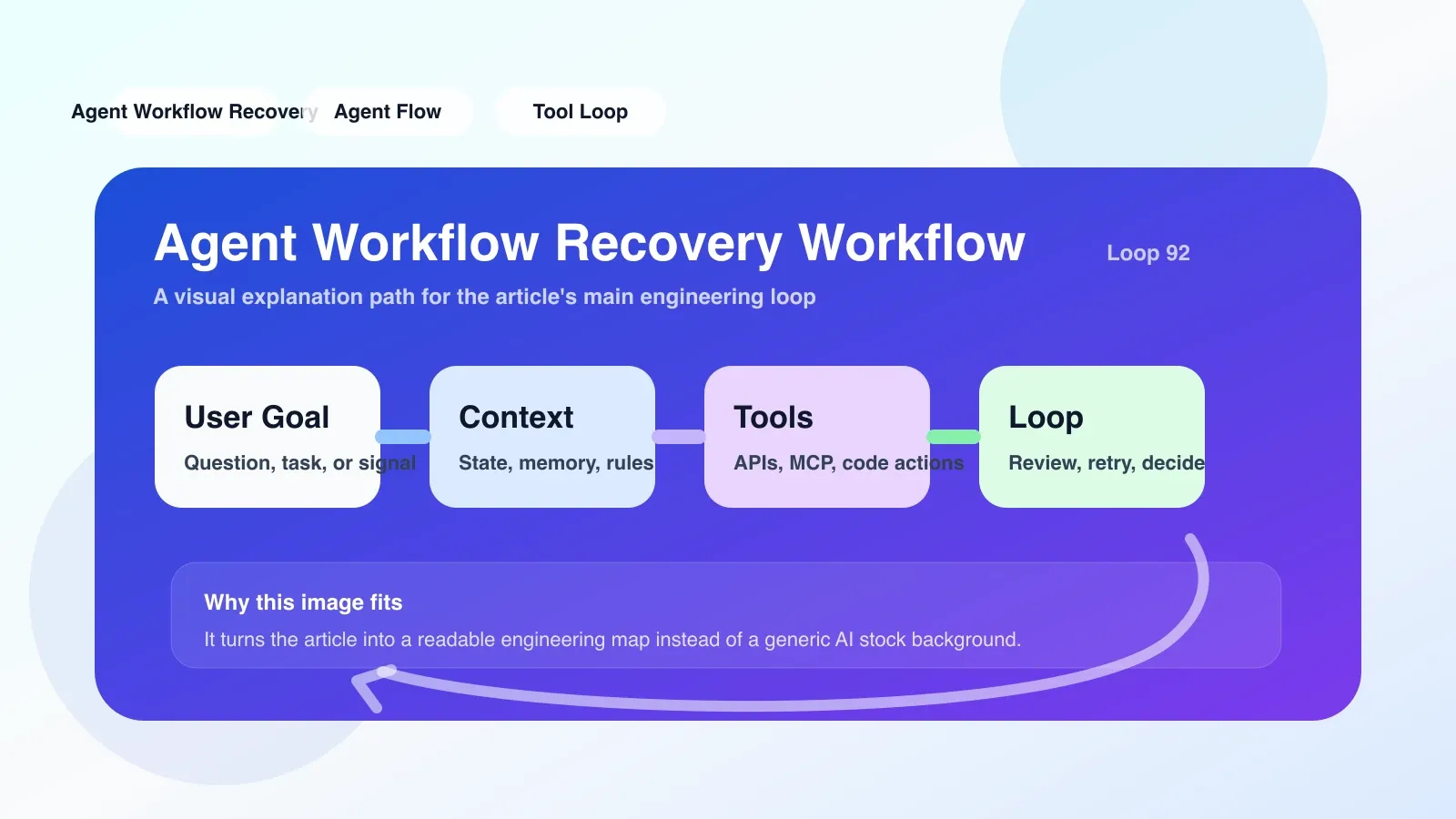
What is Agent Workflow Recovery Workflow
Agent workflow recovery workflow is a set of mechanisms that can automatically or manually restore to a consistent state when the workflow fails due to errors, timeouts, or external interruptions during agent execution. It is not a single tool, but a system design that combines state persistence, checkpoints, retry logic, and compensation operations.
When many developers first start working on agents, they only focus on the forward path—defining tools, arranging steps, and processing normal results. However, once network jitters, LLM output format abnormalities, or tool call timeouts occur, the entire workflow will be stuck or dirty data will be generated. At this time, the recovery workflow becomes a necessity.
Why it matters: A real-life scenario
Suppose you build a customer service agent, which is responsible for: receiving user questions -> searching the knowledge base -> calling CRM to obtain order information -> generating a reply. If the knowledge base search step times out (for example, the third-party API hangs) and there is no recovery workflow, the agent may directly report an error and the user will not get any response. To make matters worse, the CRM call has already been made and changed the order status (such as marking it as "processing"), and the failure at this time results in inconsistent status and subsequent manual intervention will be difficult.
With the recovery workflow, after timeout, you can: ① Retry the search 2 times; ② If it still fails, downgrade to the local cache; ③ If there is no cache, mark the step as failed and inform the user that "some information is not available", and record the context for subsequent manual review. The entire process does not destroy the CRM state because the compensating action rolls back the CRM call before downgrading.
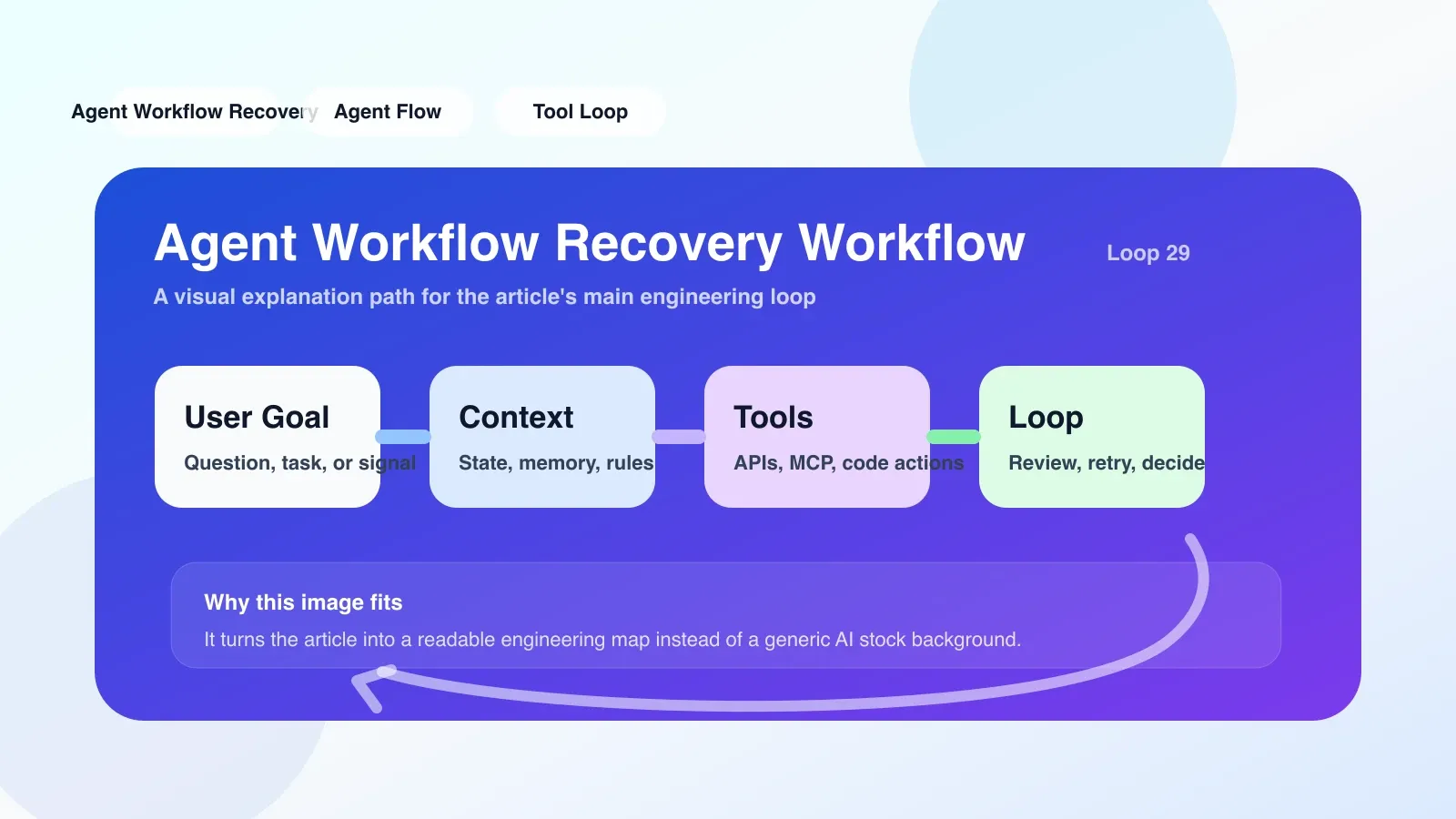
Agent Workflow Recovery Workflow Setup practical steps
1. Define checkpoint (Checkpoint)
Insert checkpoints at each critical step of the workflow (usually before and after operations that have side effects on external systems). Serialize the complete context of the current agent (state, executed steps, intermediate results) to a persistent store such as a database or object store.
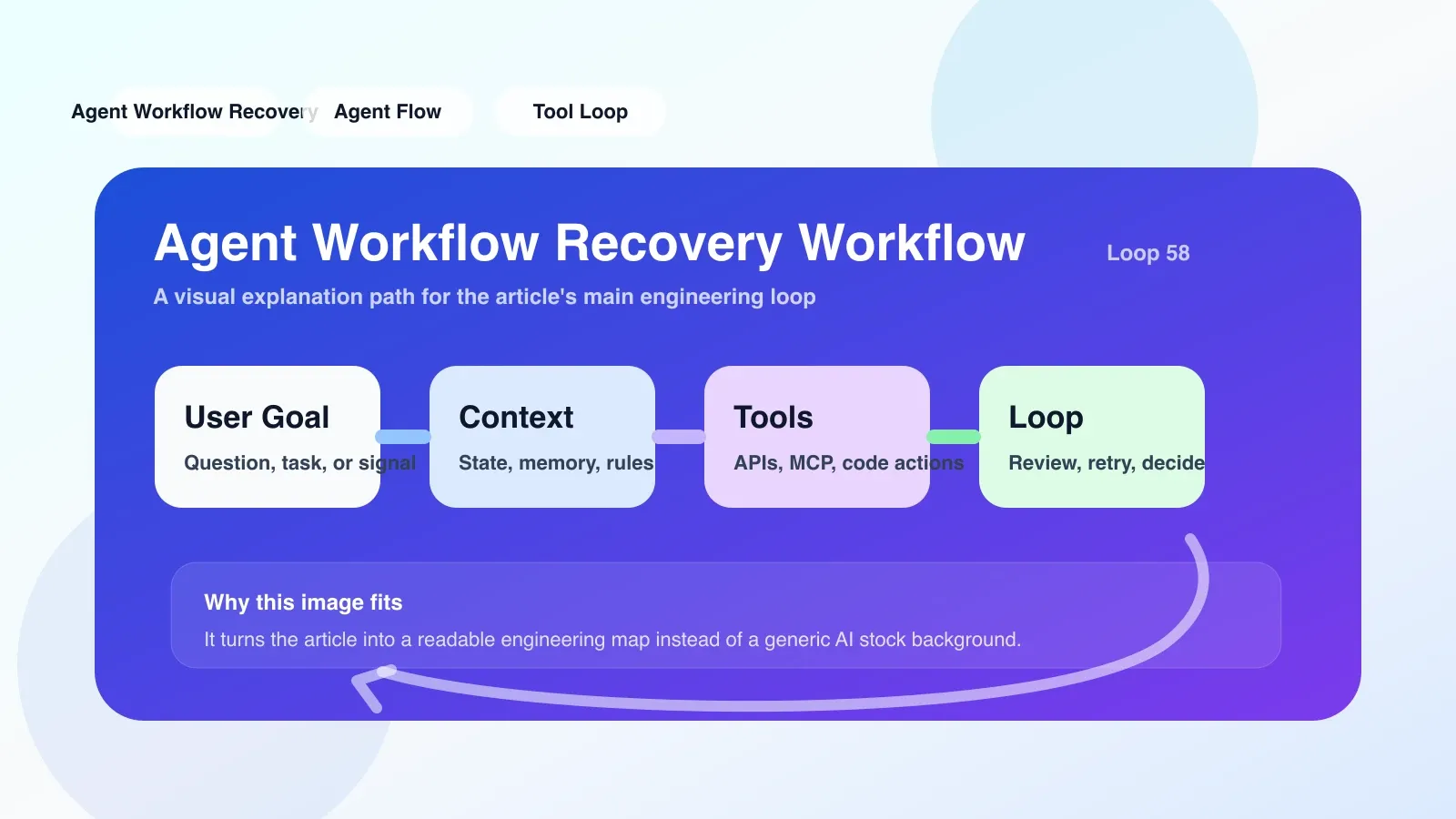
# 示例:在步骤前后保存 checkpoint
import json, boto3
s3 = boto3.client('s3')

def save_checkpoint(session_id, step_name, context):
    data = {
        'session_id': session_id,
        'step': step_name,
        'context': context,  # 包含所有变量、工具调用历史
        'timestamp': datetime.utcnow().isoformat()
    }
    s3.put_object(Bucket='agent-checkpoints', Key=f'{session_id}/{step_name}.json', Body=json.dumps(data))
The most common mistake: only save lightweight state and ignore tool call history. When restoring, LLM does not know what was said before and will call it repeatedly or produce conflicts. The complete conversation history and tool call results must be saved.
2. Implement idempotency (Idempotency)
Every tool call that may have side effects requires an idempotent key. For example, the sending email API should support deduplication keys so that retries don't occur twice. If not idempotent, retries themselves become a source of failure.
3. Design a recovery strategy
There are three common recovery strategies:
- Auto-retry: For transient errors (network timeout, 429 Too Many Requests), the maximum retry is 3 times, with exponential backoff.
- Downgrade Path: If critical tools are unavailable, are there alternative tools or cached data? For example, if the search fails, the local index will be used instead.
- Manual intervention: For failures that cannot be automatically recovered (such as data verification failure), the session state is saved and pushed to the manual queue, and an appropriate error message is returned to the user.
4. Register compensation operation (Compensation)
If a step fails, previous steps that have already been executed may need to be rolled back. For example, if an order has been created but subsequent payment fails, the order needs to be automatically canceled. The compensation operation needs to correspond one-to-one with the forward step and be registered when the workflow starts.
compensation_map = {
    'create_order': 'cancel_order',
    'deduct_inventory': 'restore_inventory',
}

def execute_compensation(session_id, failed_step):
    # 反向遍历已执行步骤,执行对应补偿
    for step in reversed(executed_steps):
        if step in compensation_map:
            invoke_tool(compensation_map[step], session_id)
Failure Scenario: The compensation operation itself may also fail. When designing, you need to consider compensation retries and eventual consistency, or record failures for operation and maintenance to handle manually.
The easiest trap to step into
- Over-reliance on automatic retry: For some errors (such as tool non-existence, wrong parameters), retry will not succeed, which is a waste of time and resources. Errors should be classified according to their type and only retried for transient errors.
- Ignore context window: The saved checkpoint contains a large amount of LLM conversation history and may exceed the context window limit when restored. Need to be summarized or truncated.
- Debugging difficulties: When recovery is triggered, the logs are scattered everywhere, making it difficult to track. It is recommended to introduce trace ID throughout all steps and centralize logs.
Fallback: When Recovery Workflow itself fails
If the scaffolding of the recovery workflow (such as checkpoint storage is unavailable and the compensation operation fails), the outermost global cover is required:
- fallback to manual: Send error details and context to operation and maintenance notifications (such as Slack, PagerDuty), and retain session data for manual recovery.
- Final status record: Regardless of whether the recovery is successful or not, the final status (success, failure, partial success) must always be written to a dead letter queue (DLQ) or audit table to facilitate post-event analysis.
- Progressive Degradation: If checkpoint writing fails, consider whether execution can still continue (e.g. downgrade to not saving state, only logging).
The design principle of the entire recovery workflow is: Ensure eventual consistency and never generate ghost states. Don’t pursue perfect recovery, but ensure it is observable, compensable, and rollable.
Next step
If you are transitioning from an ordinary developer to an agent engineer, understanding the recovery workflow is only the first step. More systematic learning requires you to have a deep understanding of agent context management, permission model, llm evals and production deployment.
No comments yet. Be the first to share your thoughts.