
1. What exactly does the Agents SDK do in the Agent workflow?
When developers build Agents, they quickly encounter several repetitive issues: how to get Agents to call external tools, how to manage the context of multi-turn conversations, and how to handle the circular logic when Agent decisions. The Agents SDK abstracts these layers of logic into a unified API encapsulation layer.
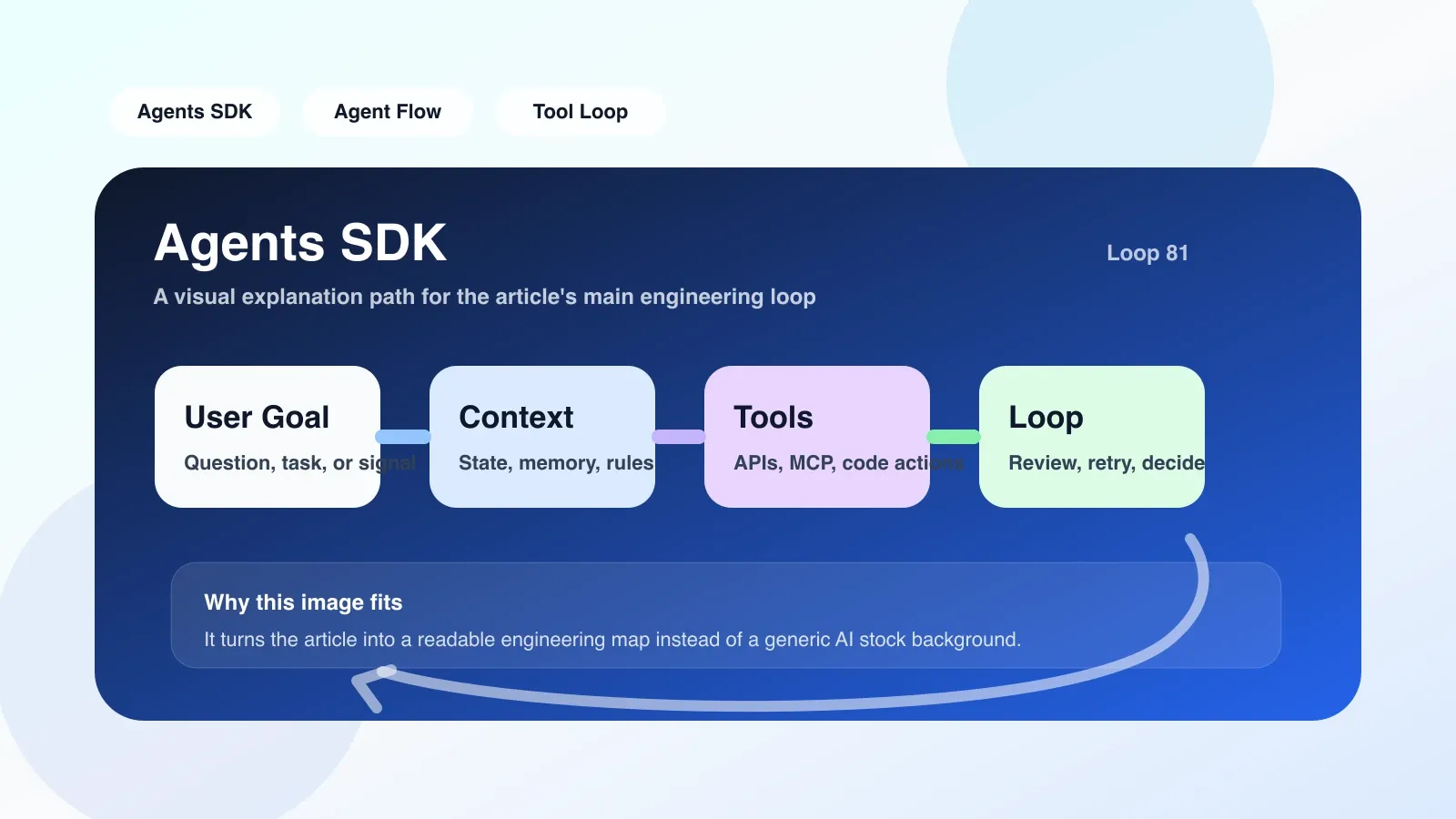
Simply put, it lets you avoid polling model output from a zero-to-write while loop every time, nor do you have to maintain the bloated history messages in the session. The SDK maintains an internal runtime loop: receives user input → constructs model requests→ parses model outputs→ executes the tool and returns results if the output is a tool call, → loops until the model outputs the final text. This process is called the "agent loop" or "execution loop" in the SDK.
Taking the OpenAI Agents SDK as an example, the core abstraction consists of Agent and Runner. Agent defines system prompts, available tools, and model parameters; The runner is responsible for executing agent.run(), internally sequentially processing each model response. If the model returns a tool_calls, the SDK automatically calls the corresponding function and appends the result to the message list before sending it to the model. Developers hardly need to write any loops or tool routing code.
2. Real Engineering Scenario: A Simple Customer Support Agent
Suppose you want to be a customer service agent where a user asks about order status. You need an agent that can call the order inquiry API and logistics query API, and upgrade to manual labor when necessary.
When implementing with the SDK, you first define two utility functions: query_order(order_id) and query_logistics(order_id). Then create an Agent, and the system prompt will explain: "You are a customer service assistant with the ability to check orders and logistics." If users are emotionally strong, just switch to manual labor." Runner.run(agent, "Where is my order 123 now?" ) The internal SDK process is: 1) Send a list of user questions to the model by piecing messages; 2) The model decides to call query_order; 3) The SDK executes this function and returns the result; 4) The model continues analysis based on the results and may call query_logistics again; 5) Final model output: "Your order 123 has shipped and is expected to arrive tomorrow." ”
In this example, the SDK handles tool call loops, message history maintenance, and errors during execution (such as API timeouts). Without an SDK, you have to handle all branches and retry logic yourself.
3. The Most Prone Areas of Failure and Misunderstanding
**Failure Point 1: Tool descriptions are not precise enough, causing the model to call randomly. ** The SDK itself does not verify whether the tool's parameters meet expectations. If you name the field for the tool unclearly, or if the description is too vague, the model may pass in incorrect parameters or call it when it shouldn't. For example, in a send_email tool, if the description only says "send email," the model might set any scene that needs notifications to be set accordingly.
**Failure Point 2: Context window overflow. ** Each tool call is appended to the message list, and as the conversation lengthens, the message list may exceed the model's context limits. Most SDKs have automatic truncation policies, but by default they directly prune early messages, which may cause the agent to lose key historical information.
**Misunderstanding: Thinking the SDK can automatically handle all decision logic. ** In reality, the SDK only executes loops; decision quality depends entirely on system prompts and tool design. Many beginners think that as long as they hand the tool to the SDK, the Agent will automatically make the correct choice, only to find that the Agent randomly calls the tool or gives irrelevant answers.
Solution: Each tool must include detailed parameters and descriptions, and try to constrain input using JSON Schema. For context overflow, message compression or summary strategies can be manually implemented, or models that support long contexts can be used.
4. What should you do in the first step?
- **Installation and initialization. ** Taking the OpenAI Agents SDK as an example:
pip install openai-agents. Set environment variables OPENAI_API_KEY. - Define the first simple agent, without adding tools, only verify that the SDK returns normally. Write an agent = agent(name="Assistant", instructions="You are an assistant who speaks Chinese"). Then Runner.run(agent, "Hello, who are you?") )。 This step confirms that the SDK environment is functioning properly.
- Add a controllable tool. For example, write a get_current_time() tool, without parameters, to return the current time. Observe the logs of the model's calling tools. Note that the SDK usually prints detailed execution logs (if logging level is set to DEBUG).
- Add tools with parameters. For example, search_web (query: str) first fixedly returns fake data and sees how the model parses the parameters.
- Test failure scenarios. Deliberately let tools throw exceptions and observe the SDK's error recovery mechanism. By default, the SDK sends exception information to the model, which may retry or inform the user of errors.
The key to this step is "small-step verification"—don't build a complex pipeline from the start.
5. Common pitfalls and alternatives
If you find the SDK too "black box" or need custom circular logic (such as manual context control, interrupts, or multi-agent orchestration), you can consider using the underlying model API directly or a lighter framework like LangChain's AgentExecutor. But the trade-off is that you have to handle error retries yourself, concurrency, and state management.
When the SDK cannot meet performance requirements, another direction is to use the Response API (an interface provided by specialized handling tool calls provided by OpenAI with simple loops, without relying on the full Agent SDK.
6. Summary
The core value of the Agents SDK is encapsulating agent loops and reducing prototype code. But it's not a cure-all—you have to carefully design tool definitions, manage context, and understand the boundaries of SDKs. Starting with a small tool and gradually debugging is the only way to avoid falling into traps.
No comments yet. Be the first to share your thoughts.