
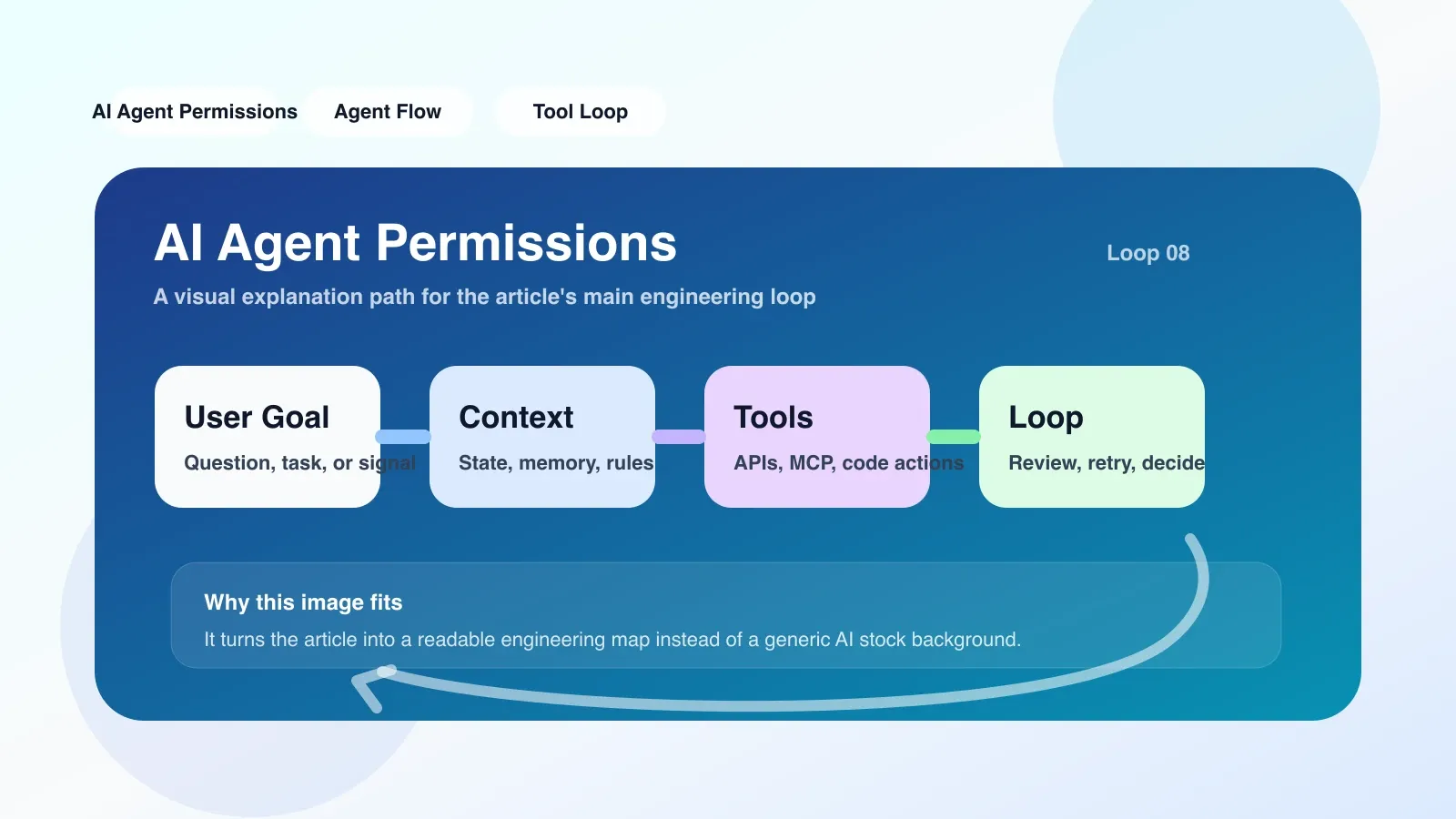
Why AI Agent Permissions is worth a close look at now
One of the biggest changes in the AI field over the past year was the shift from "conversational assistants" to "autonomous execution agents." When you let an agent directly operate file systems, databases, external APIs, or even production environments, permission control is no longer a question of "whether to add" but "how to add it without crashing." In reality, many teams initially grant the Agent the highest privileges, but a single wrong shell command or unauthorized API call can lead to data contamination or service interruptions.
AI The core purpose of Agent Permissions is to draw a precise boundary between "what an Agent can do" and "What the Agent is absolutely not allowed to do." This is not just a security requirement, but the foundation for making agent workflows recoverable and auditable.
What problems does it actually solve in real engineering?
Suppose you have a code review agent that needs to read repository commit records, run tests, and add comments to the PR. If you give it a global API key, it can do these things, but it can also delete repositories, modify sensitive configurations, and even send code outward. The permission system's task is to only allow actions like read submission, write comments, and trigger test pipelines; everything else is rejected.
A typical implementation is based on the "Principle of Least Privilege," assigning each Agent a "list of capabilities." For example:
agent_permissions:
  - action: "read_repo"
    resource: "/repos/{owner}/{project}"
  - action: "write_comment"
    resource: "/repos/{owner}/{project}/issues/{id}/comments"
  - action: "run_pipeline"
    resource: "/pipelines/{pipeline_id}"
    condition: "pipeline_type == 'test'"
When an Agent calls a tool, the permission middleware first checks whether the action is in the allowlist, then checks whether the resource matches. If you try to write an endpoint that is not allowed, the request will be directly intercepted and the audit log will be recorded.
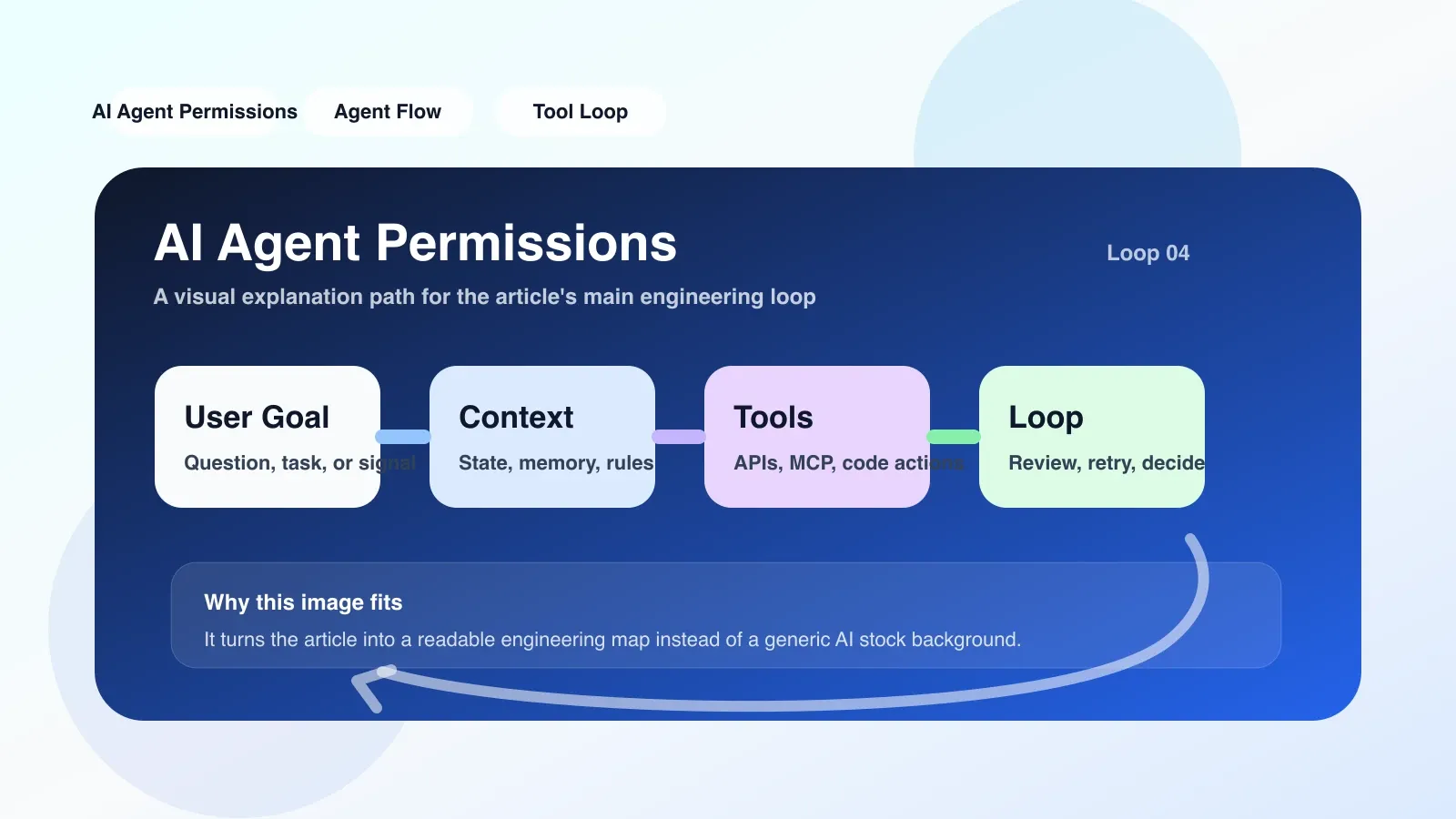
The Most Prone Areas for Failure and Misunderstanding
1. Write permissions in the Agent code
The most common and deadly approach is to hardcode API keys or access tokens in the agent's prompt or utility functions. Once the Agent's conversation context is leaked (such as through logs or error messages), attackers can directly obtain the credentials. The correct approach is to use independent permission services or environment variable injections and perform dynamic validation on each call.
2. The resource particle size is too coarse
An Agent is authorized to "access all GitHub repositories," but in reality, it should only access two specific repositories. Coarse-grained permissions have greatly expanded the attack surface, and it's difficult to trace exactly which agent did what during audits. The solution is to define the resource as an exact pattern and apply conditional constraints.
3. Ignoring contextual validity
Many permission systems only have the "Allow/Deny" status, but the Agent's context window is limited. If an agent's permissions expire midway while handling a long task, some operations may succeed while others fail, causing inconsistencies. Therefore, permission tokens need to be bound to the Agent's session lifecycle.
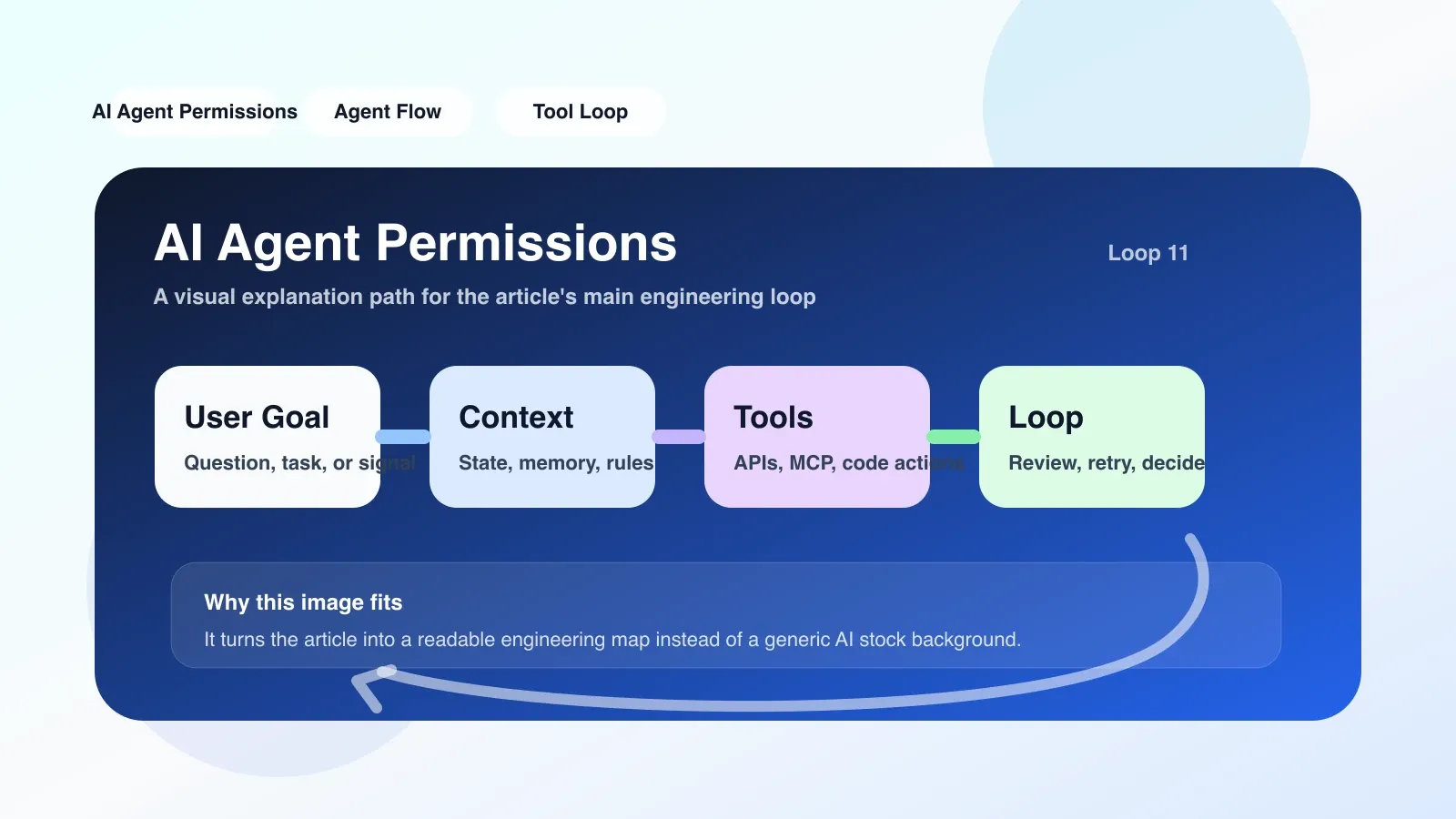
If you want to land now, what should you do first?
The first step is not to write code, but to create a permission list. Specific steps:
- List all external operations in the current Agent workflow: read files, write files, execute commands, call APIs, send messages, etc.
- For each operation, mark the minimum required scope (e.g., "Read only specific directories," "Only send messages to specified channels").
- Create a separate configuration file or service account for each Agent and assign corresponding permissions.
- Use policy engines similar to Open Policy Agent (OPA) or AWS IAM to regularize permissions and make them testable.
- Adding permission testing to CI/CD: simulating an agent attempting to overstep authority to verify whether it was intercepted correctly.
Real-World Scenario: Migrating an Existing Agent to a Permission Model
Suppose you have an old agent that directly uses root tokens to operate cloud resources. The first step is to create a new read-only token, allowing the Agent to run in read-only mode for a period of time while observing the logs to confirm there are no false positives. Then gradually open up write permissions, adding only one action at a time, and cooperate with monitoring alerts. If a problem occurs, immediately revert to read-only mode.
Failure points in this process: developers tend to assign too many permissions at once, thinking, "Let it run first, then we'll talk." But the correct approach is to add only one permission at a time, and run a full regression test after each increase.
Where to Go Next: Continue Systematic Learning
If you are transitioning from a regular developer to an Agent engineer, simply understanding permissions is not enough. You need to master comprehensive knowledge of workflow orchestration, context management, MCP protocols, callback loops, and other systematic knowledge. These contents are thoroughly broken down in the AI Advanced Programming Course and high-quality original articles, covering the entire process from principles to practical application.
You can now click the link below to enter the systematic learning page for this series.
No comments yet. Be the first to share your thoughts.