
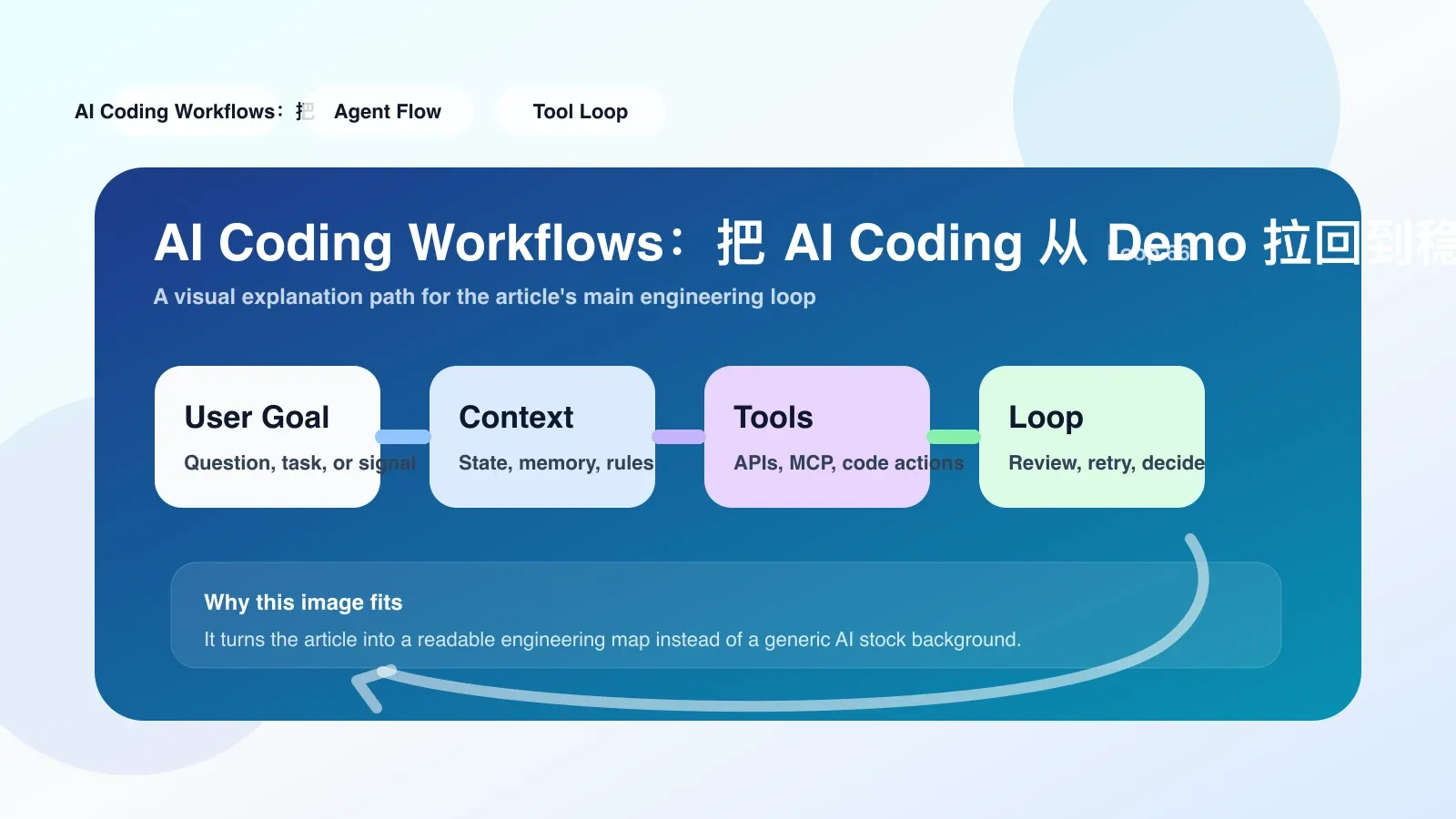
Why the AI coding workflow has now become the focus
Over the past year,AIprogramming tools have quickly evolved from "magical demos" into everyday routines for many developers. But most teams find that after actually using it, AI code is generated quickly, but steadily integrating it into existing delivery workflows is another matter.
The core issue isn't the accuracy of a model's code, but the workflow—how do you make AI outputs reviewable, rollback-like, testable, and deployable? When an engineer completes a code completion in the IDE using AI, what happens next: Is the code committed? Who reviews it? What if AI changes the logic that shouldn't be changed? These problems cannot be solved by tools alone; process design is essential.
In 2024-2025, several mainstream IDEs and DevOps platforms will begin to include built-in AI workflow features: allowing users to set multi-step prompt chains, add context, automatically run tests, and feed back to models. This means AI coding workflows have shifted from "one person chanting spells at the terminal" to part of the team's infrastructure.
A Real Workflow: From Prompt to Production
Suppose you are adding a new API endpoint to a Python backend. If you just paste the requirements into AI, have it generate code, and then paste it manually, then you're still in the demo stage. A deliverable workflow should at least include the following steps:
- Define input context: Tell the project structure, related module code, and database schema AI. Many people make this mistake—just giving a single sentence requirement, which leadsAIto a serious hallucination. The correct approach is to use
.cursorrulesor.clinerulesfiles to fix the context source. - Step-by-step generation and verification: Do not have AI write the entire endpoint all at once. First, let it write the interface signature and you review it; Then write the business logic, and you review it; Finally, write the test and review it. Every cycle is crucial.
- Differential Review: After generating code,AIuse diff tools (such as
git diffor built-in IDE comparisons to see which lines it has changed. Most bugs occur when "places that shouldn't have been fixed are changed"—such as indentation misalignment caused by automatic formatting, or deleting existing exception handling. - Automatic Test Feedback: Have the workflow run a unit test and lint once, then feed the failure message to AI and let it fix it automatically. This is currently the most effective method for error correction in LLM code.
- Manual Merge and Commit: Finally, a human commit message must be made and pushed. Even if AI passes all the tests, people still need to check if the logic makes sense.
The process above looks simple, but I've tried it in real projects—the first three full steps take an average of 45 minutes—slower than writing manually. But starting from the fourth time, because context documentation and test feedback pipelines were built in advance, the time was reduced to 15 minutes. This is worthwhile because every delivery guarantees traceability and auditability.
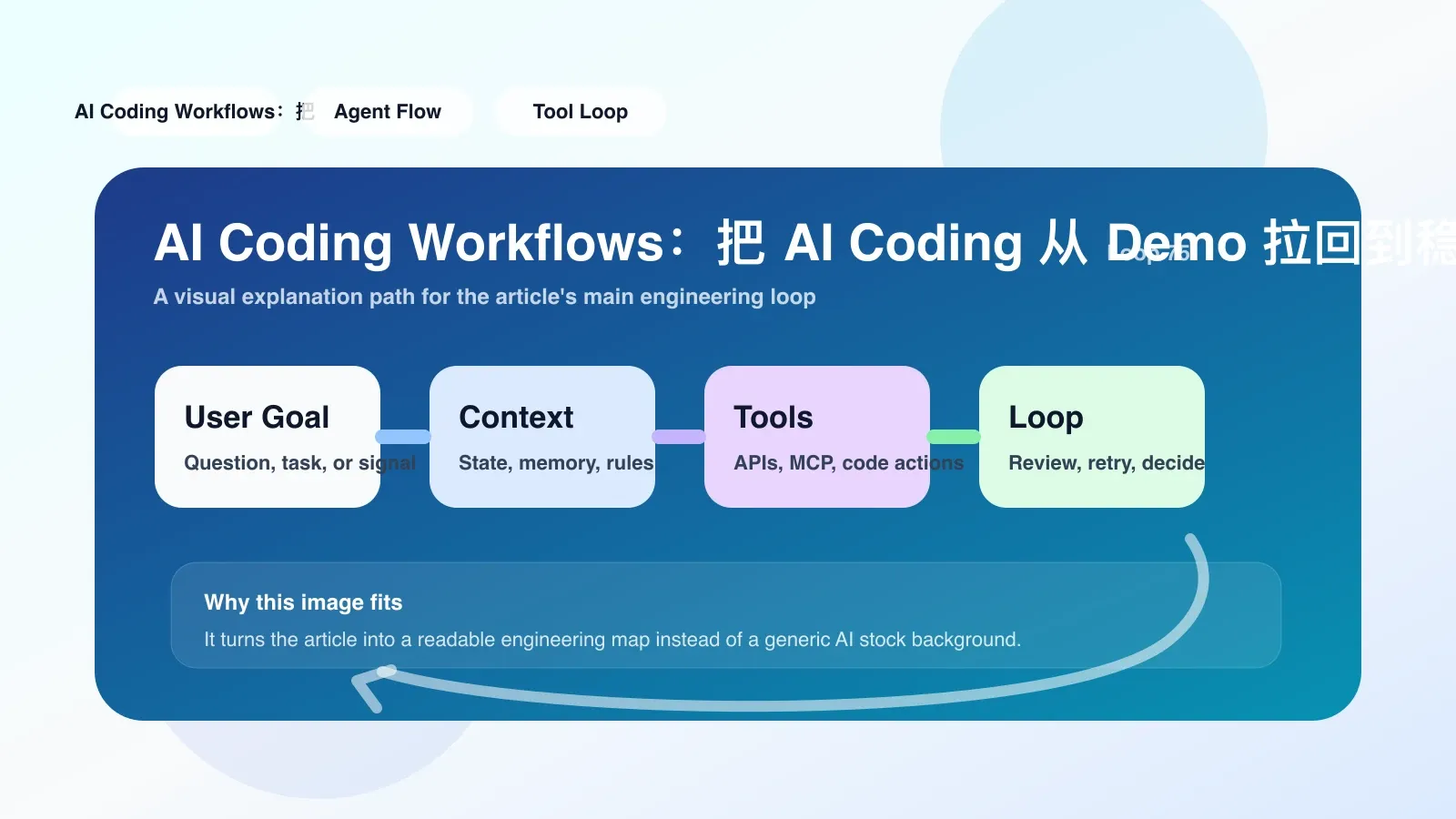
The Most Likely Places to Fail
Many people who try workflow for the first time fall into two traps:
**First, contextual pollution. ** You gave AI a bunch of irrelevant files, or a full codebase, causing it to generate code based on noise. The result is: logical correctness but inconsistent style; Or you use libraries that do not exist in the project. The fix is to use specialized tools (such as repostructure) to generate indexes, passing only the key modules to AI.
**Second, the automated testing feedback loop is not properly implemented. ** Many teams only let AI generate code and do not run tests automatically. When the test fails during review, they manually paste the error back AI, wasting time back and forth. The correct approach is to use CI scripts or local Git hooks to run the test before each AI commit, and if it fails, it will automatically roll back to the previous state.
If these two issues are not resolved, the AI programming workflow will quickly revert to a "copy-paste + manual adjustment" state, and the team's trust in AI will drop to zero.
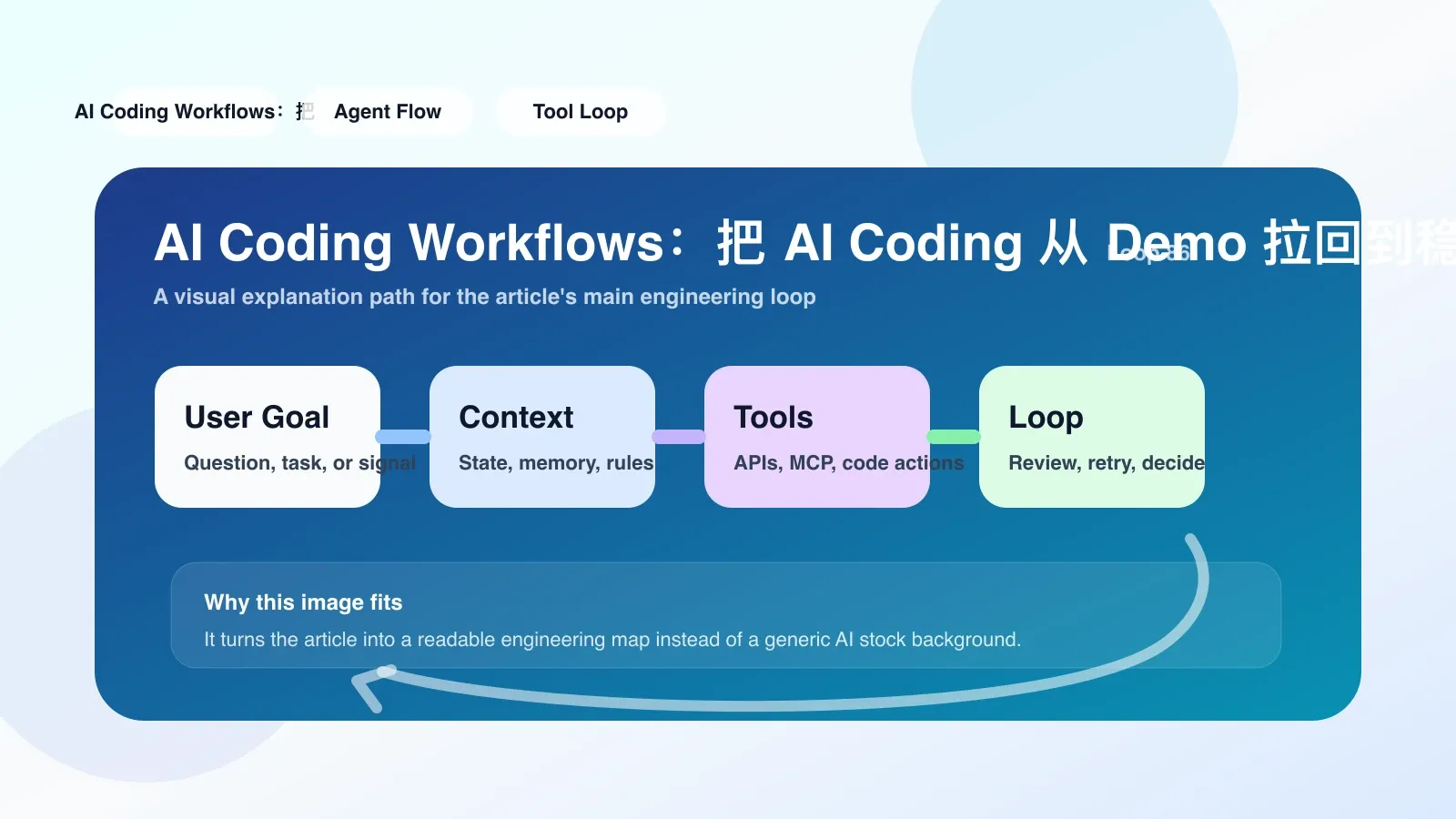
How to take the first step in implementation
If you want to get started today, I suggest following three steps:
- Choose a project, preferably a medium-sized repo with existing single-test coverage, and not a brand-new project—a new project lacks a baseline test, so you can't judge the quality of AI code.
- Create a fixed context file: for example,
.cursorrulesor AI dedicatedCONTEXT.md, specifying the project tech stack, coding conventions, database tables, and common patterns. - Implement the simplest loop: write a function with AI, then immediately run
git diffand your own test scripts; If there is an error, paste the output back to AI and let it rewrite. Repeat daily until the cycle can be completed within 10 minutes.
Where to Go Next: Continue Systematic Learning
Once you start solidifying these steps into repetitive workflows for teams or individuals, you may encounter more difficult problems: multi-file collaborative refactoring, long-context management, and AI code security reviews. These topics require more systematic training.
No comments yet. Be the first to share your thoughts.