
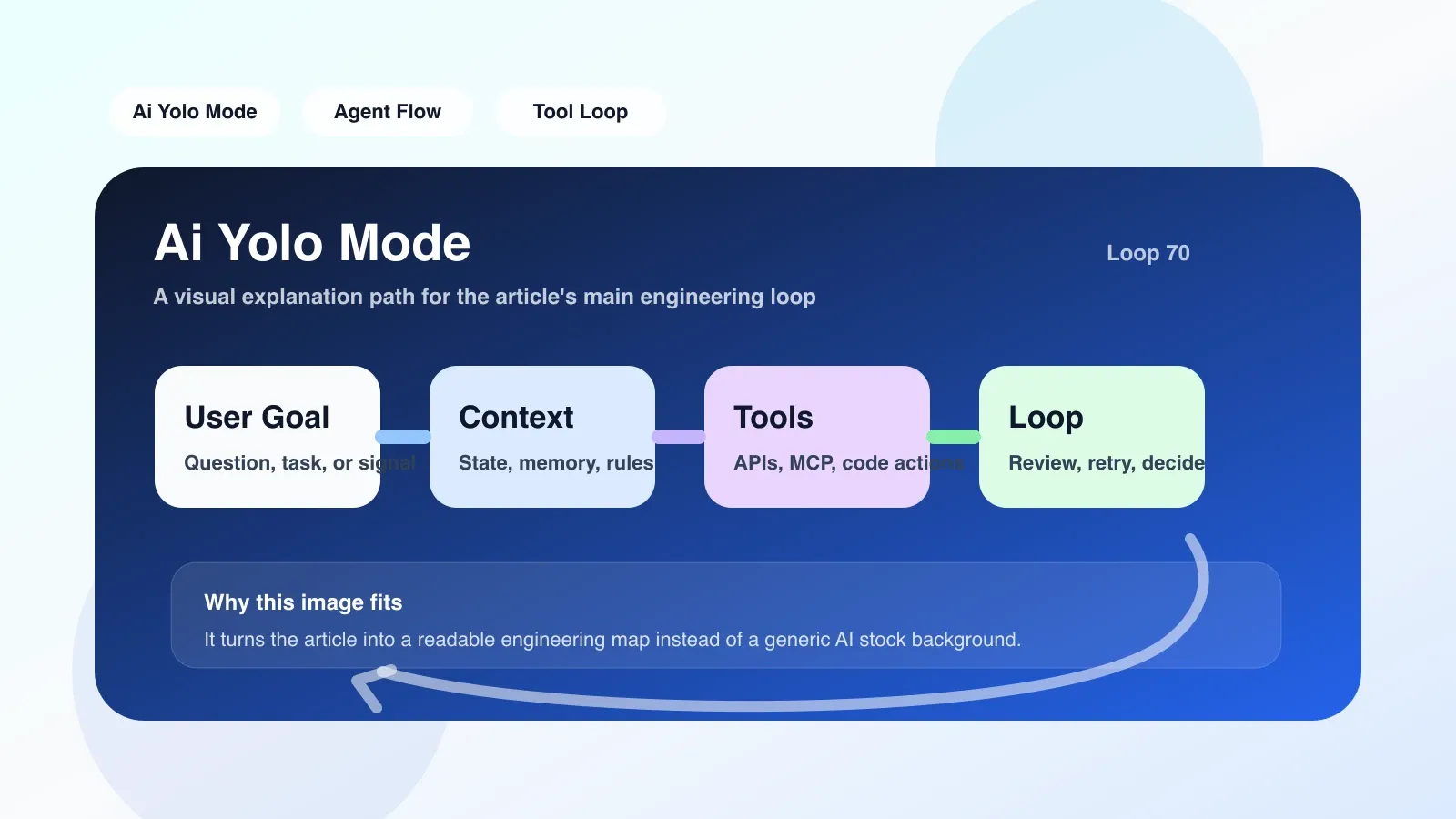
What exactly is Yolo Mode?
In the Agent workflow, the traditional interaction mode is "suggestion-confirmation-execution": the agent gives the operation plan, and the user manually approves it after review. Yolo Mode directly compresses this cycle into "suggestion-execution", and the Agent skips all manual confirmation steps after obtaining permission. The name of this model comes from a joke in the programming circle "YOLO, push to production", but in AI Agent, it has a clear technical implementation path.
Triggering and execution in workflow
When the Agent enters Yolo Mode, three things actually happen:
- Permission upgrade: The Agent's runtime obtains a higher-level system call permission and can directly write files, execute shell commands, and call APIs to modify resources.
- Confirmation step removal: The confirmation dialog box that originally pops up before each operation is silently skipped, and the Agent directly executes the next step.
- Log compression: In normal mode, there will be detailed decision logs for each step. In Yolo Mode, the log level is reduced and only key checkpoints are recorded.
A typical implementation is to add a mode flag to the Agent's loop body. When flag is yolo, replace the ask_user function with the noop no-op. Taking the LangChain style Agent as an example, there are only about a dozen lines of changes in the core code.
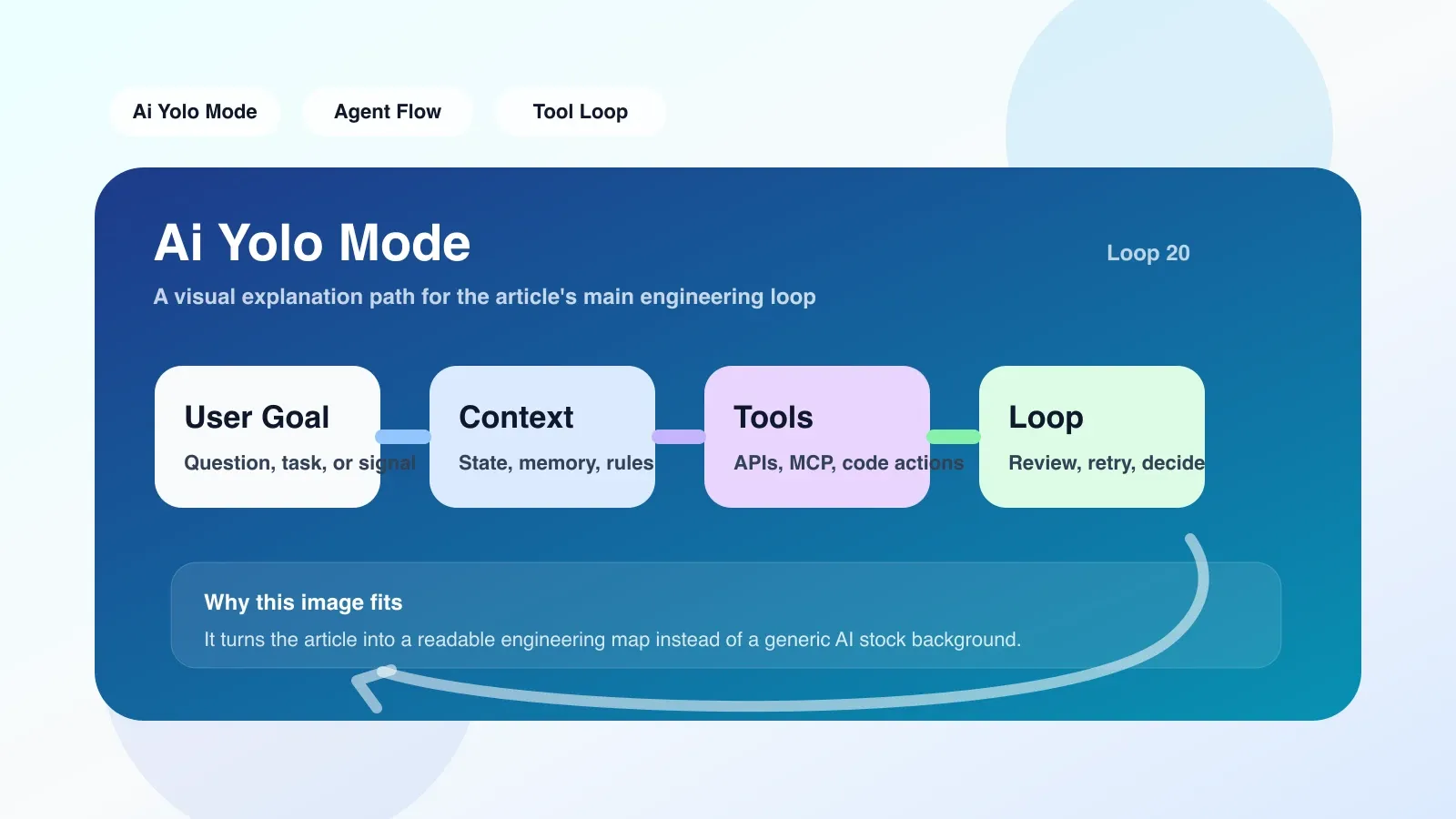
Real scenario: Automatically repair CI builds
Suppose you maintain a CI pipeline that frequently fails due to dependency version conflicts. You write an Agent that analyzes the logs, modifies requirements.txt, resubmits, and triggers a build.
- In normal mode: Agent calculates a set of version numbers and displays them in front of you. You confirm them one by one before it executes them.
- In Yolo Mode: Agent directly parses the error, generates a new dependency lock file,
git pushto a new branch, and then calls the CI API to rebuild. The entire process does not require you to look at the screen.
If the dependencies are modified correctly, the build will pass within 5 minutes, saving you time on back-and-forth confirmations. But if the Agent selects an incompatible version, the build will fail and may even introduce new conflicts.
The easiest pitfall: omission of implicit conditions
The most dangerous thing about Yolo Mode is not that it performs the wrong operation, but that it lacks human understanding of context. A common scenario is: the Agent determines that a certain package needs to be upgraded based on the current log, but it does not know that this package is directly dependent on another running service, and the upgrade will cause production interruption.
Another pitfall is chain amplification. The first step of the Agent's operation seems to be fine, but the errors in the second and third steps are exponentially amplified because they rely on the results of the first step. By the time a human discovers the problem, the Agent may have already performed ten steps, and the impact is far greater than expected.
The solution is: before entering Yolo Mode, impose strict sandbox restrictions on the Agent's operation range, and set the maximum number of consecutive steps. For example, a maximum of 5 steps without confirmation can be performed, and then the agent is forced to switch back to confirmation mode.
Recovery strategy after failure
Yolo Mode failures generally fall into two categories:
- Rollback operations (file modification, database writing): A snapshot or version control mechanism is required.
- Non-rollable operations (sending emails, deleting physical resources): pre-checking must be done before execution.
For the first category, it is recommended to use Git automatic branch + differential recovery. Agent automatically creates a temporary branch or backup point before each operation. If the final process fails, directly git reset --hard restore to the state before the operation.
For the second category, Yolo Mode should never be used. If it must be executed, a soft confirmation layer needs to be added: the Agent writes the key commands into a "to-be-executed list" and automatically initiates a short manual review window (for example, 30 seconds) after completion. It will be executed by default after timeout. This is essentially Yolo with timeouts, built for speed and safety.
In what scenarios should Yolo Mode be used?
- High-determinism environment: For example, you have tested the Agent's behavior locally, and the operation results can be quickly verified.
- Time sensitive and low error cost: For example, cloud resources that are no longer used are automatically shut down, and they can be restarted immediately even if they are shut down by mistake.
- Non-production environment: Priority is given to enabling it in development and testing environments, and the production environment maintains the default confirmation mode.
What scenarios should never be used?
- Operations involving finance, user data, and security configuration.
- The results of the operation are irreversible and affect the scope beyond a single service.
- The Agent is still in the initial running stage, and you don't know its behavior yet.
From Yolo Mode to Agent Engineering
Yolo Mode is just a small mode switch, but behind it involves a series of engineering issues such as Agent permissions, security boundaries, and rollback mechanisms. If you want to systematically master the design, context processing, permission management, and cover-up strategies of Agent workflow, it is not enough to rely on scattered model explanations alone.
Next, you can learn more about the complete framework of the Agent project: how to design the permission model, how to build a reliable memory system, and how to integrate the Agent workflow in the IDE. These contents have complete practical explanations in our high-quality original paid articles and AI advanced programming courses.
No comments yet. Be the first to share your thoughts.