
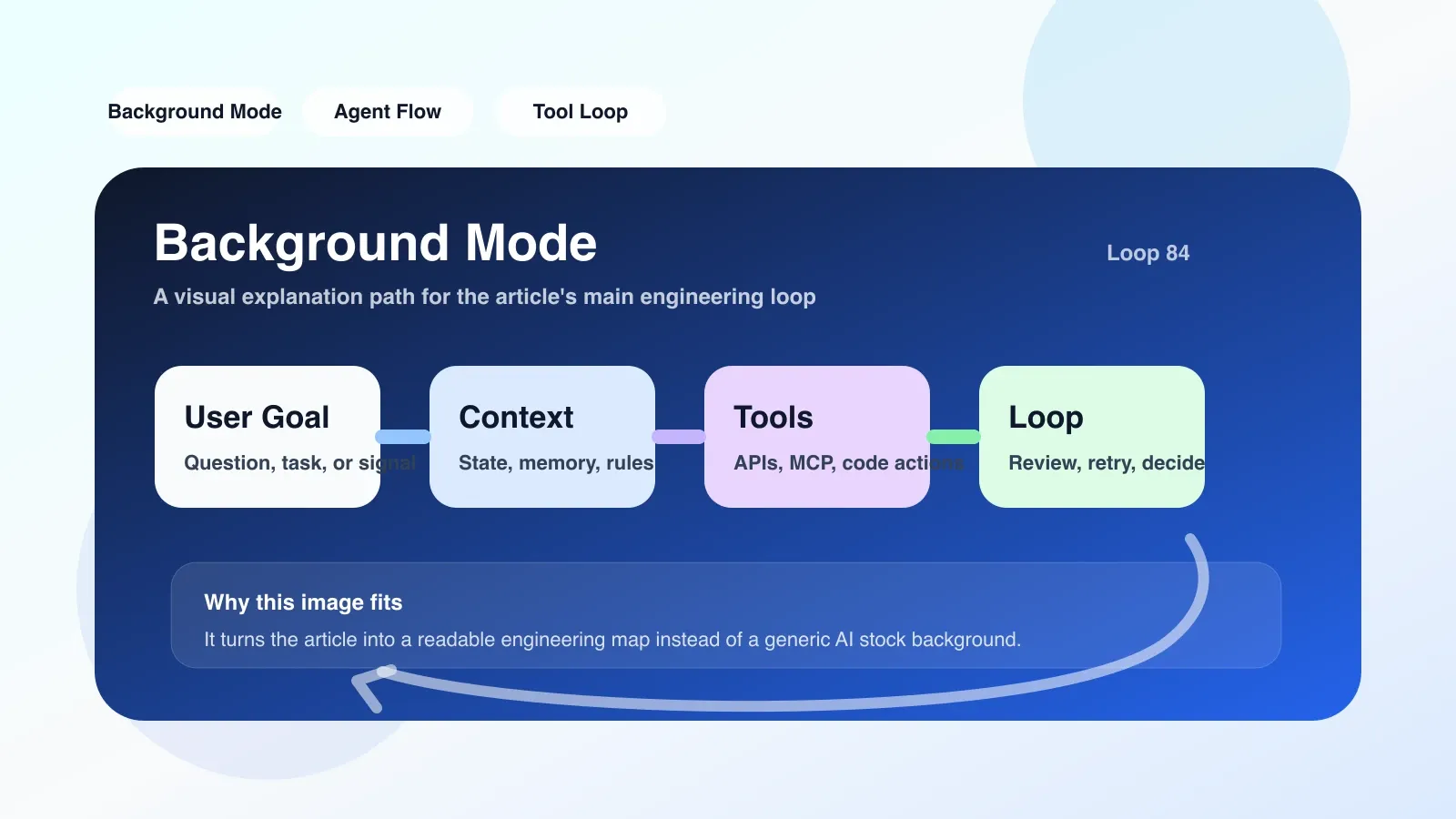
Why should we take a closer look at Background Mode now?
AI Programming tools (such as Cursor and Copilot) are constantly introducing new features, and Background Mode is one of the fastest-growing features. Many developers have seen posts on social media saying "After launching Background Mode, AI automatically fixes more than a dozen issues" and think this is some kind of "AI automatic programming" magic. But in engineering teams, starting this mode without understanding often leads to bad code, conflicts, and even production accidents.
Background Mode truly solves repetitive tasks that could be completed in parallel but are blocked by manual queues. For example: automatically running tests and fixing type errors while waiting for Code Review, generating patch explanations after CI failures, and automatically organizing unfinished TODO comments when switching branches. Common features of these scenarios are: clear task boundaries, predictable failures, and the cost of human intervention far exceeding the execution cost of AI.
What is it? It's not about the backend monitoring your editing in real time and inserting suggestions at any time (that's part of inline suggestion), nor about submitting code to production without anyone knowing. Understanding this boundary is the first step in using it.
What problems does it actually solve in real engineering?
Scenario: A Reviewer Perspective for a Medium-sized PR
Suppose you are a Reviewer, receiving a PR with 20 file changes. Do you want AI to check a few things first: Does every new API have parameter validation? Are all deprecation calls marked? Is there a hardcoded secret? These are all specific, verifiable checklists.
If checked manually, it takes 15-30 minutes, and each PR must be repeated. If you can configure Background Mode in your local IDE so that when you switch to Code Review mode, it automatically runs a script + AI analysis—for example, using AST to detect hard code modes, naming rules to check parameters—then when you receive PR notifications, AI has already generated a check report, and you only need to focus on the key points.
This is the typical value of Background Mode: assigning low-latency, insensitive, but highly deterministic tasks to AI for offline processing.
It also addresses another type of problem: "fragmentation" fixes during the waiting period
Many teams use CI pipelines for code checks, but CI queues often last several minutes or even longer. During this waiting period, Background Mode can automatically run a simplified static analysis locally, and if a simple type error is found, it provides a patch option when you return to the editor. This way, by the time you see the CI result, 80% of similar low-level errors have already been processed locally.
This may sound small, but in a medium-scale project, each time saves 1-2 minutes of queue and manual fixes, dozens of PR operations per day, and the cumulative effect is considerable.
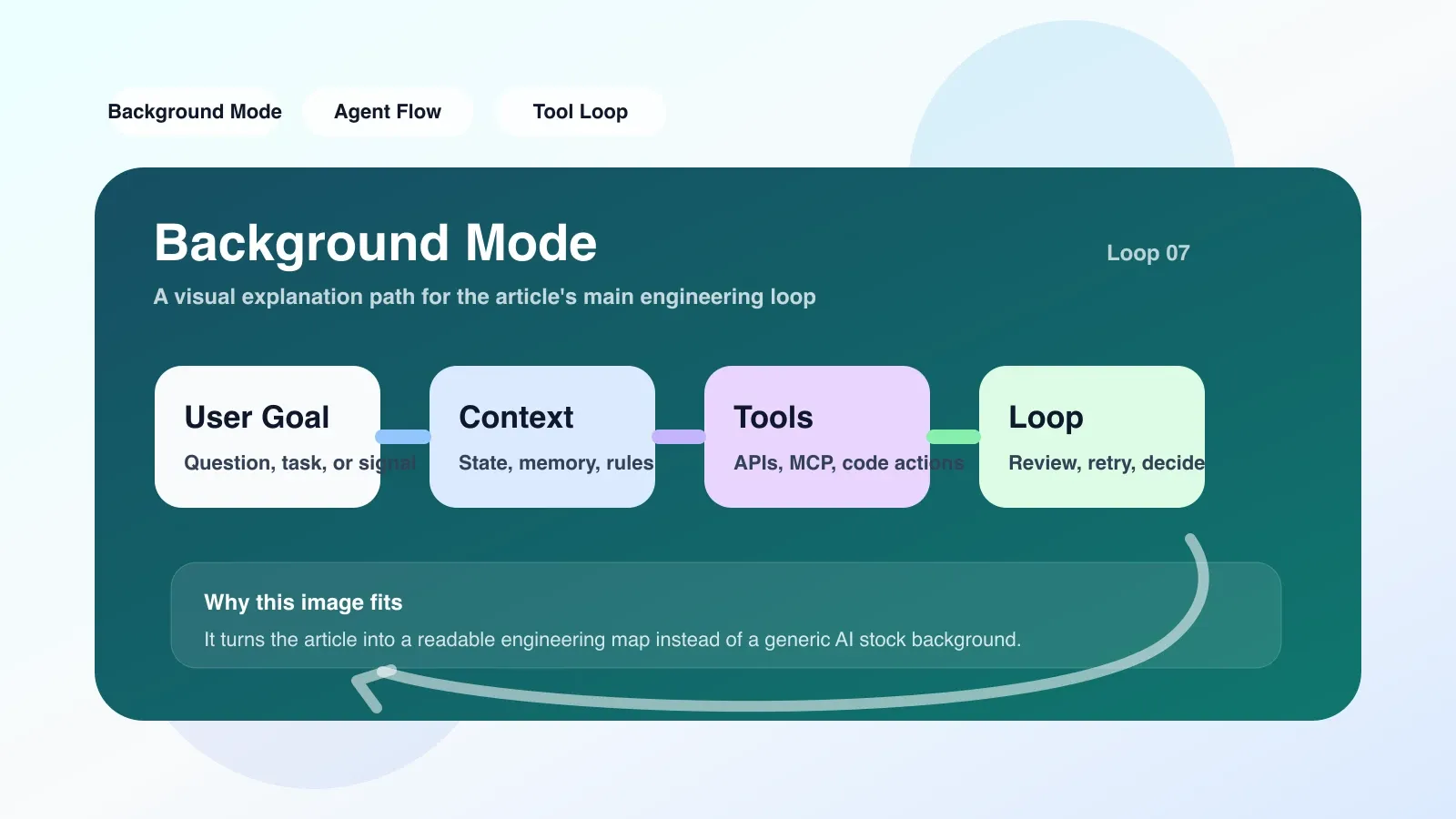
The Most Prone Areas for Failure and Misunderstanding
Failure Point 1: Treating Background Mode as "Background Automatic Proxy"
The most common misconception is: after enabling Background Mode, AI continuously analyzes your codebase in the background, proactively detects issues, recommends modifications, and even automatically commits PRs.
The fact is: almost all mainstream AI programming tools currently use Background Mode as a conditional triggered task executor. You need to clearly tell it, "When event X occurs, execute task Y and output the result according to template Z." It is not an autonomous agent and will not deeply refactor modules without constraints. If you want AI to automatically make cross-file architecture changes, Background Mode will fail—because it lacks contextual depth and causal reasoning, making it prone to half-finished changes.
For example: you configured "automatically fix lint errors when files are saved." This seems fine, but many lint fixes require understanding code semantics (for example, fixing an incorrect variable reference), and the model relied on by Background Mode may only fix token-level fixes, resulting in logical errors in the fixed. What you see when you come back is "lint error count dropping but unit test failure."
Failure Point 2: Blurred task boundaries lead to contextual pollution
Background Mode: When running multiple tasks simultaneously, if they share the same conversational context, the conclusion of one task may be misquoted by another. For example: one task is analyzing API exception handling, another is refactoring the configuration options of a tool; they may all work within the same "project chat" context. AI may mix assumptions from different modules, causing conflicting outputs.
Even more covertly is "cumulative context inflation." After running Background Mode for a while, the context accumulates a lot of middlemanship, bug fix attempts, and analysis results from old versions. These factors dilute the model's focus on new inputs and ultimately reduce output quality. Many teams encounter the problem of "Background Mode becoming increasingly unreliable," rooted in the lack of context reset or isolation.
Misunderstanding: It lowers the requirements for developers' judgment
On the contrary. Background Mode requires developers to invest more effort in defining tasks, setting boundaries, and reviewing output quality. Essentially, it transforms "manually executing repetitive actions" into "defining automatic execution rules." If you haven't established clear code review and task acceptance standards, enabling Background Mode will only accelerate the generation of poor code.
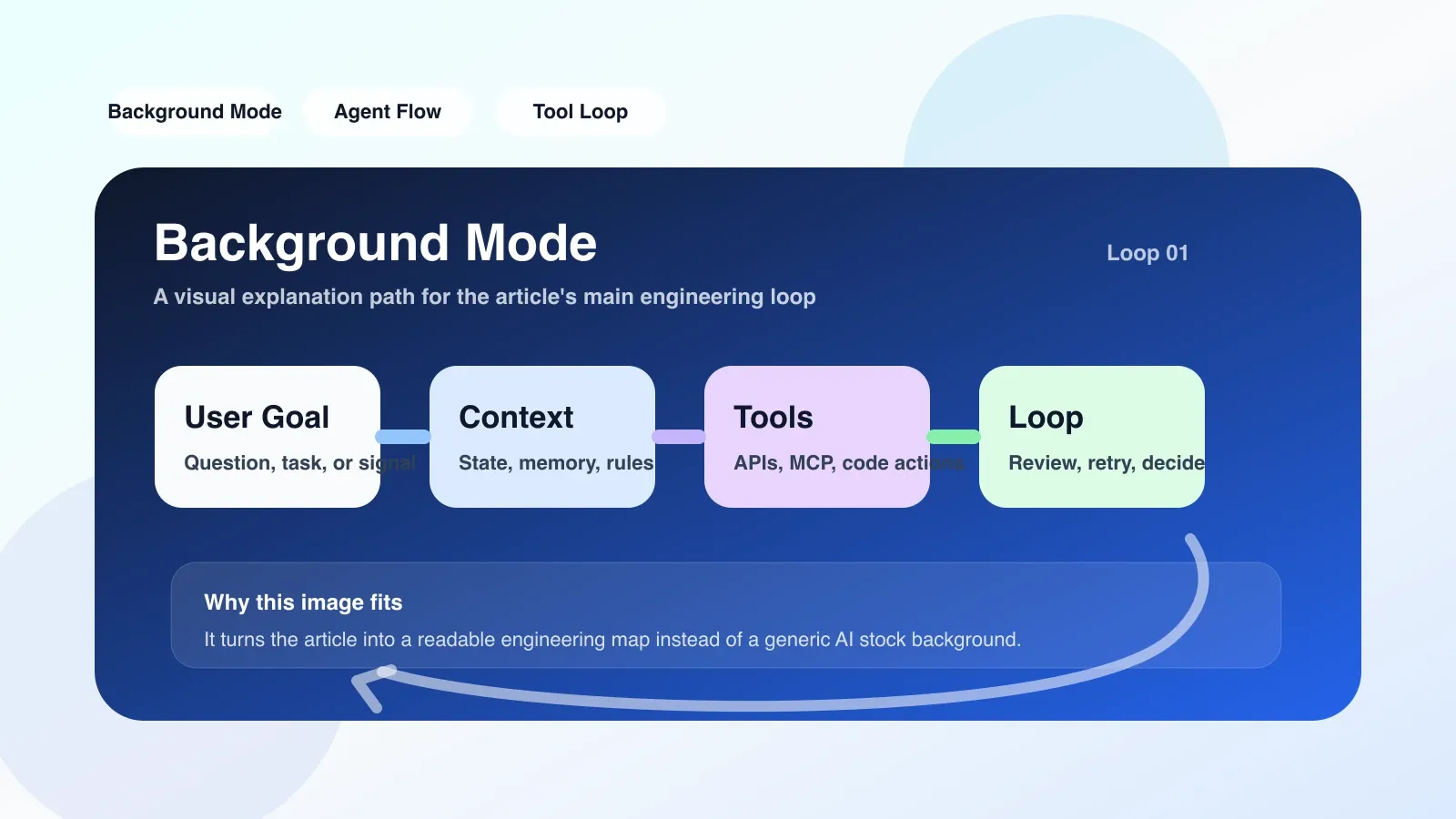
If you want to land now, what should you do first?
1. Define the first task using checklist mode
Don't try an end-to-end workflow right from the start. Choose a task you manually perform every day and whose results can be automatically verified. For example: "Before merging branches, check whether all newly added HTTP endpoints have authentication guard." ”
Write it as a prompt, then configure the trigger conditions in the Background Mode task template (for example, before git commit or merge).
Note: The task prompt must include both the "output format" and the "validation condition." For example, "List all endpoints without Authentication Guard, labeling each endpoint with file path and line number; If there are no issues, output 'OK'. "This format allows you to quickly determine if AI is missing.
2. Resets the context after every 20 executions
This is an operation that is easily overlooked. The Background Mode depends on the dialogue model that accumulates all previous inputs and outputs, including errors and corrections. If you notice a drop in output quality in recent times, check whether the context length exceeds the threshold (usually the effect drops significantly after 8K-16K tokens). Resetting simply clears the history but retains the task configuration itself.
3. Conducting a "human-machine control experiment"
During the first 2 days of running the first task, you must manually review every AI output and compare it with the results you performed manually. Key points are to record two types of differences: AI what was missed, AI which were falsely reported. Feed these issues back into task prompts, for example: "Do not misjudge logger output as hard code; Note that some endpoints use Middleware for unified authentication, so you don't need to write a separate guard for each handler.
This step determines whether Background Mode helps you improve efficiency or plant a mine. An uncalibrated AI workflow, once you relax the review, starts producing erroneous outputs that you don't notice, and the cumulative consequences can be severe.
Where to Go Next: Continue Systematic Learning
Background Mode is just one part of the AI programming workflow. To truly use it well, you need to understand the underlying AI context management, task orchestration, output quality evaluation, and the differences and pitfalls of various tools (such as Cursor, Copilot, Windsurf) in implementing Background Mode. This knowledge is tied to your daily development process and is worth learning systematically.
No comments yet. Be the first to share your thoughts.