
Why you should revisit MCP server selection now
Since the release of the Model Context Protocol standard, a large number of MCP server implementations have emerged on the market. When you search for "best mcp servers" you will see dozens of repositories on GitHub, various comparison tables, and community recommendations. But the problem is: most recommendations only list functions and quantities, and do not clearly explain what role the MCP server plays in the real Agent workflow.
If you just want to run through a demo quickly, then any popular implementation will suffice. But when you have actual engineering requirements - such as the need to access databases, file systems, and third-party APIs at the same time, and require low latency, high reliability, and observability - you will find that many servers in the "best" list simply cannot hold up in the real environment.
This article does not make empty rankings. Instead, we start from the implementation principle and help you establish judgment criteria: what kind of MCP server is really suitable for you.
MCP The core contradiction solved by the server
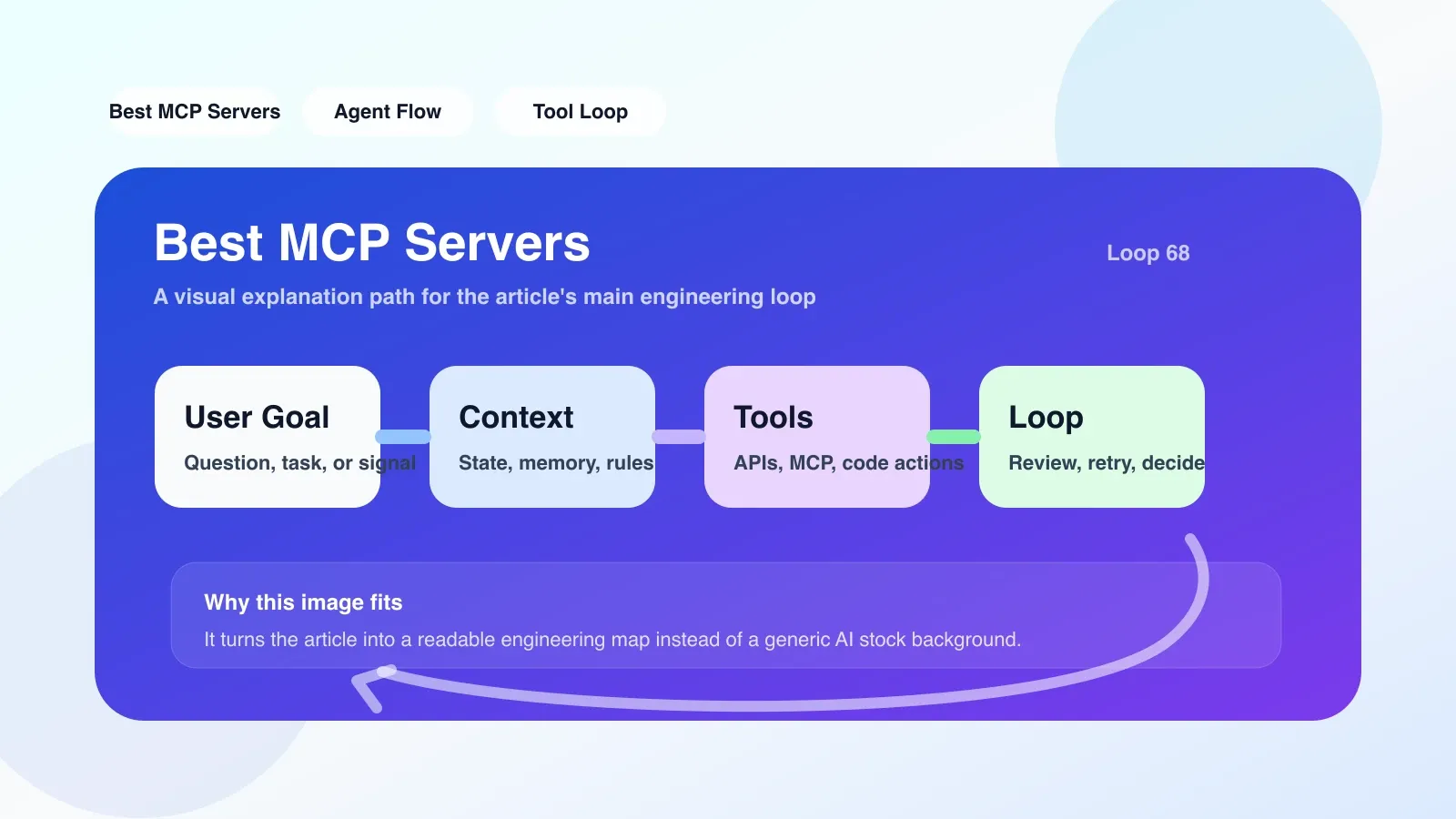
In the Agent workflow, LLM itself cannot directly call external tools - it cannot read files, make HTTP requests, or query the database. MCP The server was born to solve this contradiction: it packages any tool into a standardized interface and allows the Agent to call these capabilities through a unified protocol.
The specific workflow is as follows:
- The Agent (such as Claude, GPT, or local model) issues a tool call request, and the format follows the MCP protocol.
- MCP The server receives the request and parses out the tool name and parameters.
- The server performs real operations (read database, call API, execute script).
- Format the result and return it to the Agent.
The whole process seems simple, but a failure can often expose underlying problems.
A real landing scene
In an automated report generation project, we let the Agent query sales data from PostgreSQL every day, generate charts, and upload them to the internal Dashboard. During the initial selection, we chose MCP server x (pseudonym), which had the highest GitHub star rating at the time, because it claimed to "support any database".
Everything was fine for the first three days. On the fourth day, the Agent continuously returned error reports, prompting "Connection timeout". After troubleshooting, it was found that when the x server processes a long query (more than 5 seconds), the connection will be suspended until timeout by default without an internal retry or timeout notification mechanism. What's more fatal is that it will pass the timeout error to the Agent as "Tool call failure", causing the entire workflow to be interrupted, and the human developer has no idea that it is a database load problem.
This case illustrates: **Just looking at the function list is not enough. ** Real engineering requirements require MCP servers to have reliability, observability, and complete error handling.
The most common areas of failure and common misunderstandings
In community discussions and my own practice, I found the following three pitfalls that almost everyone will encounter:
Pit 1: Treat the MCP server as a universal gateway
Many developers feel that the MCP server automatically handles all tools (files, APIs, databases). In fact, each type of tool requires specialized adaptation code. If a project claims to "connect any service with one line of code", there is a high probability that it only has a Demo-level implementation.
Pit 2: Ignoring concurrency and resource management and control
The Agent may initiate multiple tool calls at the same time. Many MCP servers are not designed with concurrency in mind, resulting in request queuing or even packet loss under high load. Especially when tools involve file writes or state modifications, concurrency issues can cause data races.
Pit 3: No local test environment
Ideally, you should start a combination of Agent and MCP servers locally and verify the return format of each tool. However, most people debug directly in the production environment, and it is difficult to roll back after a problem occurs.
Fallback plan in case of failure
When you find that the current MCP server does not meet your needs, there are the following alternative paths:
- Return to self-built simple implementation: If you only need to call two or three fixed APIs, writing a simple Flask or FastAPI service and manually processing the input and output formats is more stable than tossing a complex MCP framework.
- Adopt a universal bridge solution: Use the OpenAPI-to-MCP converter to convert the existing REST API description file into a MCP compatible interface to avoid writing the adaptation layer from scratch.
- Downgrade to local Function Calling: If MCP the protocol itself becomes a bottleneck (for example, the delay is too high), you can temporarily return to the LLM native Function Calling mode and give up protocol standardization in exchange for higher controllability.
If you want to land now: the first step of practical path
Here is a proven three-step plan:
Step 1: Make a list of tools that must be connected
First draw a table: which tools are the backbone of the Agent workflow (such as databases, search engines, code warehouses), and which tools are icing on the cake (such as sending emails, notifications). Backbone tools must be reliable as a priority.
Step 2: Do smoke testing in an isolated environment
Set up an independent test environment. The Agent uses a local model (such as Llama or GPT-4-mini), and the MCP server is connected to the real service. Construct key test cases:
- Can normal requests return the correct format?
- After a timeout or error, can the Agent get structured error information?
- If I send 10 parallel requests in a row, will there be packet loss or data loss?
Step 3: Do a good job of observability
Add request logs, elapsed time records and error tracking to the MCP server. It is recommended to use the OpenTelemetry standard so that Grafana or Datadog can be connected later. Once there is a problem in the production environment, you can quickly locate which tool call failed.
Next step: Systematic learning of Agent project
When you complete the above implementation steps, you will find that you have stepped on many pitfalls, but you have only mastered a single mode. To systematically understand the MCP protocol, tool orchestration, context management and loop control in Agent workflow, a more complete knowledge system is required.
No comments yet. Be the first to share your thoughts.