
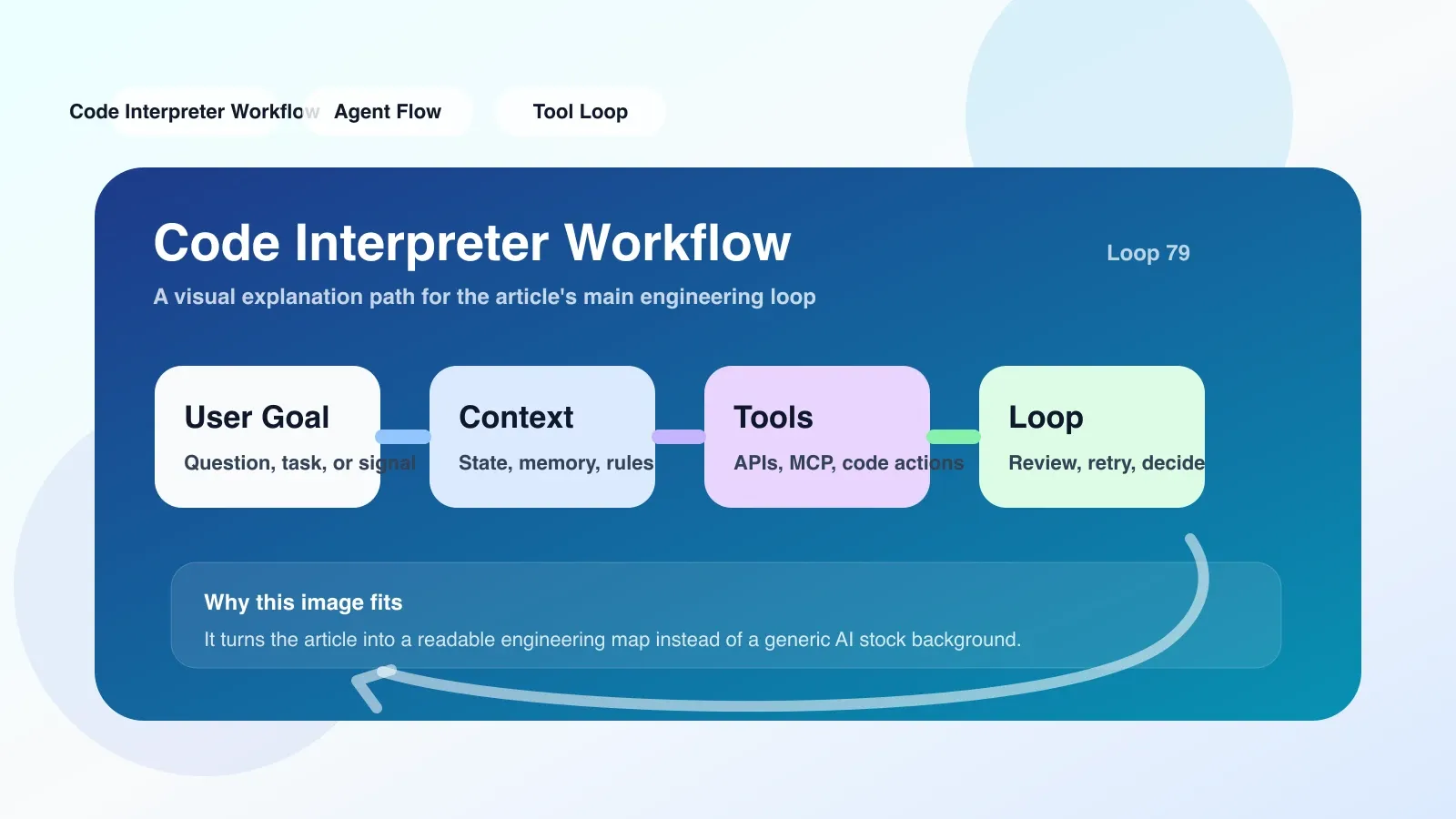
Why You Must Understand Code Interpreter Workflow Now
By 2025, AI Agents are shifting from "chat assistants" to "automated execution engines." One key capability is enabling large models to write code, run code, and automatically iterate based on results. At the core of this loop is the Code Interpreter Workflow. If you treat it merely as a tool for "writing Python scripts," you miss its true value in engineering—it allows Agents to autonomously program, debug, and validate in a controlled sandbox, thereby solving structured tasks such as data processing, chart generation, and web crawler scripting.
What problems does it solve in real engineering?
Code Interpreter Workflow addresses the "gap between large models and real computing environments." The model excels at generating text but cannot directly operate operating files, install packages, or run code. Workflow bridges this gap through the following mechanisms:
- Secure Sandbox: Each request starts an isolated container (such as Docker), with code running inside the container and not affecting the host environment. Containers usually have resource limitations (CPU, memory, disk), network limitations, or only open whitelist addresses.
- Stateful Sessions: Workflow can maintain variables, files, and installed libraries within the same session. For example, the first round generates a CSV file, and the second round can be read directly. However, note that sessions have timeout times (such as 10 minutes), and if exceeded, the state is lost.
- Automatic Error Fixing: When code execution errors occur, Workflow sends error messages (traceback) back to the model, allowing the model to modify and re-execute the code itself. This loop is by default retried up to 3 times in the implementation of OpenAI.
- Output Capture: Standard output, file generation, and image rendering (such as matplotlib) can all be captured and returned to the model for the next round of decision-making.
For example: you need an agent to analyze Excel sales data and generate monthly trend charts. Traditional methods are manual, but Code Interpreter Workflow allows agents to write pandas scripts to read files, clean data, call matplotlib for drawing, and then return image links.
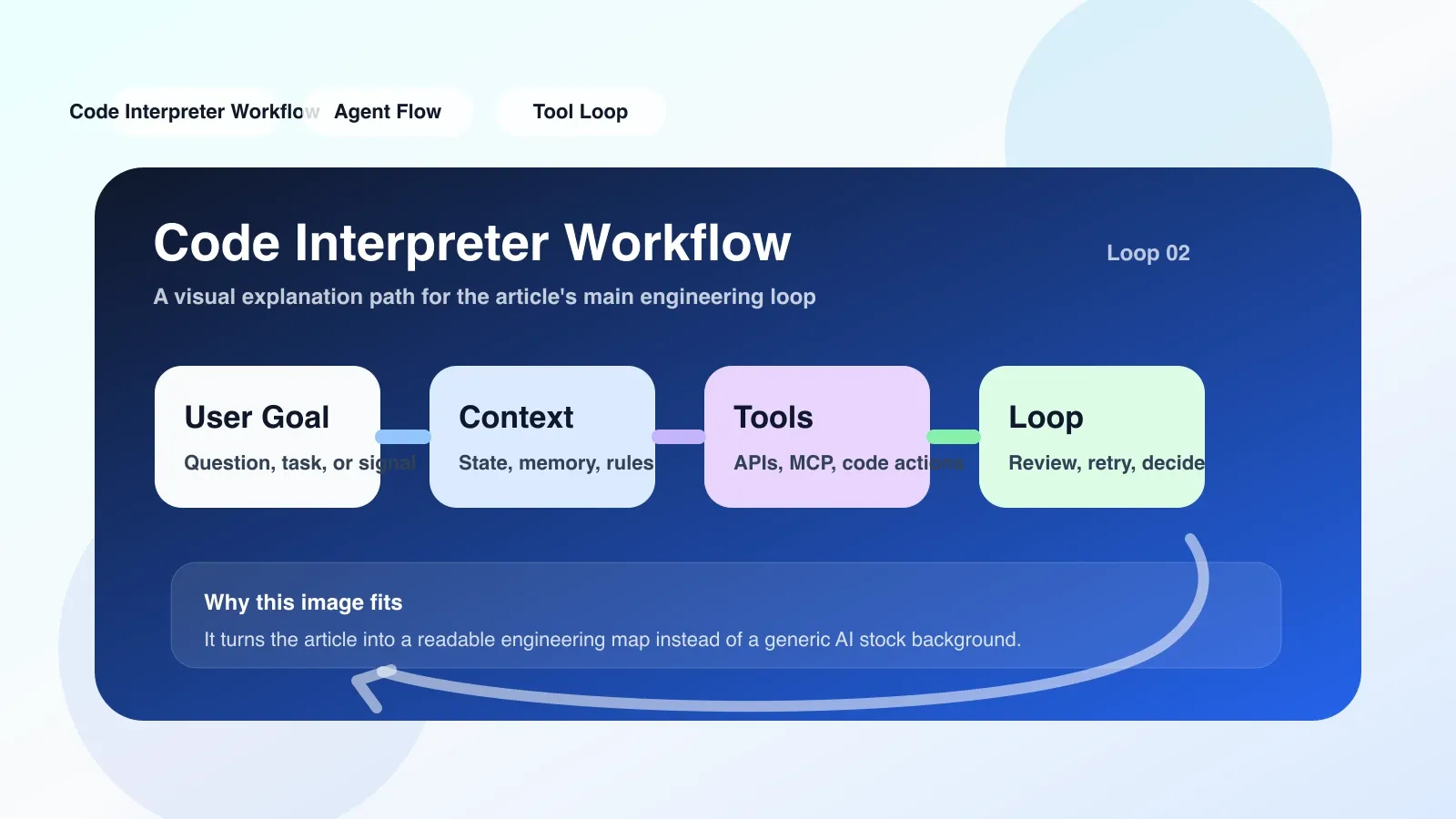
The Most Prone Areas for Failure and Misunderstanding
1. Status loss
This is the most common pitfall. Developers assume the code environment exists throughout the entire conversation, but in reality, the session times out (usually 5-15 minutes). If users don't send messages for a long time, or if the request volume is too high and the container is reclaimed, all previously installed libraries and generated files disappear. Solution: After each execution, the key file is uploaded to persistent storage (e.g., S3) and re-downloaded on the next execution.
2. Network limitations
Most Code Interpreter sandboxes by default prohibit external network requests, or only allow a few API endpoints. If the code needs to call external APIs (such as OpenAI, GitHub, it may fail directly. You must confirm the whitelist in advance or use an agent for relay.
3. Overly complex dependencies
Some Python libraries have complex compilation processes (such as TensorFlow), and installing them in the sandbox may take too long or even fail. Workflow usually only uses pre-installed libraries (such as numpy, pandas, matplotlib). Custom libraries require pre-installation or installation via requirements.txt, but the time window is limited.
4. The code loops infinitely
If the model writes a while true, the sandbox will keep running until resources go out or time out. You should set strict timeout (for example, a 60-second timeout) during execution and catch timeout exceptions to retry or report errors for the model.
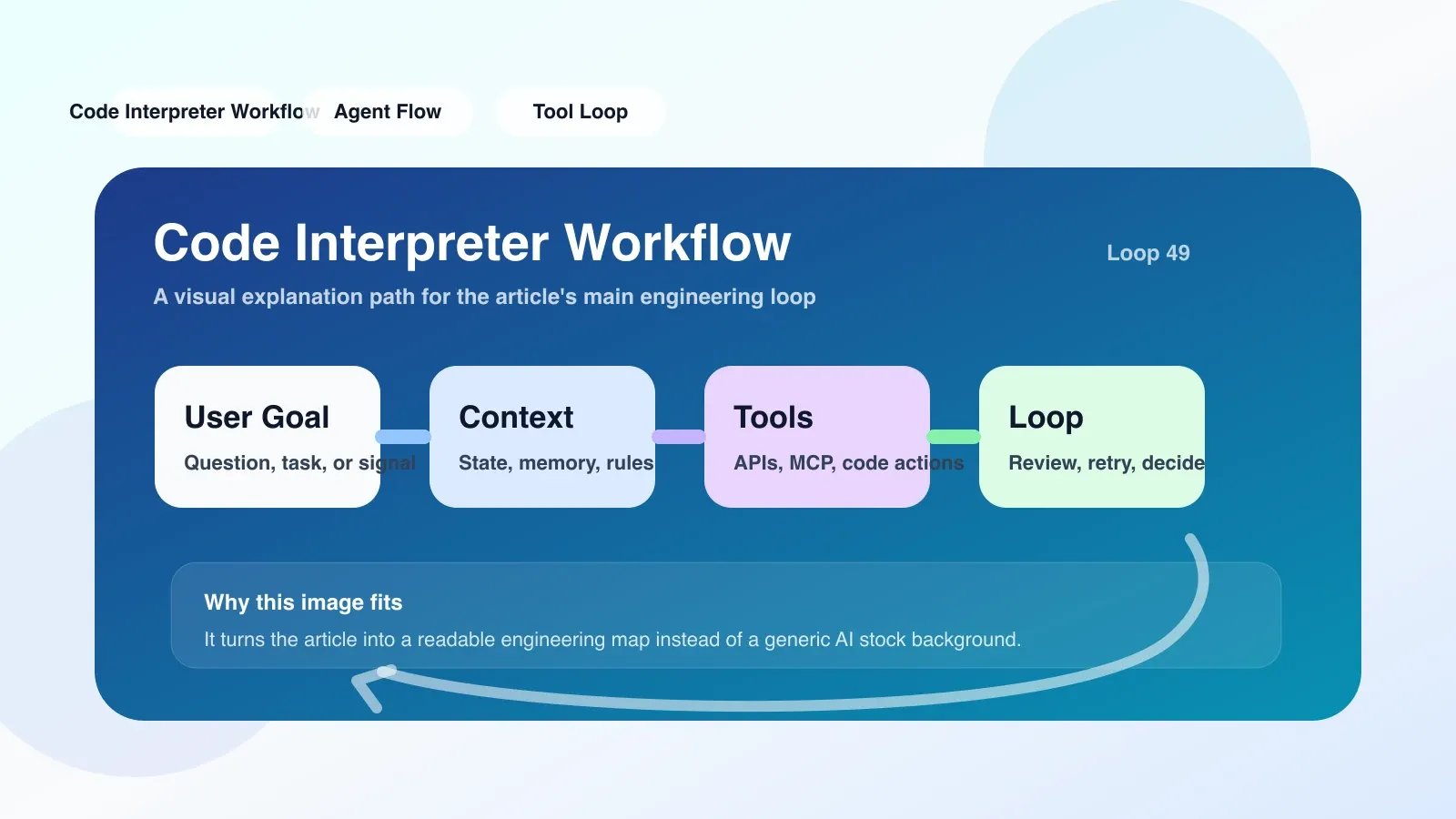
If you want to land now, what should you do first?
**The first step is not to write code, but to choose a reliable implementation entry point. ** If you are using the OpenAI Assistants API or ChatGPT's built-in Code Interpreter, just call it directly. But if you want to build your own, the following minimum viable path is recommended:
- Choose a sandbox runtime: Docker is the most mature; E2B (https://e2b.dev) or custom Docker containers are recommended.
- Define the API interface: receive code strings and optional file streams, and return execution results (stdout, stderr, file list).
- Set timeout and retry: execute timeout for 60 seconds at a timeout, retry 3 times.
- Integrate into your Agent workflow: In the Agent's "think-act-observe" loop, call this Workflow when the model decides "to run code."
Below is a minimalist Python integrated pseudocode:
def code_interpreter_workflow(code: str, retries=3):
    for attempt in range(retries):
        result = run_in_docker(code)  # 包含 timeout
        if result.stderr:
            code = model_fix_code(code, result.stderr)  # 让模型根据错误修正
        else:
            return result
    raise WorkflowFailure("重试耗尽")
Backup Plan in Case of Failure
When Code Interpreter Workflow fails repeatedly (such as dependencies failing to install or sandbox crashes), your agent should be able to gracefully downgrade:
- Output text code for users to run manually: Returns error messages and complete code, allowing users to execute locally.
- Switch to weak sandbox mode: Use stateless execution (do not retain files), only standard libraries are allowed.
- Trigger manual review: Send execution logs and error logs to administrators awaiting decisions.
Don't repeat the loop—record failure modes and skip similar scenarios next time.
Where to Go Next: Continue Systematic Learning
If you want to deeply master the design and quality control of AI programming workflows, and how to build a reliable Agent system, it is recommended to study structured courses systematically rather than fragmented materials.
Frequently Asked Questions
Who is Code Interpreter Workflow suitable for?
Suitable for developers who need agents to automate data analysis and scripting tasks, especially those building AI programming assistants, data analysis agents, or automated testing teams. Not suitable for pure front-end displays, zero-code scenarios, or operations with fixed processes.
What are the most common pitfalls in code interpreter workflow?
The most common are ignoring session state timeouts and sandbox network limitations, causing execution to fail halfway. Another pitfall is having the model write infinite loops without strict timeouts.
What are the backup plans when a Code Interpreter Workflow fails?
Degradation options include: outputting code for users to run manually, switching to a stateless sandbox that only runs standard libraries, or recording logs to trigger manual review.
No comments yet. Be the first to share your thoughts.