
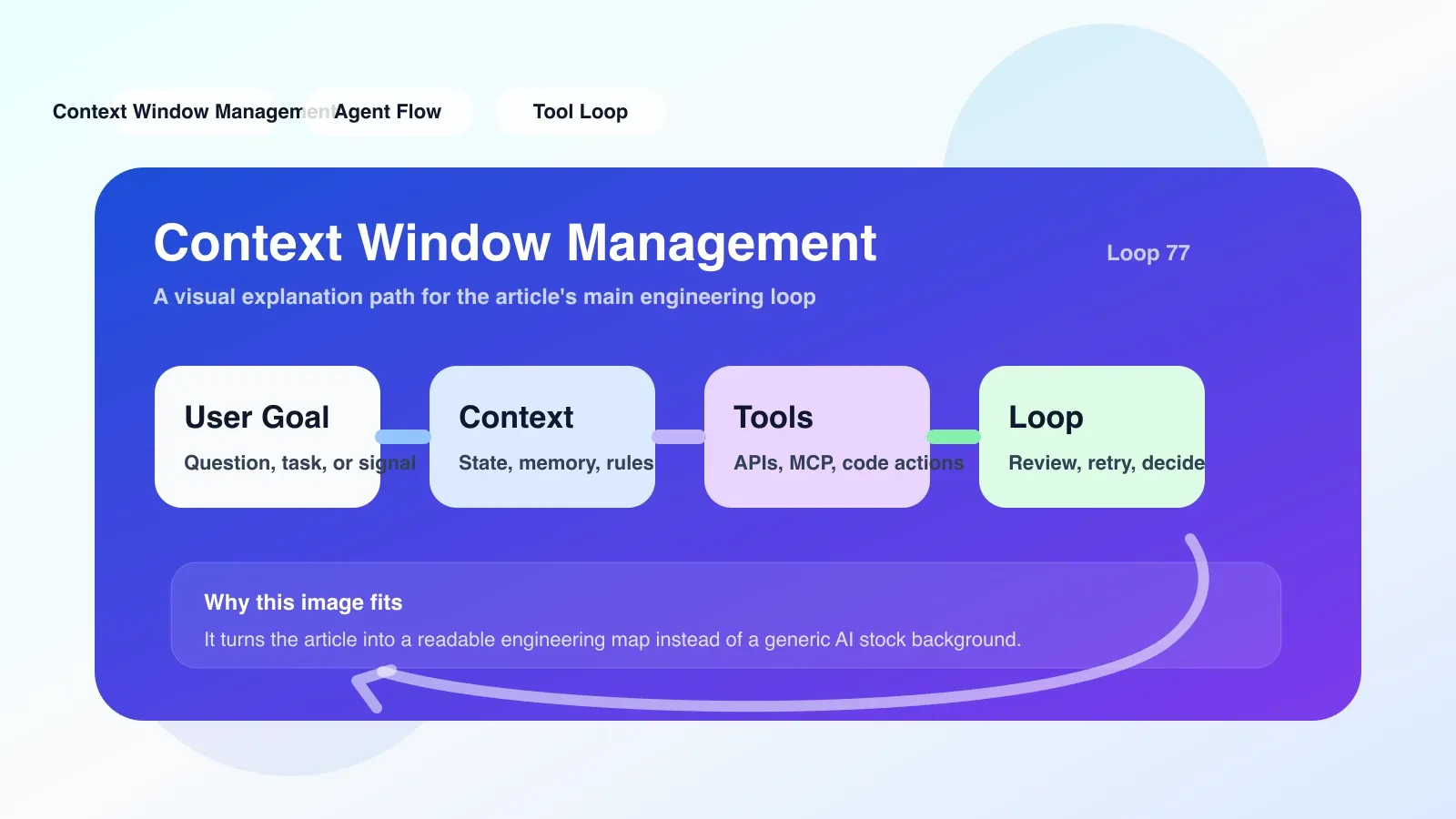
Why Context Window Management Is Not a Simple "Truncation"
You are running a multi-step Agent loop: the agent first reads the user's requirements, then calls the search tool to obtain information, then calls the code interpreter to process the data, and finally generates a report. After a few rounds of interaction, you notice the Agent starts repeating its own words or simply "forgets" the original goal. The problem is usually not the model itself, but the context window management strategy—you cram too many things into it without distinguishing what should be remembered and what can be abandoned.
The core contradiction of context window management is that the model can handle only a limited number of tokens (e.g., 128k), but the dialogue history, tool call records, and intermediate results generated by the Agent workflow may far exceed this limit. Simply sliding the window at the tail will cause the Agent to lose early key instructions or tool outputs. A prioritization strategy must be designed to clearly define which information must be retained, which can be compressed, and which can be discarded.
What problems does it actually solve in real engineering?
Keeping Task Focus: Avoiding Agent "Distractions"
When an Agent performs a task requiring more than 5 steps, each step can generate a lot of context. Without management, the Agent may start "focusing on" an irrelevant detail in step two in step three, rather than the final goal. By maintaining a fixed-length "target context," keeping users' original requirements, current completion status, and next steps always visible at the top of the window, task deviations can be significantly reduced.
Controlling token costs: Not all history is worth keeping
Each API call is charged by tokens. Preserving the full history means every request wastes the budget. For example, a tool call returns a log of 5,000 tokens, but only a summary of 200 tokens is useful. Therefore, implementing compression or summarization immediately after tool returns, rather than saving as is, is key to cost optimization.
Avoiding Model Illusions and Repetition: Remove Noise
When the context window exceeds 75% capacity, the model is more prone to hallucinations, especially for early information far from the head. By actively cropping irrelevant content and keeping the window below 50%-60%, a high quality of content recall can be maintained.
The Most Prone Areas for Failure and Misunderstanding
**Misunderstanding 1: The larger the context window, the better the Agent behaves. ** The fact is, even if the model supports 200k tokens, agents significantly reduce their attention to early information above 50k. A larger window only delays the time when you need to trim, but it doesn't exempt you from cutting.
**Misunderstanding 2: Cropping only the "middle" content is enough. ** Many developers only crop conversation history, ignoring the information that may be included in tool call output. A common failure point: After the agent calls the database query, it returns 10 records, but you only keep the first record, causing the agent's subsequent derivations to be based on incomplete data. The correct approach is to evaluate the "information value" of the tool's output, keeping the summary or key fields rather than the entire output.
Typical failure scenario: An agent is configured to generate market analysis reports daily. On the first day, everything ran smoothly. On the second day, the Agent found that the conclusions in yesterday's report conflicted with today's data, so it began "self-correction." However, the correction process introduced more history, and the context eventually became overwhelmed, causing the Agent to "become confused"—citing contradictory data in the report at the same time. Post-remission found that the first day's report was fully stored in context, and on the second day, the Agent could not determine which conclusions were "outdated," leading to duplication and contradictions.
If you want to land now, what should you do first?
Add a "Context Budgeting" module to your Agent workflow immediately and implement it by following these steps:
- Set Token Budget: Allocate a fixed token limit (e.g., 32k) for each Agent cycle. The budget is divided into three parts: system prompts (original goals + behavioral rules), conversation history (summary format), and tool results (last 2-3 steps).
- Implement summarization callbacks: After each Agent step, write the current result as a summary within 100 tokens into a loop buffer. The summary must include "what was done, what was gained, and the impact on subsequent actions."
- Embed the "Task State" variable: Always keep a JSON field
{task_status: 'completed_steps/[total_steps]', current_focus: '...'}in the context header for each iteration update. When reading context, agents prioritize reading the head to keep their goals consistent. - Monitor window utilization: Before the next loop starts, check the current window ratio. If it exceeds 70%, perform a deep crop: remove all original tool outputs from more than 3 rounds (keep only the summary). If the dialogue history exceeds 5 rounds, keep only the last 3 rounds of original dialogue and summarize previous content in one or two sentences.
You can directly find an existing Agent framework (such as LangGraph, AutoGen), modify their memory components, and add the above budget logic. Note: Do not attempt to achieve perfect cropping in the first version; first ensure the Agent runs stably, then gradually optimize the clipping threshold.
Where to Go Next: Continue Systematic Learning
Context window management is just one part of the Agent project. To systematically master the design of Agent workflows, you also need to understand error recovery in Agent loops, tool selection strategies, memory persistence layers, and so on. You can check out articles under the AI engineering category on this website, where you can find the complete path from basic to advanced. If you want to transition from an ordinary developer to an Agent engineer, the next step in this content should be to move into more systematic original paid articles or courses, such as the "Agent Workflow In-Depth Analysis" series, which will guide you step-by-step to build a production-grade agent from scratch.
No comments yet. Be the first to share your thoughts.