
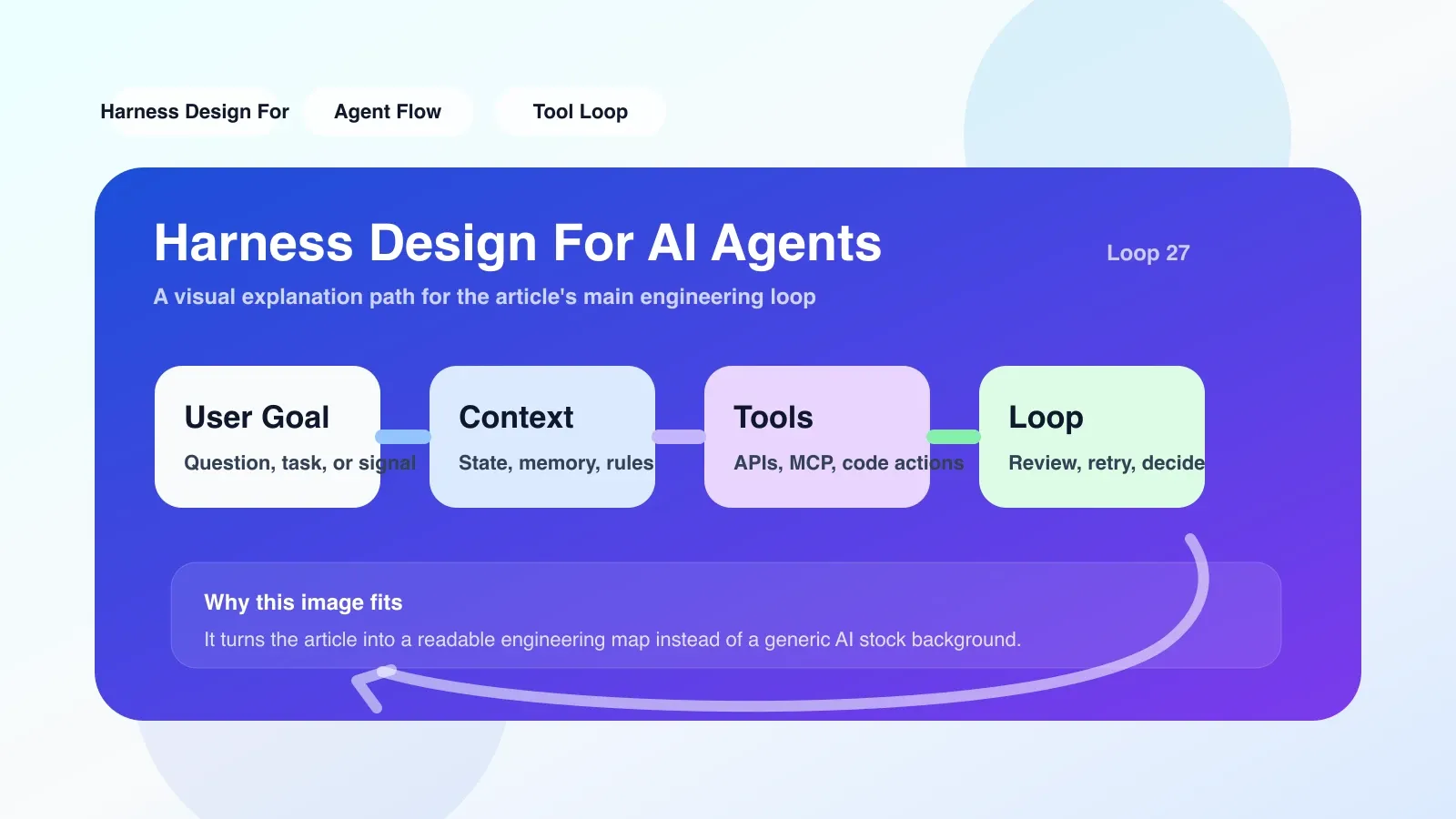
A real Harness link: let it run, and then let it output
Suppose you are building a code review agent. Its core task is to use LLM to analyze PR diffs and then generate a pass or fail conclusion. You don’t want to literally open the editor, create a PR, and wait for a GitHub webhook every time you test — you need a Harness.
The core idea of Harness Design for AI Agents is to isolate the Agent's execution process from the external world, and use controllable inputs and assertions to verify its behavior. This link is divided into three steps: Mock input → Execute Agent → Assertion output.
Step one: Mock input instead of real external call
The most common mistake is to directly connect the Agent to the real API. Harness does this by recording or faking external responses in advance. For example, for code review agents, you need to mock GitHub's PR data, diff content, and even LLM returns.
An easy failure: the mock data is too clean. PR comments in the real environment may contain @mention, blank lines, and garbled characters. If the harness only uses well-formatted samples, the Agent will have various accidents in production. The correct approach is to include at least 3 variations: a normal diff, a diff with a lot of comments, and a diff with some files deleted.
Step 2: Let the Agent execute in Harness and collect complete logs
Don't just watch the print output in the terminal. Harness should capture every step of the Agent's thinking chain, every tool call, and the final decision. For example, your Agent may call two tools analyze_diff and check_style internally, and Harness needs to record the input, output, and time consumption of each tool.
An executable approach: embed structured logs in the Agent code and output the context of each step in JSON format. When testing, Harness can both assert the final result and check whether intermediate steps are reasonable. For example, assert whether the return of analyze_diff contains function signature changes.
Step 3: Assert output, not just "pass/fail"
Simply asserting whether the Agent's final output is pass or fail is not enough. Harness should allow you to examine the structure, content and even tone of your output. For example, for a code review agent, you can assert:
- Output must contain the
approved: true/falsefield - If there is a security vulnerability in the diff, the comment must contain the word "vulnerability"
- If the diff involves only documents, the Agent must skip review
An easy failure: assertions are written too specifically, resulting in strong coupling between the harness and the agent. Once the Agent's output format is adjusted, the harness will be completely down. It is recommended that assertions be defined at the interface layer, using a schema (such as Pydantic or JSON Schema) instead of hard-coding field paths.
Real scenario: From GitHub PR to local Harness
One of my colleagues used Harness to test his code review agent. He mocked a PR diff that included a SQL injection fix, expecting the Agent's approve to be true and "LGTM" to appear in the comments. On the first run, the Agent did approve, but the output was "Looks good to me", and the Harness assertion failed because the case case did not match. He fixed the prompt to require the Agent to always use "LGTM".
This small example shows that Harness can not only verify functional correctness, but also verify behavioral consistency. If these boundaries are not set in harnees, the Agent may confuse users with different representations after it goes online.
Easy failures and misunderstandings
- Misconception: Harness is a testing framework. In fact, Harness is closer to a controllable, repeatable runtime environment than just an assert tool. It manages mocks, logging, assertions, and even the Agent lifecycle.
- Trap: Mock data is missing edge cases. The real LLM may return very long text or empty content, and these values need to be overwritten when mocking.
- Trap: Ignoring timing dependencies. Some agents rely on the time interval between steps, and if the harness is accelerated, the behavior may change. If necessary, a virtual clock can be introduced into the harness.
If you want to land now, what should be the first step?
- Select a simple Agent - such as a single-tool, single-task Agent (such as an Agent that queries the weather).
- Use Python to write a Harness class, including three methods
set_mock_response,run,assert_output. - Record 3 different real user queries and manually construct the corresponding mock input.
- Run Harness and check whether the Agent output is as expected.
- Deliberately introduce an error (for example, a necessary field is missing from the mock) and observe whether Harness can catch the failure.
After completing these 5 steps, you will have a set of reusable Harness baselines. You can then expand the assertion granularity, introduce log collection, etc.
Where to go next to continue systematic learning
If you have already practiced the above steps, you need to learn next: how to integrate Harness into the CI/CD pipeline, how to design Harness for multi-agent collaboration scenarios, and how to combine Harness with observability tools (such as Langfuse). High-quality original paid articles and AI advanced programming courses will cover these contents and help you systematically transform from an ordinary developer to an Agent engineer.
No comments yet. Be the first to share your thoughts.