
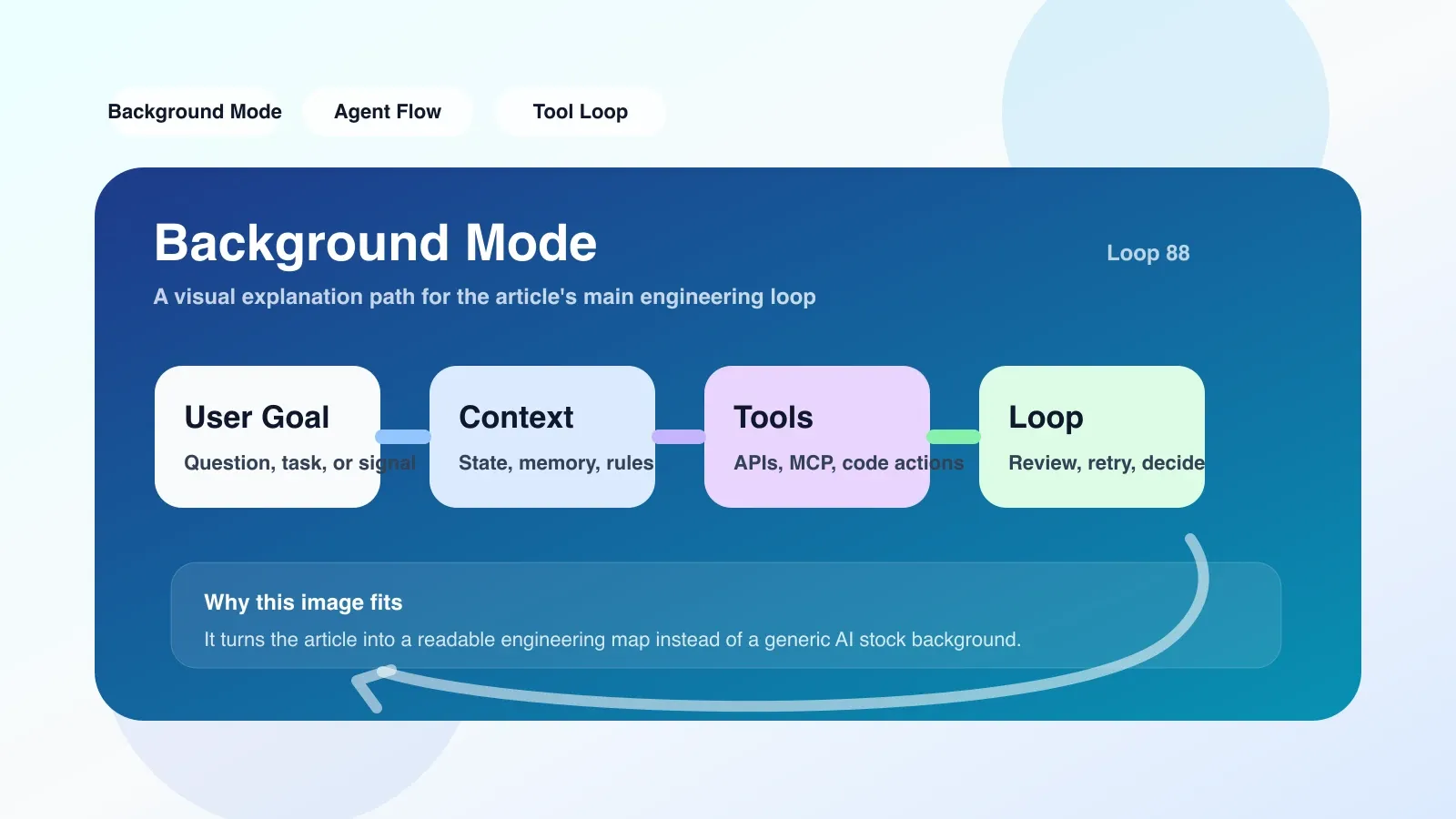
Real scenario: Blockage caused by a code review
Let's say you're reviewing a pull request with the AI assistant: you need it to analyze all change files, check for potential bugs, and make recommendations. In traditional mode, you have to wait for it to process file by file, and you can't do anything else in the meantime. When you're working on a large PR with 50 files, this wait time can add up to over 10 minutes, a complete productivity black hole.
Background Mode was born to solve this kind of problem. It allows the AI agent to submit tasks to run in the background, and you can switch to other work during task execution, such as writing new code, reading documentation, or replying to messages. After the task is completed, the system will remind you to check the results through notifications or logs.
Implementation principle of Background Mode
The core of Background Mode is a task queue and asynchronous execution engine. When the user triggers a long-running AI task (such as code analysis, cross-file refactoring, test generation), the system will not block the current session synchronously, but:
- Task serialization: Package user requests and context (such as file list, conversation history, configuration parameters) into an independent task unit and insert it into the global task queue.
- Scheduling Execution: The background worker process pool pulls tasks from the queue according to priority and resource limits, and executes them in an isolated sandbox environment. The execution phase may involve calling LLM APIs, running static analysis tools, handling file I/O, etc.
- Result writeback: After the task is completed, the results are stored in a persistent storage (such as a database or file system), and a callback is triggered or an event is sent to notify the front end. The front end receives status changes via polling or WebSocket and displays the results in a task panel or log.
Key engineering details:
- Concurrency Control: The number and resource consumption of background tasks must be limited to avoid slowing down the overall response of the editor. A common practice is to limit the LLM API call rate and set a timeout (such as 5 minutes) for each task.
- Context Isolation: Each background task has an independent temporary directory and environment variables to prevent file conflicts or status pollution between different tasks.
- Progress feedback: If the task has staged output (such as file-by-file scanning), the intermediate results will be pushed in real time in the background, so that users do not have to wait until it is completely completed to see partial progress.
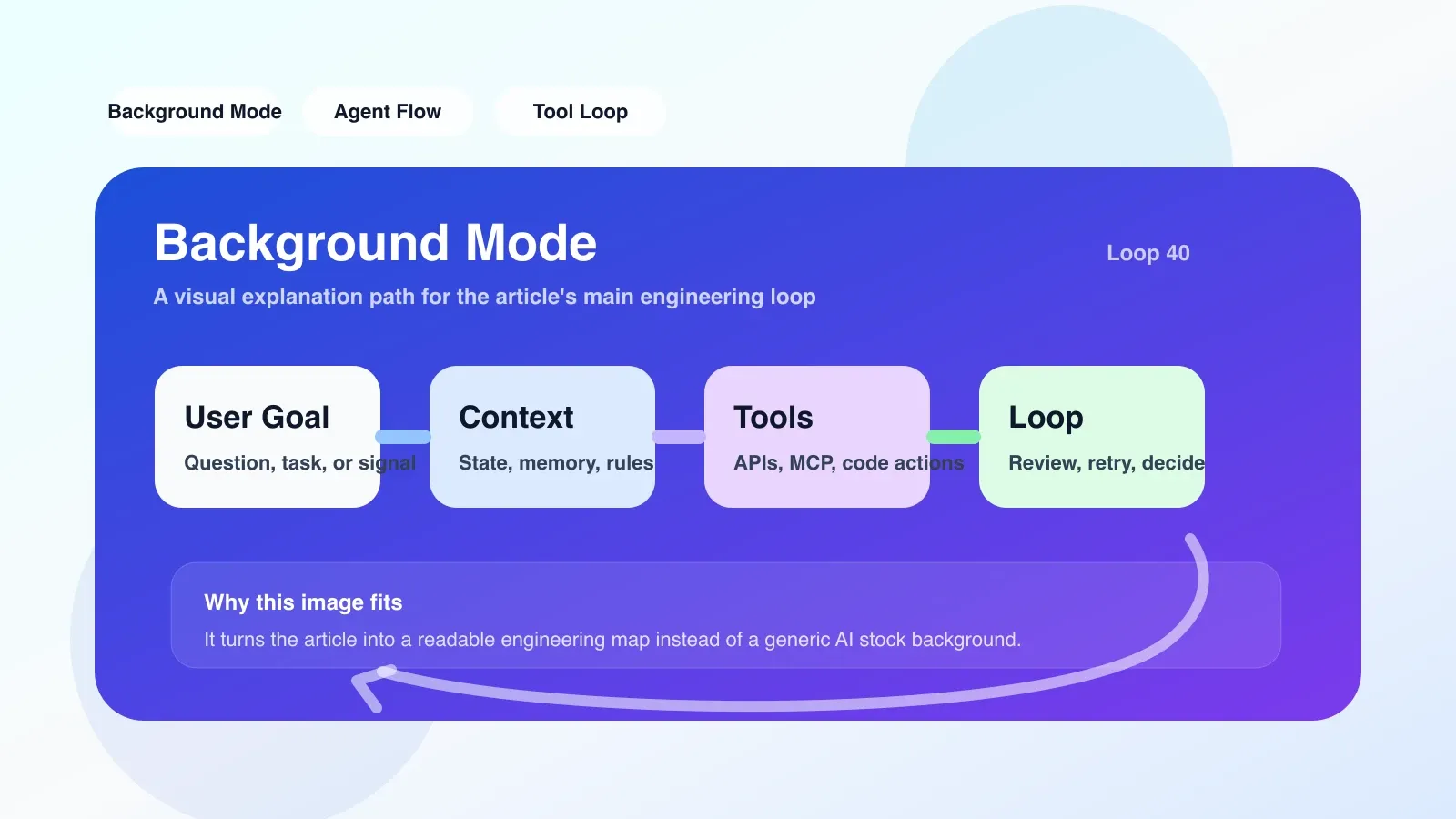
The easiest pitfalls: task conflicts and deadlocks
A common mistake made by newbies is to start multiple background tasks that modify the same file at the same time. For example, task A is refactoring auth.ts, and task B is simultaneously trying to add new functions to the same file. Eventually, the file content is overwritten or a merge conflict occurs, resulting in both tasks failing.
Root cause: Background Mode usually does not lock file-level resources. If the editor itself does not support the file locking mechanism (such as Unix flock), or the background agent is not designed with mutual exclusion logic, a conflict will occur.
Solution: Declare a "resource inventory" in the task definition. The background scheduler checks whether the resource is occupied before execution, and queues the task if there is a conflict. Or use the "workspace snapshot" mechanism, each task operates a copy of the branch, and the user manually merges it after completion.
Another common failure scenario is that background tasks are silently dropped due to LLM API timeouts or rate limits. For example, when an API returns a 429 error, a simple Background Mode implementation might simply drop the task without retrying, without the user knowing. Better implementations will retry 2-3 times and set exponential backoff, while marking the task status as "retrying" on the front end.
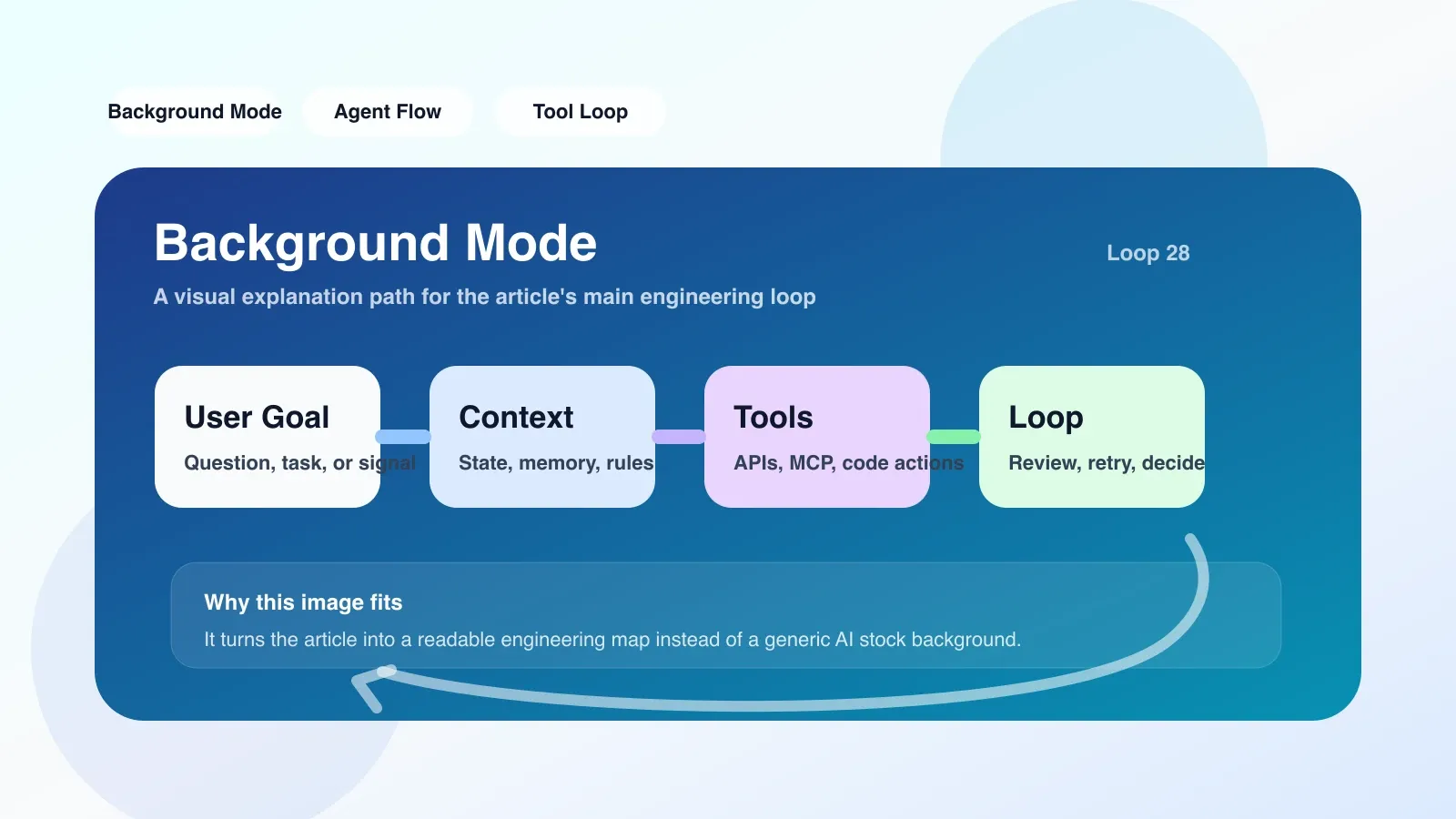
Applicable boundaries: when not to use Background Mode
Background Mode is not a panacea. Synchronous mode may be more appropriate in the following scenarios:
- Quick Query: If the task is expected to complete in 2 seconds (such as interpreting a line of code), the additional overhead of background scheduling (serialization, queuing, polling) actually increases the delay.
- Strong interactive dependencies: If the task results need to be used immediately for next-step decisions (such as inline completion), synchronous flow is more natural.
- Extremely Constrained Resources: On low-end devices with tight memory or CPU, multiple background processes may cause the editor to freeze or crash.
A typical mistake: An engineer enabled Background Mode for all AI operations, including simple queries such as "explanation of variable scope". As a result, the delay of each request was increased by at least 1.5 seconds, and the user experience was degraded.
Actionable Practices: Implementation Checklist
When you plan to integrate Background Mode in your AI workflow, please check the following points:
- Define task granularity: Classify tasks according to their time consumption, and only those tasks that take more than 5 seconds will enter the background queue.
- Resource declaration: Each task lists all the files it wants to read or write, and the scheduler resolves conflicts accordingly.
- Timeout and Retry: Set a global timeout (such as 10 minutes) for each task and implement exponential backoff retries for API-level errors.
- Progress Visualization: Display a list of running tasks in the editor status bar or sidebar, and support cancellation and log viewing.
- Test conflict scenario: Write integration tests to simulate multi-tasking concurrent modification of the same file to verify whether conflicts are handled correctly.
Many AI programming tools (such as Cursor, Windsurf) have included Background Mode as standard, but users still need to pay attention to the above details when customizing workflows. If you're developing your own AI plugin or proxy system, these principles can help you avoid classic minefields.
From Background Mode to efficient AI workflow
After understanding the principles of Background Mode, you may want to further master how to design the entire AI programming workflow—from context management and permission control to evaluation and iteration. This is not only a tool level, but also an engineering method.
The "AI Advanced Programming Course" system covers these topics: including multi-agent collaboration, context window optimization, workflow testing and failure recovery strategies. The course contains a large number of real-life cases and step-by-step configuration exercises.
No comments yet. Be the first to share your thoughts.