
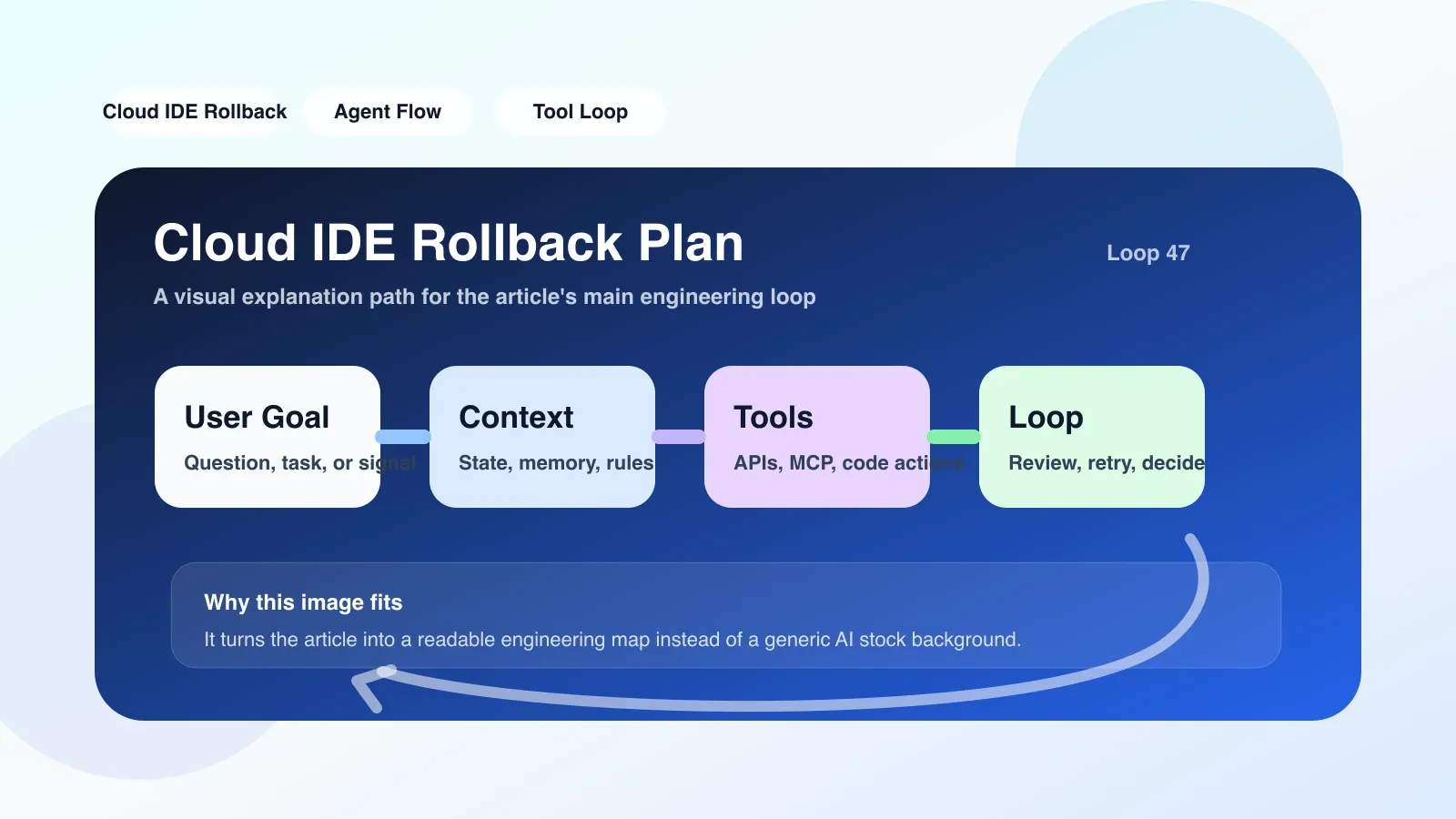
Rollback is more than just "undo save"
In the local IDE, press Ctrl+Z to undo the last edit. But in Cloud IDE, especially when combined with the AI Agent's coding workflow, the rollback plan (Rollback Plan) is far more than just "undo". The editor, terminal, and file system of Cloud IDE all run on the remote server. AI Agent may modify multiple files, execute commands, or even start background processes at the same time. Once an agent's correctness goes wrong—for example, a syntax error is generated, a configuration file is corrupted, a dependency is mistakenly removed—a simple file-level undo is often not enough, because the side effects may have spread to the runtime environment, build artifacts, or database state.
A real rollback plan is a set of automated processes that define rollback boundaries, status snapshots, dependency restoration, and verification steps. It allows developers to restore the entire workspace (including file contents, execution history, environment variables, and installed packages) to a known safe state.
Core mechanism: Checkpoint + Action Log
Under the hood, Cloud IDE's rollback plan relies on two key components:
- Checkpoint: Saves a complete snapshot of the entire workspace periodically or on demand, including the file system, terminal history, environment variables, and the state of running processes.
- Action Log: records every atomic action performed by AI Agent, such as writing files, running commands, installing packages, and starting services. Each log contains action content, timestamp, execution results, and status differences before and after.
When rolling back, the system first locates the target rollback point according to the Action Log (usually the state before an Agent action is executed), then loads the snapshot corresponding to the Checkpoint, and then "replays" the actions (if any) that you do not want to lose between that point and the current moment in order. Strictly speaking, most implementations directly replace the entire workspace with a snapshot, so all changes made after the rollback point will be lost after the rollback - unless you manually choose to keep some files.
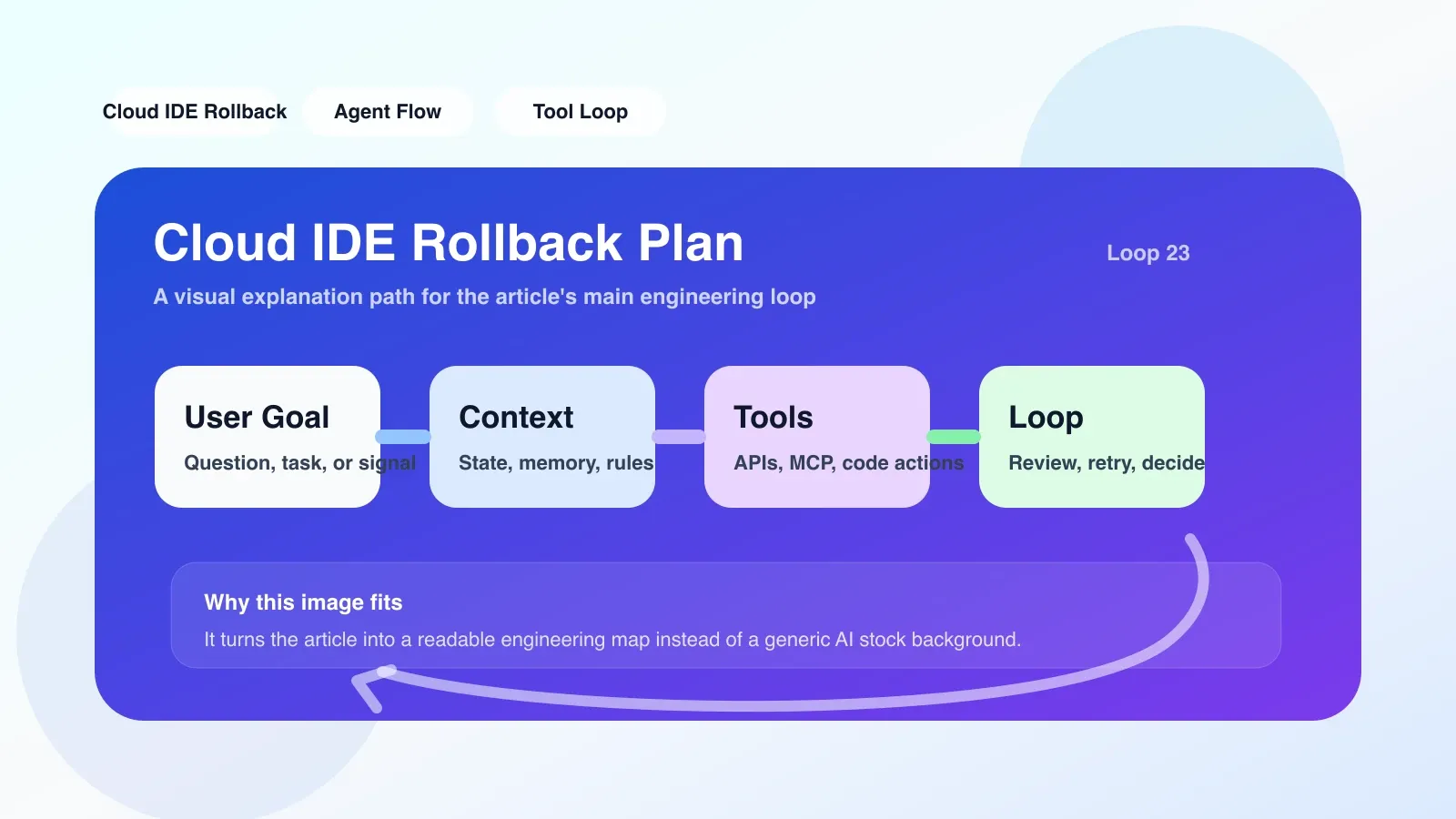
Real operation in AI encoding workflow
Suppose you run a AI Agent in Cloud IDE to automatically fix a bug for you. Agent's process is:
- Read source code and locate bugs
- Modify three files (
api.py,config.py,tests/test_api.py) - Install a new dependency package
requests-cache - Run unit tests
If the Agent modifies the correct files but adds incorrect code logic, causing the test to fail, you need to roll back. At this point the rollback plan will:
- Shows the Checkpoint created after step 1 (the "Start Repair" snapshot you triggered manually)
- Or the Agent automatically creates a Checkpoint before each key operation is performed (for example, before modifying a file)
- You choose to roll back to the state after step 1, and the entire workspace returns to the original state when the Agent was not involved.
- Packages including
requests-cachewill also be uninstalled and the environment will be completely restored.
Easy to fail: The Agent may perform API calls to external services (such as deploying to cloud functions). A rollback plan can usually only roll back the state within the workspace and cannot undo the side effects of external systems. If you do not manually create a checkpoint or record the external state before the key external operations performed by the Agent, the external system may still be in a modified state after the rollback, resulting in inconsistency.
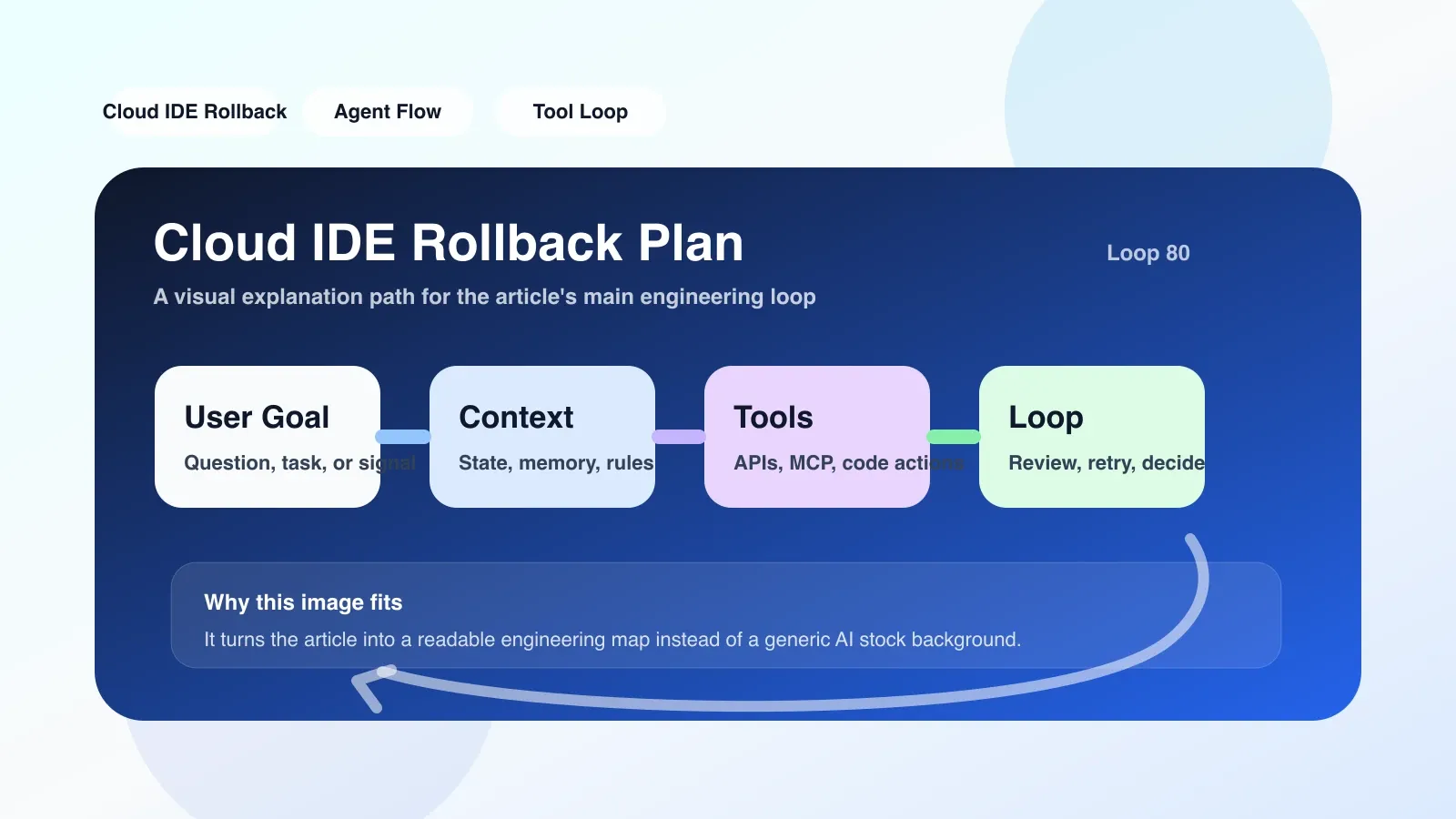
Applicable boundary: not all scenarios use the same strategy
Rollback planning is not a catch-all button. Its applicable boundary is determined by three factors:
- How self-contained the workspace is: Rollback works best if your project only relies on files in the workspace and locally running processes. If the project involves an external database, third-party API, or production environment, rollback requires additional cooperation with external state management.
- Checkpoint frequency: Cloud IDE that automatically creates checkpoints every 5 minutes can roll back to a more granular time point, but it will consume a lot of storage. Manual checkpoint relies on your operating habits and can easily miss critical moments.
- Agent's "side effects" scope: It is very simple to roll back an Agent that only modifies the code; but the Agent will clean up temporary files, modify environment variables, and start background workers, and the rollback plan needs to also cover these non-file states.
Practical Suggestion: When it comes to AI Agent automatic coding, it is agreed to manually create a Checkpoint before the Agent performs the following actions:
- Modify configuration file
- Run database migration
- Install or uninstall dependencies
- Call external API (at least record the call parameters and results)
Fallback plan for failure: manual rebuilding and version control
If the rollback fails (for example, the checkpoint is damaged, the environment is still abnormal after the rollback), you need a backup plan:
- Git-based version control: Cloud IDE usually integrates Git. If the Agent modification has been submitted,
git revertorgit resetcan be used. But Git cannot roll back untracked files (such as build products, installed packages). - Re-pull the project + restore configuration: Re-clone the project from the remote warehouse, and then manually restore the Cloud IDE environment configuration (such as
.envfiles, editor extensions, terminal settings). - Use cloud service provider's workspace snapshot: Some Cloud IDE providers (such as Gitpod, GitHub Codespaces) support lower-level disk snapshots that can be restored to any point in time. With these features, rollback is more reliable.
Scenario example: a failed Agent automatic reconstruction
I encountered a typical rollback problem when using Cloud IDE with AI Agent to refactor the backend code. Agents are asked to migrate Flask applications to FastAPI. It modifies routing files, model layers, dependency files, and even runs pip install to install new packages in the process. However, after migration, some API endpoints do not work properly. I tried to roll back to the checkpoint before the Agent started, but found that the dependent package list was not fully restored after the rollback - because of the package caching mechanism used by the Agent, some old packages were not marked as "installed". As a result, the workspace still reported an error after rolling back. In the end, I could only rely on Git commit history to manually roll back the file, and then manually restore requirements.txt.
This lesson helped me develop two habits in my future work:
- Manually trigger a Checkpoint before the Agent starts any action involving dependency changes.
- Each time the Agent completes a stage, let it create a temporary branch on Git and record a dependency snapshot of the current environment (
pip freeze > requirements.bak.txt).
Next step: Incorporate rollback planning into your AI coding workflow
Understanding the rationale and boundaries of a rollback plan is only the first step. To truly benefit from your daily AI coding work, you need to establish a rollback strategy that works with Cloud IDE: clarify which operations must be manually checkpointed, how to utilize the dual rollback capabilities of Git and Cloud IDE, and regularly test the reliability of the rollback process.
If you want to systematically improve AI programming efficiency, workflow design and quality control, you can continue to study the AI advanced programming course on the site to gain an in-depth understanding of practical skills including rollback strategies.
No comments yet. Be the first to share your thoughts.