
Why is Responses API a springboard to transform into an Agent engineer?
When many developers first come into contact with the Agent project, the biggest confusion is: "I can obviously adjust the chat completions of OpenAI, why can't I make an Agent that can check information, write code, and correct errors by myself?" The core gap is not in the API call itself, but in state management and multi-step coordination capabilities.
Responses API just fills in this link. It supports automatic context transfer for multiple rounds of dialogue, built-in tool calls (such as bing_search, code_interpreter), and can return structured intermediate steps. This means that you no longer need to manually splice multiple rounds of requests, save conversation history, and write your own parsing logic to splice tool output—these are the key capabilities for turning from an ordinary API caller to an Agent builder.
But it must be made clear: Responses API is not all of Agent. It solves the bridge from "single response" to "multi-step reasoning", while Agent engineering also involves deeper issues such as memory mechanism, tool orchestration, error recovery, and state persistence. If you think of Responses API as the entirety of Agent, you will quickly hit a wall.
The most easily overestimated or underestimated part of developer transformation
Overestimation part: I think that being able to adjust Responses API means being able to be an Agent. In fact, the API is just the "communication layer" of the Agent. A stable Agent needs to handle:
- Retry logic when tool returns do not meet expectations;
- Dependencies between multiple tool calls (such as searching first and then analyzing the results);
- Context overflow or redundancy during long running times;
- Guidance strategy when user input is ambiguous.
Underrated Part: The importance of logging and debugging. The intermediate steps (tool_calls, function_call_response) returned by Responses API are the core clues for debugging Agent behavior. Many novices directly discard this information and only take the final answer, resulting in uncontrollable Agent behavior.
Which real-life exercise is recommended to start with?
Don’t start with “be a jack-of-all-trades,” that’s too broad. Choose a subtask with clear boundaries, such as: Use Responses API to implement a small tool that automatically finds GitHub Issues and generates summaries.
Specific steps:
- Set the system prompt of Responses API and specify the role as "GitHub Assistant";
- Define a tool that lets the Agent call the GitHub API to search for open issues in the specified warehouse;
- Define another tool to summarize the returned issue body;
- Observe how Responses API automatically chooses which tool to call, and how it is incorporated into the next round of inference after the tool returns;
- Print each tool_calls and tool_response log in the terminal to understand the intermediate status.
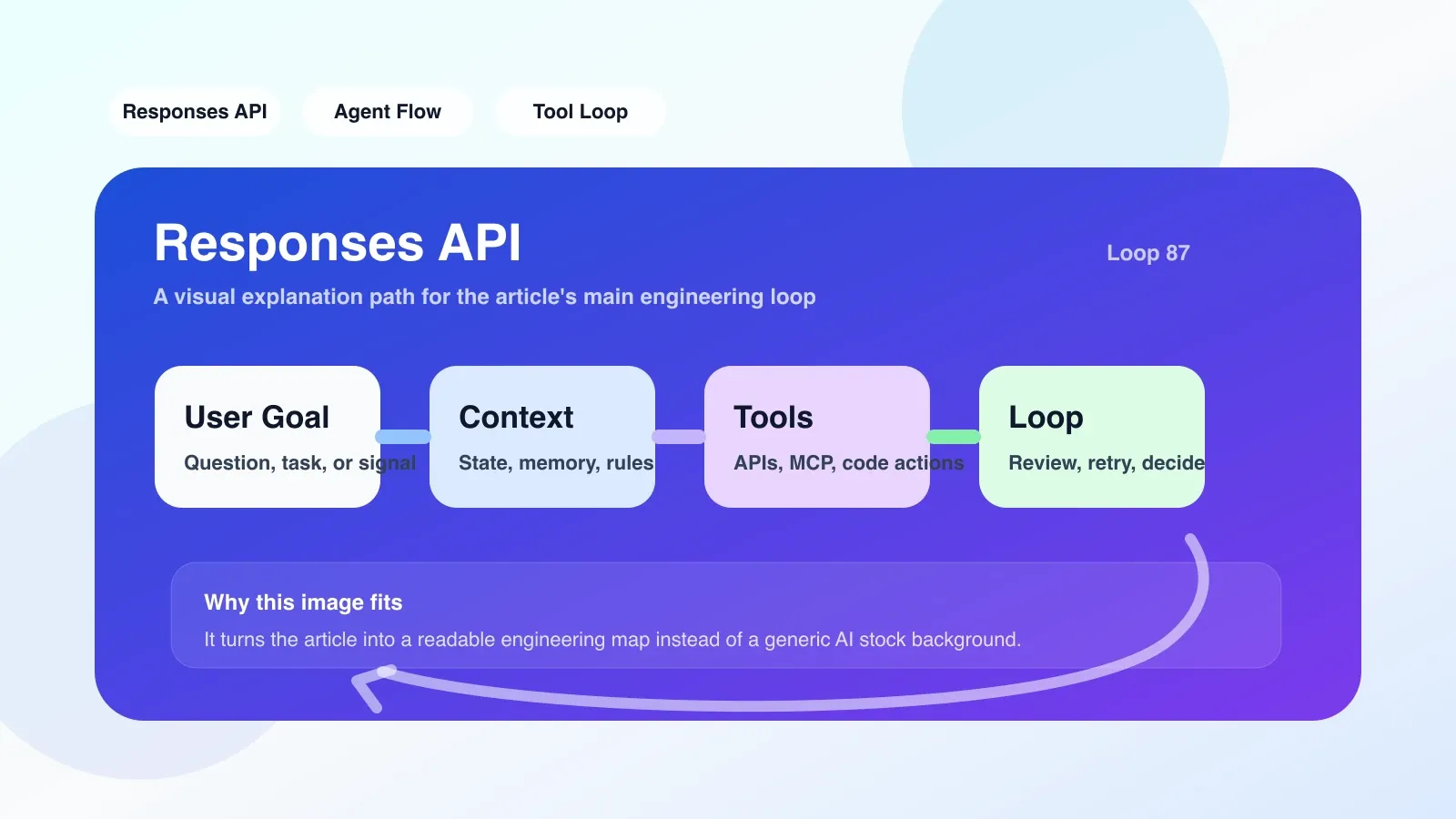
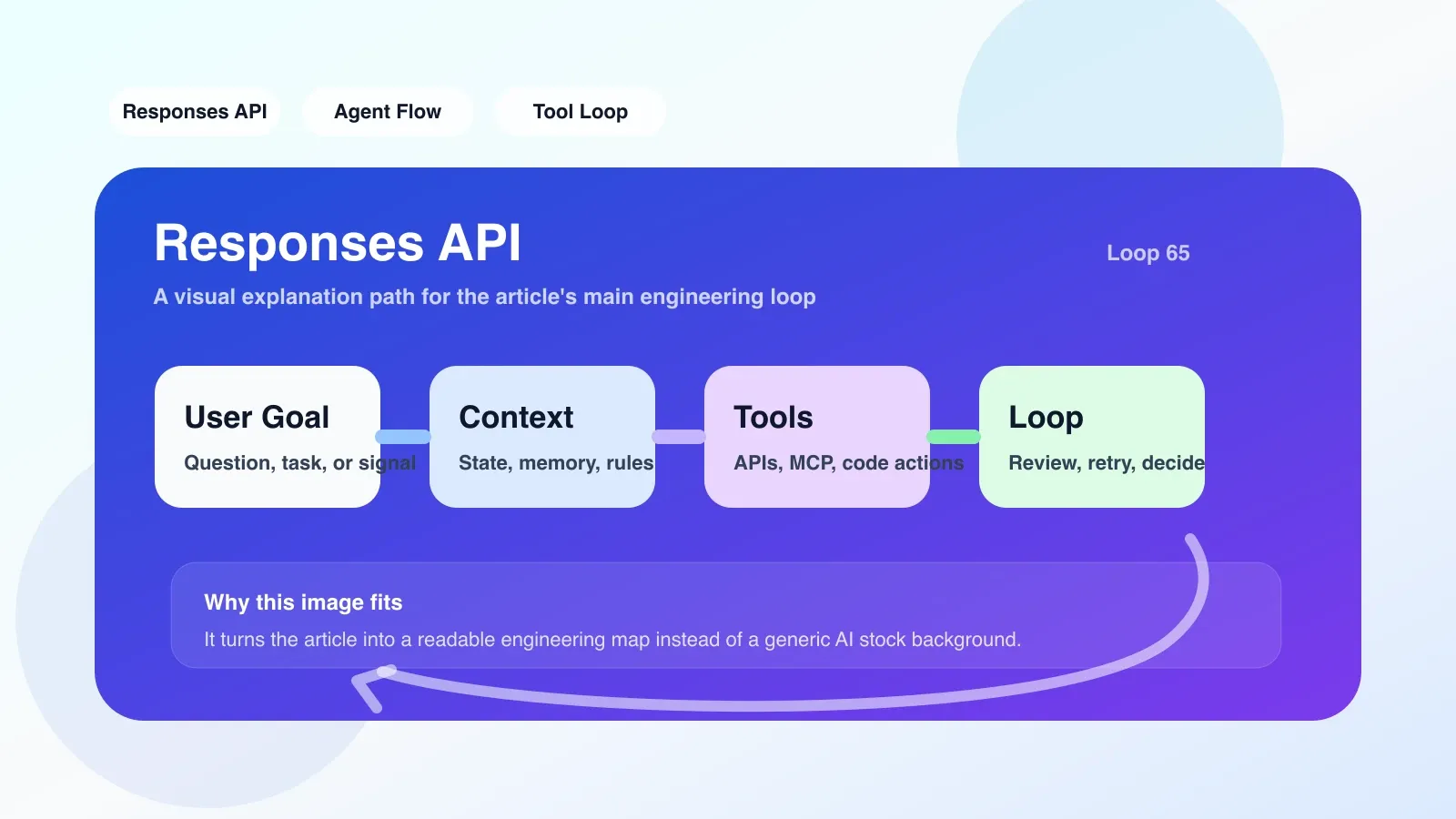
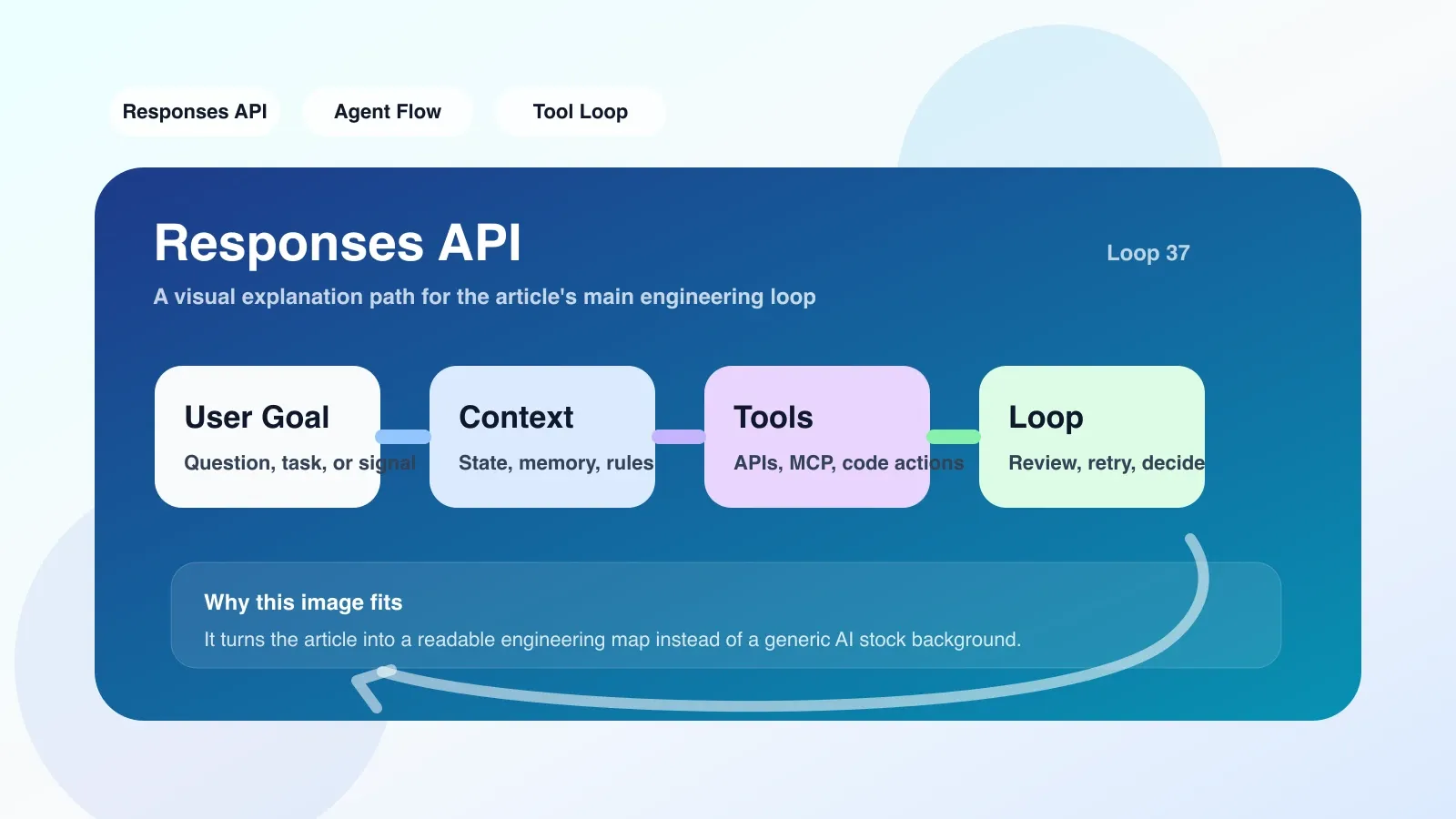
This exercise covers the core loop of Agent Engineering: Instructions → Tool Selection → Tool Execution → Results Integration → Further Actions. The context management of Responses API allows you to focus on tool definition and logical judgment without worrying about memory issues.
The most common way to fail during practice
-
No clearly defined exit conditions: After the Agent calls the tool in one step, if the tool returns unsatisfactory results, it may fall into an infinite loop - always searching and summarizing, but never giving the final answer. It must be written in the system prompt that "when the information is sufficient, the final answer will be output directly without calling the tool."
-
Tool parameter errors lead to API call failure: For example, the query parameter is spelled incorrectly when calling bing_search, or the file path of code_interpreter is incorrect. Responses API will return these errors in error status, but many developers do not handle these errors, causing the Agent to crash silently.
-
Ignore context length limit: Responses API Although context can be automatically managed, the number of tokens will expand after multiple rounds of tool calls. If truncation or summarization is not performed, the API will report an error or lose early information after it exceeds 128K. Token monitoring and context compression strategies need to be reserved.
When should you upgrade to systematic learning?
After you complete the above exercise, when you encounter the following signals, it means that the simple use of Responses API is no longer enough:
- You need the Agent to recall a user preference from the conversation two weeks ago (long-term memory);
- You want the Agent to dynamically register new tools instead of pre-defining them;
- You need to coordinate tasks between multiple Agents (Multi-Agent Orchestration).
At this time, the context transfer of Responses API alone cannot meet the needs. You need to learn memory mechanisms (such as Memory Bank), tool registration patterns, and orchestration frameworks (such as LangGraph, CrewAI). At this stage, systematic paid courses or in-depth articles can help you save a lot of trial and error time.
No comments yet. Be the first to share your thoughts.