
It is not another API, but a "standard language" for communication
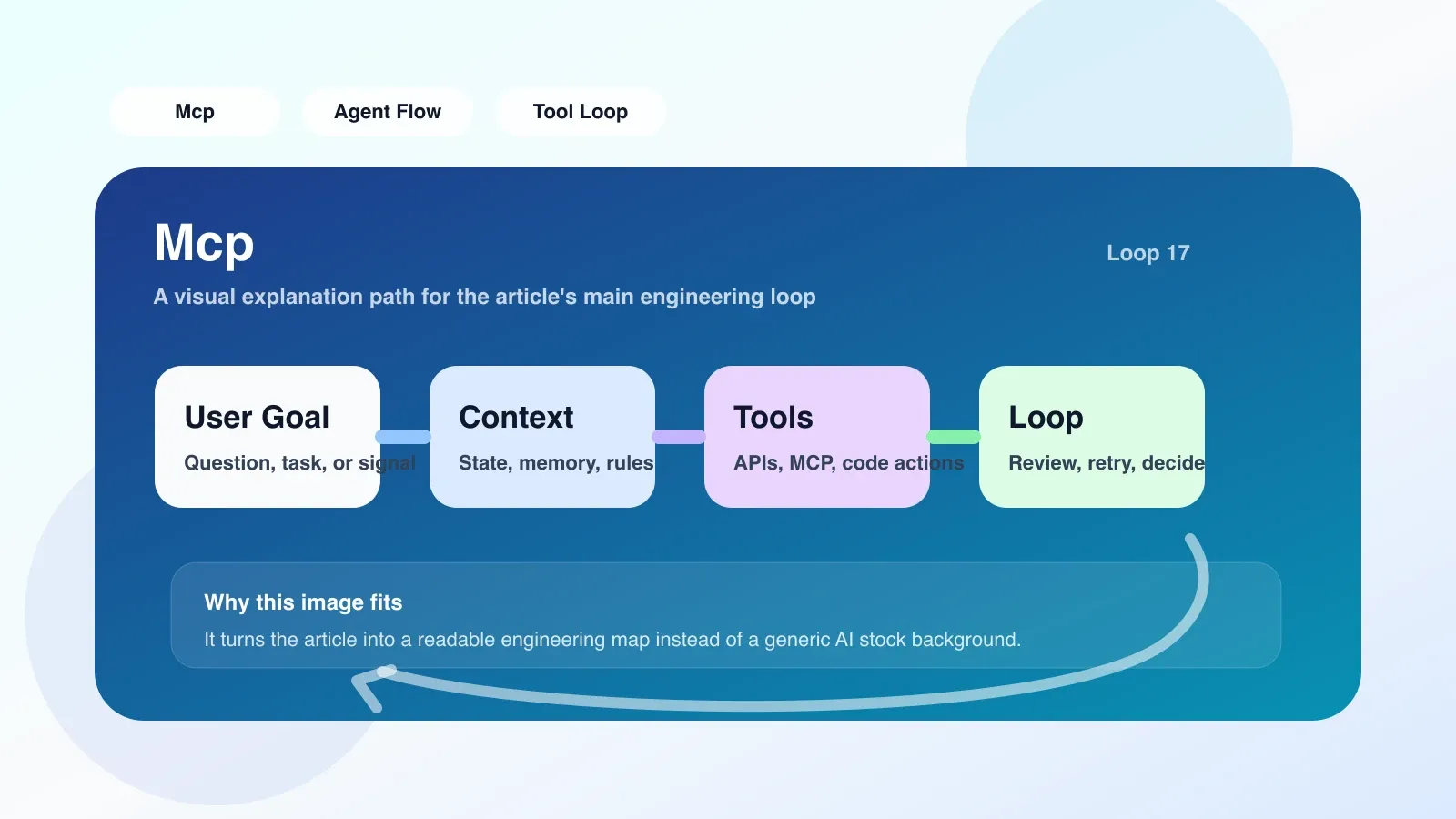
MCP (Model Context Protocol) is an open communications protocol proposed by Anthropic that enables AI models (such as Claude) to interact in a unified manner with external tools, data sources, and development environments. If you've used OpenAI's function calling or custom plugins, MCP is a standardized version of this functionality - it defines how AI makes requests, how the tool responds, and how both parties handle errors.
Why do you need to understand MCP?
Suppose you are writing an automation script that needs AI to read local log files, query the database, and then modify the code based on the results. The traditional approach is to write custom APIs for each action, but MCP provides a unified protocol that allows AI to directly discover and call these capabilities. Its core benefit is to reduce integration costs: tool developers only need to implement the MCP server once, and it can be used by any AI client that supports MCP.
MCP in action: from initiation to response
MCP uses a client-server model, but with the roles reversed from a traditional Web API:
- AI client (such as Claude Desktop, VS Code extension package) plays the role of MCP client, which is responsible for interacting with users and sending requests to external tools.
- Tool services (such as file systems, database queries) are packaged into MCP servers, each server exposes a set of "tools" and "resources".
A typical process is as follows:
- Startup and Negotiation: After the AI client starts, connect to the configured MCP server. The server sends a list of its capabilities, such as "I can read files", "I can execute SQL queries".
- User request: The user inputs "Help me check the error log of yesterday's server and give a summary of the reasons."
- AI Planning: AI parses the requirements and decides which MCP tool to call. It generates a structured request such as
read_file(path="/var/log/nginx/error.log"). - Server execution: MCP The server receives the request, performs the corresponding operation (reads the file), and sends back the result.
- AI Organizes responses: AI receives the results, may call another tool (such as database query), and finally responds to the user in natural language.
Throughout the process, MCP ensures that request and response formats are consistent, and error handling (such as insufficient permissions, file does not exist) also follows the protocol.
Real scenario: Use MCP to automatically debug
I once set up MCP in a project to let AI operate Docker containers directly. The specific method is to write a MCP server and expose two tools: exec_container (execute instructions in the container) and read_logs (read container logs). When I encounter a container crash, I just ask "Look at the crash log of container abc and check the memory usage" and AI will call read_logs and exec_container in sequence and report the results. This saves me the time of manually switching windows and entering commands.
The easiest pitfall: permissions and security boundaries
MCP The biggest risk is giving AI too many permissions to operate. Since the protocol itself does not enforce security restrictions, common failure scenarios include:
- Permission Leak: If you give AI access to the file system through MCP, it can read all files. If there is sensitive information (such as API keys) in the code, it may be accidentally exposed.
- Infinite Loop: The output of one tool is used as input by another tool, forming a loop that continuously calls back. For example, AI reads a file containing "Please read also file B", so it calls itself to read B, and B points to A, resulting in stacked requests.
- Uncontrolled Side Effects: AI calls a writing tool (such as modifying a profile or sending an email) without user confirmation.
How to avoid it?
- Principle of Least Privilege: Only grant necessary permissions to each MCP server. For example, a server that reads logs should not have write capabilities.
- Add manual review: Implement a "requires approval" buffer on the server side, requiring users to manually confirm high-risk operations (such as writing and deleting).
- Set timeout and counting: Limit the maximum number of tool calls in a conversation, or set a timeout for each call to prevent infinite loops.
Alternatives in case of failure
MCP is not suitable for all scenarios. Alternative options should be considered when faced with the following situations:
- Requires strict transaction control: MCP Requests are independent and there is no cross-request transaction support. If the tool chain must ensure atomicity (such as transfer and deduction + notification), it is more reliable to use the traditional API combination.
- High immediacy requirements: The call delay of MCP includes the planning time and network round-trip of AI, which is not suitable for millisecond-level response scenarios.
- Extreme number of tools: If hundreds of tools are exposed at one time, AI may be confused when planning, and the chance of selecting the wrong tool increases. At this time, you should consider grouping tools or using dedicated agents instead.
Next step: from understanding to implementation
If you plan to import MCP into your own project, you can start with a small tool:
- Use Python SDK (officially provided) to quickly create a simple file reading server.
- Configure the server in Claude Desktop or the Cline extension for VS Code.
- Let AI perform some low-risk operations (such as reading specific files in the project) and observe the behavior.
Once you are familiar with the basic process, you can challenge more complex integrations, such as connecting to databases or cloud services. Remember to constantly monitor security boundaries and don't let AI have more control than intended.
No comments yet. Be the first to share your thoughts.