
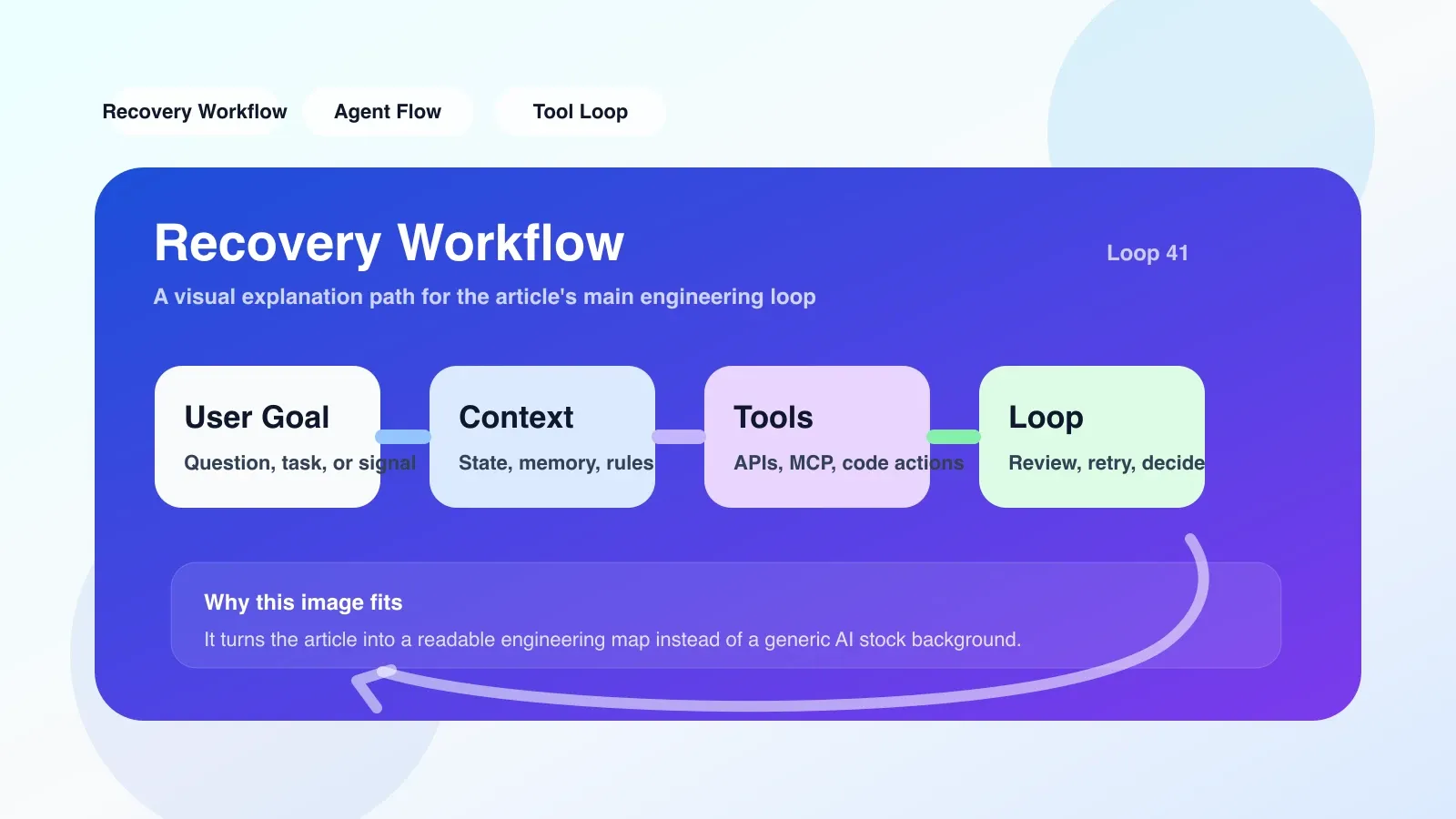
Recovery Workflow Checklist: Recovery sequence for real AI Coding workflow
When should the recovery process be performed?
Not every problem with AI generated code requires the initiation of a formal recovery. The full Recovery Workflow Checklist should only be executed if any of the following entry conditions are met:
- AI The assistant fails to provide a valid fix more than 3 times in a row, and the generated content exhibits duplication, hallucinations, or loss of context.
- Compilation/test failure occurs after the project code is changed, and the reason for the failure is not a common syntax error, but involves inconsistent status of multiple files.
- You work on the same problem over and over again, going back and then forward, but there is no clear record of the rollback point.
If the above conditions are not met, you may only need to try again or manually modify a line of code. There is no need to make the recovery process standard for every iteration - this will consume unnecessary attention and reduce efficiency.
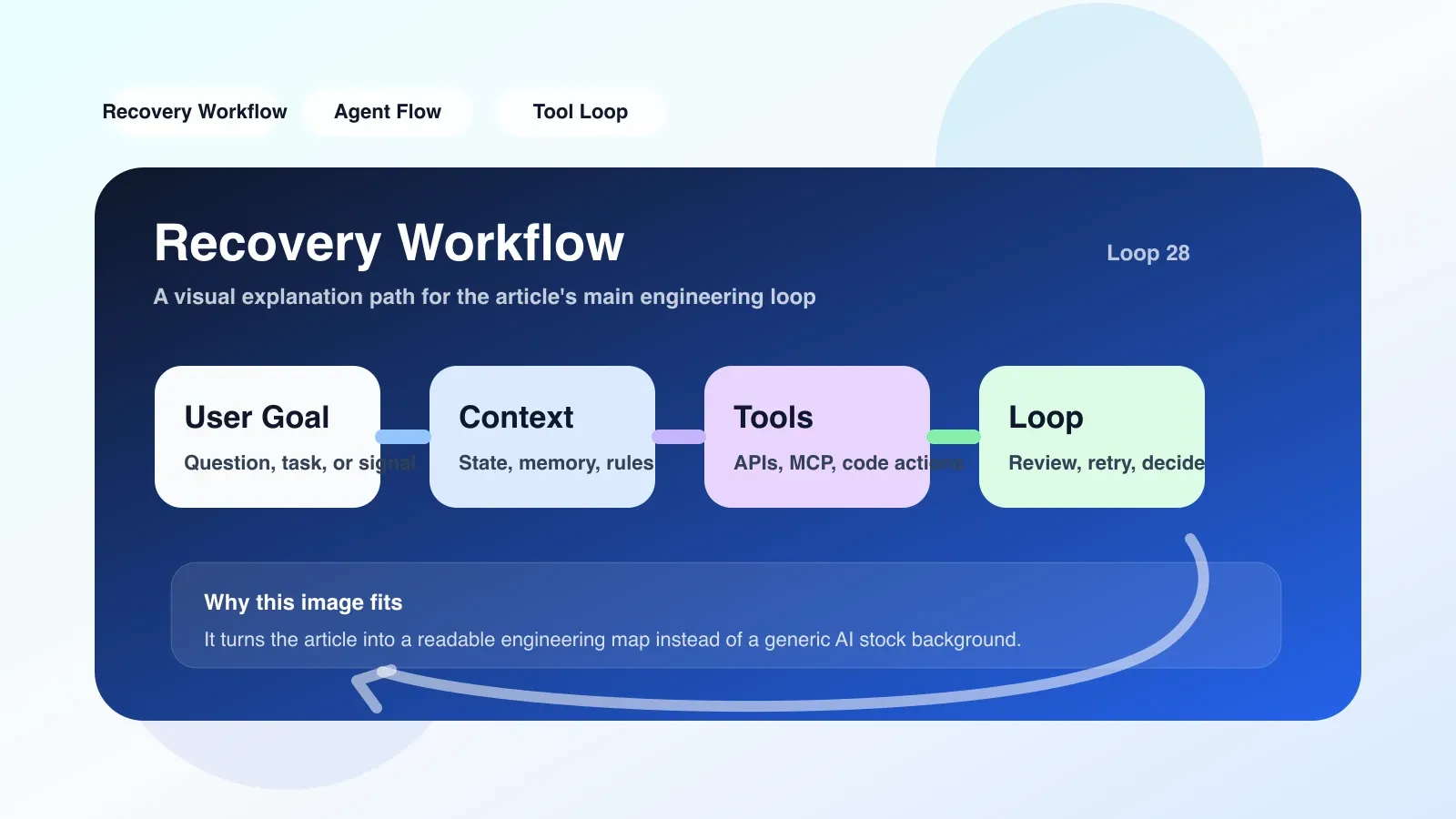
The first step in recovery: don’t try again directly
The most common error when entering recovery is to immediately cause AI to retry or regenerate. This is ineffective in many cases, as the source of the problem is usually not found in the last build, but rather lost in an earlier state.
The correct checking order should be:
- Confirm current code status: Open a version control tool (such as Git) to check recent commit records. Find out which was the last working commit and whether the differences between it and the current workspace were logged.
- Check the context window of AI: If using Cursor or Claude Code, verify that AI remembers the project structure and previous conversation history. Many times, the context of AI has drifted, causing it to generate code based on incorrect assumptions.
- Reload Project Index: Many AI coding tools rely on project indexes to provide code suggestions. If the index is out of date, AI may not see the file you just modified. Try restarting the tool or manually triggering an index rebuild.
- Verify changes in segments: Instead of rolling back to the previous stable version all at once, consider splitting recent changes into several logical units and testing them one by one. This will help you locate the specific step that caused the problem more quickly.
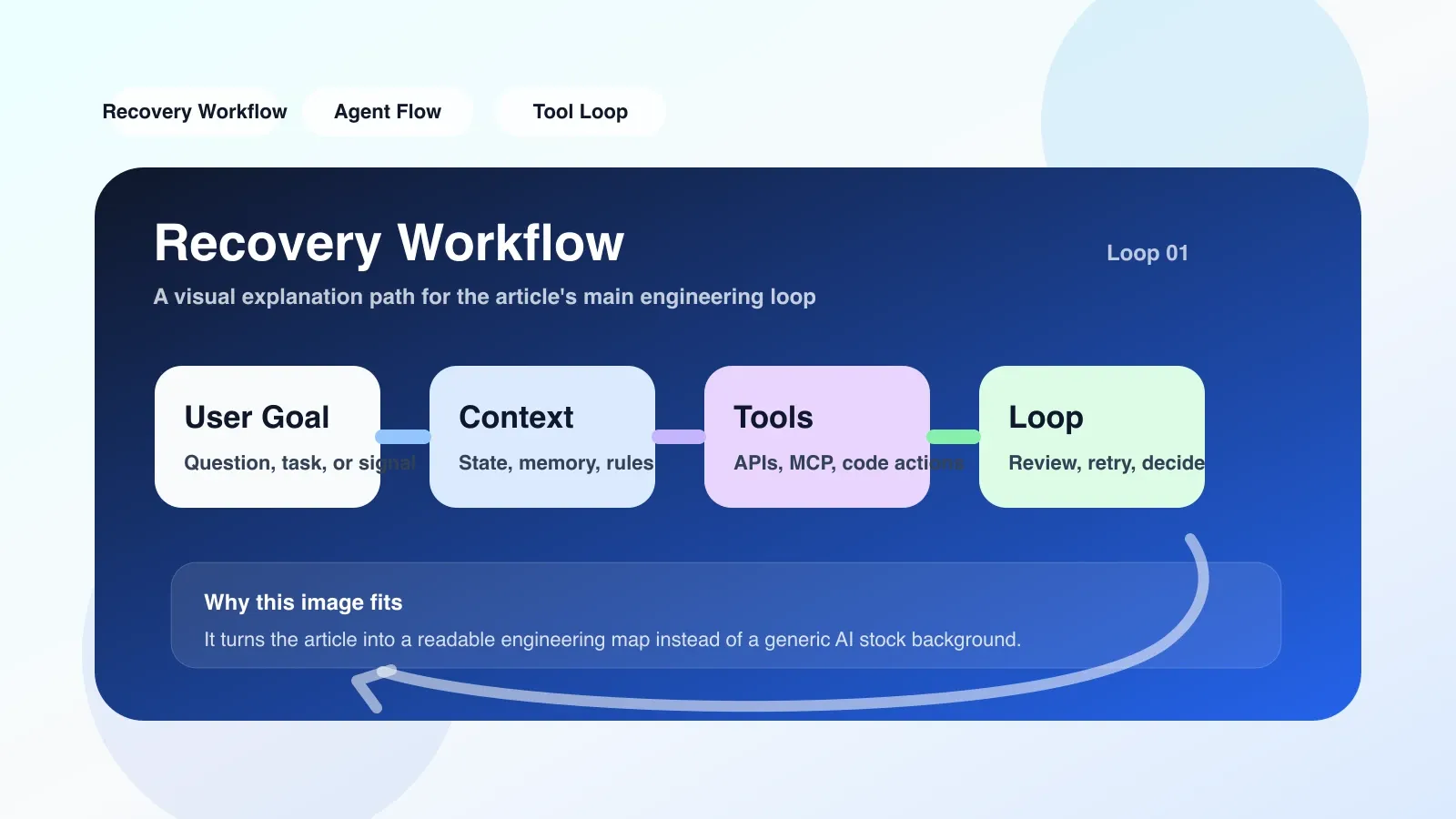
Permissions and dependencies: the most easily overlooked breakpoints
During the recovery process, permissions and dependency issues are more common than imagined. I encountered a real-life scenario where the team's AI encoding agent was suddenly unable to read a configuration file while performing automated repairs, causing all subsequent operations to fail. The reason is that the file's permissions were incorrectly modified during a previous recovery process.
Permissions Checklist:
- File system permissions: Verify that AI tools (such as Claude Code's CLI process) have read and write permissions on the project directory. Especially in Docker or CI environments, permissions can easily be lost.
- API tokens and keys: If the AI tool relies on an external API (such as OpenAI, Anthropic), check if the API key has expired or if the quota has been exhausted. Sometimes the recovery process itself consumes a large amount of tokens, resulting in current throttling.
- Environment variables: During the recovery process, some environment variables may be reset or removed. Check that the
.envfile or system variable is what you expect.
Dependency Checklist:
- Package manager lock file: AI Automatically installed dependencies may use the wrong version. Check whether
package-lock.json,requirements.txt, orCargo.lockmatches the project requirements. - External service connections: If the project relies on databases, caches, or message queues, confirm that these services are not affected during the recovery process. For example, after rolling back a database migration, your application code may become incompatible.
- Tool version: AI The encoding tool itself may have had a newer version, causing changes in behavior. Check if the tool version is compatible with the API used in the project.
Verification after recovery: not only tests pass
When the recovery process is completed, many people mark the end with "test passed". But this is far from enough. Post-recovery verification requires a more comprehensive examination:
- Functional Regression Testing: Run a complete test suite, including unit tests, integration tests, and end-to-end tests. If test coverage is insufficient, manually test key user processes.
- Code Consistency Check: Use linter and formatting tools to ensure that the recovered code complies with project specifications. AI The generated code sometimes introduces inconsistent indentation or naming conventions.
- Context Record: Record the reasons, steps and results of this recovery in the project document or wiki. This is not only a accumulation of knowledge, but also a reference for rapid recovery in the future. If you encounter the same problem next time, you can directly call the preconditions of this checklist.
- Alarm and monitoring check: If the project has production environment monitoring, confirm that no new alarms are triggered after recovery. Especially performance metrics - some recovery operations may have introduced performance regressions.
A real failure review
A lesson learned by myself: When doing a large-scale refactoring with Cursor, AI proposed rewriting three modules at once. I trust the context of it, no staged commits. As a result, halfway through the refactoring, the context of AI overflowed and the generated code began to refer to non-existent functions.
At the time I just let AI regenerate - which was the wrong order. I should first revert to the last commit and then rewrite module by module. In the end, I lost nearly 4 hours of work progress because there was no checkpoint. Since then, I've stuck to committing every time a logical unit is completed, and forcing a check of the context window state before and after AI work.
Alternative: when the Checklist itself fails
The Recovery Workflow Checklist is not a silver bullet. In some scenarios it may not work:
- AI Bug in the tool itself: If the version of the tool you are using has a known issue, the recovery process may never succeed. At this point you should consider downgrading or switching tools.
- Extremely complex project structure: In a large monorepo, dependencies are intricate and manual recovery may be cost-prohibitive. You can consider using project-level backup and recovery tools (such as Git automatic backup, snapshot recovery).
- Inconsistent workflow among team members: If someone on the team does not follow a consistent workflow, the revert operation may overwrite someone else's uncommitted changes. This is where communication and process alignment are needed.
If the Checklist still doesn't resolve the issue, the last options are:
- Complete rollback from version control to the last stable label.
- Document the reasons for failure and correct the workflow in the next iteration.
- Consider replacing the AI encoding tool, or adjusting the tool configuration (such as increasing the context window size, enabling offline indexing).
Next step: from ordinary developer to Agent engineer
Mastering Recovery Workflow is just the first step to becoming an effective AI developer. If you want to systematically understand the context management, permission design and recovery strategy of AI coding agents, you can further read our original paid articles and AI advanced programming courses. These contents will help you upgrade from "can write code in AI" to "design an agent that repairs itself."
No comments yet. Be the first to share your thoughts.