
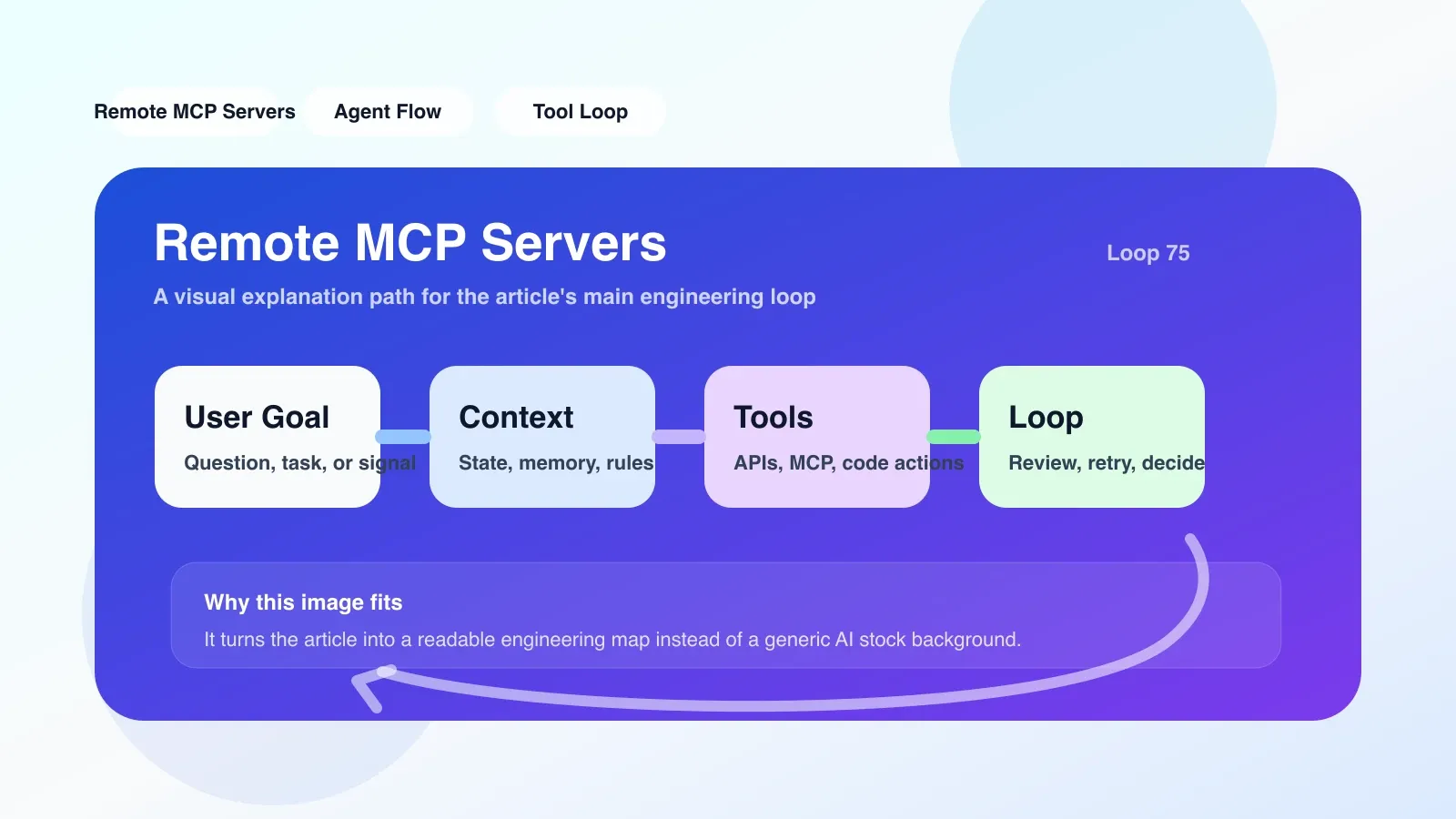
Why Remote MCP Servers is no longer an "optional" component
When your AI agent moves from a stand-alone prototype into a multi-service collaboration scenario, the limitations of the local MCP binding are exposed. Remote MCP Servers essentially extend the Model Context Protocol (Model Context Protocol) originally bound within a single process into a network-addressable service. This means that the agent no longer needs to run on the same machine, the same network namespace or even the same data center as the LLM.
A typical scenario: You have a knowledge base service deployed in the AWS Tokyo Region, and the inference API is on the OpenAI US node. If the MCP Server is bound locally, the context interaction between the two ends must be relayed through the proxy application, which not only increases the number of network hops, but also strongly couples the service. Remote MCP servers allow you to directly expose the MCP endpoint on the knowledge base service side, and the agent obtains the context through remote calls without the need for intermediate service unpacking and packaging. This is especially critical when connecting to external data sources, distributed caches, or third-party toolchains.
What problems does it solve in real projects?
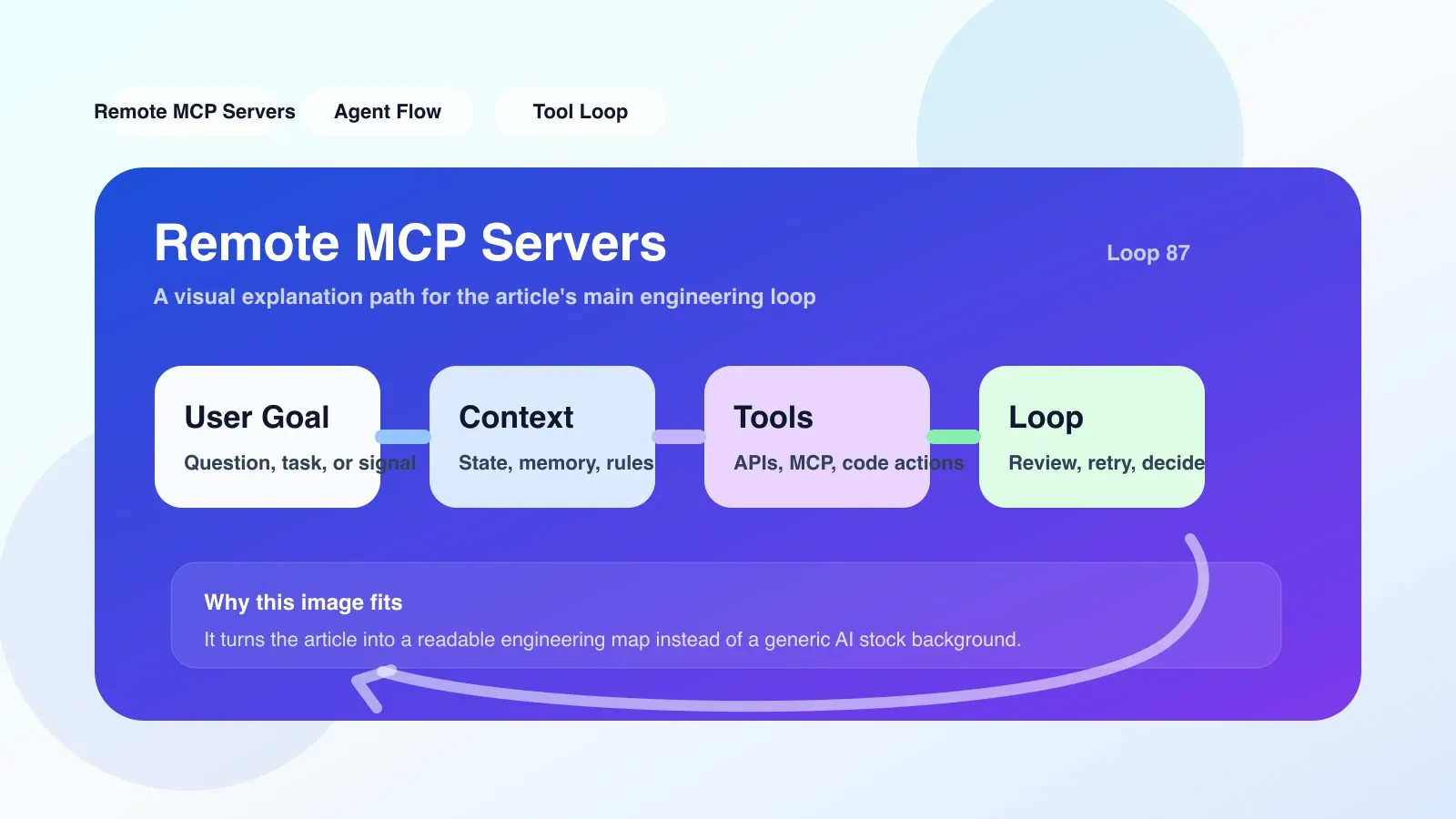
Solve the problem of scattered context sources
In the AI workflow, an agent may simultaneously require SQL query results, vector retrieval fragments, session history summaries, and external API feedback. Without remote MCP, each type of context source requires a dedicated adapter implemented on the agent side. With Remote MCP Servers, each data source can independently deploy a MCP endpoint, and the agent only needs to register and call through the unified protocol.
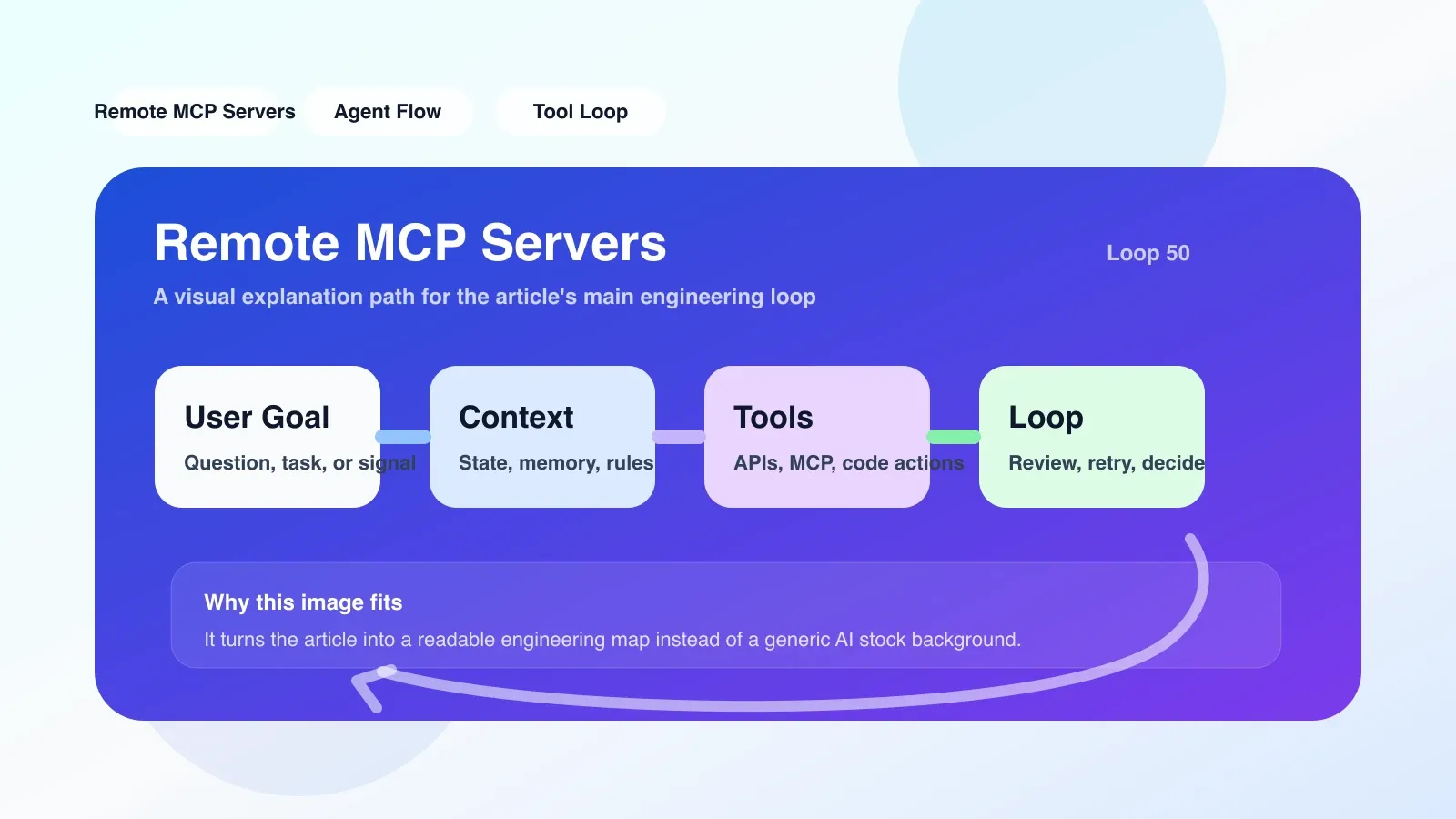
Solve the problem of real-time context update
Local MCP often provides context in the form of files or memory snapshots, and the frequency of updates depends on the application refresh strategy. Remote MCP Servers can be designed in push or long polling mode to proactively push context changes when the data source changes. For example, in a code review scenario, when there is a new pull request in the code repository, the MCP service can receive the event through webhook and update the context, and the agent will automatically sense it the next time it is called.
Solve service isolation and elastic scaling
The context life cycle of local MCP is bound to the application process. Once the application is restarted, all context is lost. Remote MCP services can be deployed as independent processes, scale horizontally, and recover automatically with health checks. This is critical in large-scale inference clusters: assuming you have 10 agent instances, each instance needs to access the same "Project Knowledge Base" context. If using local MCP, each instance needs to establish its own connection; while remote MCP only needs one service, which is shared by all agents.
The most likely place to fail and misunderstanding
Connection delay and timeout control
Remote MCP calls introduce network RTT, and on the critical path of the inference pipeline, a context fetch can add 50-500ms to the latency, depending on the service distance and the amount of context data. A common mistake is to set the minimum timeout too short, causing the agent to retry repeatedly due to temporary network jitters, wasting tokens and reducing response quality. The project must set a reasonable timeout attenuation and backoff strategy for the MCP call, such as a default timeout of 3 seconds and an incrementing interval between retries.
Authentication and data breach risk
Remote MCP Servers must consider authentication when exposed on the network. If the context contains sensitive information, the transmission must be encrypted using TLS and OAuth2 or API key policies implemented. However, many developers directly expose unauthenticated HTTP endpoints for debugging convenience, causing context content to leak. There have been incidents in 2024 where vector database configurations were scanned due to exposure of unauthenticated MCP endpoints.
##Context consistency and version conflicts When multiple proxies use the same remote MCP service, the context may be modified simultaneously. Without optimistic locking or versioning mechanisms, different agents may reason based on conflicting contexts, producing inconsistent results. For example, one agent marks the project status as "Completed" and another agent still reads "In Progress". The solution is to introduce the context version number, carry the version number when writing, and the server decides whether to accept the update based on the version.
If you want to land now, what should be the first step?
- Start with a single remote context service: Do not build a complete multi-service MCP mesh from the start. Select one of the most frequently used context sources, such as "Question and Answer History" or "Project Knowledge Base", and encapsulate it as a Remote MCP Server. Standard endpoints can be quickly exposed using Python's
mcplibrary (e.g.mcp-server). - Clearly defined context schema: Use JSON Schema or Protobuf to define the fields, types, and versions of the context. This can avoid parsing errors caused by inconsistent data formats.
- Implement authentication and encryption: Be sure to enable HTTPS in the production environment, and configure API key or JWT authentication between the client and server. Consider using mTLS to further secure transmissions.
- Set monitoring and alarm: Record the delay, success rate and return data size of each MCP call. An alarm is triggered when the success rate is less than 95% or the p99 delay exceeds 2 seconds.
- Test failure scenarios: Deliberately disconnect the service, inject delays, return error status codes, and observe the behavior of the agent. Ensure that the proxy degrades gracefully when the MCP service becomes unavailable - for example using a local cache or informing the user that the context is temporarily unavailable.
What to do if it fails? backup plan
Remote MCP Servers are not everything. If you find yourself spending a lot of time debugging connection issues, managing releases, or handling authentication, it may be a sign that your current scenario is not suitable for remote MCP. The following alternatives can be considered:
- Embed context into inference requests: For small contexts (< 10 KB), splice the context directly in the user prompt to avoid remote call overhead.
- Use local MCP + shared database: Let multiple broker instances share context through a database (e.g. Redis, PostgreSQL) rather than through a remote MCP service.
- Event-driven architecture: Use message queues (such as Kafka, RabbitMQ) to broadcast context changes, and the agent listens and updates the local MCP cache.
Next step: from ordinary developer to Agent engineer
Remote MCP Servers are just one piece of the AI project. If you want to systematically master advanced capabilities such as agent context management, service degradation, and multi-agent coordination, you need a more complete knowledge system.
I have compiled these practical experiences into an original paid article "AI Agent Engineering Practice: Context Management, Failure Recovery and Scaling Solutions", which provides an in-depth explanation of the complete migration strategy, certification scheme, version control and production-level deployment architecture from local to remote MCP. One-on-one Q&A and code sample downloads are also provided. If you are transitioning from an ordinary developer to an Agent engineer, this article can help you bypass the pitfalls I have stepped on and save at least two weeks of trial and error time.
Click the link below or visit the course page to learn more.
No comments yet. Be the first to share your thoughts.