
Why now is the time to take a serious look at Responses API migration
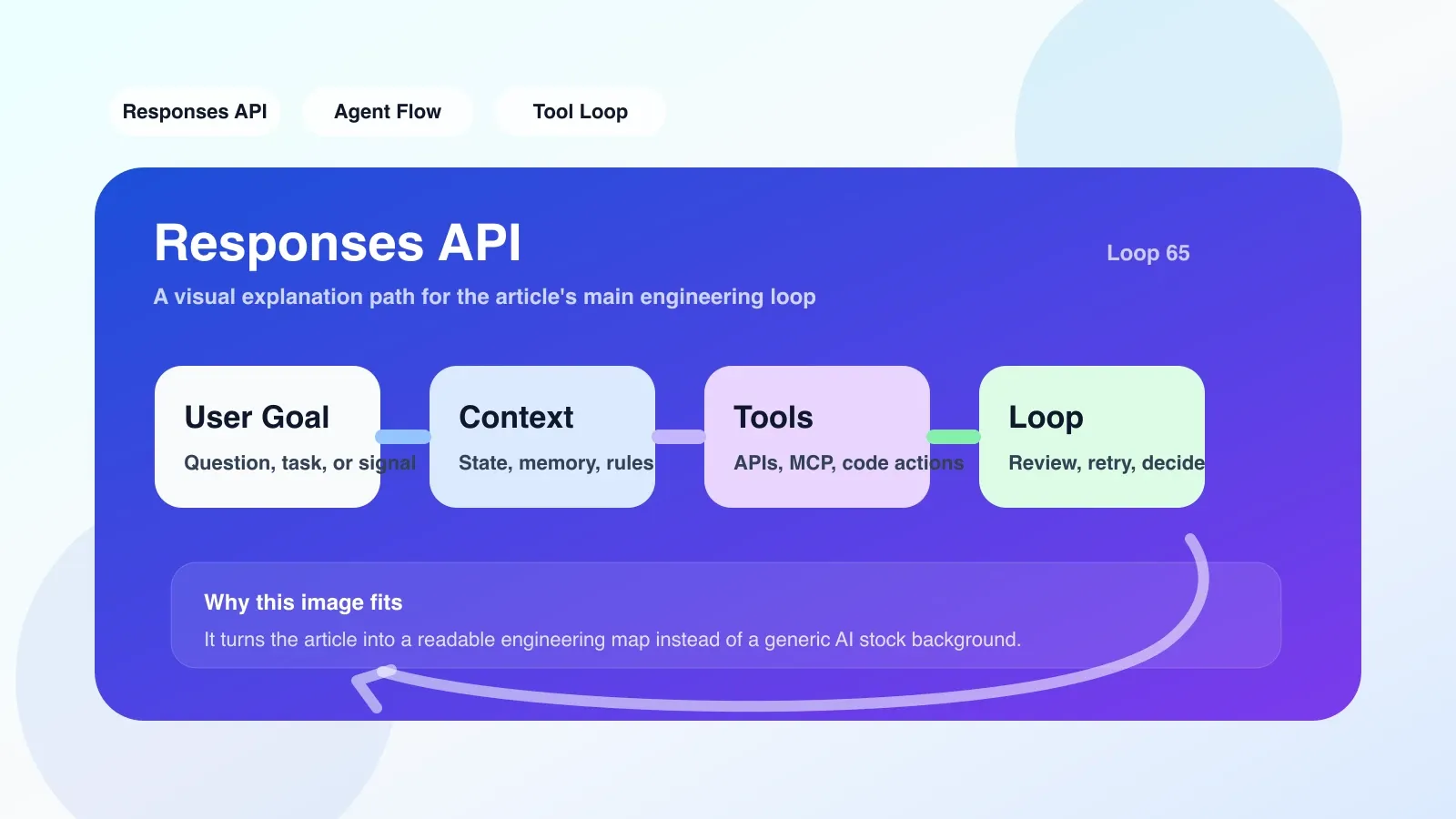
Is the Chat completion API good enough? When your application needs to maintain state across multiple rounds of conversations, call multiple tools, or even let the model dynamically decide which tool to call next, the stateless design of the Chat completion API can make the code extremely complex. You need to manage message history, return results from the splicing tool, and handle multiple rounds of context yourself. Responses API It is precisely to solve this pain point - it unifies multiple rounds of dialogue, tool calls and status management into a programmable API object, allowing developers to focus on business logic instead of piecing together status. This is not a simple version upgrade, but a paradigm shift from "single conversation" to "workflow". By migrating now, you can get a head start on the Agent architecture; by the time others have laid the wheels, you will already have a production-ready workflow.
What engineering problem does it solve?
Problem 1: State management nightmare
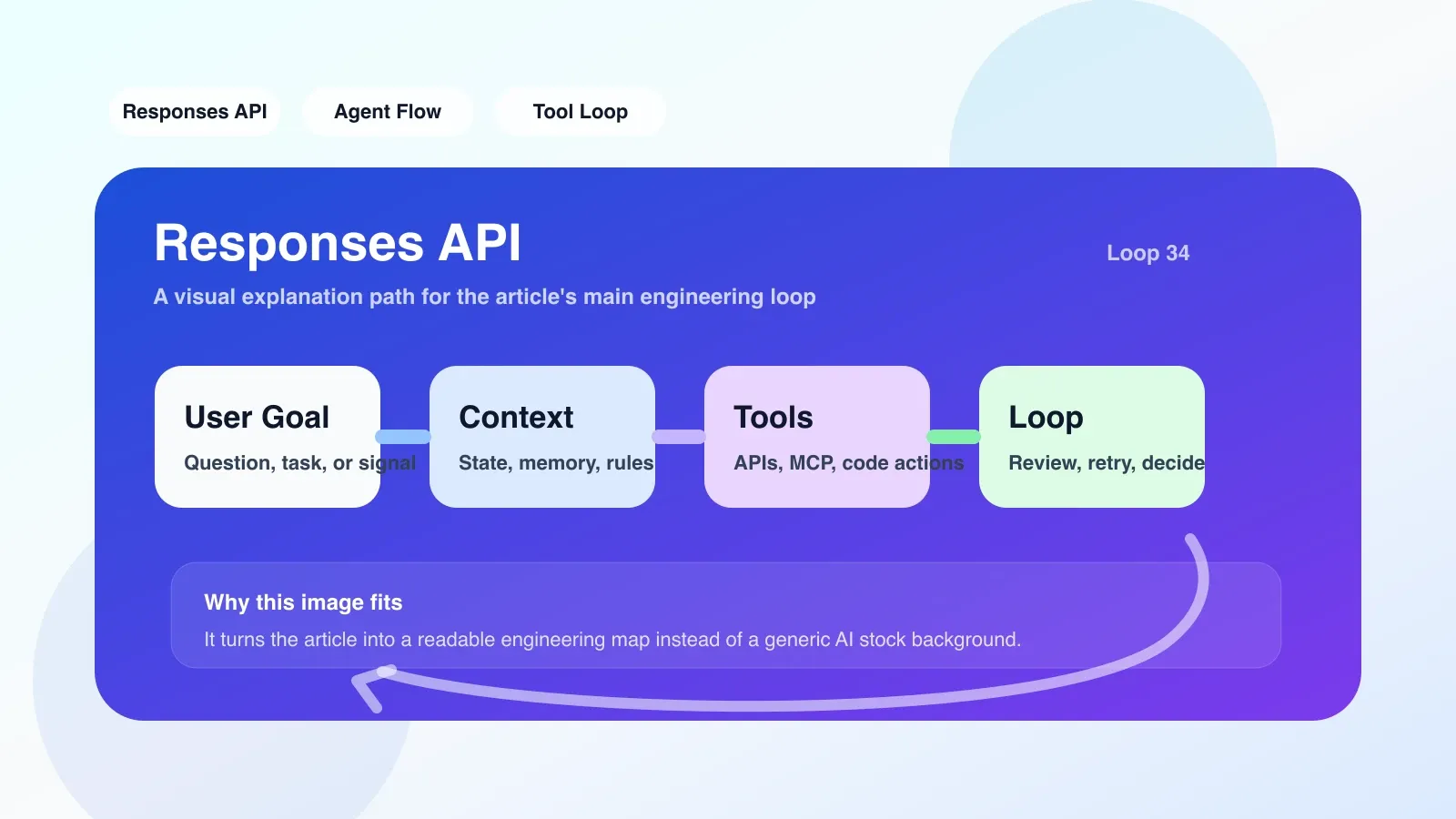
Each request to the traditional Chat completion API is independent. To implement an Agent with memory, you must manually stuff historical messages, tool returns, and intermediate results into the messages array. When the tool call chain becomes longer (for example, first search, then analyze, and then generate), the message list may expand to thousands of tokens in an instant, and each request must be re-spliced. Responses API Automatically track context via previous_response_id. You only need to create a Response object, subsequent requests will reference its ID, and the framework will automatically maintain the full history. For example:
# Chat 补全方式:手动管理历史
messages = [{"role": "user", "content": "搜索最新的 AI 论文"}]
response = client.chat.completions.create(model="gpt-4", messages=messages)
messages.append(response.choices[0].message)
messages.append({"role": "user", "content": "摘要第一篇"})
response2 = client.chat.completions.create(model="gpt-4", messages=messages)

# Responses API 方式:自动维护上下文
response = client.responses.create(model="gpt-4", input="搜索最新的 AI 论文")
response2 = client.responses.create(model="gpt-4", input="摘要第一篇", previous_response_id=response.id)
这不仅减少了代码量,更重要的是避免了因手动拼接错误导致的 context 泄露或截断。
问题 2:工具调用编排混乱
当 Agent 需要调用多个外部工具(如搜索、数据库查询、代码执行)时,Chat 补全 API 只返回一个 tool_calls 列表,你需要自行决定调用顺序、处理嵌套调用(比如搜索结果需要再调用另一个 API)。Responses API 内置了工具调用编排:你只需在 API 调用时声明 tools,模型会自动发出工具请求,你只需把工具结果作为 tool_outputs is returned, and the framework will be responsible for continuing to drive the Agent until the final reply is generated.
Question 3: Separation of flow and final state
The streaming mode of the Chat completion API returns multiple chunks, and you need to splice the complete message structure yourself. Responses API Unifies streaming and non-streaming: even if you use streaming, you will finally get a complete Response object for persistence or subsequent reference.
The most likely place to fail and misunderstanding
Misunderstanding 1: Thinking it is a simple API replacement
Many people think that just changing the request from /v1/chat/completions to /v1/responses will do. In fact, the parameter design of Responses API is completely different. input replaces messages, but is no longer an array but a string (if only a single round is required) or contains previous_response_id. If you copy the old parameters by force, invalid_request_error will be reported directly. All call points must be checked when migrating, and the key is to remove manual history splicing.
Misunderstanding 2: Ignoring the timeliness of previous_response_id
The Response object referenced by previous_response_id is not permanent. The official recommendation is to use it within one session (eg within 5 minutes). If your Agent needs memory across hours or days, it needs to be combined with database persistence Response ID or additionally use the vector memory interface. Someone once replaced previous_response_id with the ID of a certain day in history. As a result, the model lost the last two rounds of conversations.
Misunderstanding 3: Missing tools statement when calling the tool
If you do not declare tools when creating a Response, but user input triggers a tool request, the model will reply with a "Do you want me to call the tool?" instead of automatically initiating a tool request. The correct approach is to declare all the tools that may be used in advance, and handle the timeout and retries of the tool results, otherwise the Agent will be stuck waiting for the tool output.
Real failure scenario: tool chain infinite loop
A team built a multi-step analysis Agent: first search for keywords, then crawl the content, and then generate a summary. Without adding intermediate state identifiers to the tool output, the model repeatedly calls the first tool, resulting in an infinite loop and exploding API fees. Responses API does not detect tool call loops by itself, you need to add the done flag to the tool output yourself or set the maximum number of tool calls.
If you want to land now, what is the first step?
1. Create a minimal runnable prototype
Don't come up and migrate the entire production system. First write a separate small script and use Responses API to implement a simple Q&A Agent (such as "check the weather for me and then send an email"). Verify:
- Single wheel input and output are normal
- Multi-turn dialogue (via
previous_response_id) works fine - Tool calls can be initiated and returned correctly
2. Check existing API call points
Search your codebase for all /v1/chat/completions calls and differentiate between simple Q&A (without tools) and complex scenarios with tool calls. Simple questions and answers can be migrated quickly. For complex scenarios, it is recommended to prioritize migration tool call chains with shorter ones.
3. Reconstruct tool calling logic
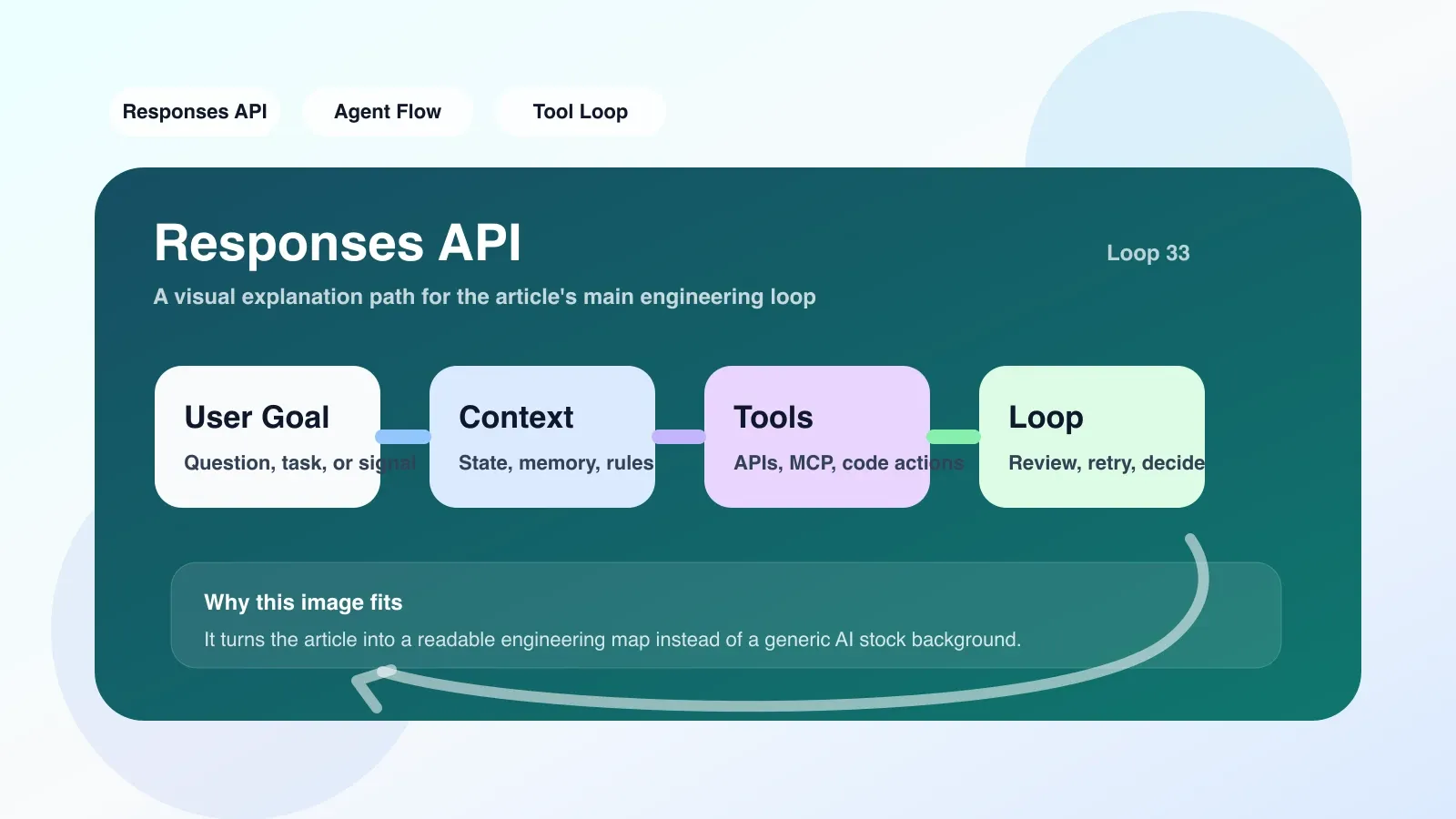
Change the original manual tool scheduling to: declare tools at responses.create, after receiving the Response object, traverse the output list, identify the tool_calls field, execute the corresponding tool, return the result through tool_outputs, then call responses.create and previous_response_id Continue.
Sample code skeleton:
def run_agent(user_input, previous_response_id=None):
    response = client.responses.create(
        model="gpt-4",
        input=user_input,
        tools=[search_tool, email_tool],
        previous_response_id=previous_response_id
    )
    while response.output:
        for output in response.output:
            if output.type == "tool_call":
                tool_result = execute_tool(output.name, output.arguments)
                response = client.responses.create(
                    model="gpt-4",
                    input="",
                    previous_response_id=response.id,
                    tool_outputs=[{"id": output.id, "content": tool_result}]
                )
            else:
                # 最终回复
                return output.content
4. 监控与回滚
部署后监控工具调用成功率、平均响应时长和错误率。如果发现大量因 previous_response_id 失效或工具结果格式错误导致的失败,准备好回滚到 Chat 补全 API 的开关。
失败时的备用方案
备用方案 1:保留 Chat 补全 API 做降级
如果 Responses API 出现大范围故障(如超时、错误率飙升),立即降级回 Chat 补全 API。需要在代码中封装一个适配器:当 Responses API 失败时,自动切换到旧的 message 拼接逻辑。这个降级逻辑必须提前写好并测试。
备用方案 2:使用 assistants API as an alternative
The Assistants API also provides state management and tool invocation, but is more complex (needs to manage Assistant objects, Files, etc.). If your scenario requires persistent history (across hours/days) and the timeliness of Responses API is not met, you can evaluate migrating to the Assistants API. However, please note that the tool calling mode of the Assistants API is polling, which results in higher latency.
Alternative 3: Manual state management (falling back to the old way)
If all else fails, the most conservative solution is to use the database to store the message history yourself and continue to use the Chat completion API. The advantage is stability, but the disadvantage is high code maintenance cost.
Next step: systematic learning
Responses API is just the starting point for the Agent workflow. To truly become an Agent engineer, you also need to master:
- How to design effective tool descriptions (affects model call frequency)
- How to do Context window management (to avoid long history being truncated)
- How to add error recovery for Agent (such as tool timeout retry)
- How to debug multi-step Agent behavior using Codex or Cloud IDE
These contents are scattered and principle-based in official documents, and are more suitable for systematic courses. If you want to quickly get started with production-level Agent engineering, you can take a look at the high-quality original paid articles and AI advanced programming courses below - they skip the concepts directly and focus on the pitfalls and decision-making points you encounter most when you implement them.
No comments yet. Be the first to share your thoughts.