
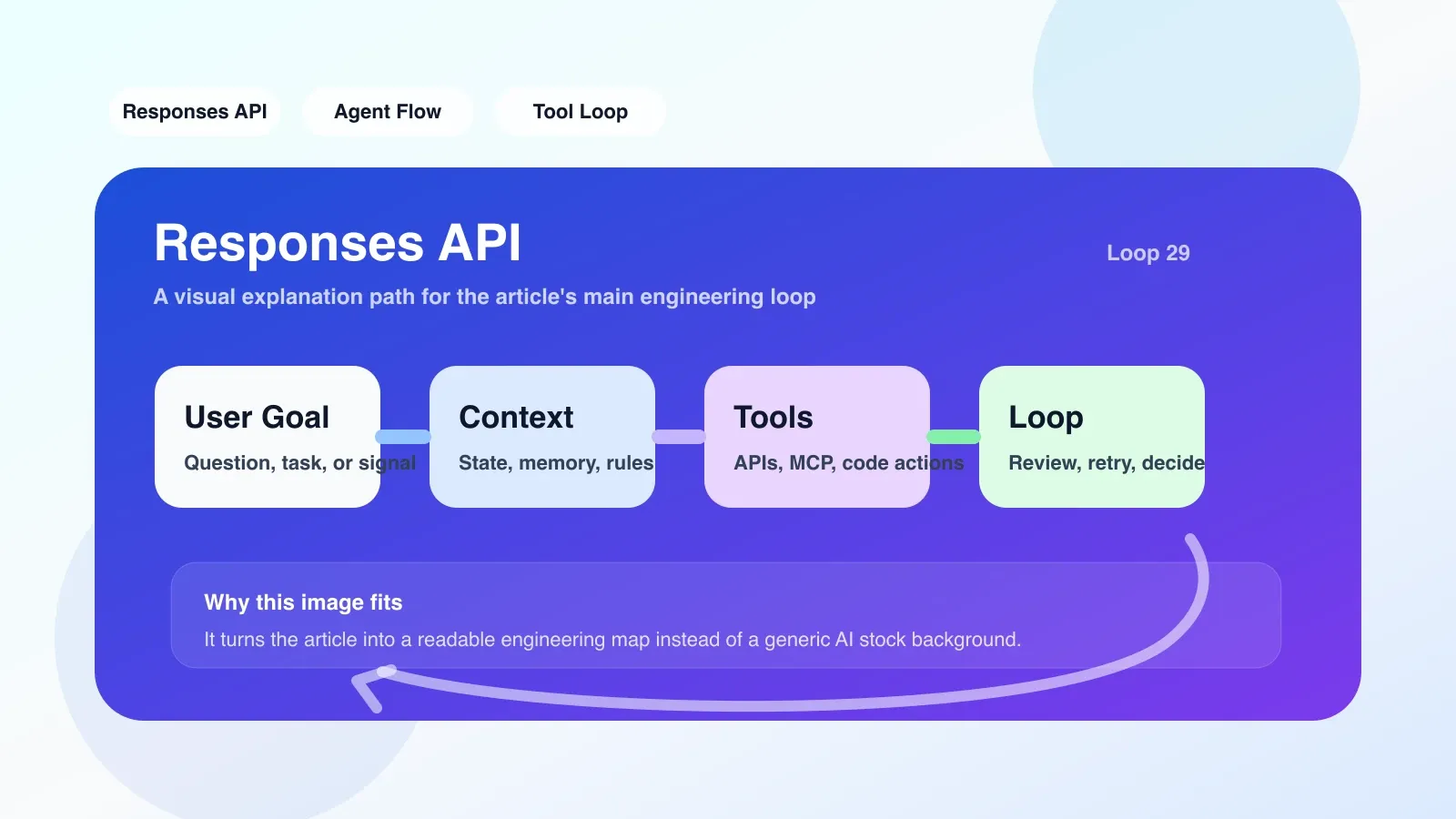
From Chat Completions to Responses API: a must-know migration pain point
If you are migrating the agent from Chat Completions to Responses API, you will soon find that the new interface unifies multiple endpoints such as text generation, tool calling, and file processing, but its recovery logic is not trivial. This article focuses on a specific contradiction - when an API call fails, how to recover without affecting the entire agent link?
Responses API’s role in the recovery workflow
Responses API serves two key roles:
- Unified response container: It packages model output, tool call results, and file references in a response object. You only need to process this one object instead of piecing together the output of multiple endpoints.
- Status Anchor: Each response has a unique ID, which can be used for subsequent traceback, retry or fallback. This means you can use the response ID as a recovery checkpoint.
But unification also brings coupling risks: a request may contain text and multiple tool calls at the same time, and the failure of any subtask will cause the entire response to not meet expectations.
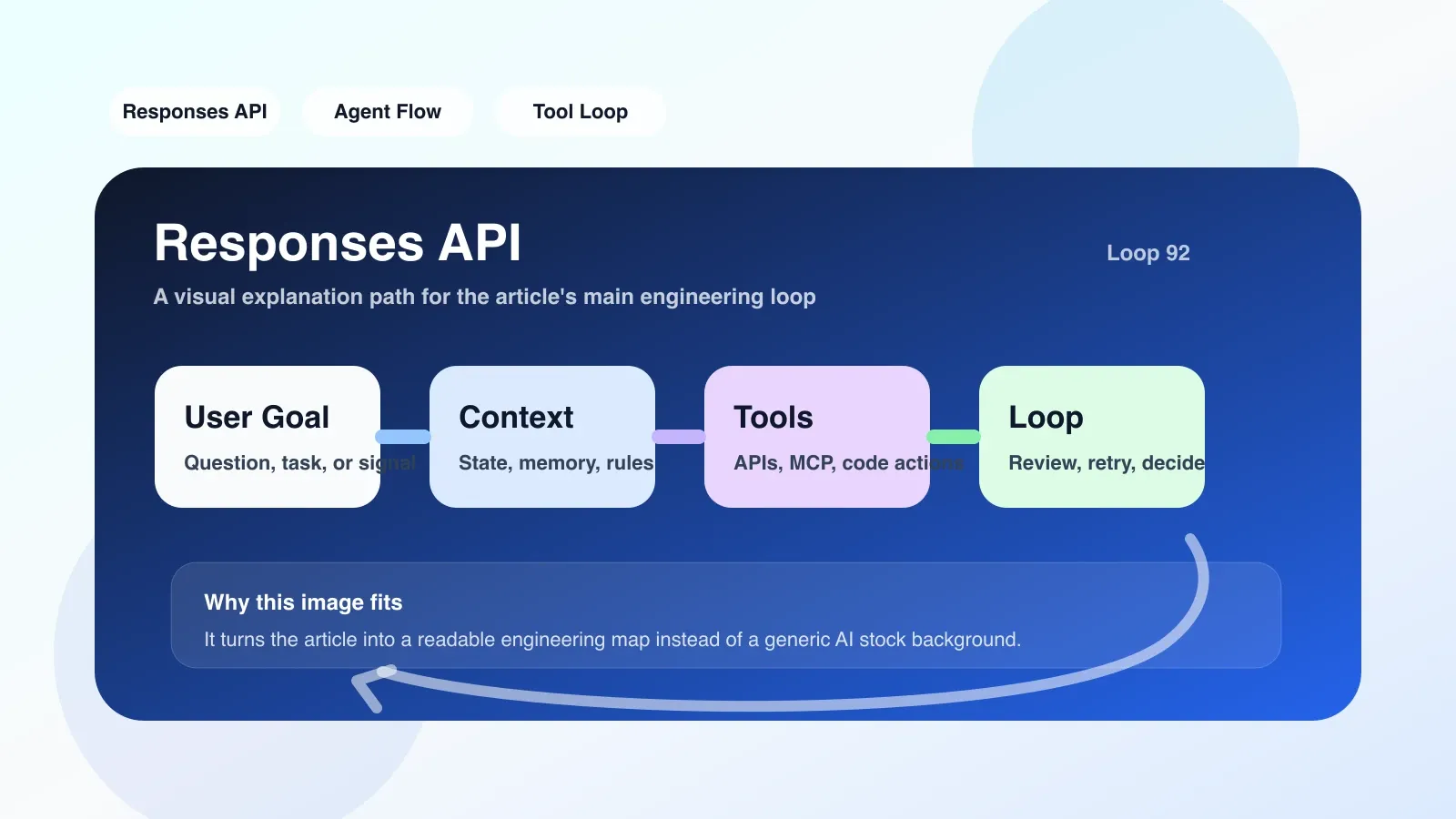
Failure mode list: what situations will break the workflow
In actual operation, the following three failure modes are the most common:
1. Tool call timeout or exception
When the model decides to call an external tool (such as searching a database), and the tool does not return results within the specified time, the entire response may be marked as incomplete. If you don't capture this state, the agent will get stuck.
2. Response truncation (truncation)
Model output may be truncated due to max_tokens limit. At this time, the truncated field in the response object is true, but many people will ignore it and directly use the incomplete output to make next decisions.
3. Content filtering hit
When the model output is blocked by the content security policy of OpenAI, the response status will be filtered. This situation can easily occur when the agent generates code or sensitive text.
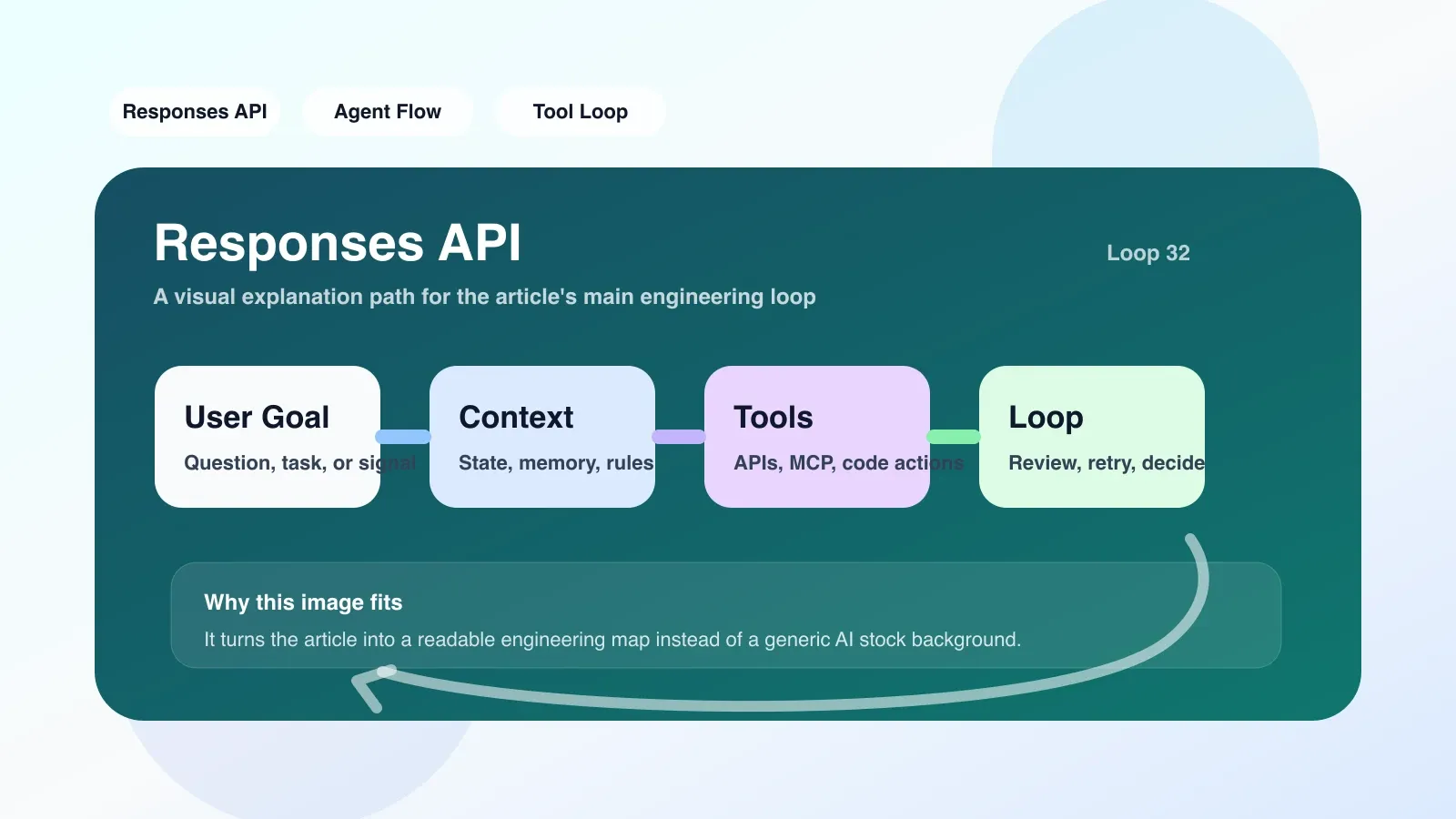
Fallback interface selection: when to use Assistants API and when to downgrade to Chat Completions
Not all failures require complex recovery. I recommend grading according to the following strategy:
- Timeout/Truncation → Directly retry with the same input (up to 3 times) and increase max_tokens or shorten the tool timeout threshold.
- Tool call failure → If a tool continues to fail, it should be temporarily removed from the tool list, and a plain text reply should be used to inform the user that "the tool is not available" to avoid an agent infinite loop.
- Content Filtering/Continuous Failure → Downgrade to Chat Completions API, using only a simple system prompt and no tool calls to ensure that at least a thorough reply can be given to the user.
Code diagram (Python):
def run_with_recovery(messages, tools):
    try:
        response = client.responses.create(
            model="gpt-4o",
            input=messages,
            tools=tools
        )
        if response.status == "incomplete":
            # 检查 truncation
            if response.truncated:
                return retry_with_increased_tokens(messages, tools)
            # 检查工具超时
            if any(call.status == "failed" for call in response.tool_calls):
                return fallback_to_chat(messages)
        return response
    except Exception:
        return fallback_to_chat(messages)
工具调用的恢复陷阱
Responses API 的 tool_calls 数组里每个元素都有 id、type、status。最容易踩的坑是:
- 只检查
status是否为 "completed",忽略 "failed" 状态。 - 把失败的工具调用结果拼到 conversation history 里,导致模型后续重复尝试相同工具。
正确做法:对失败的工具调用,添加一条 assistant 消息说明“该工具暂时不可用”,并设置 output_tools parameter prohibits the model from being called again.
Real scenario: User queries real-time stock data
Suppose the agent needs to call a stock price API.
- Normal process: Responses API calls the stock tool, returns data, and the agent generates an answer.
- Failure Scenario: Stock API timeout (5 seconds of no response).
- My recovery: Detected tool call status failure → Remove the tool from the tools list → Call Chat Completions to downgrade, replying "Currently unable to obtain real-time prices, please try again later".
This process ensures that the agent does not completely crash due to the failure of a downstream interface.
When to stop retrying and start fallback
Do not retry indefinitely. I set:
- Retry the same input up to 3 times
- If failed 3 times, enter downgrade mode
- Downgrade mode lasts for 5 minutes, after which the original tool list is automatically restored
Next step: from ordinary developer to Agent engineer
The above recovery design is just a starting point. To truly master Responses API in production, you need to understand more - such as context window management, multi-agent coordination, and permission models. These contents are systematically explained in more advanced courses.
No comments yet. Be the first to share your thoughts.