
1. What is EmbeddedBrowser?
An embedded browser within VS Code.
Until December 29, 2019, finally there was the first plugin that can truly browse web pages in VS Code, it's called EmbeddedBrowser
P.S. Claiming to be the first is not exaggerated at all, the existing Browser Preview for VS Code is relatively close, but its solution itself has many limitations, cannot meet basic web browsing needs, see details in [3 Solutions to Break iframe Security Restrictions](/articles/打破 iframe 安全限制的 3 种方案/)
2. Why Need EmbeddedBrowser?
Open a browser directly in your VS Code.
Then, why must open a browser in IDE?
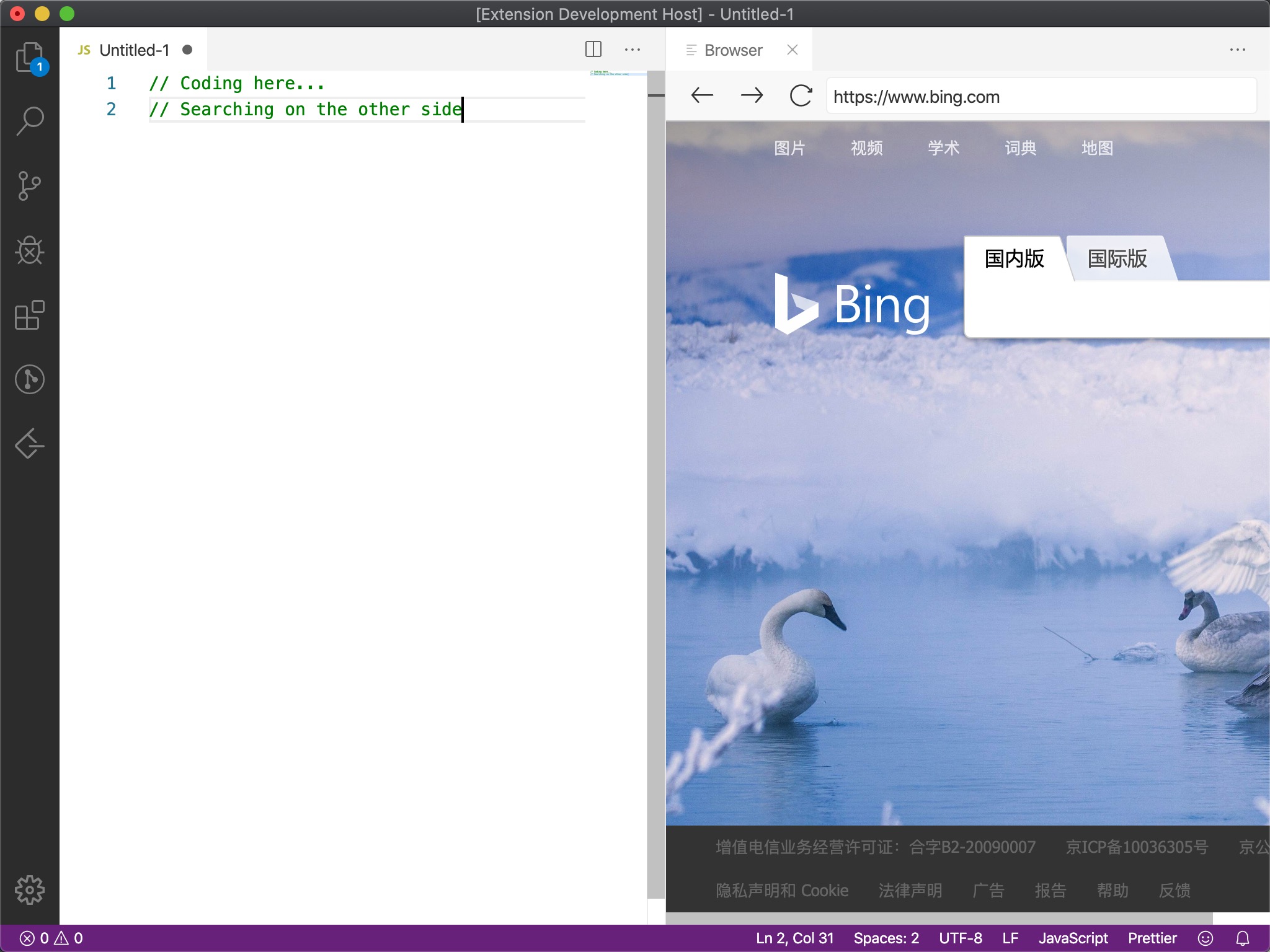
Because it can facilitate many things, for example, search on Google while coding:
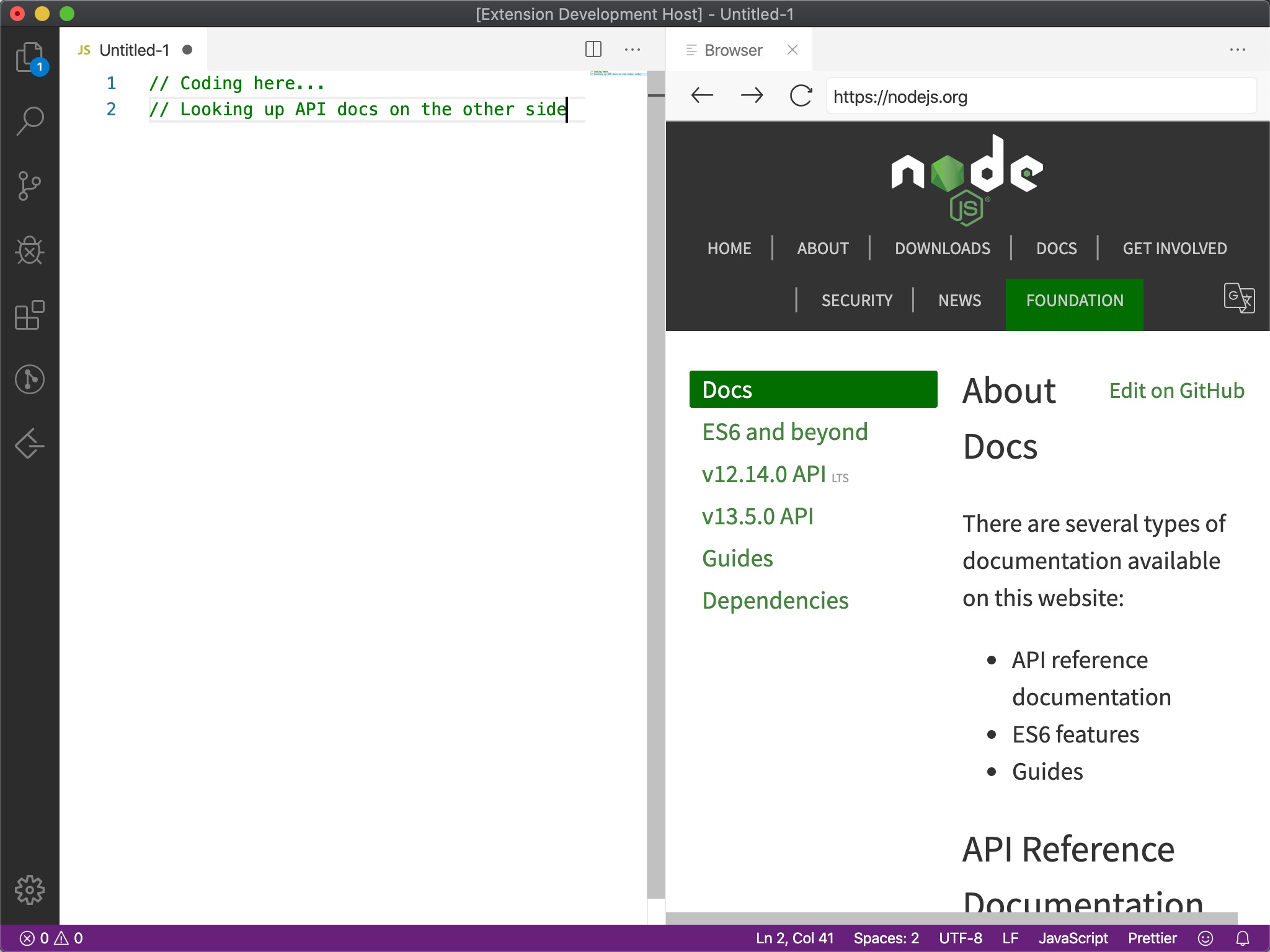
For example, check API documentation while coding:
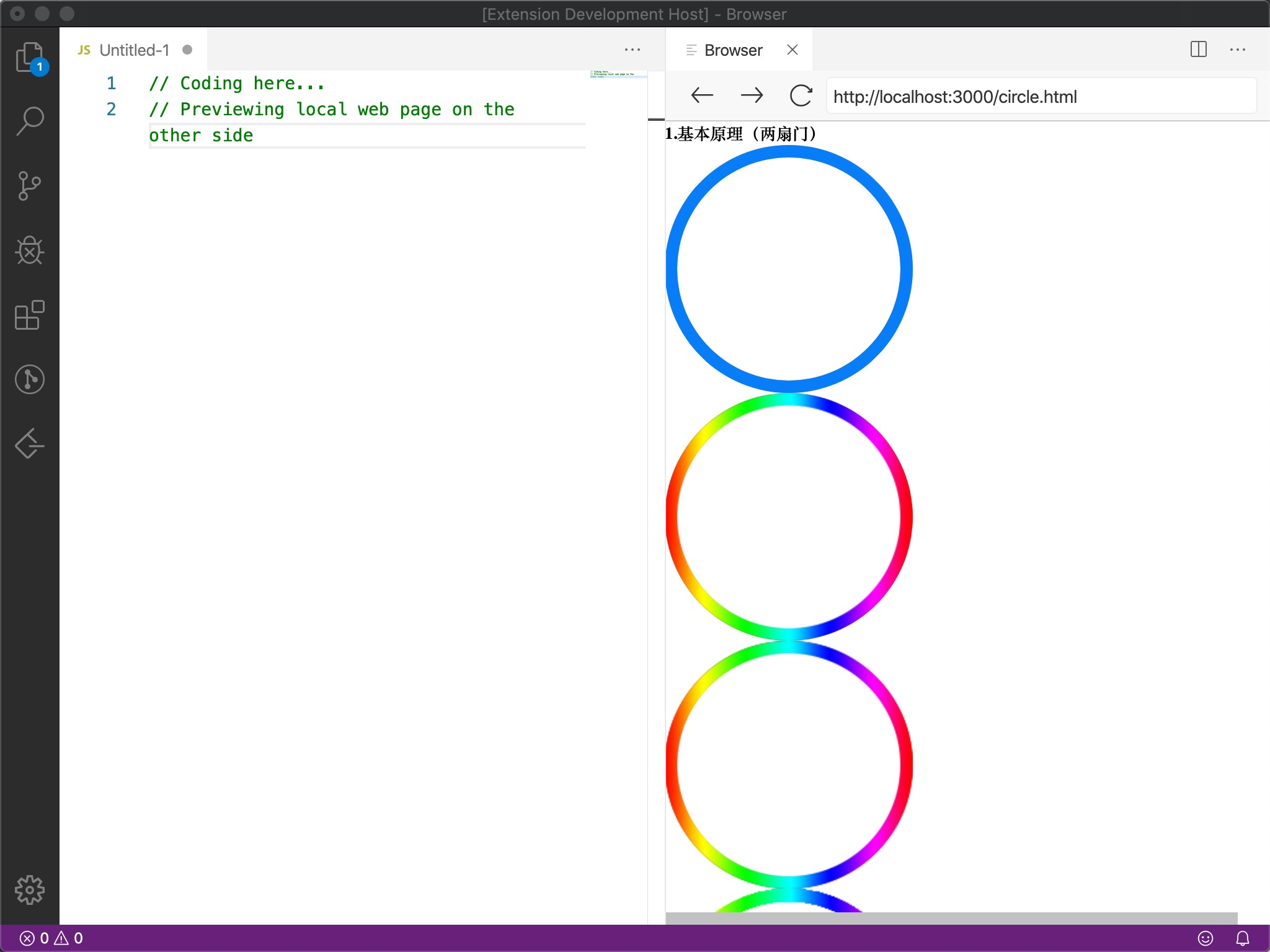
Another example, preview local effects while coding:
Complete Feature List
-
Open any HTTP/HTTPS links in your VS Code.
-
Jump, forward, backward, refresh all supported.
-
Support history records, URL auto-completion.
-
Automatically restore open browser panels when VS Code restarts.
3. Installation and Usage
Already listed on VS Code plugin marketplace, install and use immediately, or search for EmbeddedBrowser plugin in VS Code to install
Usage is extremely simple, just input command Open Browser
P.S. If encountering any problems, or have feature suggestions, can all feedback through issue
4. Implementation Principle
In short, bypass security restrictions through local proxy service forwarding, then load pages through iframe
If interested in Webview capabilities provided by VS Code, or specific implementation of embedded browser, can refer to:
-
[Webview_VS Code Plugin Development Notes 5](/articles/webview-vscode 插件开发笔记 5/)
-
[3 Solutions to Break iframe Security Restrictions](/articles/打破 iframe 安全限制的 3 种方案/)
Specific implementation details, see Github:
- Source code repository: https://github.com/ayqy/browser
Welcome to participate together;)
No comments yet. Be the first to share your thoughts.