
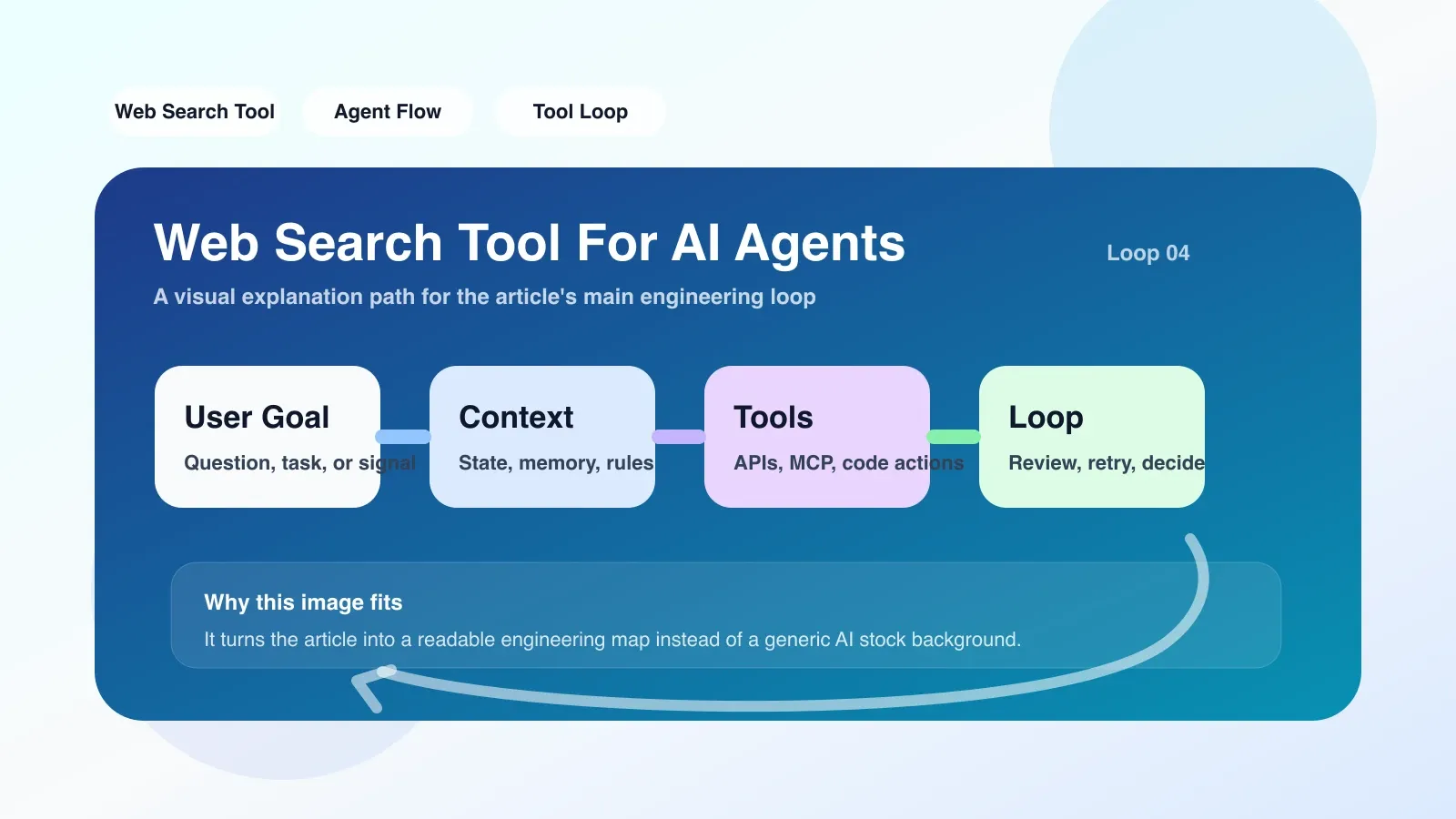
Why this topic deserves serious attention now
In 2025, a large number of AI Agent projects began to be connected to search engines. But many people think of it too simply - thinking that they only need to adjust an API to allow the Agent to search in real time. In fact, the engineering complexity of Web Search Tool far exceeds expectations: API current limit, search result truncation, content crawling failure, context window explosion, hallucination amplification... Each of these factors may cause the Agent to output wrong conclusions. If you are building an Agent that relies on real-time information (such as a price comparison assistant, an academic retrieval robot, and an event tracking system), understanding the underlying mechanism and boundaries of the Web Search Tool will directly affect whether your system is usable.
What problems does it solve in real projects?
Let’s start with a real-life scenario: You are working as a “Technology News Summary Assistant” Agent, automatically grabbing the latest AI news every day and generating a 200-word briefing. You have connected it to SerpAPI or Bing Search API and hope that the Agent will search Google by itself. The problem quickly emerged - after the Agent searched for "AI coding tools 2025", 10 result summaries were returned, but these summaries were only 100 words on average, which was not enough to generate an in-depth briefing. To make matters worse, some result summaries were inconsistent with the actual page content after the jump, but the Agent "trusted" the summaries, resulting in factual errors in the briefing.
The core value of Web Search Tool is not "allowing the Agent to search", but "allowing the Agent to search, understand, filter and quote". It contains at least three levels of capabilities:
- Query rewriting and disambiguation. The user inputs "Apple stock price", and the Agent needs to know whether it refers to Apple's stock price or the price of fruit. The Web Search Tool can automatically construct a more precise query based on the Agent's context (for example, the task is financial analysis), such as "AAPL stock price today".
- Structural extraction of results. The original search API returns an HTML fragment or JSON summary, from which the Web Search Tool needs to extract the title, link, publication time, fragment, and perform deduplication and relevance sorting. This step is error-prone - for example, three results from the same domain name are returned in a row without merging.
- Content capture and cleaning. Many search APIs do not provide full text, only abstracts. To obtain the complete content, Web Search Tool must further crawl the page corresponding to the URL and remove noise such as advertisements, navigation bars, and cookie pop-ups. This step consumes the most resources and is also the most likely to fail due to the anti-crawling mechanism.
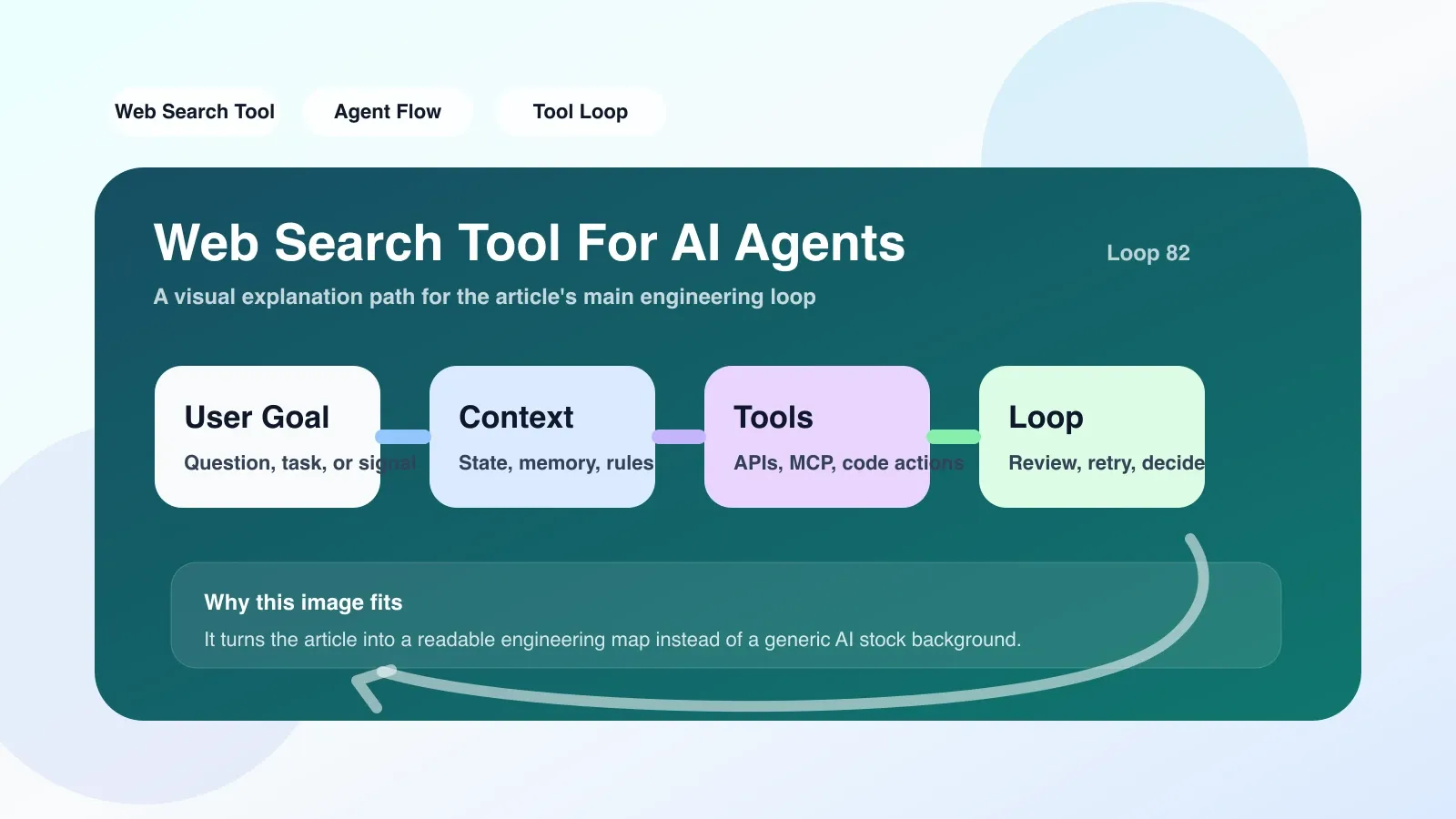
The most likely place to fail and misunderstanding
A typical failure case I encountered in a real project: the Agent was assigned to "find the latest React 19 release notes". It searches through the Web Search Tool and finds a blog. After crawling the content, the Agent directly quotes the "React 19 adds useMemo optimization" to answer. But after I checked manually, I found that the blog was an old article from 2023 and the content was not accurate at all. Why did the Agent make this mistake? Because the search results returned by Web Search Tool are sorted based on SEO weight, rather than time and factual accuracy. If the Agent does not perform timeliness filtering on the results, it will introduce outdated or erroneous information.
This is the easiest pitfall: Search tools cannot judge the time sensitivity and authoritativeness of results. The agent may blindly trust the top results or skip cross-validation because the summary looks reasonable.
Another common failure point is context explosion. The Web Search Tool returns 10 results at a time, and each result may contain 5,000 words after crawling, for a total of 50,000 words. Asking the Agent to read the entire content quickly fills up the context window, resulting in performance degradation or loss of critical information. If you do not set a limit on the maximum number of scanned words or the number of results, the Agent may "forget" the original question due to context overflow.
In terms of misunderstanding, many people think that Web Search Tool is equivalent to "installing a search engine for Agent". In fact, it is more like an "information intermediary": it determines what information enters the Agent's field of vision and in what form. If the intermediary itself is not properly filtered, the agent will output wrong answers no matter how smart it is.
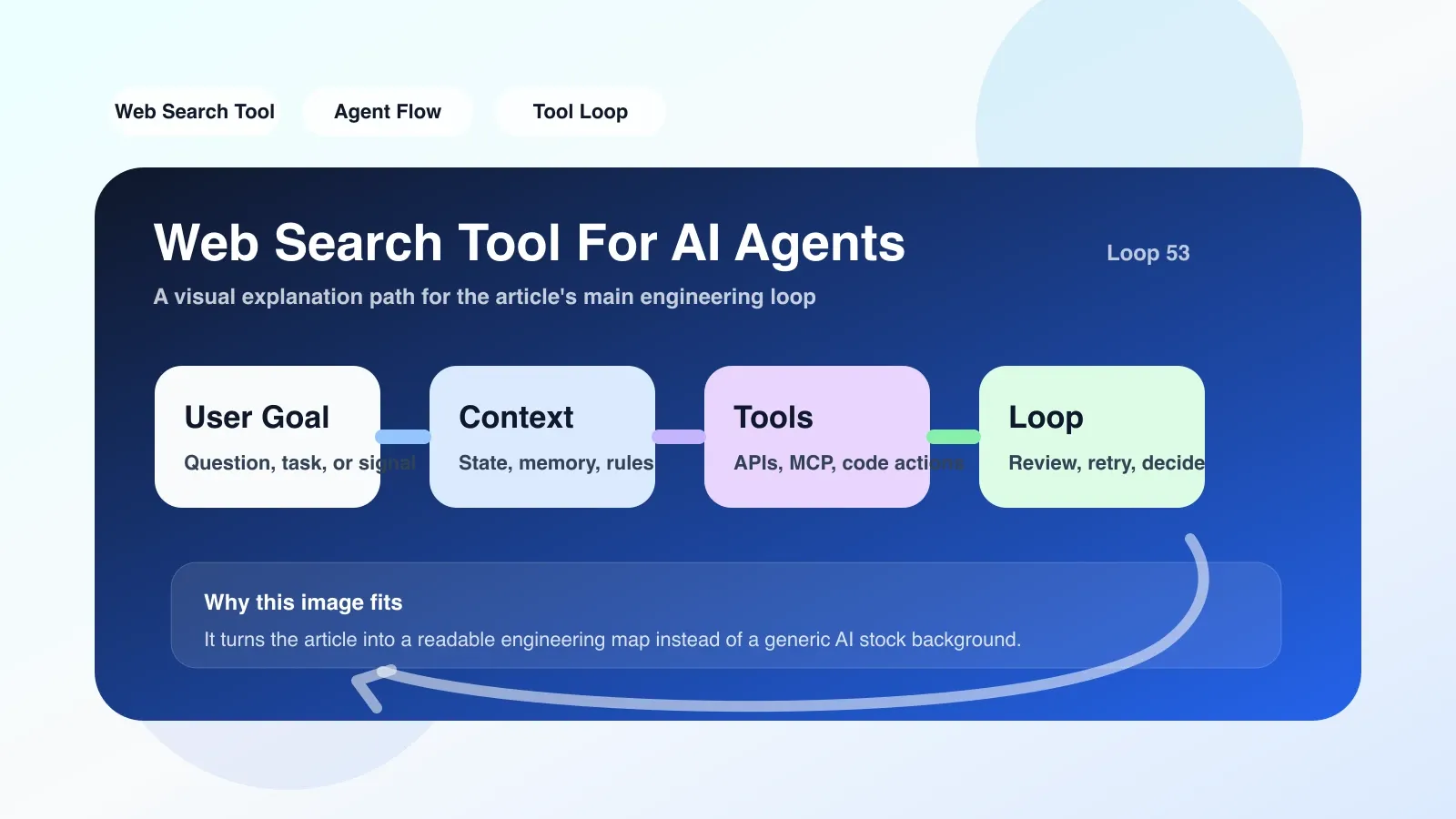
If you want to land now, what should you do as the first step?
**Step one: Current limiting and retry mechanisms are prerequisites for survival. ** Most search APIs are billed per request and have strict throttling. For example Google Custom Search is free for 100 requests per day, SerpAPI is pay-per-use. You need to build a request queue into the Agent framework, retry with exponential backoff when failure occurs, and set the maximum number of retries (3 is recommended).
**Step 2: Add a time parameter to the search query. ** Do not use the user's original query directly. For time-sensitive tasks, append parameters such as after:YYYY-MM-DD or &tbs=qdr:w (Bing) at the end of the query to ensure that the latest results are returned. You can expose a freshness parameter in the Web Search Tool configuration to let the Agent decide whether to enable it based on the task type.
**Step 3: Implement content truncation and priority summary. ** Do not crawl the entire page at once. First let the Agent read the search summary and determine which results are worth clicking. Then only the content of the selected URL is crawled and truncated to within 2000 characters. If the content is too long, prioritize crawling the title and opening paragraph, as the key information is usually within the first 300 words.
Here is a simple Python code example that shows how to integrate Web Search in your Agent tool and do basic cleaning:
import requests
from bs4 import BeautifulSoup

def web_search(query: str, api_key: str) -> list:
    # Call SerpAPI example
    params = {
        "q": query,
        "api_key": api_key,
        "tbm": "nws", # News mode to increase timeliness
        "num": 5 # Only take the first 5 results
    }
    resp = requests.get("https://serpapi.com/search", params=params)
    results = resp.json().get("organic_results", [])

clean_results = []
    for r in results[:3]: # Only process the first 3
        url = r["link"]
        snippet = r.get("snippet", "")
        # Fetch the text (timeout 5 seconds)
        try:
            page = requests.get(url, timeout=5)
            soup = BeautifulSoup(page.text, "html.parser")
            # Simple cleaning: take the first 2000 words of <article> or <main>
            main_content = soup.find("article") or soup.find("main")
            if main_content:
                text = main_content.get_text()[:2000]
            else:
                text = soup.get_text()[:2000]
            clean_results.append({
                "url": url,
                "snippet": snippet,
                "content": text
            })
        except Exception as e:
            # When fetching fails, only the summary is used
            clean_results.append({
                "url": url,
                "snippet": snippet,
                "content": snippet
            })
    return clean_results
NOTE: Truncation and exception handling in your code are key. If the complete text is returned directly, the Agent is easily overwhelmed by the noise.
**Step 4: Inject instructions that can determine when to reject a search. ** The agent should know that if the question does not rely on external information (such as "1+1 equals how many"), no search is needed. This saves costs and increases responsiveness. You can add rules like "If the current question does not require real-time information, please answer directly without calling the search tool" in the system prompts.
Three Checklists for Success
- Limit on the number of search results: Do not exceed 5 by default to avoid information overload.
- Content fetch timeout: Set a 5-second timeout to avoid blocking the Agent response.
- Final answer source mark: It is mandatory for the Agent to attach a reference URL at the end of the answer to facilitate manual verification.
Where to go next to continue systematic learning
If you want to make your Agent project solid, this article is just a starting point. Web Search Tool is just the first step in information linking. You also need to master advanced topics such as context management, memory systems, tool orchestration, and error recovery. I have a series of original paid articles and courses specifically designed for "transforming from ordinary developers to Agent engineers". The content covers practical details such as tuning, downgrading, and cost control in real projects. If you want to learn these in a systematic way instead of piecing together fragments online, you can go to the content details page to learn more.
No comments yet. Be the first to share your thoughts.