
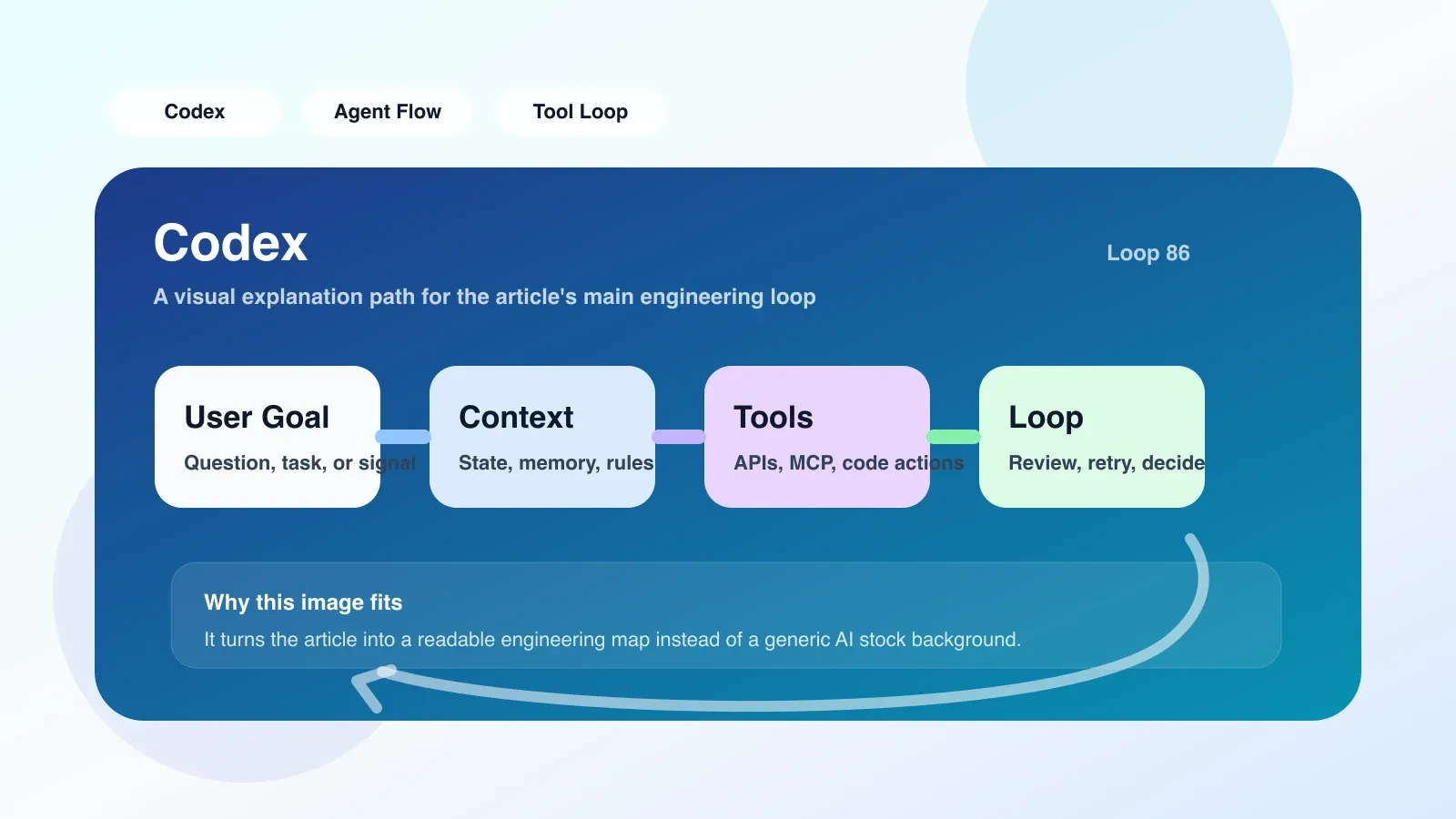
The first real-life scenario: from prototype to production, Codex code suddenly "loses its memory"
Last summer, I worked on prototyping an internal tool to automatically generate API call code using Codex. The results in the first two weeks are amazing: Codex can directly output runnable Python scripts based on natural language descriptions, saving about 60% of coding time. But when I tried to scale this prototype into production, problems arose. With the same prompt word, Codex began to generate syntax errors, omit key parameters, and even create non-existent functions. The most devastating one was that it wrote requests.post as requests.send, which did not exist at all. I spent a full half day debugging, and finally discovered that it was context overflow - the context window of Codex was only 8K. When the project code and conversation history accumulated to a certain length, it began to "forget" the API details originally agreed upon.
This scene made me realize that Codex is not "AI who writes code", but an "engine that guesses code based on local context". The quality of its output relies heavily on the freshness and accuracy of the information you provide.
Several conclusions that changed the way I judge
After completing this project, I completely gave up the illusion that "Codex can replace engineers". Three key conclusions:
- Codex is good at local pattern matching, but not good at global consistency. It can write beautiful functions in 5 lines, but it cannot guarantee uniform variable naming and error handling styles throughout the project. Giving multiple prompts to different parts of the same task can lead to conflicting results.
- Context management and prompt engineering are hard thresholds. It's not as simple as "write the requirements clearly". You need to proactively control context size, segment tasks, and anchor key constraints with annotations. If this step is not done well, the Codex output will be garbage.
- Testability and reusability are two different dimensions. Codex The generated code is often testable (can pass unit tests), but difficult to reuse - it tends to generate complete functions in one go rather than splitting them into small composable modules. When you need to change logic, you often have to rewrite the entire function.
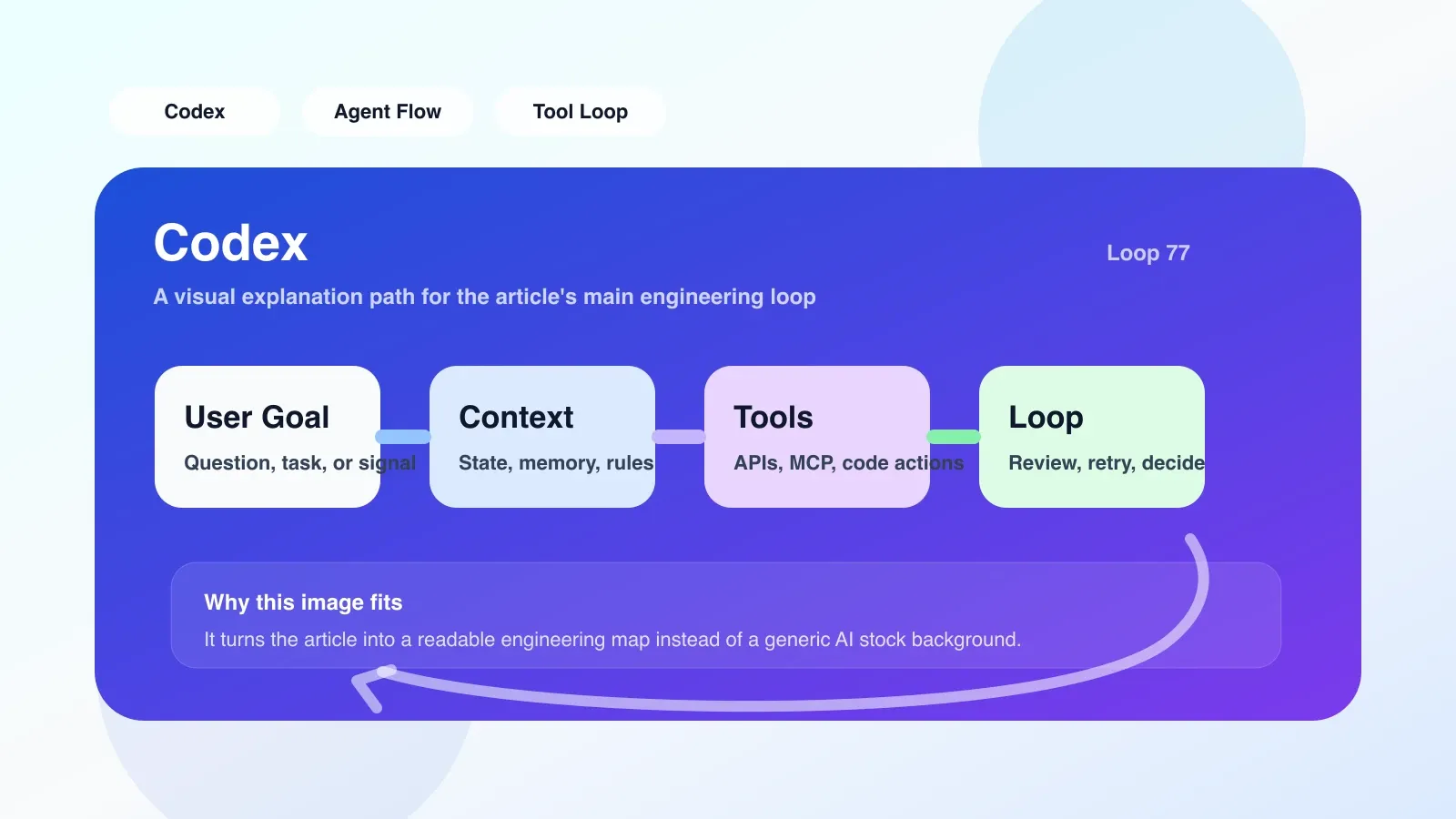
Pitfalls encountered and correction plans
** Pitfall 1: Over-reliance on Codex for code review**. I thought having Codex review the code I wrote would find logic errors, but instead it often "made up" bugs that didn't exist, or ignored real boundary conditions. For example, when reviewing a file reading function, Codex says "missing exception handling", but there is clearly try-except in the actual code - it does not see the context.
Correction: Only use Codex for style checking and naming suggestions. Logic review must rely on manual or specialized static analysis tools.
Pit 2: Submit the Codex output directly to the code base. On one occasion, the sorting algorithm generated by Codex worked perfectly on the test data, but crashed when inputting a list containing None. Because the test data does not cover the null value situation.
Correction: Create mandatory pre-checklist:
- Input boundary checking (empty, extreme values, special values)
- Interface compatibility check with existing code (function signature, return value type)
- Error handling integrity check (are all exception paths handled?)
- Performance baseline comparison (is the generated code more than 2 times slower than the original solution?)
Pit 3: Use Codex to do batch reconstruction when global modification is required. I want to use Codex to change all print in the project to logging.info. As a result, the context overflows in half of the changes, but the second half is not changed, causing the compilation to fail.
Correction: The refactoring task must be broken into small steps, only one module is changed at a time, and CI verification must be used after each modification. It is prohibited to give Codex the content of more than 5 files at a time.
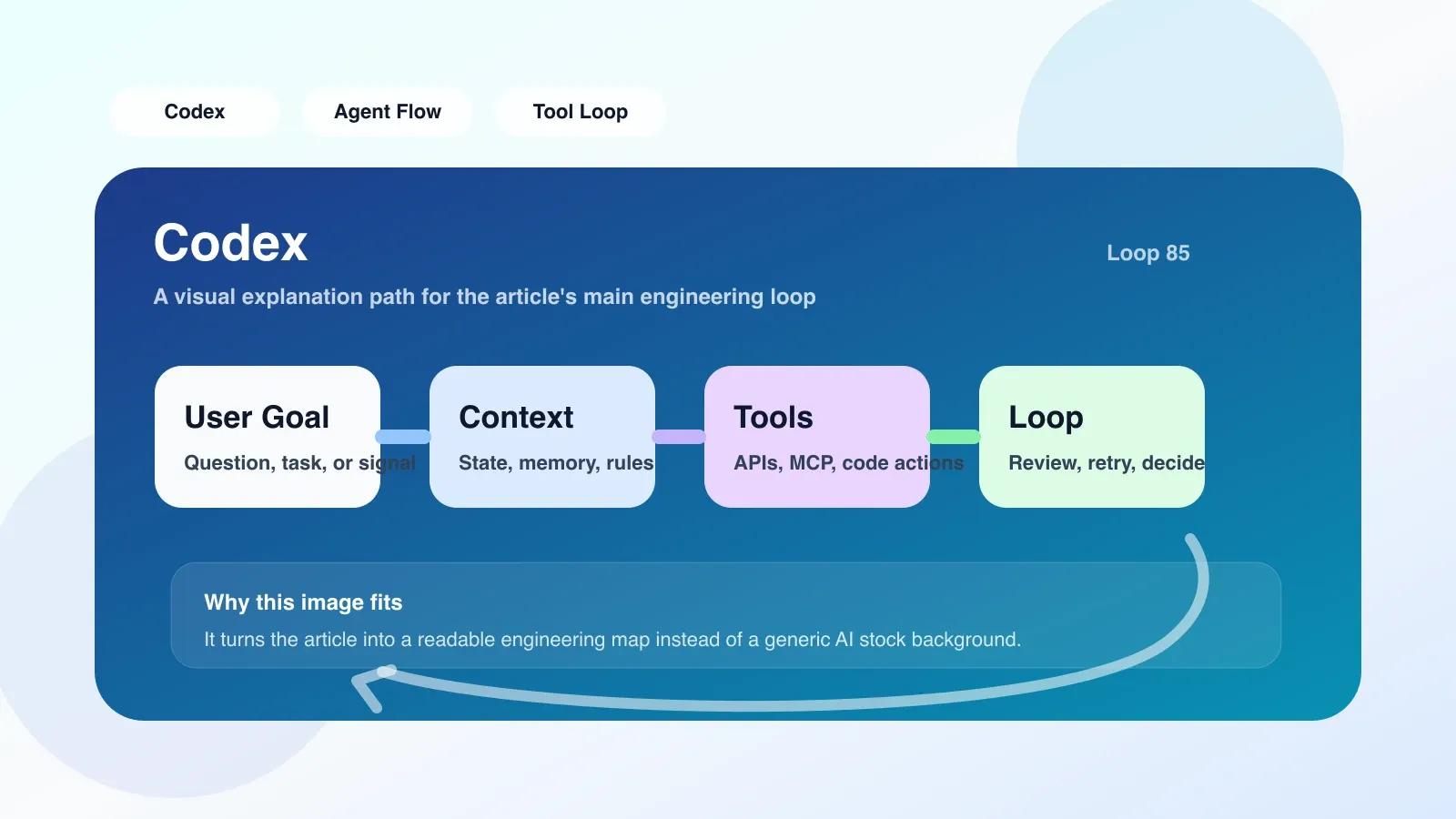
The most worthwhile step to follow first: Create Codex output preflight list
If you are also trying to integrate Codex into your workflow, the first step is not to pursue more features, but to establish a rigorous output pre-flight checklist. My team currently uses the following checklist:
- Does the code contain hard-coded sensitive information (API keys, passwords)? ——Codex sometimes “memorizes” keys from training data.
- Are there any undefined dependencies or functions? -- Perform a
importcheck to ensure all external calls are explicitly imported. - Does exception handling cover all error types listed in the documentation? ——Especially important when adjusting API.
- Is it consistent with style rules (PEP 8, Go fmt) for existing code? ——Use linter to automatically check, don't rely on Codex.
- Does the single test coverage meet the project requirements? ——Codex Generated code often lacks testing for edge cases.
Write this list on the first page of the team wiki, and each item must be passed before submitting the code generated by Codex. This may seem tedious, but it will prevent 90% of online mishaps.
When should you continue investing and when should you change your route?
Continue to invest in the scene:
- The tasks are repetitive and fixed-mode coding, such as database CRUD, API encapsulation, and data conversion scripts.
- You can provide stable and clear prompts - the context does not exceed 4K tokens, and the code base has unified coding standards.
- The team has established a pre-inspection and testing process to quickly discover and correct Codex errors.
Signal to change route immediately:
- Codex began to generate grammatical errors or semantic errors frequently, and the problem did not improve after modifying the prompt words. This usually means that the context has gone out of the window, or that the task itself requires understanding across files.
- Input and output require strict consistency and version management, such as core logic involving payment and security authentication.
- You find that it takes more time to maintain the code generated by Codex than to write the code by hand. This often happens in scenarios where the code needs to be modified frequently - because the generated code is difficult to understand and must be rewritten every time it is changed.
A real decision-making case: My colleague used Codex to generate a WeChat payment integration module. The first generation took 2 hours, but due to subsequent changes in the payment interface, Codex took 4 hours to regenerate, and there was still a signature error that was not discovered. Eventually he decided to write it by hand, which took him only six hours and made subsequent revisions manageable.
Summary
Codex is a powerful code completion tool, but its capabilities are much narrower than they appear: it is only suitable for local, patterned, and context-stable tasks. The real engineering value lies not in getting Codex to write more code, but in establishing processes that allow Codex's output to be implemented safely. If you're considering bringing Codex to your team, write that preflight checklist first.
Next, if you want to systematically master context management, prompt engineering and evaluation strategies in Agent engineering, you can pay attention to our high-quality original paid articles and AI advanced programming courses.
No comments yet. Be the first to share your thoughts.