
In which real-life scenario did I first encounter this problem?
Two months ago, a user questionnaire analysis service I maintained continued to receive timeout alarms. This service uses the Assistants API. Each time a user submits a questionnaire, a Thread is created and run, waiting for the Assistant to analyze the results. However, as the number of users increased, the number of Threads increased sharply, and Run frequently entered the requires_action state - the tool call chain became longer and longer, and the single response time expanded from 3 seconds to more than 15 seconds. The most fatal thing is that when a certain tool call fails (for example, the external API returns 503), the entire Thread status is stuck, and all subsequent requests are queued and blocked.
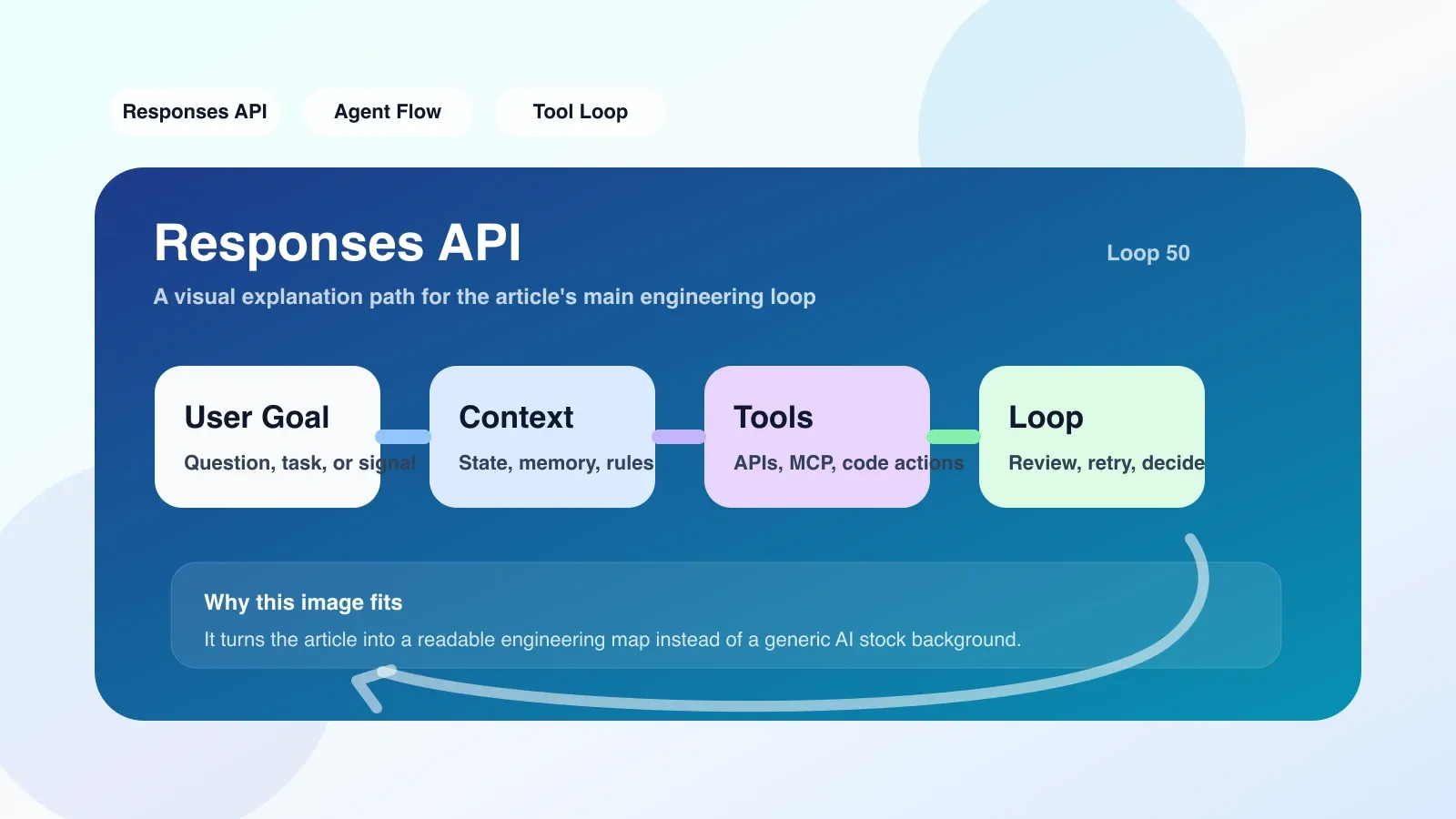
It was this pain point that got me interested in Responses API. It is designed as a stateless, single-round response mode and does not require maintenance of the Thread life cycle. In theory, it is more direct than Assistants for one-time tasks such as "user asks → system call tool → returns result". But before migrating, I must answer: Is my scene really suitable for migration?
Several conclusions that really changed my judgment after doing this
1. Stateless is not a silver bullet, but it can make error boundaries clearer
After migration, each user request corresponds to an independent Response object. If a tool call times out, Responses API returns an explicit error field without affecting the next request. I can do retries or downgrades for tool_execution_error in my code without having to monitor the Thread state machine. The conclusion is: If your business is naturally a one-time question and answer (such as customer service reply, report generation), the stateless model makes error handling and capacity expansion simple. But if you need multiple rounds of conversation memory, Responses API requires you to manage the context yourself - stuffing historical messages into requests, which increases payload size and cost.
2. The more specific the tool description, the higher the response quality.
At the beginning of the migration, I directly copied the tool definitions used in the Assistants API. As a result, Responses often choose the wrong tool or call it in a loop. Debugging found that the scheduler of Responses API is more sensitive to the semantics of tool descriptions. It does not rely on conversation history to infer intent, but instead does a match based on the current prompt and tool definition. Adding a when_to_use field to the tool (eg: "Use this tool when users ask about score trends") improved accuracy from 72% to 94%. This change is simple, but the effect far exceeds expectations.
3. The cost does not necessarily decrease, it depends on your calling pattern
Responses API is priced differently than Assistants: it is charged per Response, while Assistants are charged per Thread + Run. I have done a comparison: Scenario A (short conversation, few tool calls) Responses are about 20% cheaper; Scenario B (long conversation, multiple tool calls) Responses are 35% more expensive, because you have to repeatedly transmit historical messages and trigger complete reasoning every time. The conclusion is: it is necessary to simulate the real load for price calculation, and do not just look at the unit price on the document.
The pitfalls we encountered at that time and how we corrected them later
Pit 1: Ignore the side effects of previous_response_id
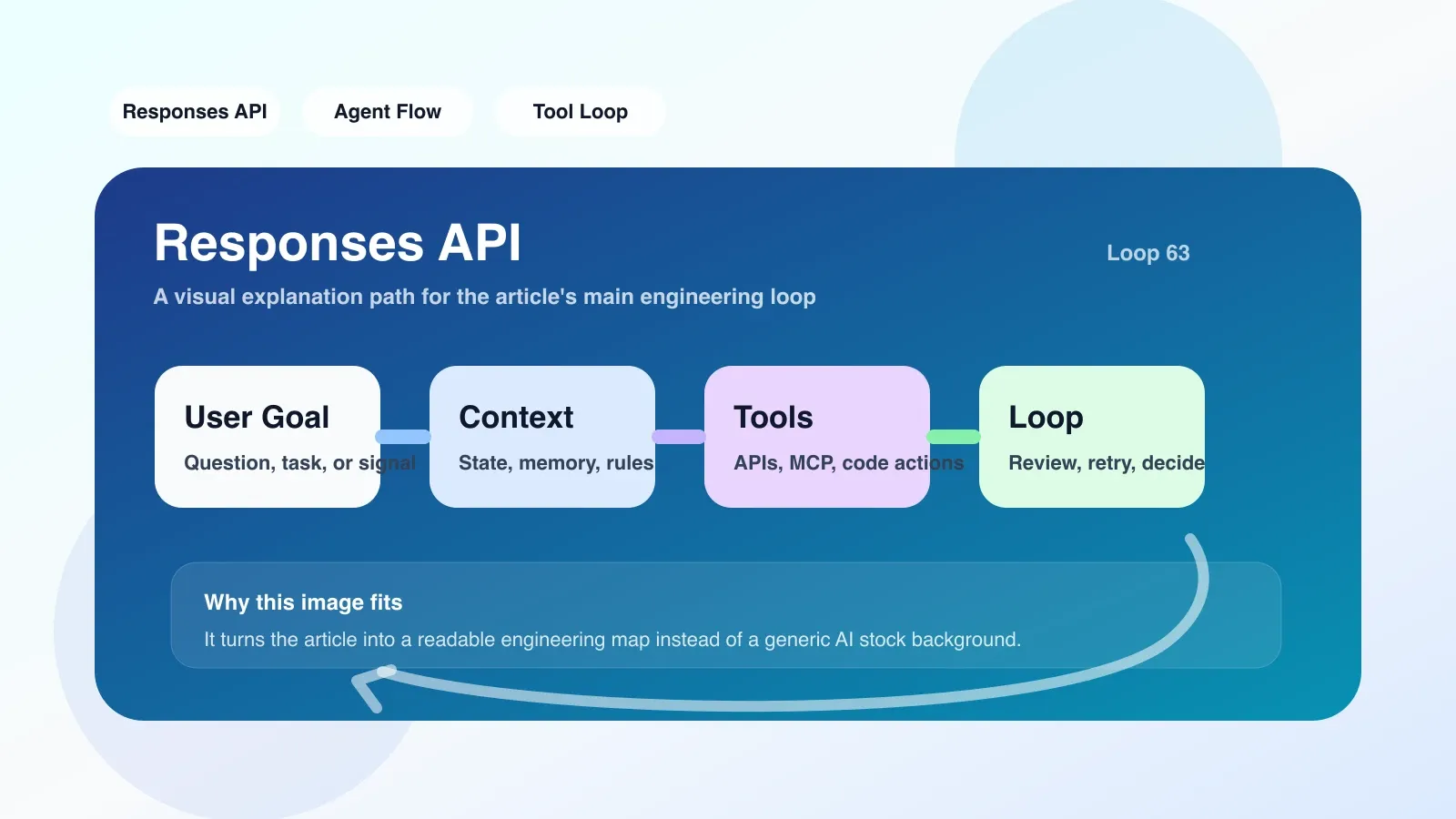
The documentation mentions that you can pass in the previous Response ID to achieve context continuation, but it doesn't say that you have to clean it up manually. During my experiment, I continuously passed in the ID, which caused the Response to become larger and larger, and eventually exceeded the upper limit of 256K tokens, triggering truncation. Correction method: Only keep the last three round IDs each time, and determine whether this round needs backtracking in the business logic.
Pit 2: Synchronous calls block the event loop
Responses API is synchronously blocking by default. In the Node.js service, I used the await call and ended up with a slow request that hung up the entire thread. Correction method: Switch to streaming mode, handle streaming events response.output_text.delta, or use an asynchronous HTTP library to wrap it to be non-blocking.
Pit 3: Misjudgment of suitable scene
I initially confidently migrated a form wizard that required multiple rounds of collecting user information to Responses API. It turns out that every time the user fills in a field, all previous fields must be sent repeatedly as context. During debugging, the payload is huge, and the Response returns are discontinuous - because each inference starts from scratch. Eventually the functionality was retained on Assistants and only one-time analysis tasks were moved to Responses.
If you are doing similar work, the most worthwhile step to copy first
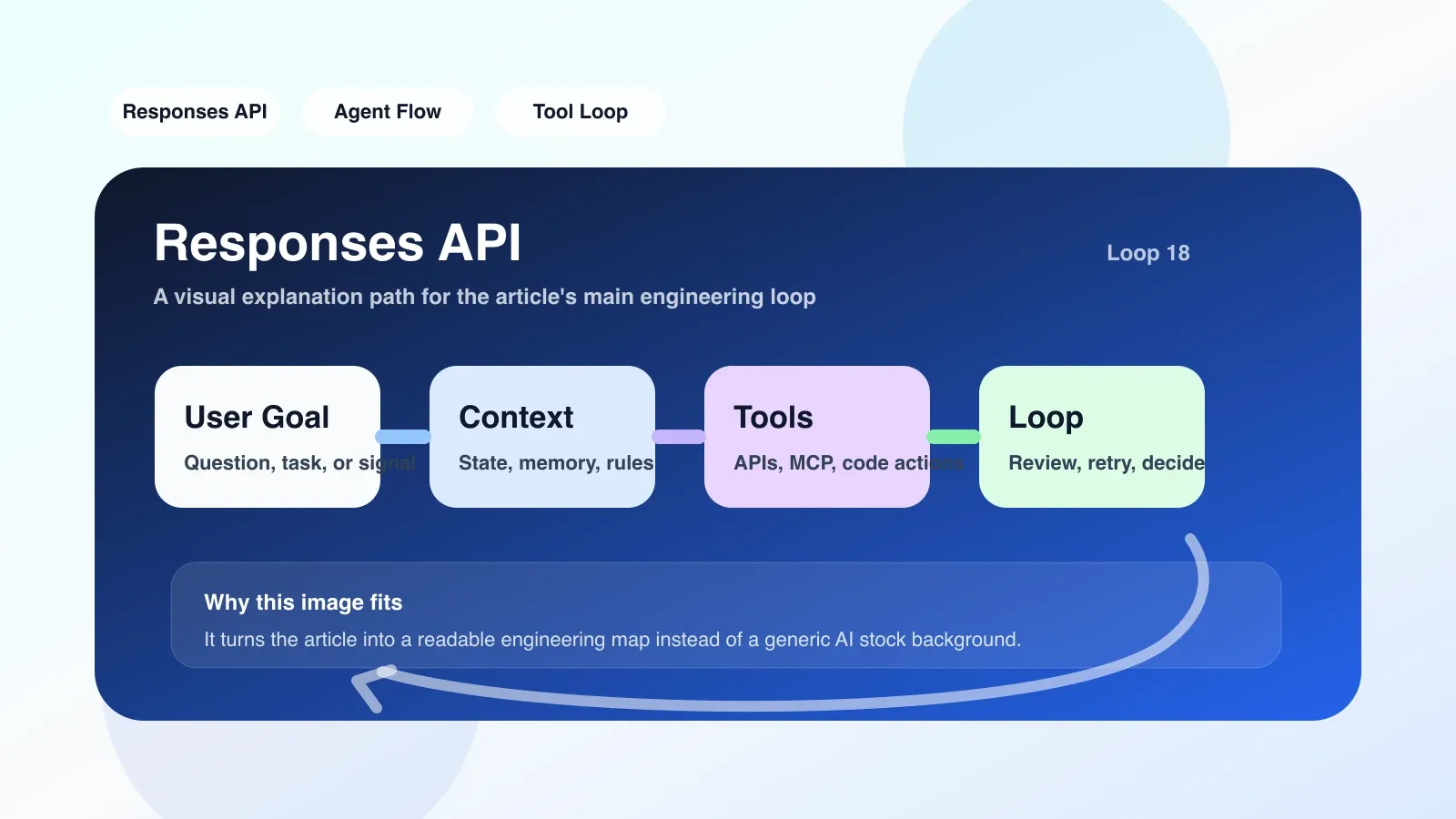
Do the grayscale migration first, do not switch in full. Specific methods:
- Hang a "shadow call" of Responses API in the existing service, and only record its return results and time consumption, without affecting production traffic. Run for a week and collect at least 1000 comparisons.
- Statistical accuracy, delay, and error types. If the accuracy of Responses is more than 5% lower than that of Assistants, optimize the tool definition and try again.
- Only replace single-call interfaces that are time-consuming and have high error rates. For example, in my questionnaire analysis service, the delay was reduced by 60% after the replacement of the "generate summary" interface; while the "ask user details" interface remains in Assistants.
This step avoids the embarrassment of "full migration failure and then rollback", and the data will tell you which scenarios really benefit.
When should you continue investing and when should you change your route?
Continue to invest in the scene:
- Your tasks are stateless and responsive in one round (translation, summarization, code generation).
- Your service needs high concurrency and strict error isolation.
- Your team is already familiar with the OpenAI API ecosystem and does not want to introduce additional middleware.
Scenario when it’s time to change route:
- At your core is a multi-turn, stateful conversation (like a chatbot). At this point the Assistants API or custom state management is more suitable.
- Your task relies heavily on external tools and tool returns are unstable. Responses API's rate limiting and error handling are not as flexible as you might think.
- Your latency sensitivity is extremely high (<500ms). Although the streaming mode of Responses API is fast, there is still a fixed overhead of 1-2 seconds for the first token.
My final choice: hybrid architecture. Assistants are responsible for the dialogues that need to be remembered, and Responses are responsible for one-time analysis, and the message queue is used to connect in the middle. This solution has been running in production for a month, and the failure rate has dropped by 70%.
If you are doing a similar evaluation, it is recommended to run grayscale on a non-core interface first. I will share more detailed architecture comparisons and code-level migration templates in original paid articles in the future.
No comments yet. Be the first to share your thoughts.