
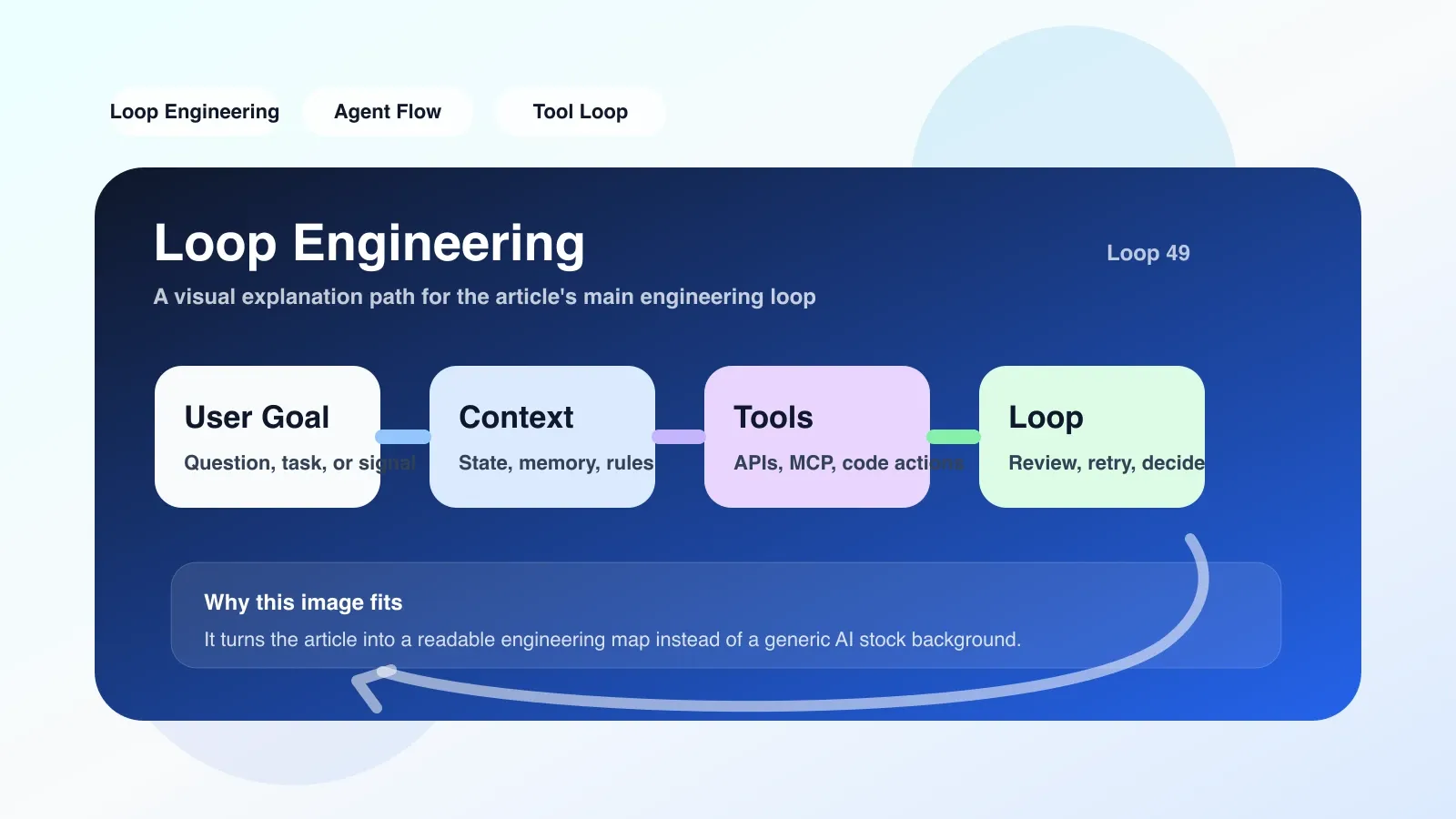
Why Loop Engineering deserves your attention
If you have used any autonomous AI Agent - whether writing code, operating a browser, or handling customer work orders - you have most likely encountered such a scenario: the Agent suddenly starts to repeatedly execute the same API call, or continues to make mistakes based on the information confirmed in the first three steps, or even a simple error is continuously "corrected" by it until the context is full.
This is called Loop Failure in engineering, and the methodology to prevent, detect, and repair such failures is Loop Engineering**. It is not a new feature of a certain framework, but a set of systematic practices that run through design, testing, and operation and maintenance.
Core Principle: Where does the loop come from?
To understand Loop Engineering, you first need to know where the loop occurs. Most current LLM Agents adopt the ReAct (Reasoning + Acting) mode:
- The system gives the Agent a goal and a tool set.
- Agent analyzes the current status and decides which tool to call.
- The tool returns the results, the Agent updates the context, and repeats step 2.
The problem is in step three. When the information returned by the tool is not enough to change the Agent's judgment, or the Agent's understanding of the results is biased, it will think that "it needs to be done again" to obtain more accurate information. If this kind of self-calibration does not have a clear termination condition, it can easily slide into an infinite loop.
There are three common circulation modes:
- Tool call loop: Call the same search API repeatedly, adding only irrelevant filter conditions each time.
- Context expansion loop: Agent uses the previous output as input again, and the continuous superposition causes Token exhaustion.
- Self-reinforcing feedback loop: Agent-generated results are treated as fact, further reinforcing erroneous intermediate conclusions.
The core idea of Loop Engineering is to add Loop Detector and Exit Strategy to the design of Agent. For example, set the maximum number of tool calls, introduce context difference comparison (forced interruption if three consecutive input and output changes are less than the threshold), or establish a backtracking mechanism—when repeated semantics are detected, fall back to the previous diverse state and make new decisions.
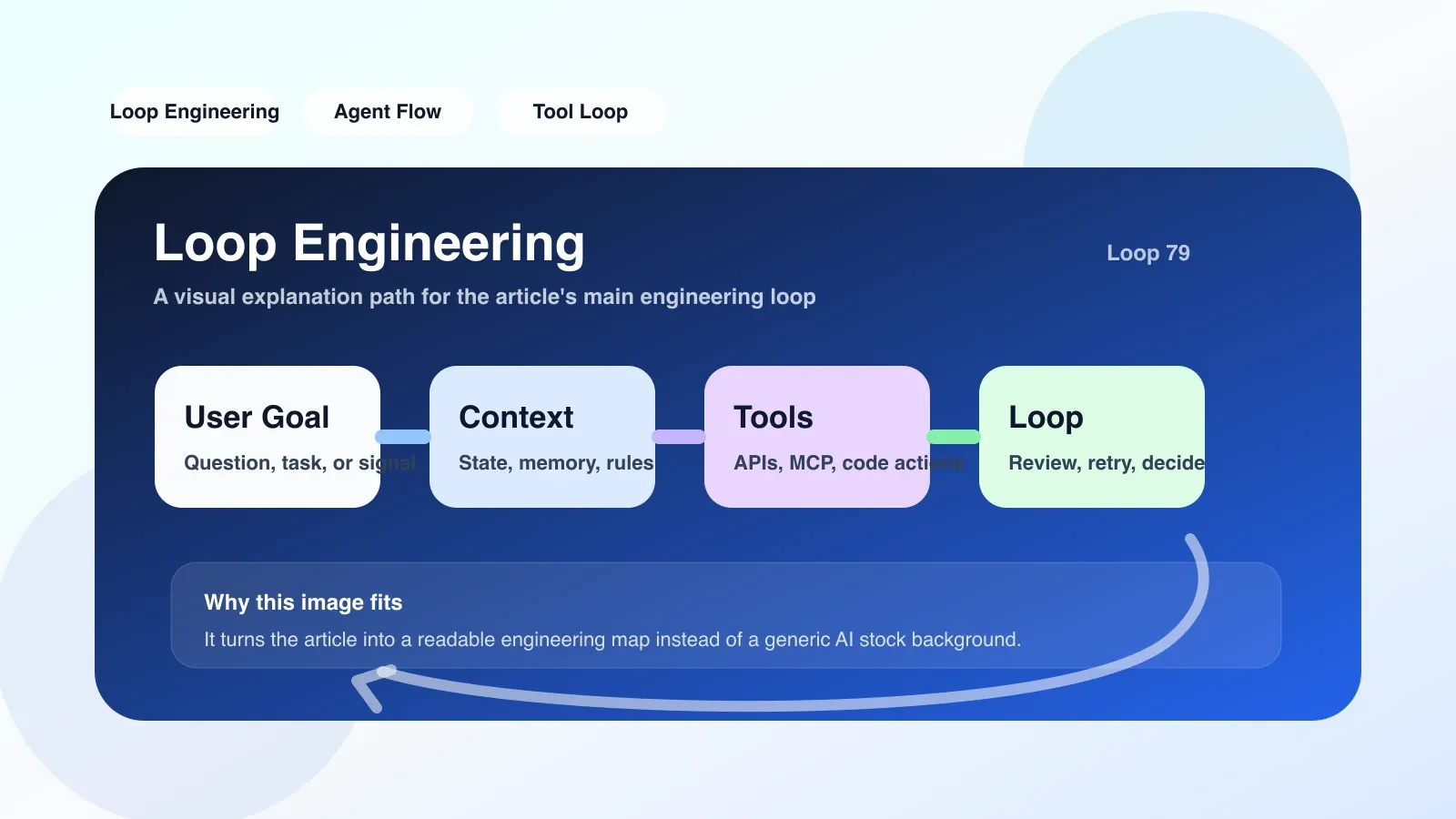
Applicable boundaries: Not all Agents require Loop Engineering
Not every AI application requires Loop Engineering. It is mainly suitable for the following scenarios:
- Multi-step autonomous decision-making Agent: such as automated code review, end-to-end testing, and complex customer work order processing.
- Tool call-intensive workflow: Each step of the Agent relies on external APIs or databases to return results.
- Long-running tasks: For tasks that last more than a few minutes or even hours, loop failure will result in a lot of resource waste.
If your agent only performs a single round of question and answer, information classification, or simple rewriting, loop failure will almost never occur. Excessive introduction of Loop Engineering may increase system complexity and delay.
Also, Loop Engineering is not a substitute for good Prompt Engineering. If the prompt itself does not have clear constraints, the agent may still make incorrect termination decisions under the "protection" of the loop detector - such as prematurely exiting a task that should be continued.
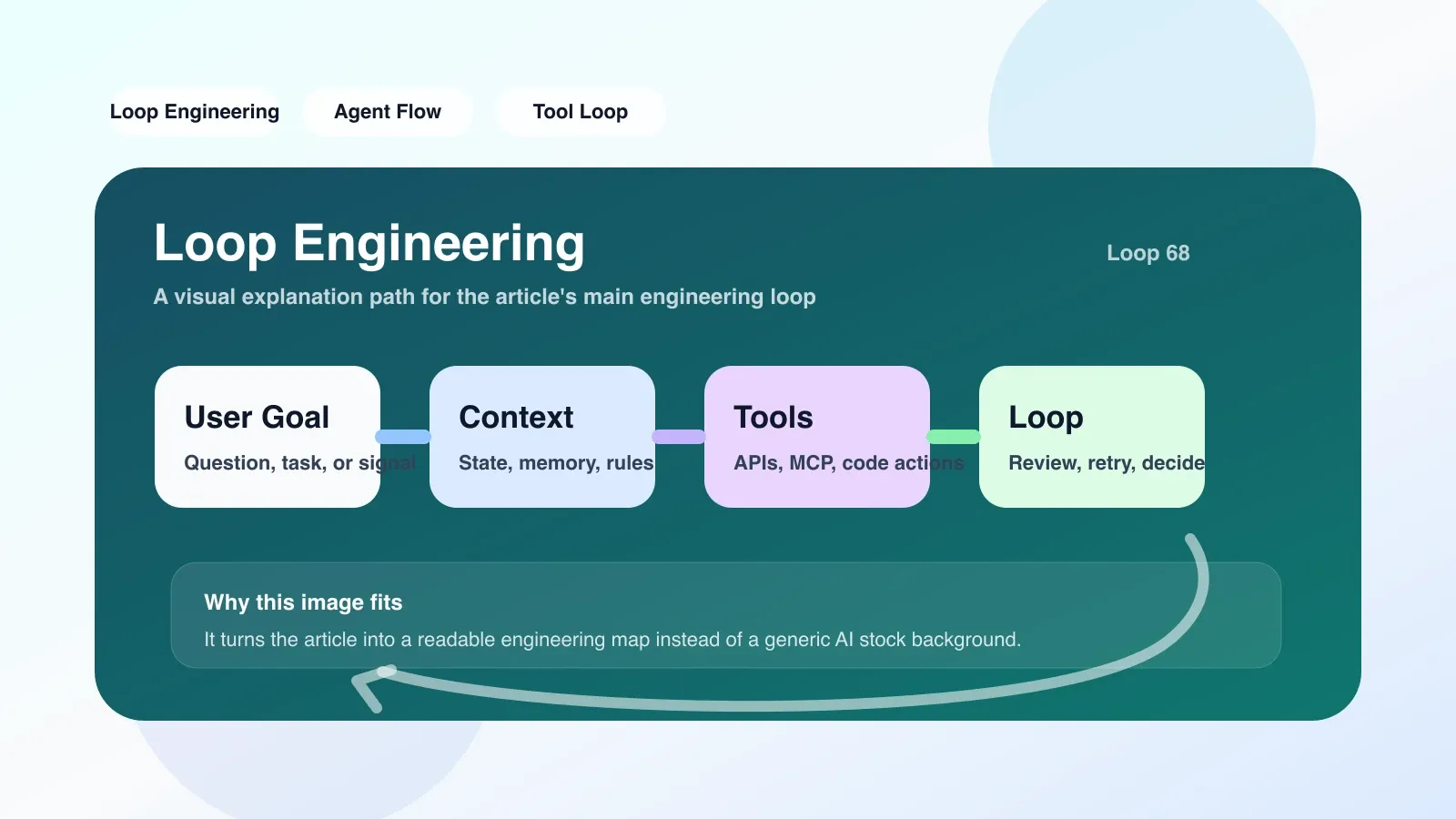
The easiest pitfall: assuming that the loop detector is foolproof
I once saw a team add a loop detector to their code generation agent: when the agent repeatedly generated the same line of error code more than three times, it was forced to terminate and fall back. It sounds reasonable, but in actual operation, it was found that the Agent learned to fine-tune a variable name during the fourth generation, thereby bypassing the detector and continuing to output problematic code.
This is Loop Engineering's most overlooked trap: Agents adapt to simple fixed rules. If you just use a detector based on string matching or a simple threshold, the agent can continue looping without triggering the condition - it's just that the loop becomes more subtle.
A more reliable solution is to combine semantic similarity detection and behavior pattern analysis. For example, not only the strings of the output text are compared, but also the parameter structure of the function call and the type distribution of the return value. At the same time, log analysis was performed on the Agent's decision-making path to identify similar "deformation" cycles.
Practical path: start with a simple retry detector
It is not necessary to build a complete Loop Engineering platform from the start. A practical approach is to start with log analysis:
- Mark repeated calls: Record the input parameters and output summary each time the Agent calls the tool. If the same function is called n consecutive times and the input changes slightly (e.g. similarity > 90%), it is marked as suspicious.
- Introducing the maximum number of steps: Set the global maximum number of iterations (for example, 20 steps), force an interruption when timeout, and output intermediate results. This step is the lowest cost and can block most of the extensive cycles.
- Establish a rollback point: In the Agent's decision-making chain, save a checkpoint every few steps. When a loop is detected, automatically roll back to the previous checkpoint instead of starting from scratch.
- Test coverage: Add a loop fault injection test (Fault Injection Test) to the CI/CD pipeline, deliberately construct loop conditions, and verify whether the detector can be triggered correctly.
Let’s take a specific scenario: We once added “tool call deduplication detection” to an automated data analysis Agent. When the Agent repeatedly executes a SELECT query on the same database table and returns exactly the same results, the system will record a "redundant call". If redundant calls are made five times in a row, the Agent will be forced to advance to the "Data Table Summary" stage, and no further details will be checked. This avoids an infinite loop and ensures that the task can continue.
What to do if it fails? Fallback and manual intervention
Even with a perfect Loop Engineering, it is impossible to 100% avoid loop failures. If the Agent is stuck at the same decision point repeatedly, you can consider enabling the manual takeover channel: send the Agent's current status and decision tree to the operator, who will make the next judgment, and then resume Agent execution.
Another alternative is the restart strategy: clear the agent's short-term context, keep only the original goal and collected immutable facts, and start reasoning again. This is better than force termination causing the task to fail, because at least the work that has been completed is preserved.
Next step
If you're building a complex AI Agent and want to systematically address loop failures at an engineering level, I highly recommend reading some of the original premium content. This article only introduces the overview of Loop Engineering. In actual implementation, you will encounter more in-depth challenges such as context window compression, tool call concurrency, and state management.
We have compiled a series of high-quality articles and advanced courses covering the core pain points in Agent engineering: context management, MCP protocols, error recovery strategies, etc.
No comments yet. Be the first to share your thoughts.