
Why Responses API suddenly became a hot word
At the end of 2024, OpenAI officially launched Responses API and announced the gradual deprecation of the Assistants API. This change instantly exploded in the AI developer community - not because of how cool the new features are, but because the migration cost can be high. If you are building an Agent or RAG application using the Assistants API, you now need to prepare to rewrite some code.
But the deeper reason is: Responses API changed the architectural thinking of AI applications. In the past, Chat Completions was only responsible for "question and answer". The Assistants API introduced threads and persistent state, but the state management was hidden over there OpenAI. Responses API explicitly puts all history, tool calls, and status into a response object, allowing developers to fully control the context. This means that the AI application moves from a "black box endpoint" to an "auditable data flow".
What exactly is Responses API
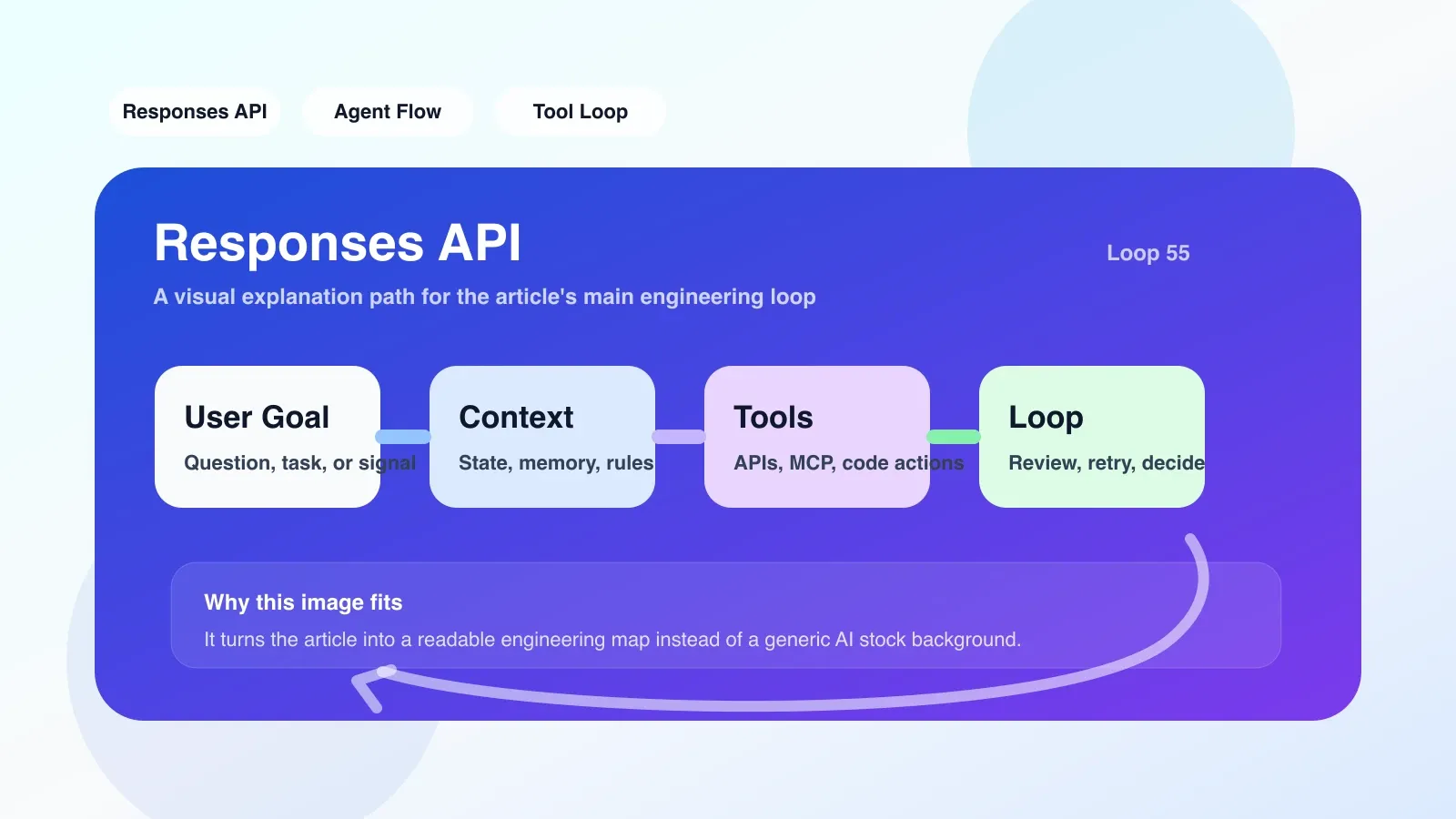
Responses API is essentially a unified endpoint that receives a message (including history, tool definitions, and system prompts) and returns a response object. This object contains not only the generated text, but also the sequence of internal steps - such as how many times the function was called, the input and output of each function, and which documents were retrieved.
For example, in the past, when calling Chat Completions for multi-step reasoning, you had to manually splice the history and manage the function call chain yourself. Now Responses API automatically does circular reasoning internally, but exposes each step to you. You get direct access to the entire reasoning process instead of just the last reply.
In comparison, Responses API is like a "debuggable Agent engine". It has built-in code interpreter, file retrieval, web browsing, and supports structured output. This is a quantum leap for building complex workflows (such as automatically writing code, analyzing documents, and calling external APIs).
The easiest trap to step into
The first pitfall: The context length is not infinite. Responses API Although it supports 128K tokens, if you stuff the entire conversation history and tool call results into it, it will quickly overflow. Many developers think that "if they are unified, they can be used without thinking". As a result, the first long conversation will report that the context has exceeded the limit.
The second pitfall: Migrating from the Assistants API is not a simple request body replacement. Assistants API has independent thread, run, and step objects, and Responses API puts all status in one response. If you previously relied on OpenAI to help you manage thread status, you now have to maintain the history list yourself, otherwise the context will be lost for each request.
The third pitfall: Trigger timing of function calls (tool calls). Responses API automatically decides whether to call a tool and issues multiple tool calls in parallel in a single response. If you want to "first adjust A, and then adjust B based on the results of A", you have to manually perform multiple rounds of interaction, or use the built-in code interpreter to bypass it.
A real-life scenario: automatic data analysis Agent
Suppose you want to build an Agent. The user uploads a CSV and the Agent analyzes it and gives a report. With the Assistants API, you create an assistant, upload the file, and then create a thread to continuously send messages, and the code execution results will be automatically attached.
To use Responses API, you need:
- Upload the file to OpenAI and get the file_id.
- Construct a request, including system prompts and user messages, and open file_search and code_interpreter in the tool list.
- Send a request and get a response.
- If the response contains
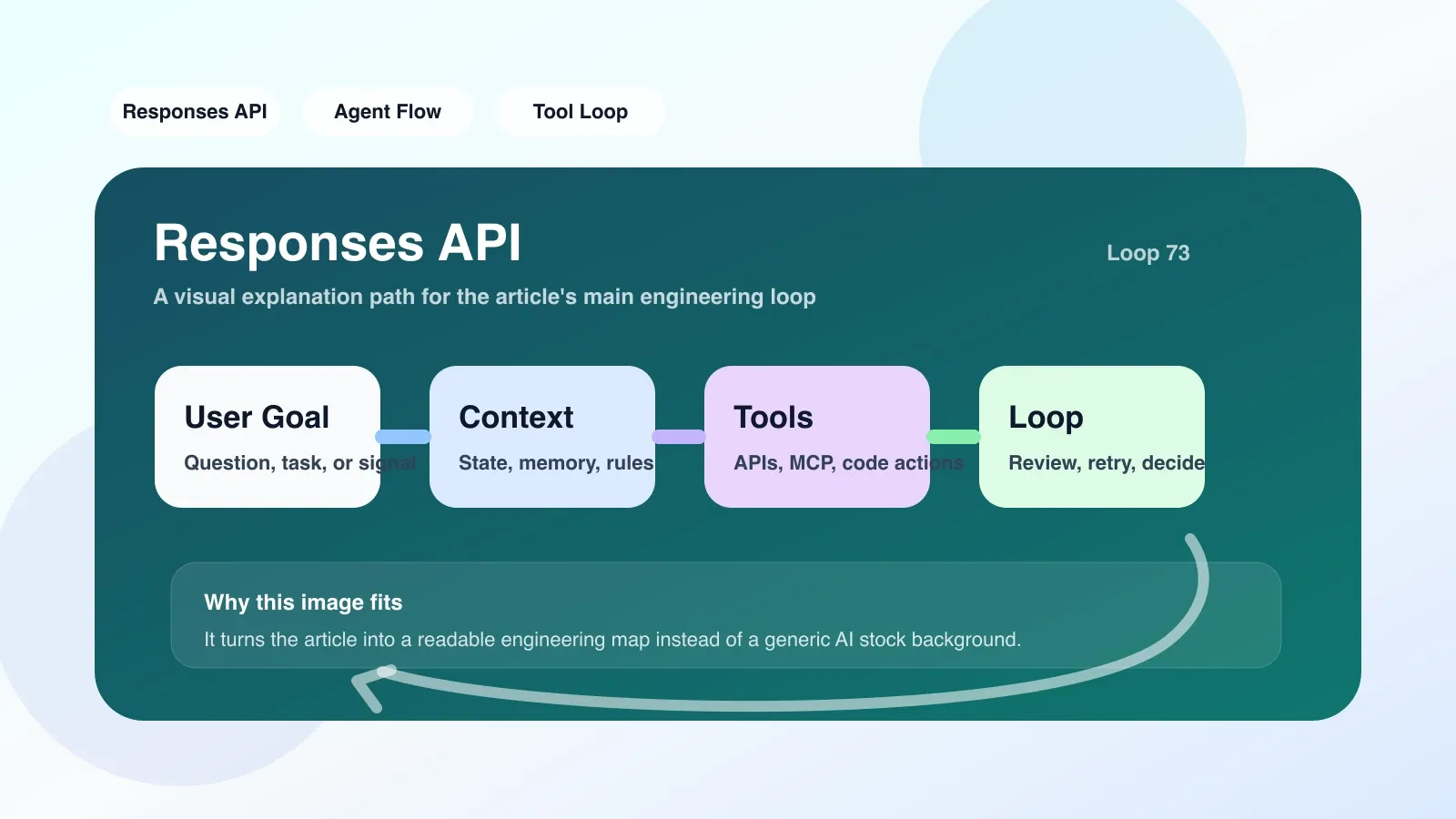
tool_calls, you have to run the tool (e.g. execute code) and send the result back as part of the message. - Repeat until no more tools are called.
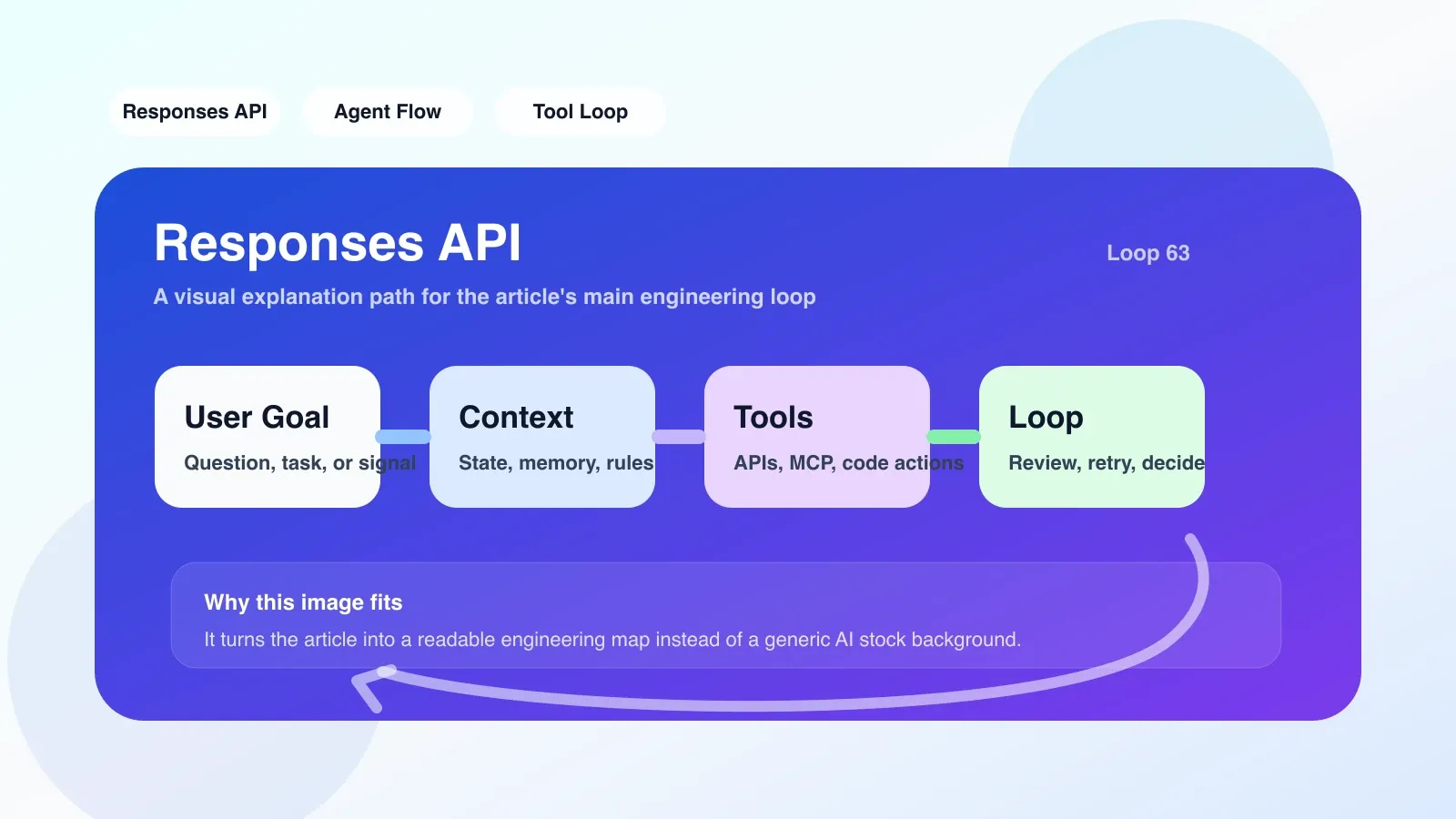
This process may be cumbersome to do manually, but the advantage is that the input and output of each step are clearly recorded. You can write the entire interaction process as a log or database record to facilitate auditing.
Failure scenario: If the code generated by the code interpreter has a bug, Responses API will not automatically retry. You have to judge by yourself whether to re-request, or to feed back the error information and let the model correct it. If not handled well, users will see partial results or report errors.
The first step of practice path
If you want to start using Responses API now, it is recommended to do this:
- Start with the simplest request: only transmit a user message, print the returned response object, and look at its structure, especially the
steps,tool_calls,outputfields. - Simulate multiple rounds of dialogue: Manually maintain a
messageslist, adding user messages and assistant replies each time. Note that when the assistant reply containstool_calls, you have to execute the tool and add thetool_resultsmessage. - Gradually add tools: First add a simple calculation function and observe how the model is triggered and how the results are returned.
- Try to migrate the smallest Assistants API function: For example, a simple customer service robot, and compare the amount of code before and after migration.
The most common place to go wrong is state maintenance. It is recommended to store messages externally (such as Redis) instead of hardcoding variables in the code.
Next step after learning
Responses API is just the starting point. To truly delve into the AI project, you must master:
- Context Window Management: How to compress history without losing critical information.
- Tool call orchestration: multi-step, multi-tool combination, and failure retry strategy.
- Structured Output: Define output with Pydantic or Zod to avoid parsing errors.
If you have passed the first demo using Responses API, you should systematically learn Agent architecture, workflow design, and exception recovery—these are the core skills of Agent engineers.
No comments yet. Be the first to share your thoughts.