
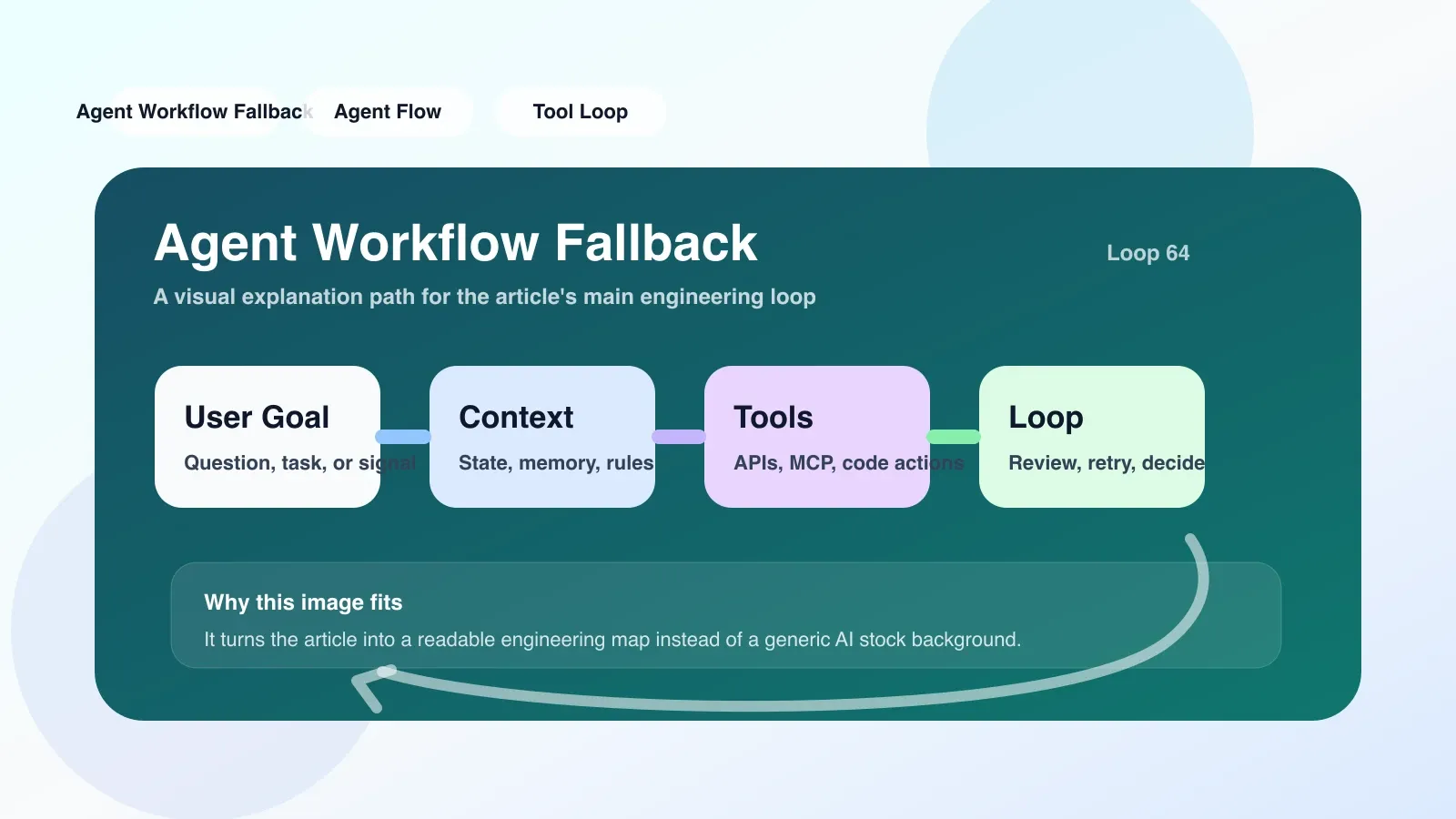
Why should you care about Agent Workflow Fallback?
When building a production-grade agent workflow, the biggest illusion is that "the model will return as expected." In actual operation, the LLM call may time out, the tool chain may be broken, and the context may overflow. Without fallback, one failure will cause the entire agent to freeze, and users will face an unresponsive interface or out-of-context replies.
The failure modes of Agents are more diverse than traditional services: model return format errors lead to parsing exceptions, external API current limiting returns 429, and the output of a certain loop in multi-step reasoning does not meet expectations. Fallback is not an option, but the bottom line of agent engineering.
Core mechanics of Fallback: Not just retries
Many people equate fallback with the retry mechanism, but the fallback of agent workflow needs to handle more dimensions.
1. Timeout and current limit rollback
Both LLM calls and tool calls have timeout windows. When an LLM call does not return for more than 10 seconds (adjusted based on the model and scenario), the fallback can switch to caching the results, downgrading the answer ("I can't handle it at the moment, please try again later"), or switching to a smaller and faster model in architectures that support multiple models.
# 简化示例:超时 fallback 到缓存
import asyncio

async def call_llm_with_fallback(prompt, cache, fallback_model=None):
    try:
        result = await asyncio.wait_for(llm_api(prompt), timeout=10)
        cache.update(prompt, result)
        return result
    except asyncio.TimeoutError:
        cached = cache.get(prompt)
        if cached:
            return cached
        if fallback_model:
            return await fallback_model(prompt)
        return "当前请求超时,请稍后重试"
这个阶段最容易犯的错误是不设置合理的超时值。设置太短会导致正常慢响应被截断,设置太长会让用户等待过久。建议根据模型 P99 延迟动态调整,并配合客户端感知的进度反馈。
2. 工具调用失败的回退路径
Agent 工作流通常涉及多个工具调用,比如搜索、数据库查询、代码执行。任何一个工具失败,如果只是抛出异常,工作流就会中断。好的 fallback 应该是给 agent 一个“绕行”选项。
真实场景:一个客服 agent 需要查询订单物流信息,但下游物流 API 暂时不可用。这时 fallback 策略可以是:
- 尝试从本地缓存获取历史数据
- 切换到备选物流查询服务
- 告知用户“物流信息暂时无法查询,请稍后重试”,并记录工单
实现时,可以在工具定义中声明 fallback 行为:
tools = [
    {
        "name": "track_order",
        "description": "查询订单物流状态",
        "fallback": [
            {"type": "cache", "ttl": 300},
            {"type": "alternative_api", "endpoint": "https://backup-logistics.example.com"},
            {"type": "user_message", "content": "物流查询暂时不可用,已记录您的请求"}
        ]
    }
]
3. Fallback of reasoning path: when the agent falls into an infinite loop
The agent may make the same decision repeatedly at a certain step, such as constantly searching for the same keyword. This is usually because the prompt is poorly designed, or external conditions are not met. At this point the fallback needs to step in, by interrupting the loop, providing new information, or resetting the state.
Practical approach: Add a "loop detection" module to the workflow to count whether the decisions in the last N steps are repeated. If a loop is found, the fallback forces the injection of a prompt: "You have repeated the same operation 3 times, please try another way. For example, directly answer the user "I cannot find more precise information", or ask the user to provide more details."
The easiest pitfall: sequential fallback vs parallel fallback
When designing fallback, many people are used to writing sequential judgments: if A fails, try B, and if B fails, try C. This is true in some scenarios, but if the calls to B and C are expensive or have time windows, sequential blocking will make the delays add up linearly. A better strategy is parallel fallback: launch A and B (two candidate models or tools) at the same time, and use whichever returns non-error results first.
The choice between sequential or parallel depends on the latency characteristics of the failure mode. If the main failure is a format error, but the normal response is fast, sequential retries will suffice. If the primary failure is timeout or throttling, parallel fallback can significantly reduce user-perceived latency.
A specific failure case: a team configured a three-level fallback for the agent: first adjust the model to a larger size, then adjust the model to a smaller size after timeout, and then adjust a fixed reply after timeout. Since there is no parallel execution, each fallback requires a 10-second timeout, and the user has to wait up to 30 seconds before getting the sentence "I can't handle it." After changing to parallelization, the results of the small model were obtained within 3 seconds.
Applicable boundaries and limitations of Fallback
Fallback is not a panacea. Fallbacks may amplify errors if the input prompt itself poses a security risk or exceeds the model's knowledge boundaries. For example, if a malicious prompt bypasses the security guardrails of the main model, the fallback model may be even less secure. A better approach at this point is to deny service rather than fallback.
Another limitation: Fallbacks can increase system complexity, especially when maintaining multiple fallback chains. It is recommended to set the maximum depth of fallback for each agent workflow to avoid infinite recursion.
Executable approach: Build your fallback list
- Sort out each call point of the agent workflow (LLM call, tool call, API call).
- Determine the failure mode (timeout, format error, business exception, context overflow) for each point.
- Design fallback actions for each mode (retry, cache, downgrade model, alternative tools, user messages).
- Determine the execution order of fallbacks (sequential or parallel) and set the maximum number of attempts.
- Simulate the fault in the development environment to verify whether the fallback is triggered as expected.
- Monitor the fallback trigger rate. If a fallback triggers frequently, it means that the stability of the main path needs to be improved, rather than relying on fallback to cover up.
Fallback plan in case of failure
The agent must degrade gracefully when all fallbacks fail. The minimum requirement is to return a friendly error message, inform the user what happened, and provide an alternative action entry (such as manual customer service or try again). Do not return empty or incomplete answers.
List of alternatives:
- Return a static reply and prompt the user to try again later.
- Record failure details to the log to facilitate subsequent analysis.
- Asynchronously notify operation and maintenance personnel to intervene.
From agent novice to agent engineer
Fallback is a basic capability in agent engineering. Mastering fallback means that you start to shift from "writing a demo agent" to "building a production-level agent". But fallback alone cannot solve all stability problems. You also need to understand permission management, memory management, context control, evaluation and iteration.
No comments yet. Be the first to share your thoughts.