
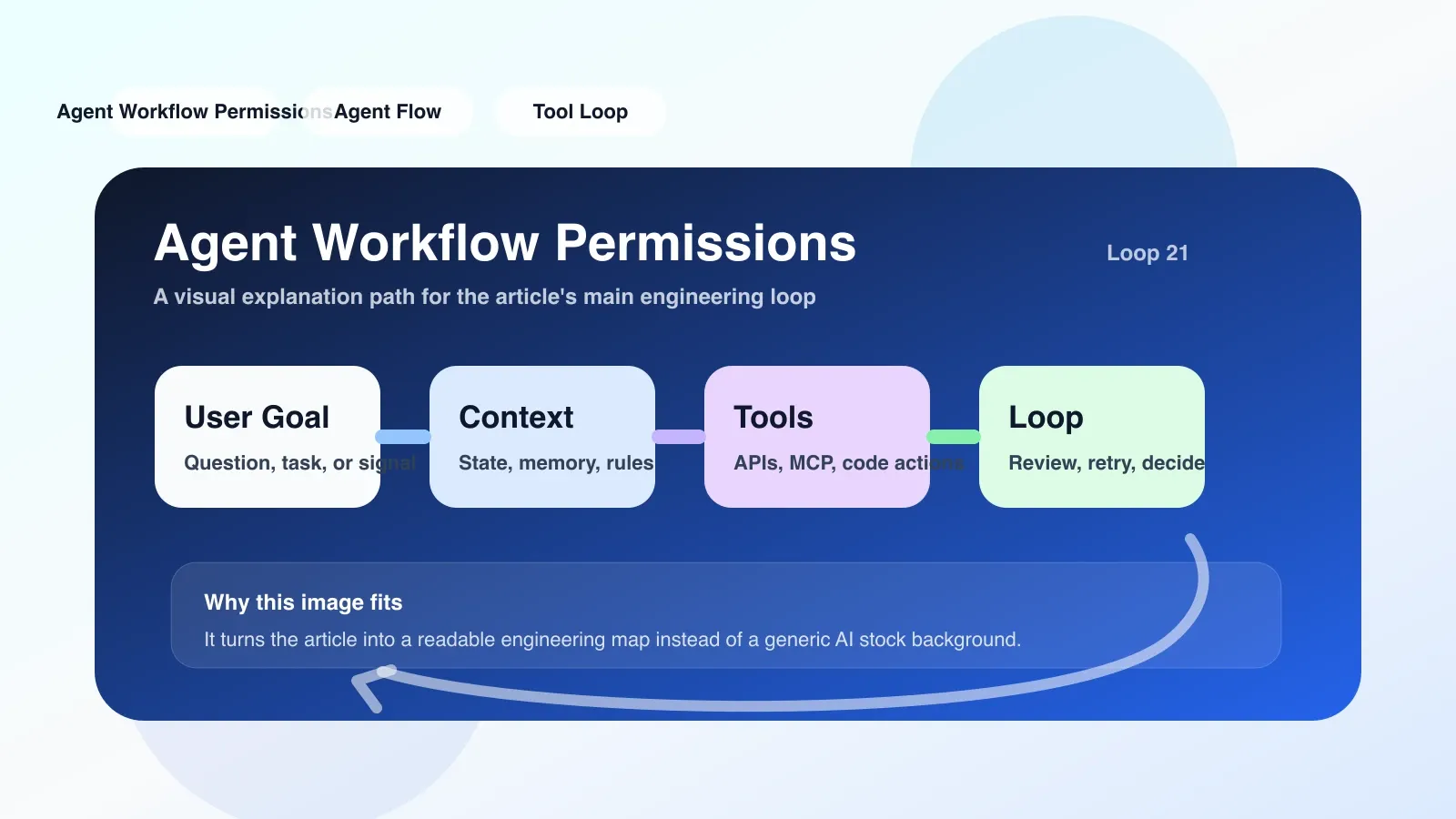
Permissions are not switches, but the operating boundaries of the agent.
Suppose you are building an Agent that can automatically read and write code, submit PRs, and call the AWS CLI. You tell it to "deploy to production", what permissions does the Agent need? Many people's first reaction is "just give them admin credentials" - this is misunderstanding No. 1.
Agent workflow permissions are not a binary "yes/no" switch like an access card, but a set of fine-grained scopes and constraints. Each permission actually does two things: defines which resources the Agent can operate on, and what actions it can perform on those resources.
A real link: from intent to execution
I took over a CI/CD pipeline a few years ago, in which the Agent was responsible for: pulling code → running tests → building images → pushing to ECR → updating ECS services. This process involves six different sets of permissions:
- Code warehouse read permission (pull code)
- Build environment write permissions (cache, log)
- Mirror warehouse write permission (push image)
- Orchestration service update permissions (trigger deployment)
- Key management read permission (obtain database password)
- Log writing permission (record execution results)
At that time, I wanted to save trouble and bound a "developer full permissions" role to the Agent. The first week was running fine. In the third week, an accidental operation caused the Agent to delete an unused EBS volume—one that still contained three days of test data. The fix took the team two days.
After that, I really understood: agent workflow permissions are not about "what it can do", but "how much the damage will be if it is done wrong".
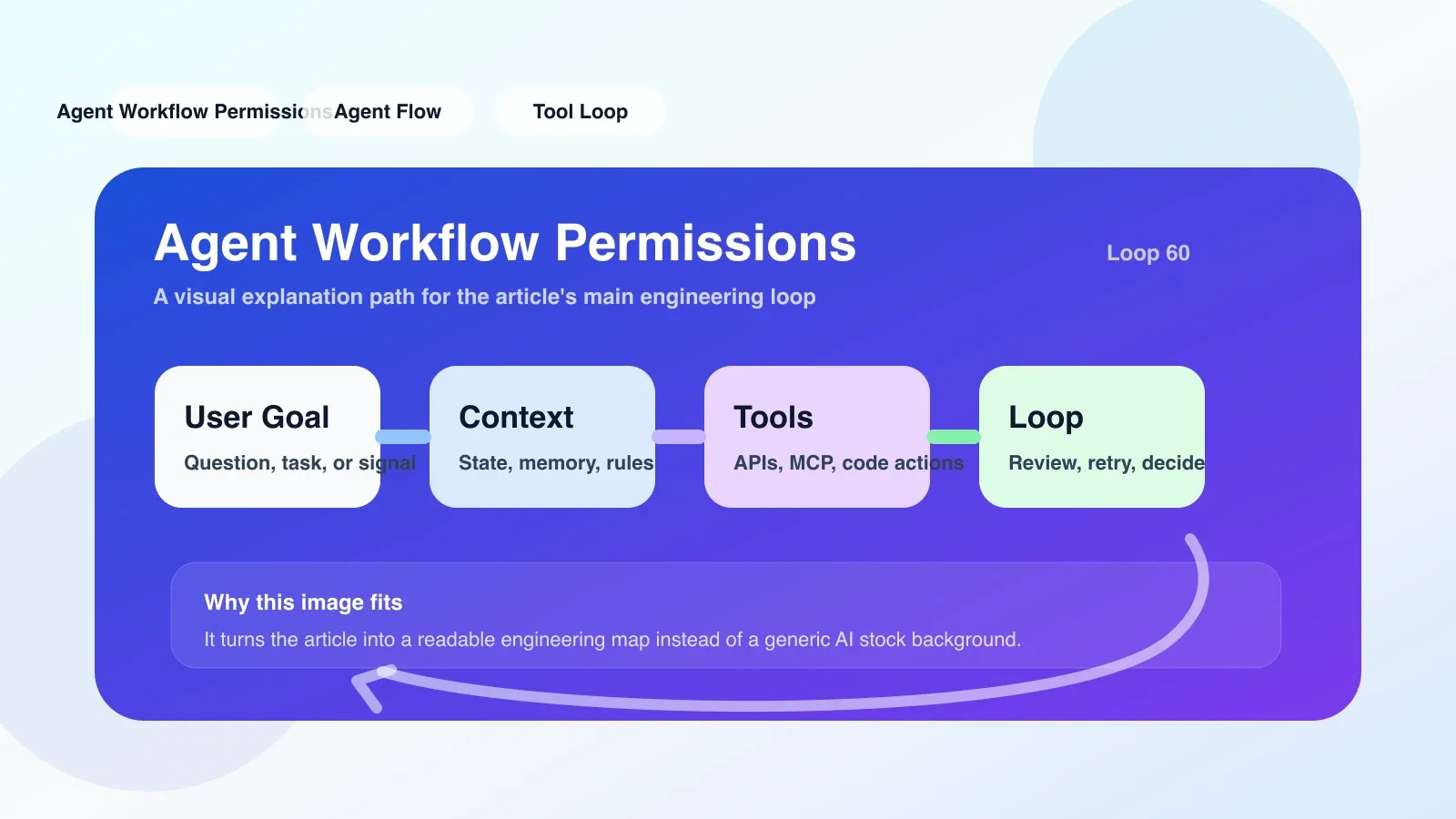
Permissions Checklist: Go through it against your Agent
Here’s the checklist I’ve been using ever since. Every time I create a new Agent workflow, I confirm it one by one:
- Does each step have only the minimum permissions required to perform its task? For example, the test step does not require permission to modify the ECR.
- Are permissions scoped to resource IDs or tags? For example, only resources with the tag
env=stagingare allowed to be operated. - Is there an additional confirmation mechanism for sensitive operations (deleting resources, modifying IAM, reading and writing keys)? For example, secondary approval or manual intervention steps.
- Does the workflow run under a separate IAM role? Don't cram multiple Agents into the same role.
- Is the permission policy versioned? Every change can be rolled back and audited.
- Have execution timeouts and frequency limits been set? Avoid infinite retries leading to permission amplification.
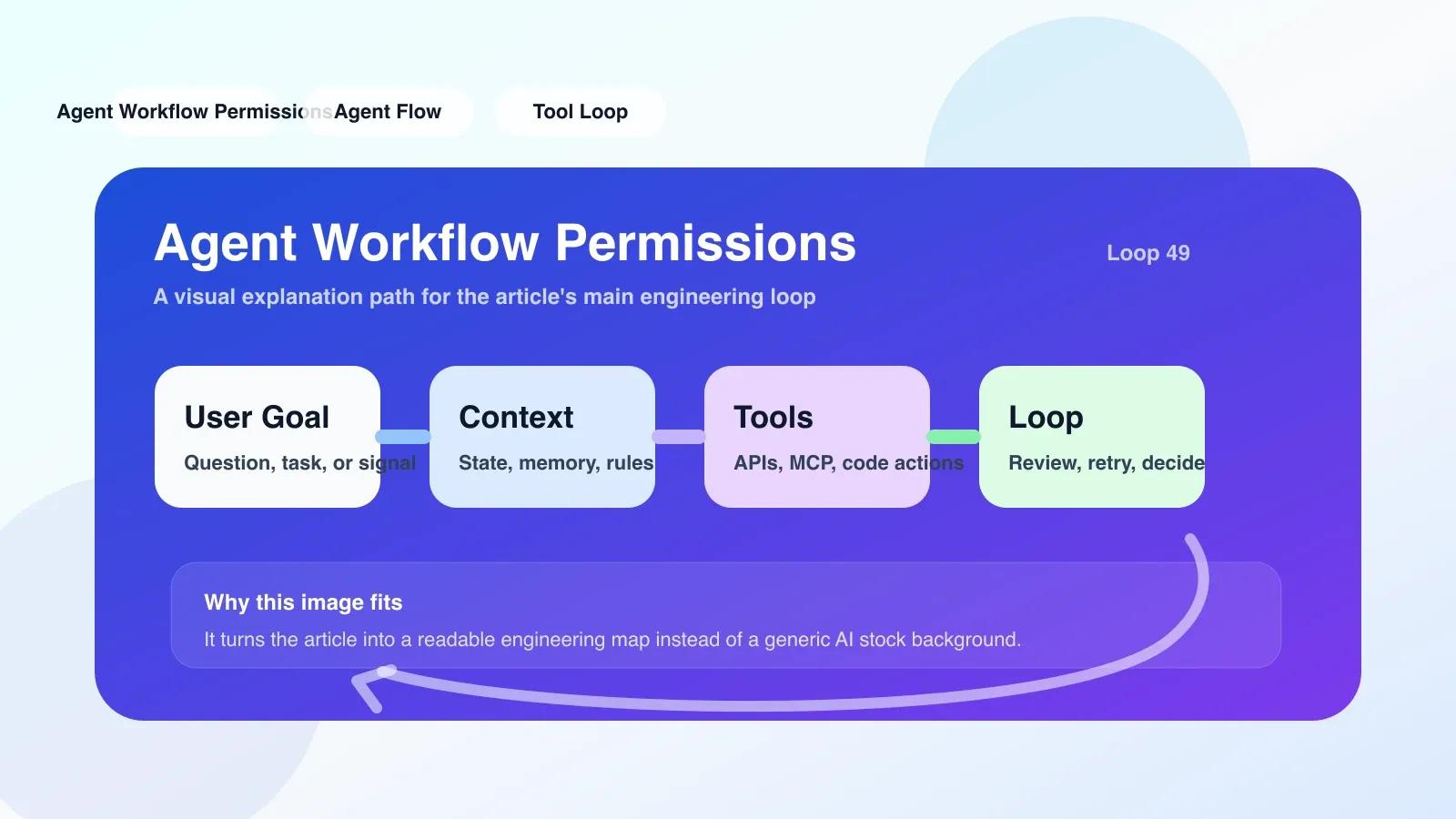
The easiest trap to step into
** Pitfall 1: Bind the Agent’s role to the user. ** Many platforms allow creating Agents directly with current user credentials. The advantage is that it is fast, but the disadvantage is that the Agent obtains all the user's permissions, including the permission to delete irrelevant resources. The correct approach is to create dedicated roles for each workflow.
** Pitfall 2: Ignoring cross-account permissions. ** When the Agent needs to access the S3 bucket of another AWS account, it not only needs the role of this account to have AssumeRole permissions, but also requires the other account to trust this role. This link is most easily forgotten, resulting in "insufficient permissions" errors during runtime.
** Pitfall 3: The permission policy is too loose for the Resource field. ** For example, "Resource": "*" will expose all resources. Even if Action is limited to s3:GetObject, the Agent can read the entire bucket once the bucket policy allows it. It is recommended to always limit Resource to a specific bucket path or resource ARN.
What to do if you fail: downgrade and escape hatch
Even with the best of checks, permission errors can still occur. What I've encountered is that when the Agent tried to update the ECS service at three in the morning, it failed due to a role session timeout. The solution is not to give greater permissions, but to:
- Add retry logic to the workflow, and automatically lower the operation target after catching permission exceptions (for example, downgrading from "update service" to "only output diff").
- Prepare an alternate role with read-only permissions for debugging and production snapshots.
- Record authentication failure logs to a separate security account to facilitate subsequent auditing of the reasons.
Summary
The core of Agent workflow permissions is not to prevent all risks, but to control risks to an acceptable range. Every permission statement is a line of defense. Next time you add a step to your workflow, you might as well ask: If this step is used maliciously, what is my maximum loss? The answers will lead you to write more secure permissions policies.
No comments yet. Be the first to share your thoughts.