
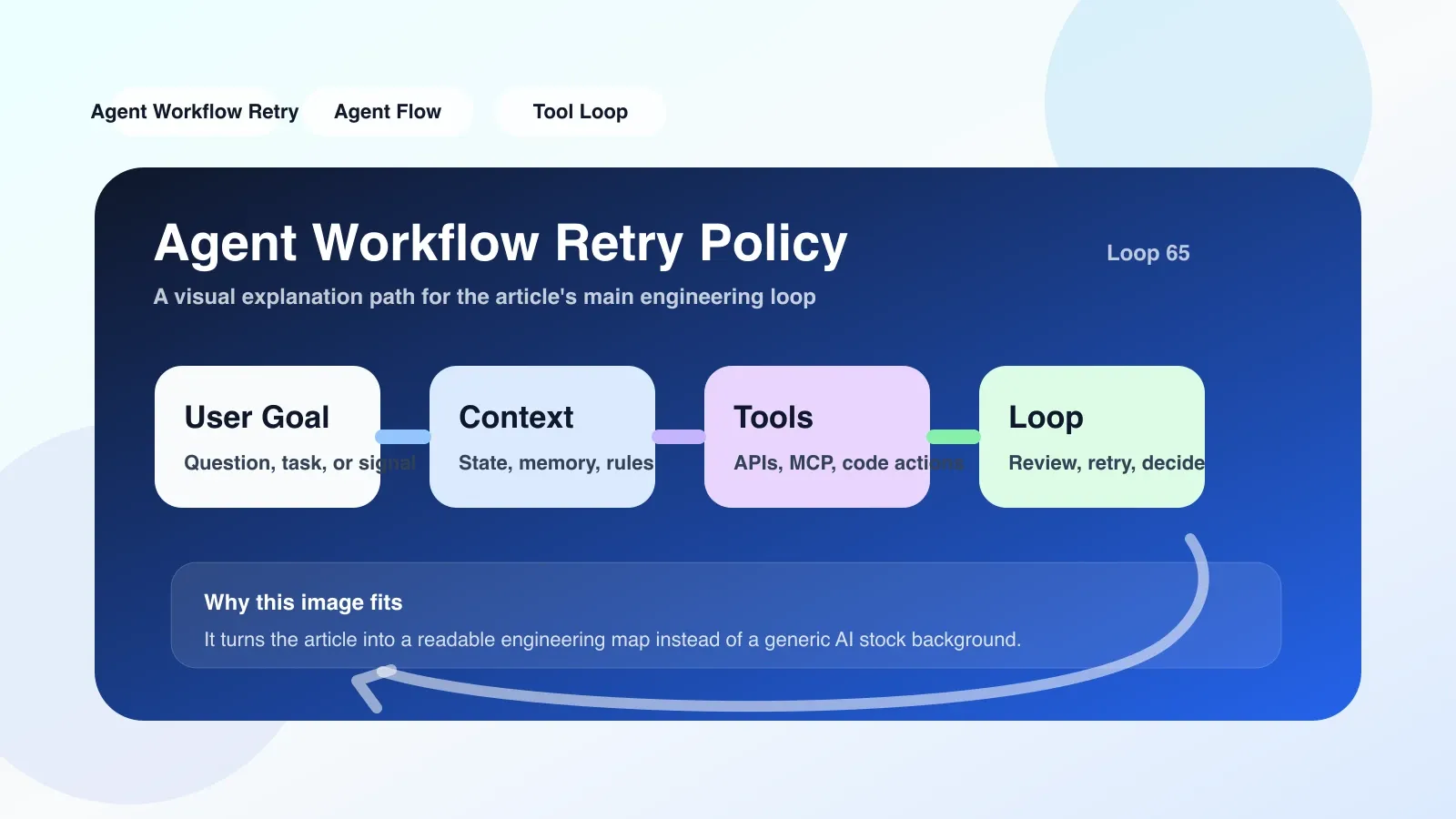
What is Agent Workflow Retry Policy? Why is it needed?
Agent workflow consists of multiple steps: calling LLM, executing tools, reading and writing memory, and interacting with external APIs. Each step may fail due to network jitter, API throttling, timeout, or intermediate state inconsistency. Retry policy determines how the system should retry when a certain step fails - how many times to retry, how long the interval is, which errors are worth retrying, and how to ensure idempotence during retries.
Without a retry strategy, a transient failure will cause the entire workflow to completely fail; and improperly set retry strategies may waste computing power, amplify system load, or even cover up real bugs.
Core mechanism: retry conditions, backoff strategy and timeout
1. Which errors are worth retrying?
Not all errors should be retried. Distinguish between two types of errors:
- Retriable: network timeout, HTTP 503, API current limit (429), temporary service unavailability. These errors have a higher probability of being recovered after retrying.
- Non-retriable: HTTP 400 parameter error, 401 authentication failure, 403 insufficient permissions, 404 resource does not exist. Retrying these errors will only waste traffic and should simply fail and trigger an alarm.
// 伪代码示例
if (error.IsRetriable()) {
    executeWithRetry(step, retryPolicy);
} else {
    failImmediately(step, error);
}
2. Backoff strategy: exponential backoff + jitter
Continuous retries only increase system congestion. The standard approach is Exponential Backoff: double the retry interval and add random jitter to prevent all clients from retrying at the same time.
| Number of retries | Basic interval (fixed) | Exponential backoff (2^n) | Exponential backoff + jitter |
|---|---|---|---|
| 1 | 1s | 1s | 0.5-1.5s |
| 2 | 1s | 2s | 1.0-3.0s |
| 3 | 1s | 4s | 2.0-6.0s |
| 4 | 1s | 8s | 4.0-12.0s |
Recommended configuration: initial interval 1s, maximum interval 30s, total timeout limit 60s, retries 3-5 times.
3. Timeout and circuit breaker
You cannot wait indefinitely. Each step should have an independent timeout (timeout), and the entire workflow should have a global timeout. When the continuous failure of a step reaches a threshold (for example, the failure rate within 3 times is > 50%), a circuit breaker should be triggered to suspend retrying the service or step for a period of time to avoid resource exhaustion.
Real scenario: Retry failed when calling external weather API
Suppose there is a step in the agent workflow that gets weather data through an external API. A certain request encounters a DNS resolution timeout and triggers a retry. The retry strategy is set to a fixed interval of 2s and a maximum of 3 times. Result: The next 2 retries all timed out, and 500 was returned for the third time. In the end, the workflow failed with an error.
Problem analysis:
- Error type is correct: Network timeout is retryable.
- Unreasonable backoff strategy: The fixed interval of 2s is too fast, and DNS problems usually require more than 10s to recover. After using exponential backoff, the first time is 2s, the second time is 4s, the third time is 8s, and the third time may be successful.
- Lack of circuit breaker: There is no pause after three consecutive failures. Subsequent requests to trigger the agent will continue to be retried, resulting in a waste of resources.
After improvement: exponential backoff + fuse switch, when the failure rate within 1 minute is > 30%, the fuse is opened for 30s, during which it directly fails and downgrades the cached data.
Easy pitfalls: lack of idempotence and state residue
The most insidious risk of retrying is that non-idempotent operations are executed multiple times. For example, if the agent calls the payment interface, sends notifications, and writes to the database—if these operations are not guaranteed to be idempotent when retried, repeated deductions, repeated notifications, and dirty data writing will occur.
Solution:
- Each request is appended with a unique request ID (idempotency key), and the server removes duplication based on the key.
- Or the operation itself is designed to be idempotent: for example "set inventory to 100" is idempotent, "decrease inventory by 1" is not.
Another common pitfall is status residue: an intermediate state has been written to the database (such as "processing") before retrying, and it is not cleaned or skipped during retrying, resulting in repeated logical expenditure or lock timeout. Best practice is to remain transactional within retry steps and rollback on failure or mark as tolerable for duplication.
Fallback plan in case of failure
Even if retry is set, there is still a chance of failure. Alternative paths must be prepared:
- Degradation: Skip the failed step and continue the workflow using default values or cached data. For example, the weather API failed to use the previous day's forecast data.
- Manual intervention: Write the failure information to the dead letter queue or alarm channel, and then re-execute after manual troubleshooting.
- Compensation transaction (Saga): For a cross-step workflow, if a step still fails after retrying, the compensation operation is triggered to roll back the previous successful step. For example, create an order first and then deduct the payment; if the deduction fails, the order will be closed as compensation.
- Retry Queue: Asynchronously push failed steps into the retry queue, delay retry, and do not block the main process.
Summary: an actionable checklist
When configuring Agent workflow retry policy, please check the following checkpoints:
- Distinguish between retryable and non-retryable errors, and fail directly for non-retryable errors.
- Adopt exponential backoff strategy, initial interval is 1s, maximum 30s, add 25% random jitter.
- Set the total timeout limit (such as 60s) and each step timeout (such as 10s).
- Implement a circuit breaker to pause and retry when the continuous failure rate reaches the threshold.
- Check whether each step is an idempotent operation; if not, please use the idempotency key.
- Provide a downgrade or compensation plan in case of failure to avoid complete workflow collapse.
- Record the number of retries, intervals and final results to the log to facilitate subsequent analysis.
Next step: Become a real Agent engineer
The retry strategy is only one part of the Agent workflow design. If you want to transform from an ordinary developer to an agent engineer and master the system's context management, workflow orchestration, permission control, memory mechanism, etc., our high-quality original paid articles and AI advanced programming courses can help you build a complete knowledge system.
No comments yet. Be the first to share your thoughts.