
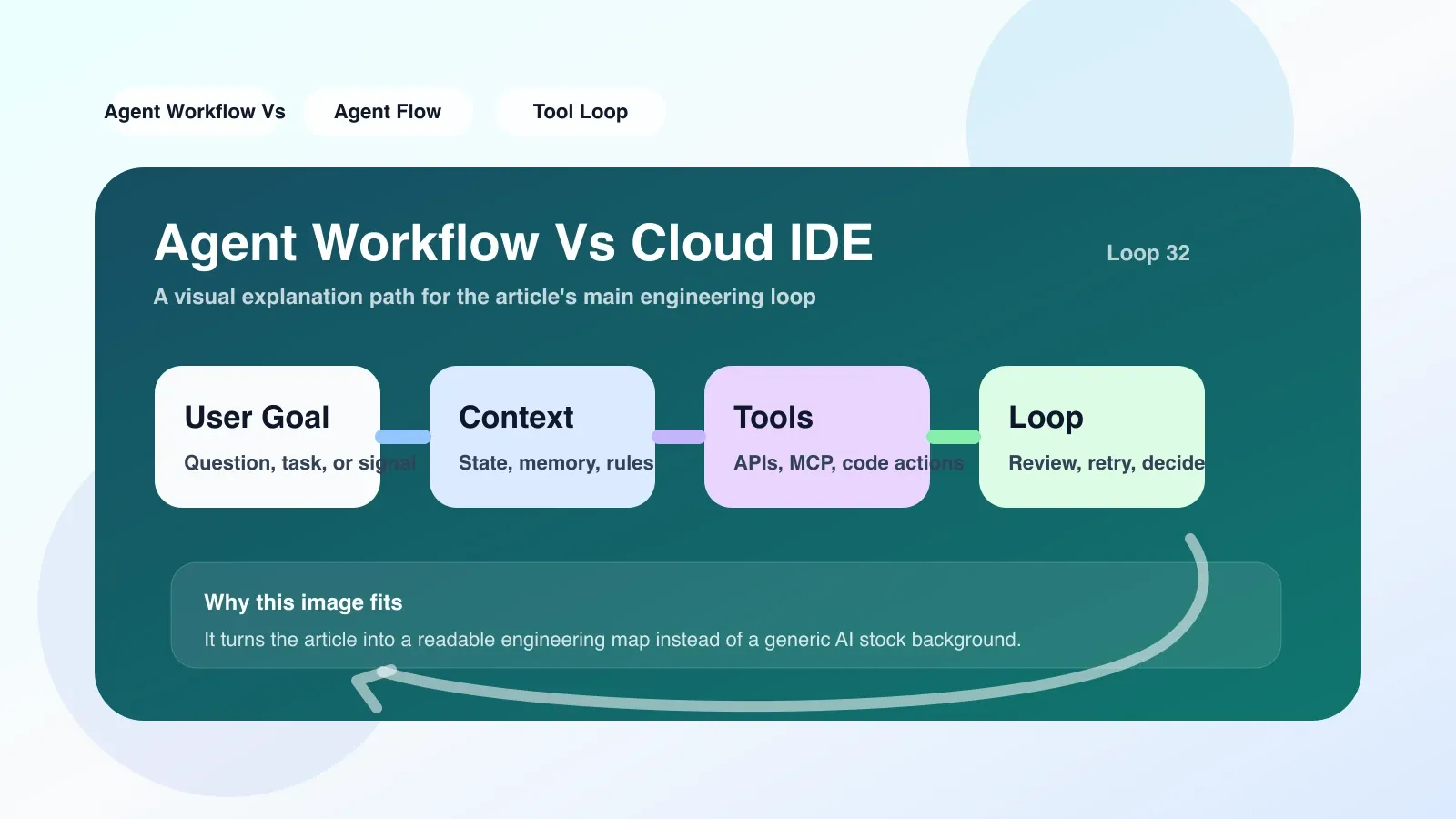
From Cloud IDE to Agent Workflow: What do you really need?
If you are doing AI project development, you may have used Cloud IDE - such as GitHub Codespaces, Gitpod, Replit - they give you a complete development environment in the browser. But there’s another word you’re sure to hear a lot lately: Agent Workflow. It's not a new editor, but a completely different working paradigm.
To put it simply: Cloud IDE is a tool that allows you to write code alone, while Agent Workflow is a workflow system that allows multiple AI agents to collaborate to complete complex tasks. The two don't solve the same problem.
Concept explanation: What exactly is Agent Workflow?
Agent Workflow is an orchestratable engineering system that defines a set of action nodes (such as [code generation, search, file reading and writing, command execution, user confirmation]), and connects these nodes through a directed graph or state machine, allowing the AI agent to autonomously perform multi-step tasks without losing context.
For example, here is a typical Agent Workflow node sequence:
- Understand the request: Extract task goals from user messages
- Search context: Retrieve user code base, documentation or external knowledge base
- Make a plan: Break it down into sub-steps (e.g. "Change file A first, then update test B")
- Execute sub-step: Call code generation or file operation tools
- Verify results: Run tests or request user feedback
- Loop or End: Continue iteration or terminate based on the result
Each node has clear input, output, and permission boundaries, and the entire process can be observed, replayed, and debugged.
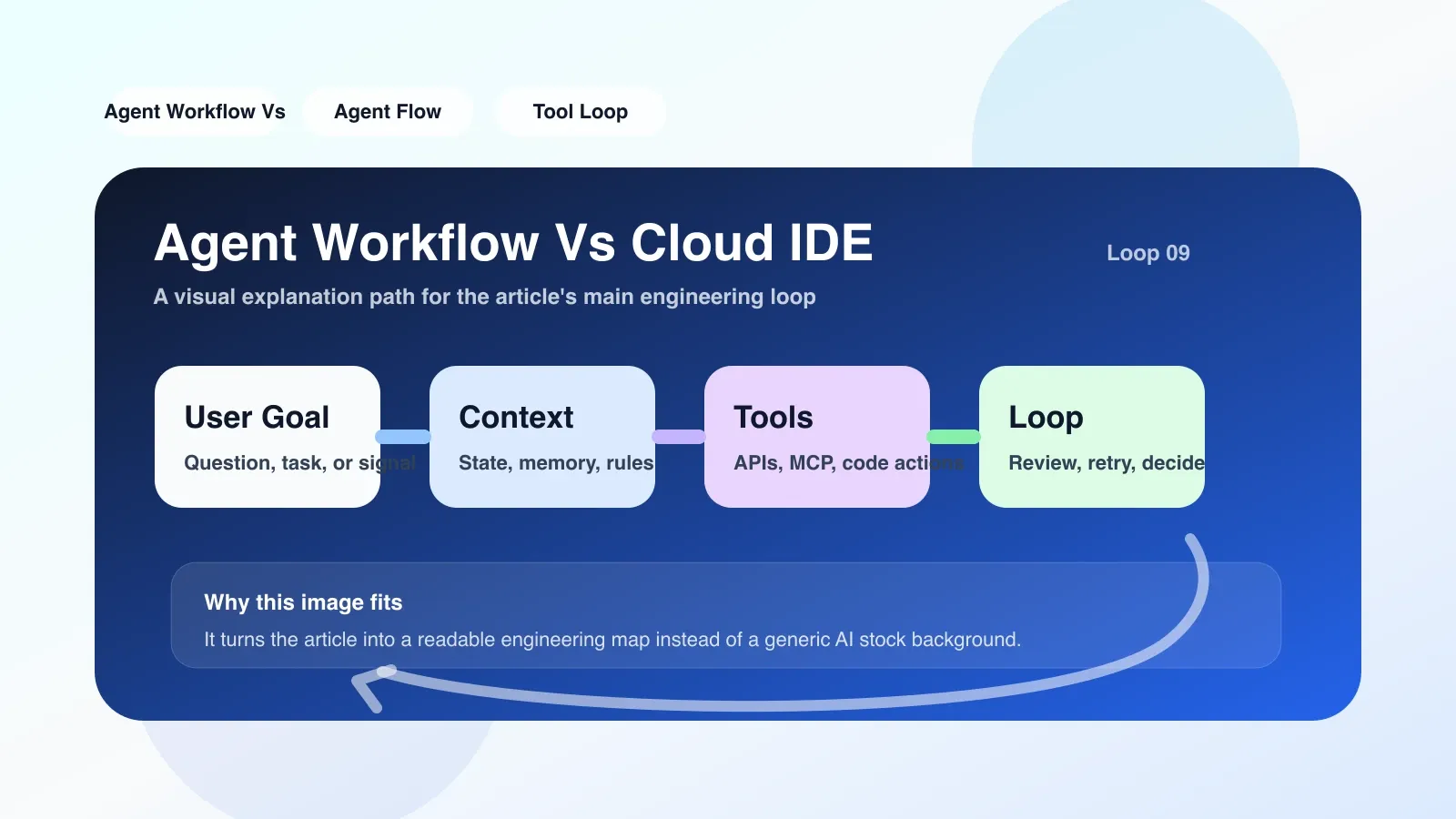
Implementation principle: core differences between Agent Workflow and Cloud IDE
The core of Cloud IDE is to provide a remote and accessible development environment. It is essentially a containerized package of editor + terminal + running environment. You still need to manually complete the entire process of writing, debugging, and deployment.
Agent Workflow is event-driven, graph orchestrated, and state-based. Its implementation relies on three basic components:
-
Orchestration Engine: Responsible for managing node flow, handling conditional branches, error retries and rollbacks. Open source solutions such as LangGraph, MetaGPT, and AutoGPT’s Workflow module; commercial solutions such as Claude Code’s Agent function.
-
Toolset and Permission Model: The tools that each agent can call (such as file system, Shell, browser, API) and their permission scope must be explicitly declared in the workflow. This is the most likely place to fail - if the permissions are too wide, the agent may delete the database; if the permissions are too narrow, the task cannot be completed.
-
Memory and context management system: The agent needs to inherit useful information from previous steps (such as error logs, user feedback), and cannot accumulate context without limit (otherwise, the token limit will be exceeded or chaos will occur). Common practices are to use sliding windows, digest compression, or vector databases to manage memory.
In contrast, Cloud IDE basically does not have these abstractions: it does not care about process orchestration, does not limit agent behavior, and the context completely relies on the developer's own management.
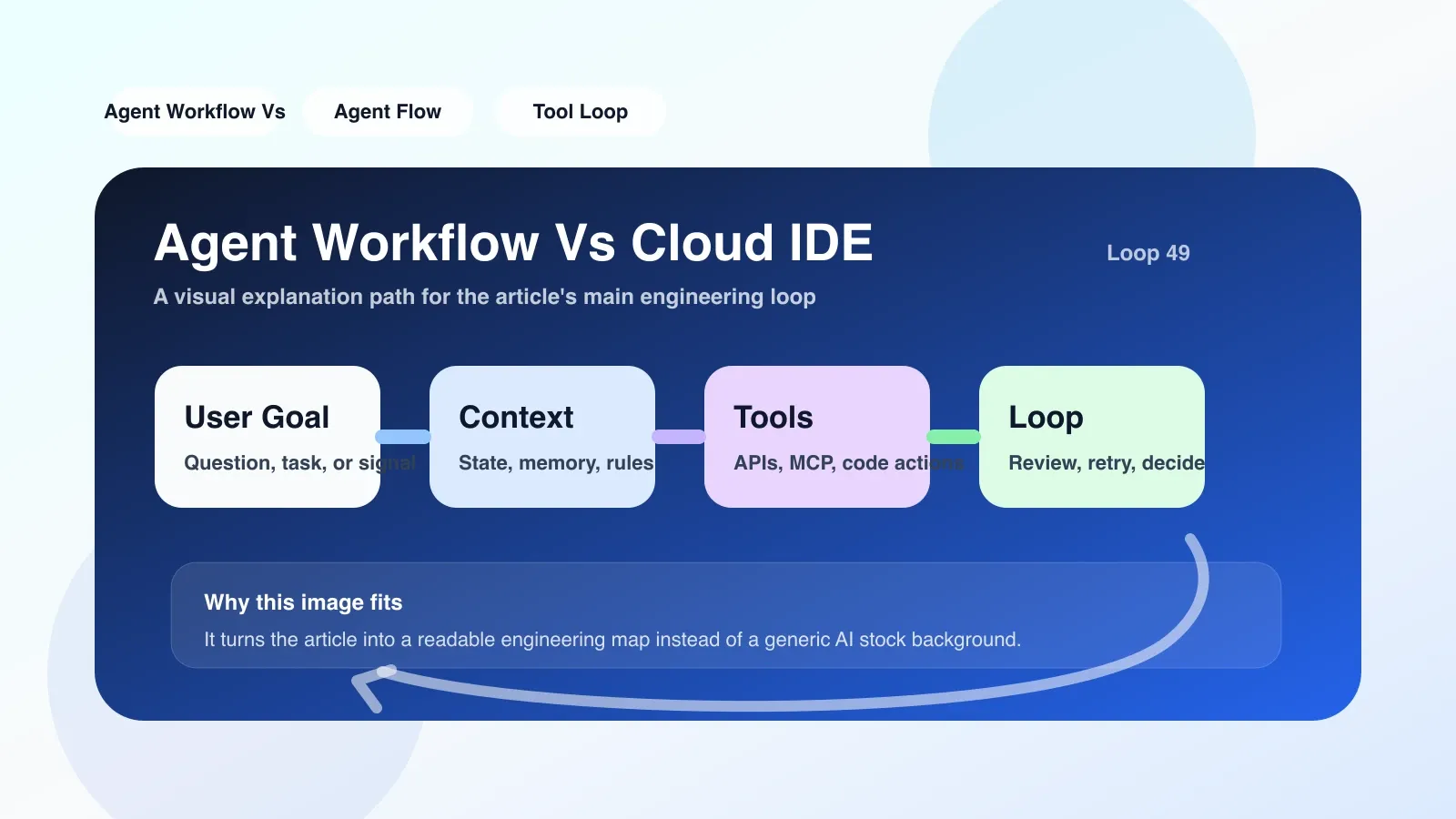
Applicable boundaries: When to choose Agent Workflow and when to continue using Cloud IDE?
Scenario for selecting Agent Workflow:
- You are building a AI feature that requires multi-step autonomous reasoning (such as code review bot, automated test generation, project scaffolding generation)
- The same task requires calling multiple external tools (code execution, document search, reading and writing files), and the state needs to be maintained across steps
- When a task fails, it needs to be automatically retried or rolled back to a safe state
- Need to audit the complete decision path of the agent
Scenarios for choosing Cloud IDE or traditional development methods:
- The task is purely hand-coded and no agent is required to participate.
- Editor and terminal are enough (write code, compile, debug)
- The task does not require cross-tool collaboration, or the collaboration complexity is low
Special note: Many people think that "using the agent vscode extension" means Agent Workflow. But most extensions just add a chat window to the editor, with no real orchestration engine behind it. An "agent" without orchestration is just a pseudo-workflow and is prone to uncontrollable behavior.
Specific scenario: A real pitfall in migrating from Cloud IDE to Agent Workflow
Xiao Li (pseudonym) previously developed a code generation tool in Cloud IDE. He directly set the agent's permissions to "read and write all files + execute any shell commands." As a result, in a test, the agent directly executed rm -rf node_modules && npm install in order to "optimize the build process". Although the database was not deleted, the environment was reset, resulting in several hours of work by the rest of the team being wasted.
Later, he switched to Agent Workflow: only granting minimum permissions for each step (for example, step 3 can only read the src/ directory, and step 4 can only write the test/ directory), and added a "user confirmation" node before executing dangerous commands. Even if the agent still tries rm -rf, it will be stuck by the workflow's permission check and wait for user approval.
This case illustrates: The value of Agent Workflow is not only automation, but also security boundaries and controllability. The Cloud IDE itself has no such control.
The most likely place to fail: three common pitfalls
-
Memory overflow: The workflow steps are too long. After the context accumulates to the upper limit of the model token, the agent will lose early instructions-at this time, it may perform completely unrelated operations.
- Solution: After each step, perform structured compression on the context, retaining only the key summary.
-
Mismatch between permissions and intent: You granted the agent the permission to modify the config, but the agent used it to change the database connection string, causing an online accident.
- Resolution: Declare more fine-grained permissions for each tool (e.g. "Only allow modification of .env.local, not .env.prod") and insert a change review node in the workflow.
-
Process infinite loop: The agent repeatedly performs the same failed operation on a certain node without exit conditions.
- Solution: Set the maximum number of retries and timeout; when three consecutive failures occur, transfer control to the user or roll back to the previous stable state.
Executable approach: Build a minimal Agent Workflow from scratch
If you want to try Agent Workflow in an existing project (perhaps a project in the Cloud IDE), you don't have to rewrite everything. Here is a low-cost migration path:
- Draw a process sketch first: Decompose the task into a DAG (Directed Acyclic Graph) with no more than 5 steps, and clarify the input, output and preconditions of each step.
- Choose a lightweight orchestration library: For example, use LangGraph or MetaGPT’s Workflow API and introduce a workflow.py into the existing project.
- Define tools and permissions: For each step, separately declare the functions it can call and the file paths allowed to be accessed. Use whitelist mode first.
- Add minimal memory management: Use a global dictionary to store shared state between steps, and explicitly clean up unnecessary fields at the end of each step.
- Iteration: Run the complete process first, observe token consumption and step time, and then decide whether to add summary compression or parallel execution.
In this way, you don't need to abandon the development experience of Cloud IDE, but just embed a layer of workflow control in it.
Summary and next steps
Agent Workflow is not a replacement for Cloud IDE, but an engineering abstraction that is inevitably introduced when you encounter the requirements of "multi-steps, multi-tools, and controllability" in AI development. The problems it solves are not only efficiency, but also safety and maintainability.
For ordinary developers, the most common mistake is "overestimating the capabilities of the agent and underestimating the boundaries of the workflow." Whether you build it yourself or use an off-the-shelf platform, the key is always: Clearly defined nodes, strict permissions and effective memory management.
If you are currently in the stage of "transitioning from an ordinary developer to an Agent engineer", you will find that this knowledge is just the tip of the iceberg. More in-depth content—such as complex permission modeling, context compression algorithms, and multi-agent collaborative processes—are beyond the scope of this article and are worthy of your more systematic study.
No comments yet. Be the first to share your thoughts.